
LightPDF vs. TextSniper
LightPDF vs. TextSniper
| Product | Rating | Most Used By | Product Summary | Starting Price |
|---|---|---|---|---|
 LightPDF | N/A | LightPDF is a PDF productivity platform designed to help users create, understand, and manage documents more efficiently across devices. It integrates AI tools such as an AI PDF Generator, AI presentation creation, PDF-to-mind-map conversion, document translation, and an AI Agent—with a set of PDF capabilities including watermark removal, file conversion, encryption, compression, and other essential document-processing features—enabling users to handle complex PDF tasks more… | $19.99 per month per user | |
 TextSniper | Small Businesses (1-50 employees) | TextSniper is a desktop Mac OCR app that can extract and recognize non-searchable and editable text on a Mac's screen, and can turn text into speech. It is presented as an alternative to difficult and complicated optical character recognition tools. The tool aims to make extracting text from images, paper documents, PDFs or videos easy. It is accessible from the menu bar and boasts a simple user interface. The vendor says working with TextSniper is like using a built-in mac's screen capture… | N/A |
| LightPDF | TextSniper | |||||||||||||||
|---|---|---|---|---|---|---|---|---|---|---|---|---|---|---|---|---|
| Editions & Modules | No answers on this topic | No answers on this topic | ||||||||||||||
| Offerings |
| |||||||||||||||
| Entry-level Setup Fee | No setup fee | No setup fee | ||||||||||||||
| Additional Details | — | — | ||||||||||||||
| More Pricing Information | ||||||||||||||||
| LightPDF | TextSniper | |
|---|---|---|
| Small Businesses |  Tungsten Power PDF Score 9.8 out of 10 |  Square 9 Softworks Score 9.3 out of 10 |
| Medium-sized Companies |  pdfFiller Score 9.0 out of 10 | Square 9 Softworks Score 9.3 out of 10 |
| Enterprises |  Bluebeam Score 9.0 out of 10 |  Adobe Acrobat Score 8.8 out of 10 |
| All Alternatives | View all alternatives | View all alternatives |
| LightPDF | TextSniper | |
|---|---|---|
| Likelihood to Recommend | - (0 ratings) | 8.2 (1 ratings) |
| LightPDF | TextSniper | |
|---|---|---|
| Likelihood to Recommend | LightPDF No answers on this topic | Textsniper
|
| Pros | LightPDF No answers on this topic | Textsniper
|
| Cons | LightPDF No answers on this topic | Textsniper
|
| Alternatives Considered | LightPDF No answers on this topic | Textsniper
|
| Return on Investment | LightPDF No answers on this topic | Textsniper
|
| ScreenShots | LightPDF Screenshots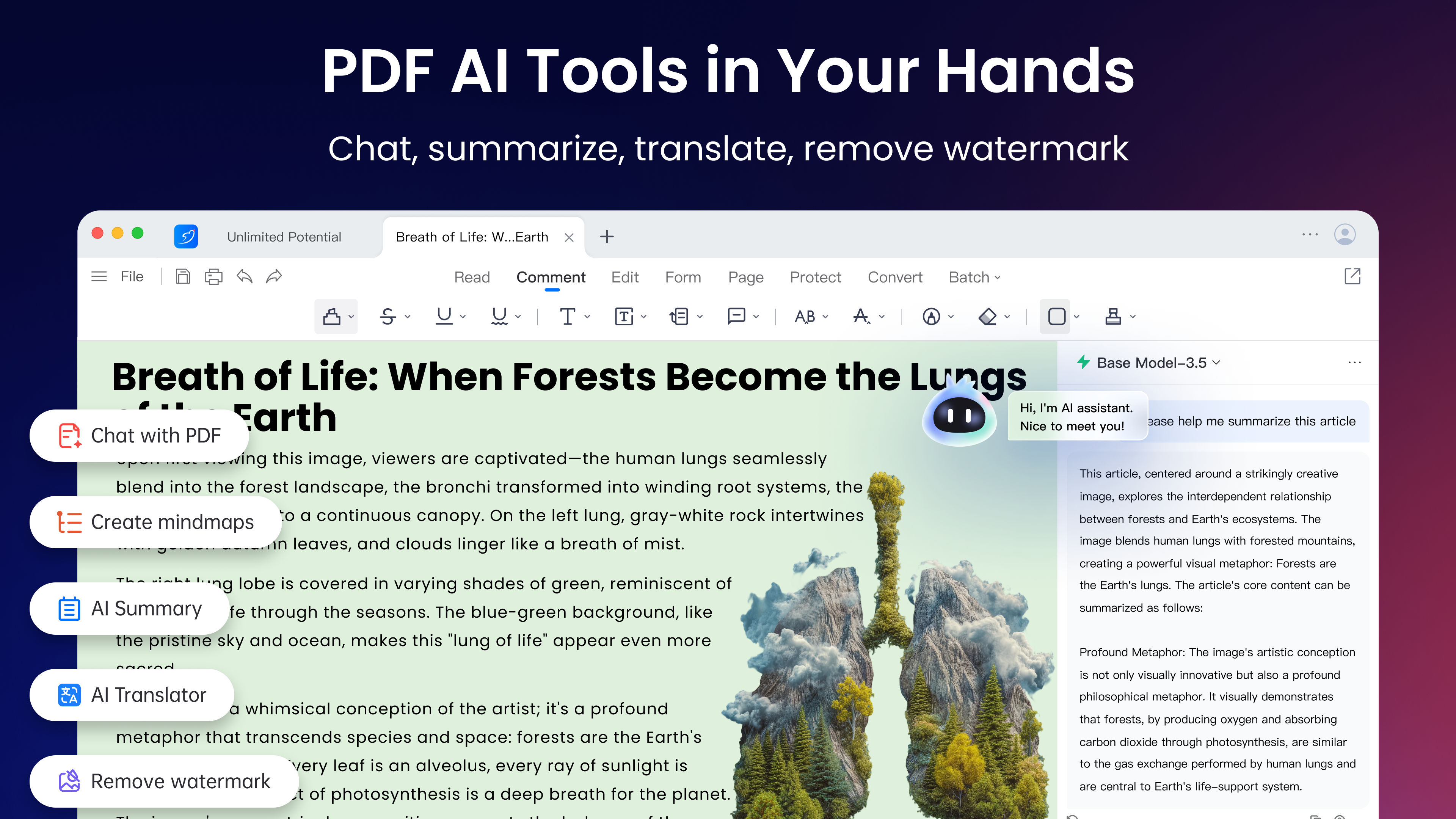 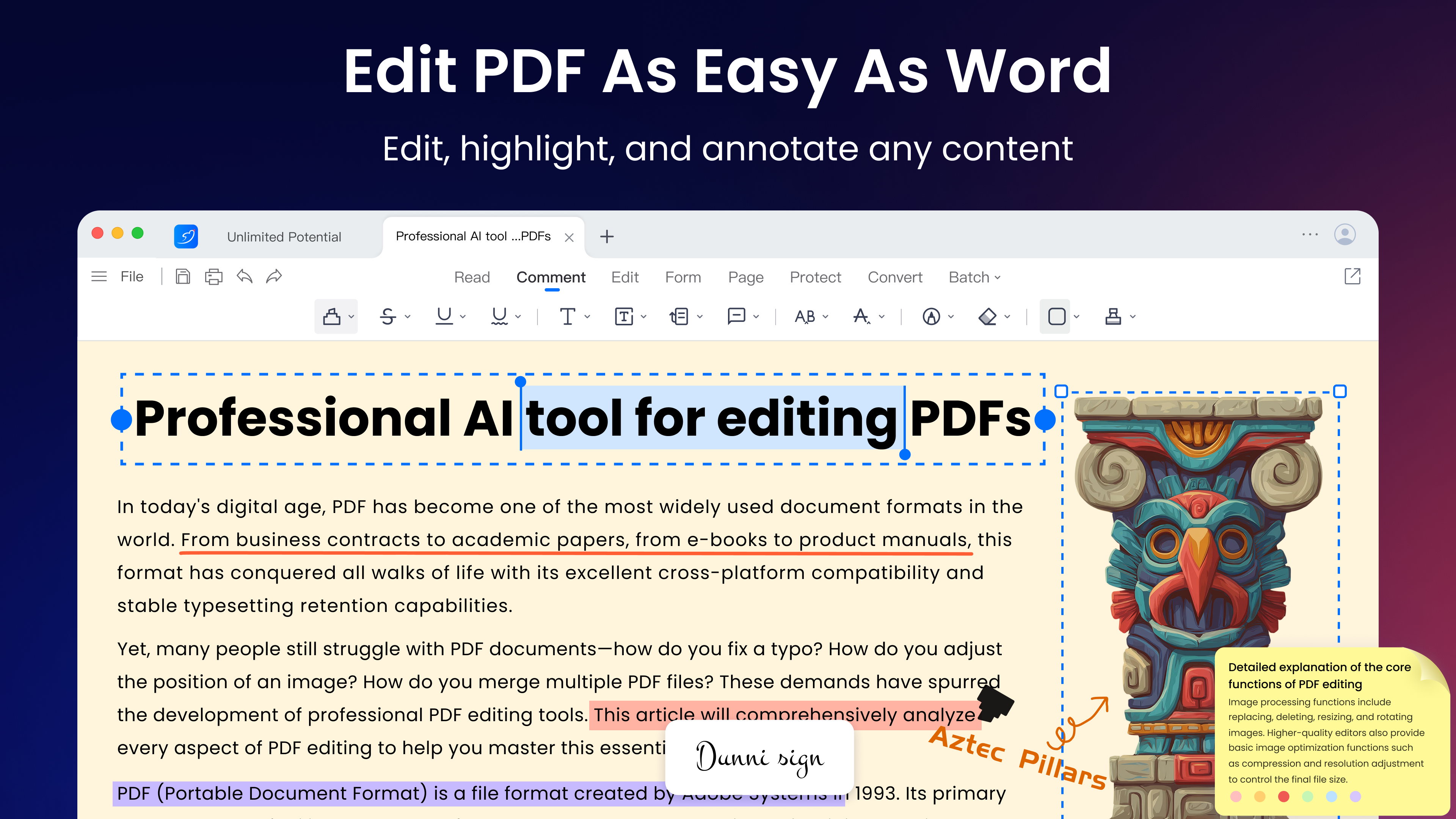 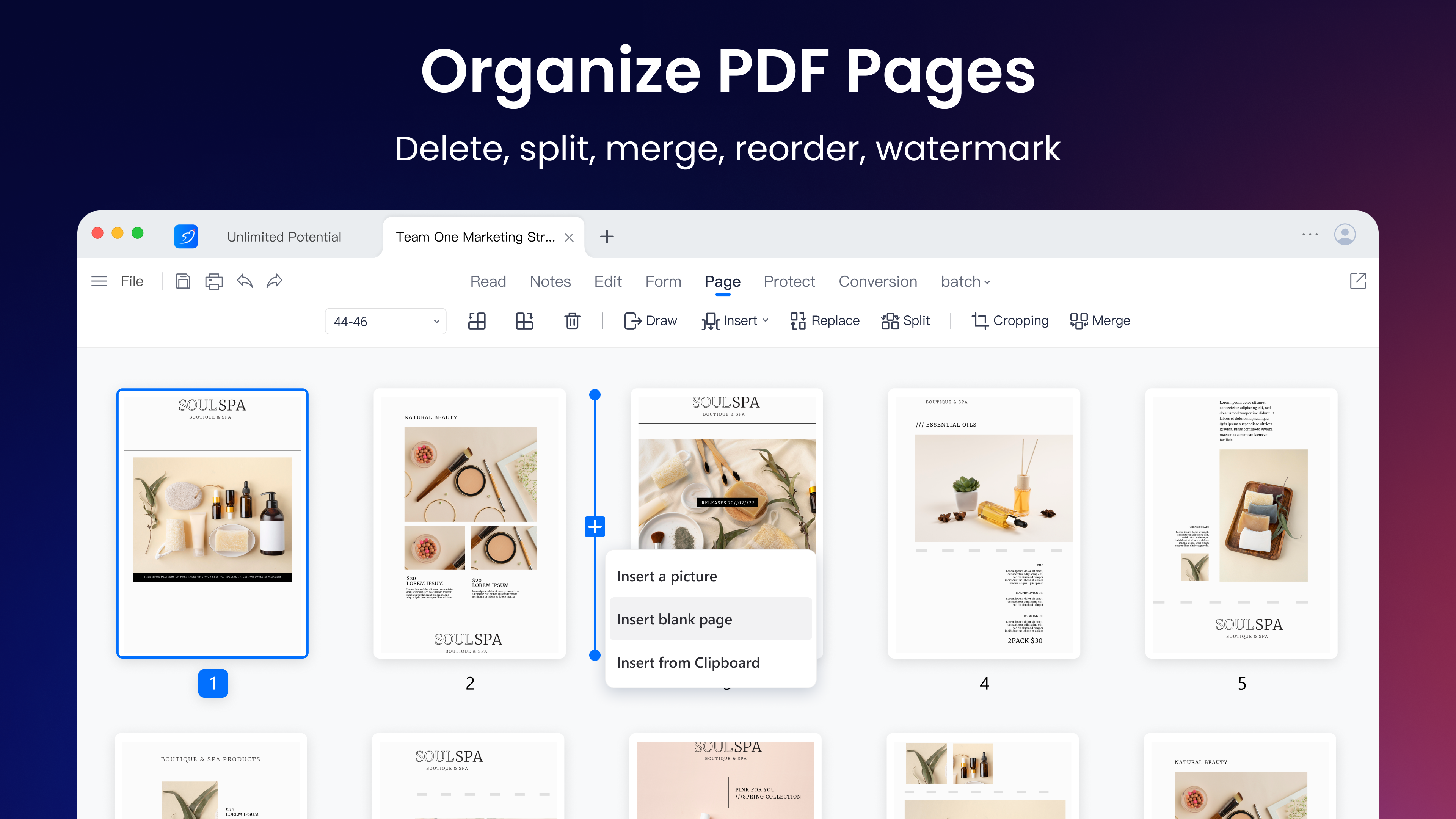 | TextSniper Screenshots      |