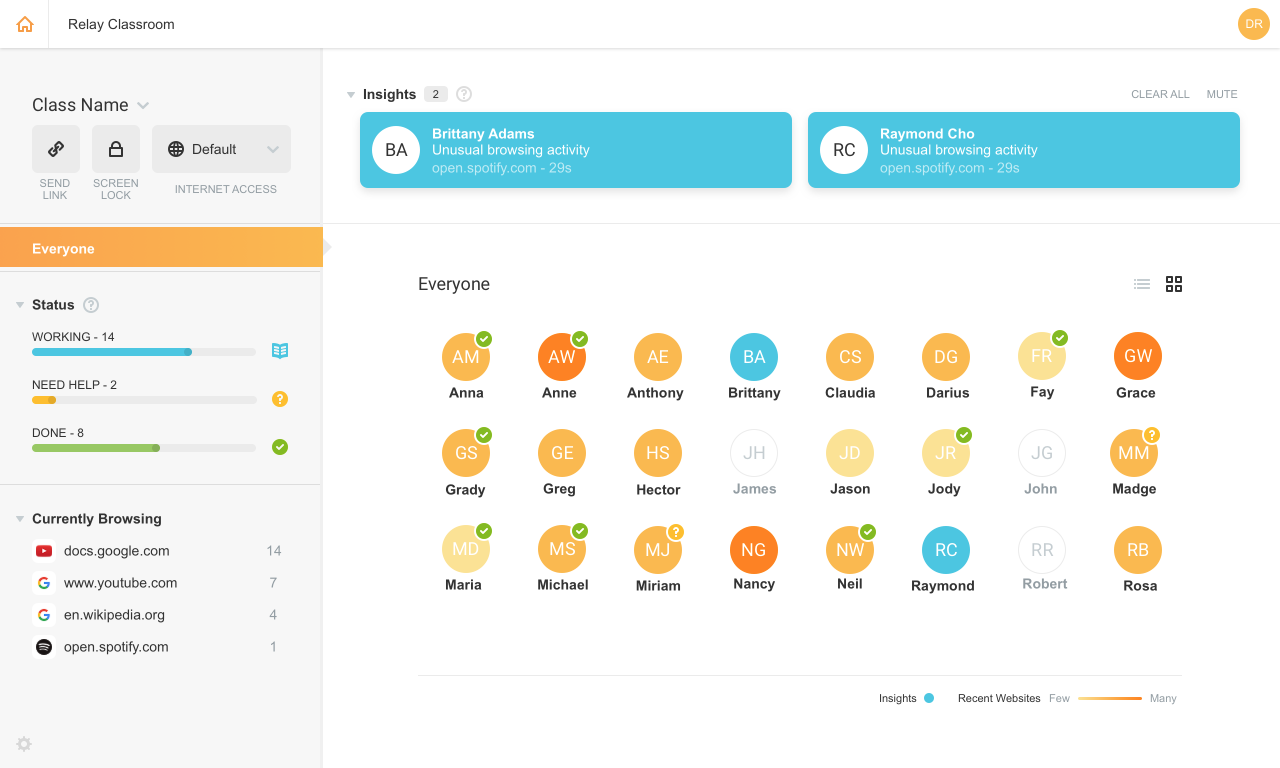
Lightspeed Filter (formerly Relay), from Lightspeed Systems in Austin, offers insights to help understand and maximize the use of 1:1 classroom devices, keep users safe and increase the educational return on technology investments. Lightspeed Systems aims to help users make decisions to enhance technology use, report up administrators, present to your board, reassure concerned parents, empower teachers, and direct students on appropriate use. According to the vendor, Lightspeed Filter powers…
N/A
Securly Filter
Score8 out of 10
N/A
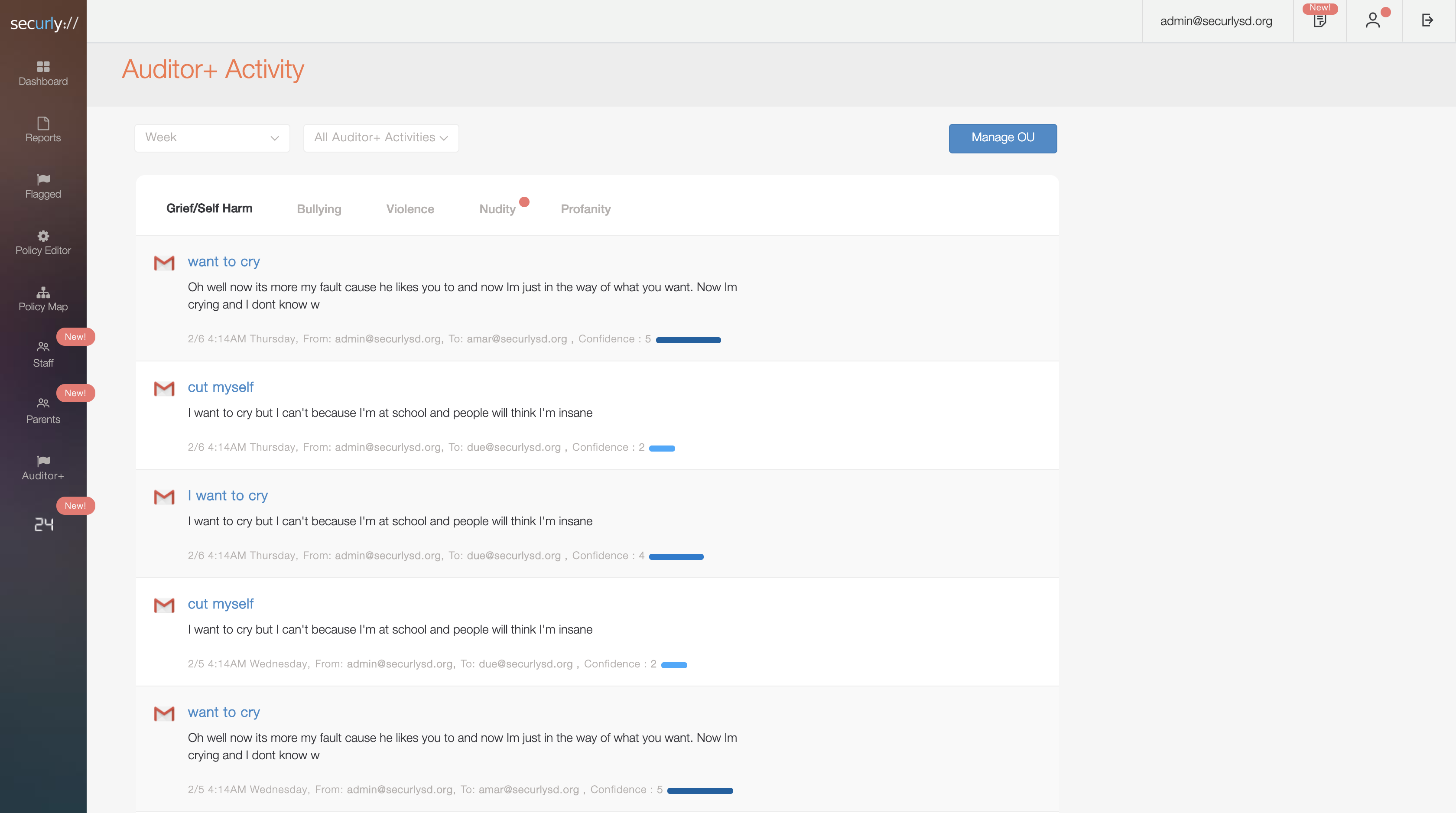
Cloud-based web filtering for K-12 Schools | Parental controls for families | Manage screen time. Any device, anywhere. Securly's technology allows schools and parents to keep kids safe in an increasingly digital world. The vendor states their goal is not to censor the Internet, but to mitigate the negative effects it can have on children with the goal of creating a safer world for kids. Their cloud-based web filter is designed to keep…
N/A
Pricing
Lightspeed Filter
Securly Filter
Editions & Modules
No answers on this topic
No answers on this topic
Offerings
Pricing Offerings
Lightspeed Filter
Securly Filter
Free Trial
Yes
Yes
Free/Freemium Version
No
No
Premium Consulting/Integration Services
No
No
Entry-level Setup Fee
No setup fee
No setup fee
Additional Details
Priced per student device. Quote available upon request.
Systems Administrator at Randolph Central School Corporation (Education Management, 201-500 employees)
Chose Lightspeed Filter
Lightspeed has a long solid reputation in the EDU market for web filtering. That being said, they have the largest database of the categorized websites at the administrator's disposal during the configuration and operation. Safety Check is AI-based and Securely uses a live …
A de minimis incentive was given to thank the reviewer for their time. The incentive was not used to bias or drive a particular response, nor was the incentive contingent on a positive endorsement. More Info
Lightspeed web filtering using the Chromebook Relay agent is amazing and does a great job for a cloud filtering solution. The reports that are available are great and can be customized and retains data for 90 days. Reports are easily shared with staff and/or parents for transparency and disciplinary reasons. The agent for Lightspeed (Relay) does not work well with OSX and works okay in Windows, but doesn't allow you to access local IP addresses in the web browser. There needs to be a way to bypass filtering for local network access. This can make it unusable in some cases.
A de minimis incentive was given to thank the reviewer for their time. The incentive was not used to bias or drive a particular response, nor was the incentive contingent on a positive endorsement. More Info
As I stated earlier, if you have iPads in a 1 to 1 usage, [Securly Filter] is your best filter. Students cannot break it or mess with any settings on a device that has an MDM setup.
A de minimis incentive was given to thank the reviewer for their time. The incentive was not used to bias or drive a particular response, nor was the incentive contingent on a positive endorsement. More Info
A de minimis incentive was given to thank the reviewer for their time. The incentive was not used to bias or drive a particular response, nor was the incentive contingent on a positive endorsement. More Info
A de minimis incentive was given to thank the reviewer for their time. The incentive was not used to bias or drive a particular response, nor was the incentive contingent on a positive endorsement. More Info
A de minimis incentive was given to thank the reviewer for their time. The incentive was not used to bias or drive a particular response, nor was the incentive contingent on a positive endorsement. More Info
A de minimis incentive was given to thank the reviewer for their time. The incentive was not used to bias or drive a particular response, nor was the incentive contingent on a positive endorsement. More Info
A de minimis incentive was given to thank the reviewer for their time. The incentive was not used to bias or drive a particular response, nor was the incentive contingent on a positive endorsement. More Info
I don't like giving a 10 since everyone always has room for improvement, and while Securly is doing an awesome job, there is still room for improvement across the board.
A de minimis incentive was given to thank the reviewer for their time. The incentive was not used to bias or drive a particular response, nor was the incentive contingent on a positive endorsement. More Info
We were already a [Lightspeed] customer so the transition was seamless to Relay. Their support and team at [Lightspeed] are top-notch. We have been with Lightspeed for over 20 years and have evaluated on occasions other options and [ended] up back with [Lightspeed] each time. Their price point, ease of use, great team of engineers, and overall customer focus keep them on top in my eyes.
A de minimis incentive was given to thank the reviewer for their time. The incentive was not used to bias or drive a particular response, nor was the incentive contingent on a positive endorsement. More Info
Securly Filter integration with Google Workspace for education makes it an ideal pairing for K-12 institutions. It has a friendlier portal and more intuitive UI, particularly when retrieving activity logs. The policy customization is also far easier and responsive. That being said, it does not provide a full-fledged firewall like Untangle NG (nor many of the other useful features from NG, such as simple-to-deploy VPN).
A de minimis incentive was given to thank the reviewer for their time. The incentive was not used to bias or drive a particular response, nor was the incentive contingent on a positive endorsement. More Info
A de minimis incentive was given to thank the reviewer for their time. The incentive was not used to bias or drive a particular response, nor was the incentive contingent on a positive endorsement. More Info
A de minimis incentive was given to thank the reviewer for their time. The incentive was not used to bias or drive a particular response, nor was the incentive contingent on a positive endorsement. More Info