Litera Draft vs. PDF Studio

Overview
ProductRatingMost Used ByProduct SummaryStarting Price
Litera Draft
Score 9.3 out of 10
N/A
Litera Desktop is a single toolbar designed to include everything a lawyer needs to draft documents and create an integrated, seamless experience that ensures user adoption and consolidates vendors.N/A
PDF Studio
Score 9.1 out of 10
N/A
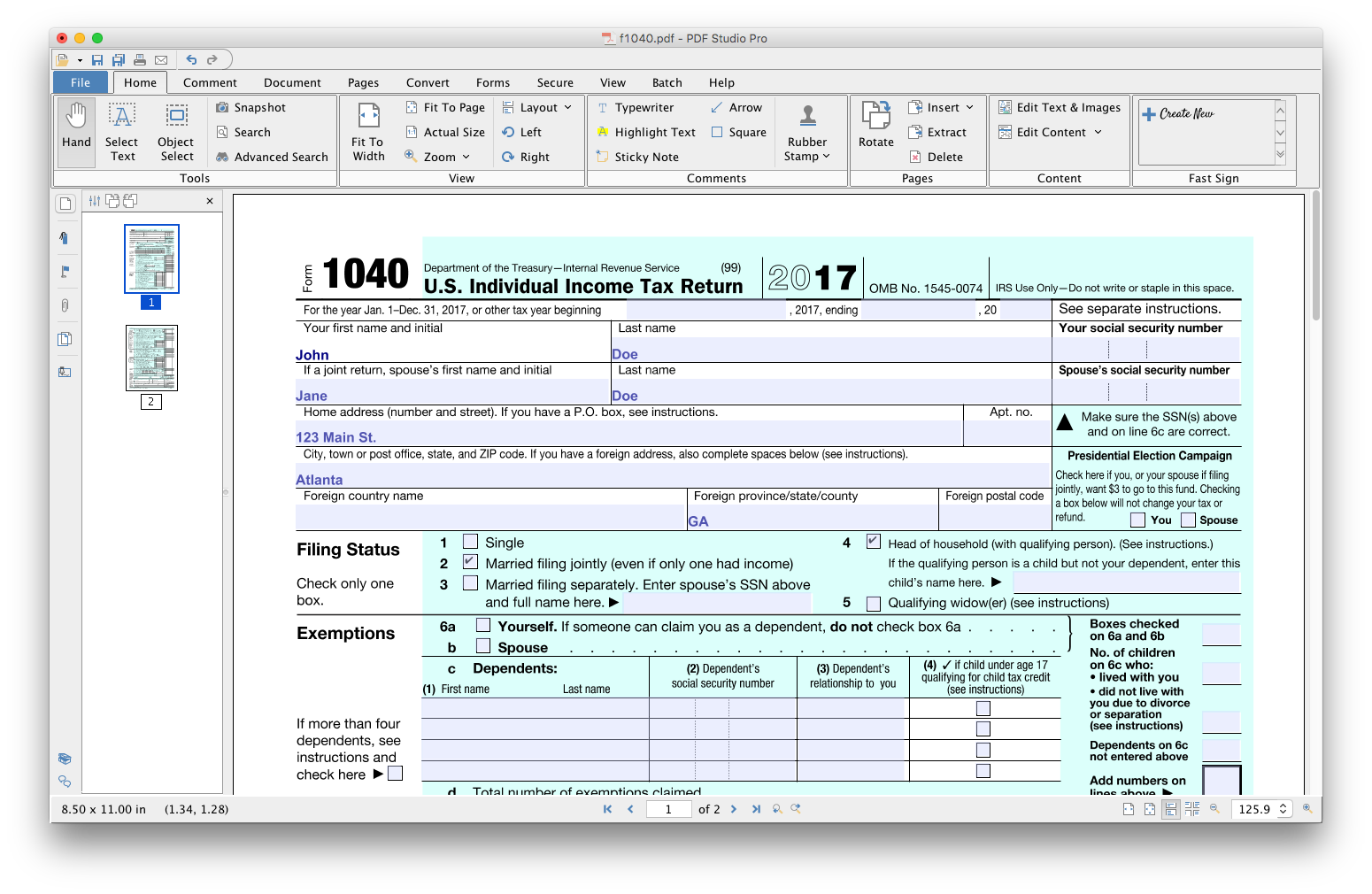
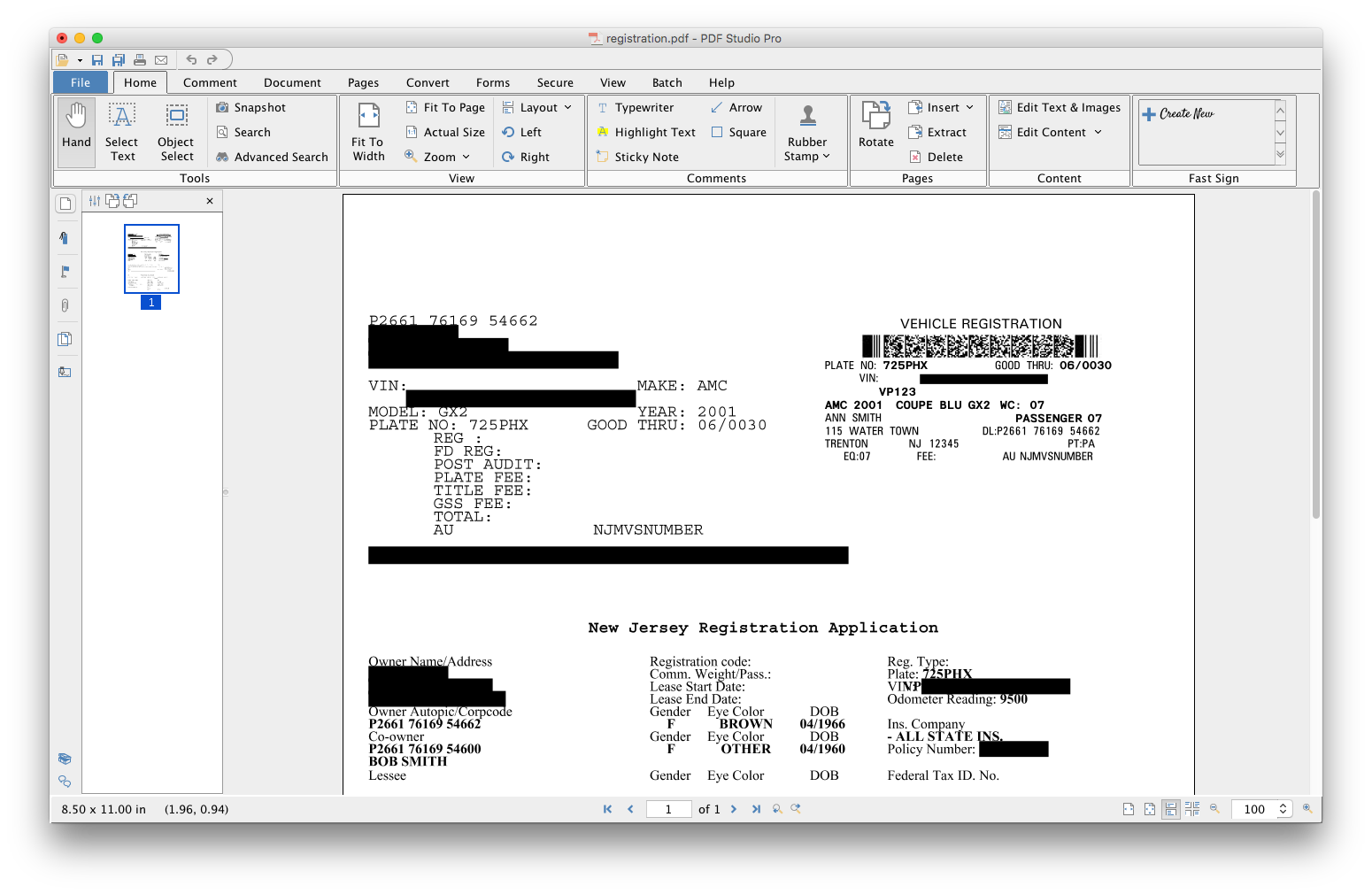
PDF Studio is a PDF editor that aims to provides all PDF features needed at a low cost. PDF Studio maintains full compatibility with the PDF Standard. Users can: Create PDFs from Scan, MS Word, Text and Images Annotate PDFs with Comments & Text Markups Create, Fill In & Save PDF Forms Secure Documents with Passwords and Permissions Merge, Split & Assemble Documents Apply Watermarks, Headers and Footers Create Bookmarks / Table…
$99
one-time fee
Pricing
Litera DraftPDF Studio
Editions & Modules
No answers on this topic
Offerings
Pricing Offerings
Litera DraftPDF Studio
Free Trial
NoYes
Free/Freemium Version
NoNo
Premium Consulting/Integration Services
NoNo
Entry-level Setup FeeNo setup feeNo setup fee
Additional DetailsEach user license key can be used on 2 computers (for the same user) on any of the supported operating system (Windows, Mac, Linux). Each user license is perpetual and allows to continue using this major version of our software (version 2018) as long as it works on your operating system. Payment is a one-time fee, with no monthly or yearly subscription or commitment. Any upgrade to future major versions is optional.
More Pricing Information
Community Pulse
Litera DraftPDF Studio
Best Alternatives
Litera DraftPDF Studio
Small Businesses
Jasper
Jasper
Score 8.8 out of 10
Tungsten Power PDF
Tungsten Power PDF
Score 9.6 out of 10
Medium-sized Companies
Grammarly
Grammarly
Score 9.1 out of 10
pdfFiller
pdfFiller
Score 9.0 out of 10
Enterprises
ProWritingAid
ProWritingAid
Score 8.6 out of 10
Bluebeam
Bluebeam
Score 9.1 out of 10
All AlternativesView all alternativesView all alternatives
User Ratings
Litera DraftPDF Studio
Likelihood to Recommend
10.0
(5 ratings)
9.1
(3 ratings)
Usability
10.0
(1 ratings)
8.2
(1 ratings)
Performance
10.0
(1 ratings)
-
(0 ratings)
Support Rating
-
(0 ratings)
8.5
(2 ratings)
Ease of integration
10.0
(1 ratings)
-
(0 ratings)
User Testimonials
Litera DraftPDF Studio
Likelihood to Recommend
Litera
Litera Desktop has many functions, but it is still a user-friendly program. Very easy to implement and easy to train. We send a variety of documents to clients and other legal professionals electronically. Litera will clean and scrub documents so that there is no hidden metadata when the documents are transferred. This keeps not only our clients and their files safe, but it keeps our email programs safe and clean as well.
Read full review
Qoppa Software
For Linux users it is without a doubt the best option and the most developed so far.
Read full review
Pros
Litera
  • Clearly shows the changes between two documents using multiple colors of text and crossing-out and underlining.
  • Has diverse options for savings and sending the comparison document (Word, PDF and its own proprietary file format).
  • Has multiple options for letting you review each of the changes (in sequential order or by type of change).
Read full review
Qoppa Software
  • Editing PDF pages easily.
  • Organizing PDF pages quickly.
  • Adding comments to particular items within a PDF.
Read full review
Cons
Litera
  • It is the best when comparing any text or fragment of any content.
  • It helps us to better understand the purchases at the moment of making a move in our newsroom.
  • Its compatibility with other systems is very effective and safe, it makes us communicate safely.
Read full review
Qoppa Software
  • I would like to be able to generate indexes of the documents that I am adding to a file.
  • To be able to scan a file and convert it from a PDF simply having the scan parameters.
Read full review
Usability
Litera
They have done a good job of now overloading Workshare Compare with extra features it doesn't need. This does a couple of things:
  1. It means the interface doesn't have too many menus or too many buttons to click. Everything is straightforward and easy to use.
  2. It keeps the software fast.
  3. It makes it easy on the user to decide when you do and do not need to use this software.
Read full review
Qoppa Software
As I answered before, the graphical interface is the best developed of the options that exist for Linux.
Read full review
Performance
Litera
I gave Workshare Compare such a high rating because I don't think I could do my job without it. It has just become so integral to my workflow, that if I were to ever change jobs I think I would have to insist my new employer to me a license. It is fast and just works 99% of the time. It is very rare that it gives me errors, and when it does it's likely because the underlying document is corrupted, not because of any issues with Workshare Compare.
Read full review
Qoppa Software
No answers on this topic
Support Rating
Litera
No answers on this topic
Qoppa Software
Anytime I have had questions they have been able to be found in the forums of PDF Studio.
Read full review
Alternatives Considered
Litera
The interaction that can be done within this software is very different from the others. One of the most important is that it is dedicated to quickly and easily summarize the work of comparing files, without having to work a lot to do it. Also, it is a program that helps to discover the direct opinion among the users of these documents.
Read full review
Qoppa Software
PDF Studio doesn't involve an expensive subscription, plus has all the features without the cluttered UI. It is intuitive to use and I prefer it to Adobe Acrobat, Foxit, PDF XChange, AcePDF, and others. Minimal design with refined tools. Frankly, I am just relieved to have a perpetual license for a product that just works.
Read full review
Return on Investment
Litera
  • Document Security is of paramount concern and Workshare 9 is a workhorse.
  • Accuracy of Document Comparison is also a a critically important task and it is done to perfection.
Read full review
Qoppa Software
  • Allowed me to get a customer a quote faster.
  • Won business proposition due to the ability to organize and sort through customer documentation quickly.
Read full review
ScreenShots

PDF Studio Screenshots

Screenshot of Screenshot of Screenshot of Screenshot of Screenshot of Screenshot of