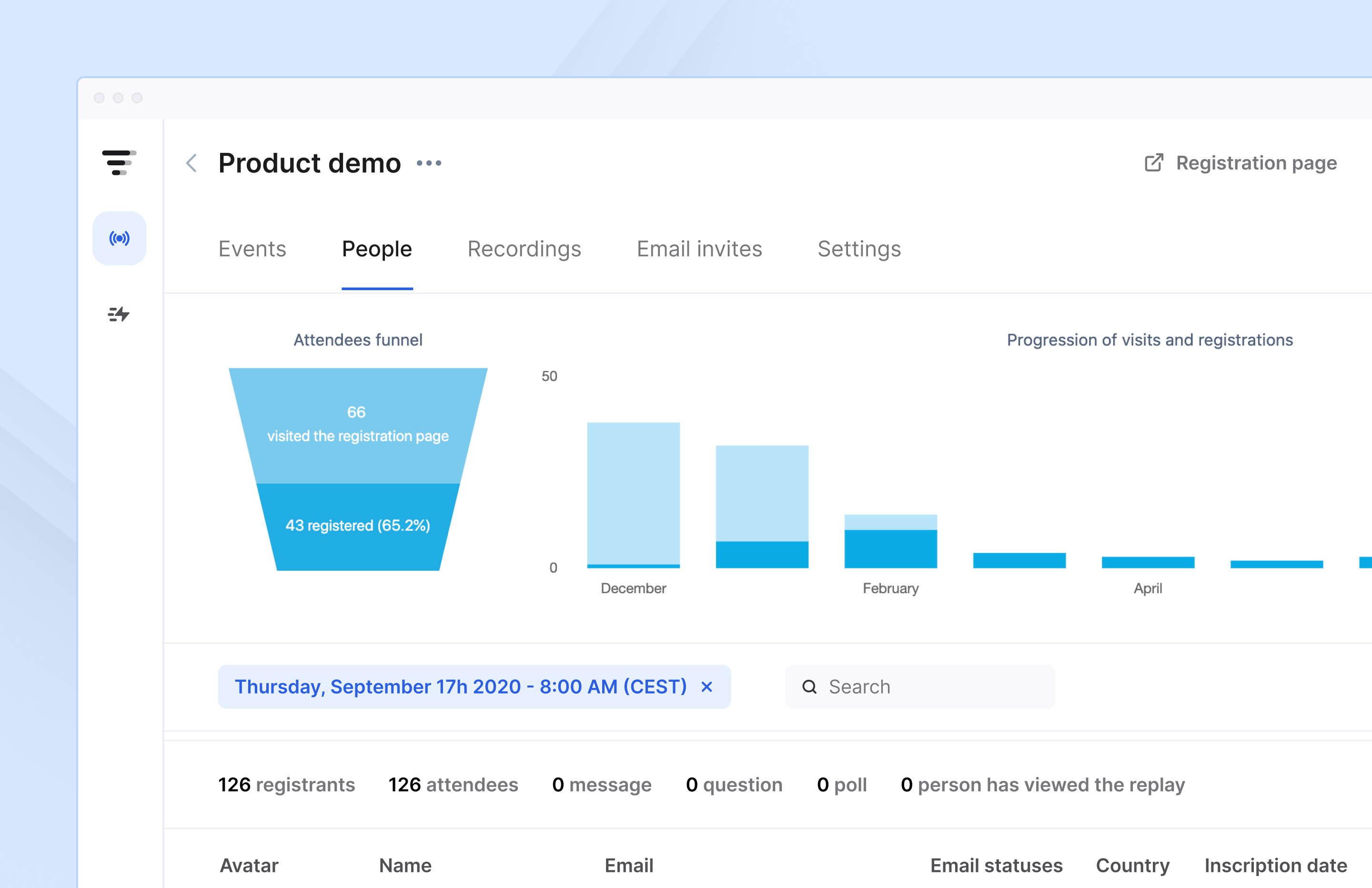
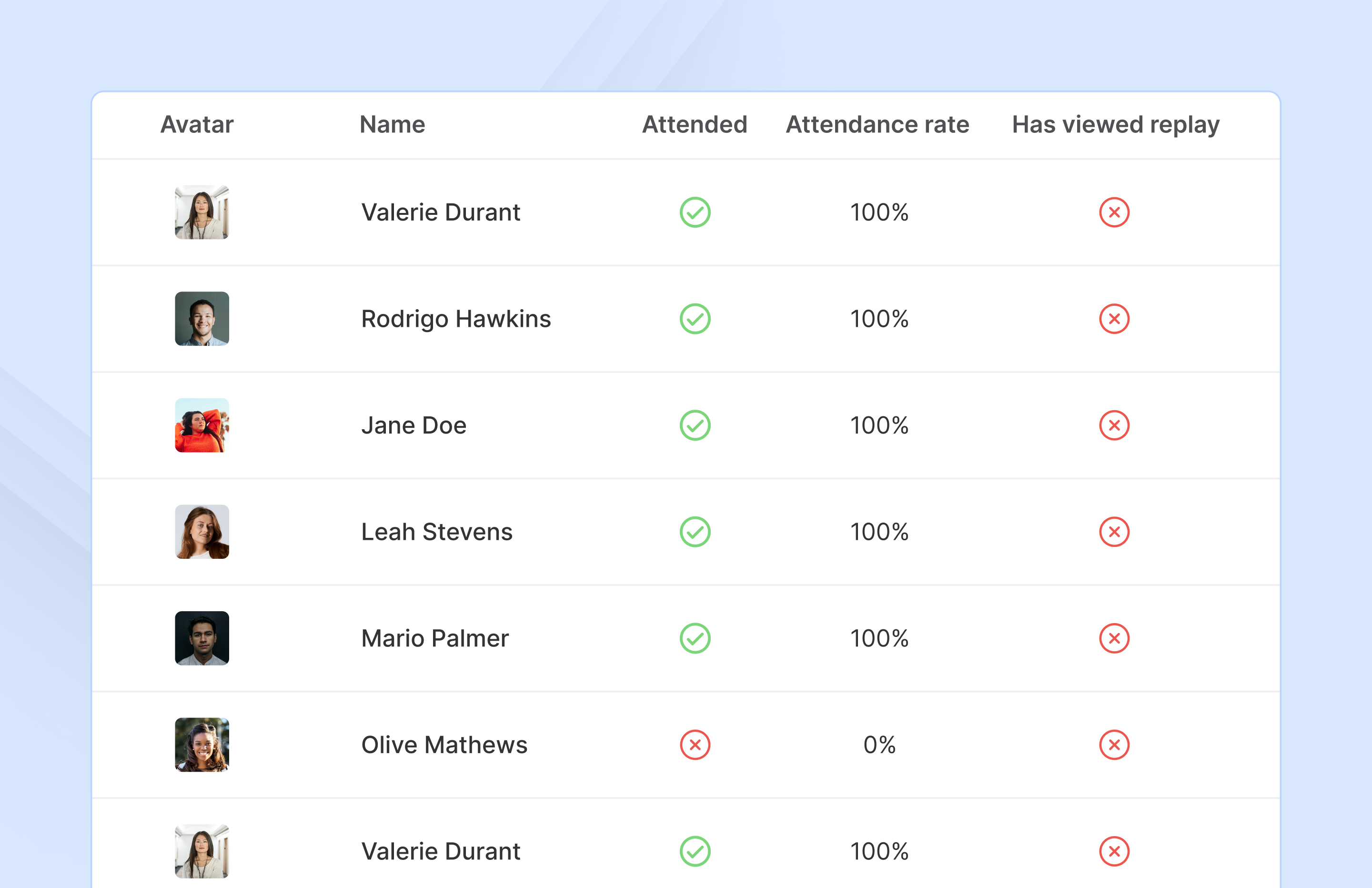
French company Livestorm offers their webinar platform which integrates with many other enterprise applications via Zapier and features polling, session recording and sharing, and webinar data collection and tracking.
$0
A free plan to discover Livestorm. All features included, such as unlimited webinars and instant meetings. Up to 20 minutes per webinar and up to 10 registrants per webinar.
streamGo
Score 8.0 out of 10
N/A
streamGo is a provider of online events, producing a range of webinars webcasts, virtual events and podcasts across the UK, Europe and Worldwide. Use cases include Virtual Events, Hybrid Events, Webinars, Webcasts, and Podcasts.
N/A
Pricing
Livestorm
streamGo
Editions & Modules
Webinar Basic
$0.00
A free plan to discover Livestorm. All features included, such as unlimited webinars and instant meetings. Up to 20 minutes per webinar and up to 10 registrants per webinar.
Meet Basic
$0.00
Limited Instant and Scheduled Meetings for up to four participants
Meet Premium
$31.00
Full features for Instant and Scheduled Meetings.
Webinar Premium
$99.00
A premium experience with removed limitations to get the full benefits of Livestorm for up to 100 seats. + $99 to add 250 seats, + $209 to add 1,000 seats.
Enterprise
Contact sales
An enterprise-grade experience with premium service.
No answers on this topic
Offerings
Pricing Offerings
Livestorm
streamGo
Free Trial
Yes
No
Free/Freemium Version
Yes
No
Premium Consulting/Integration Services
No
No
Entry-level Setup Fee
No setup fee
No setup fee
Additional Details
—
—
More Pricing Information
Community Pulse
Livestorm
streamGo
Features
Livestorm
streamGo
Reporting & Analytics
Comparison of Reporting & Analytics features of Product A and Product B
Livestorm
10.0
3 Ratings
26% above category average
streamGo
6.5
1 Ratings
17% below category average
Dashboards
10.02 Ratings
6.01 Ratings
Data exportability
10.03 Ratings
7.01 Ratings
Performance & Compatibility of Online Events Software
Comparison of Performance & Compatibility of Online Events Software features of Product A and Product B
Livestorm
9.5
3 Ratings
15% above category average
streamGo
8.5
1 Ratings
4% above category average
High quality audio
9.03 Ratings
8.01 Ratings
Mobile support
10.02 Ratings
9.01 Ratings
Online Meetings / Events
Comparison of Online Meetings / Events features of Product A and Product B
Livestorm
9.4
3 Ratings
14% above category average
streamGo
7.8
1 Ratings
4% below category average
Calendar integration
10.02 Ratings
7.01 Ratings
Record meetings / events
7.53 Ratings
8.01 Ratings
Slideshows
10.02 Ratings
9.01 Ratings
Event registration
10.03 Ratings
7.01 Ratings
Online Events Collaboration
Comparison of Online Events Collaboration features of Product A and Product B
Livestorm
10.0
3 Ratings
17% above category average
streamGo
7.0
1 Ratings
19% below category average
Audience polling
10.03 Ratings
7.01 Ratings
Q&A
10.03 Ratings
7.01 Ratings
Online Events Security
Comparison of Online Events Security features of Product A and Product B
Livestorm
10.0
3 Ratings
18% above category average
streamGo
8.0
1 Ratings
4% below category average
Participant roles & permissions
10.03 Ratings
7.01 Ratings
Confidential attendee list
10.03 Ratings
9.01 Ratings
Online Events Marketing
Comparison of Online Events Marketing features of Product A and Product B
Livestorm is well suited to use when you need to reach a group of more than ten people. It wouldn't be a good solution if you wanted interaction from the audience in more than the form of chat.
It is one of the best platforms for attending webinars related to the distribution of knowledge related to different technologies and software and live events related to software releases and other product-related releases. The video streaming and software quality of the platform itself can be massively improved, in my opinion.
Making sure the permission settings for your camera, microphone or browser can sometimes be tricky. If we have a guest, we always have to double-check these. It's also not super intuitive that you need to "Get on Stage" from the webinar page.
Mostly because of the cost-cutting and being able to access a decent feature set in the cost provided. There are other products in the line that are better performing and have better feature sets, but the price that stream charges and the feature set and usability it provides are decent and worth the price.
The customer service representatives are extremely attentive. They do an excellent job of trying to understand the scope of the issue and follow it through until it has been resolved. When I have provided them with recommendations for improvement they have taken them to heart and many times implemented them. I trust that if I ever have a problem they will be there to help
I have not really contacted the support but have had friends who have and this is one of the other reasons why I switched to streamGo. Initially, I was skeptical regarding the support, but when a few of my ex-colleagues and friends told me that it is awesome, I took the decision to switch to streamGo.
The reason for switching was major because of the cost-cutting. If I were to compare them to the products mentioned above, I'd say all three of them have their own pros and cons but are mostly superior and better than a stream. If it hadn't been for the cost-cutting I wouldn't have jumped to stream.