MailUp vs. Stripo

Overview
ProductRatingMost Used ByProduct SummaryStarting Price
MailUp
Score 10.0 out of 10
N/A
MailUp is the eponymous email & SMS platform from the Italian company that was founded in 2002 that now has a modest but respectable presence across the western world with a diverse customer base (Yamaha, Amnesty International, Korean Air, etc.). Mailup's platform combines email marketing, with transactional email and SMS features, and offers SMTP relay and plugins for ecommerce, CRM and CMS systems. Their unusual pricing scheme is tiered just on subscribers but on volume of sends and that…N/A
Stripo
Score 9.3 out of 10
N/A
Stripo.email is an email builder that enables users and teams across different industries to design responsive email templates without any HTML skills, using a drag-and-drop editor and a full HTML/CSS code editor. The compilation comprises 1,700+ free responsive HTML email templates. Stripo is integrated with 90+ ESPs and email clients, including Mailchimp, Campaign Monitor, SendGrid, HubSpot, Salesforce Marketing Cloud, GetResponse, UniSender, eSputnik, Outlook,…
$20
per month
Pricing
MailUpStripo
Editions & Modules
No answers on this topic
Basic
$20
per month
Medium
$45
per month
Pro
$125
per month
Offerings
Pricing Offerings
MailUpStripo
Free Trial
YesNo
Free/Freemium Version
NoYes
Premium Consulting/Integration Services
YesNo
Entry-level Setup FeeOptionalNo setup fee
Additional DetailsDiscount available for annual billing equal to 2 months free.
More Pricing Information
Community Pulse
MailUpStripo
Features
MailUpStripo
Email & Online Marketing
Comparison of Email & Online Marketing features of Product A and Product B
MailUp
9.5
1 Ratings
16% above category average
Stripo
8.8
4 Ratings
9% above category average
WYSIWYG email editor10.01 Ratings9.84 Ratings
Dynamic content10.01 Ratings8.04 Ratings
Ability to test dynamic content8.01 Ratings00 Ratings
Mobile optimization10.01 Ratings8.84 Ratings
Best Alternatives
MailUpStripo
Small Businesses
Vbout
Vbout
Score 9.9 out of 10
Vbout
Vbout
Score 9.9 out of 10
Medium-sized Companies
VerticalResponse
VerticalResponse
Score 10.0 out of 10
VerticalResponse
VerticalResponse
Score 10.0 out of 10
Enterprises
Emma by Marigold
Emma by Marigold
Score 8.5 out of 10
Emma by Marigold
Emma by Marigold
Score 8.5 out of 10
All AlternativesView all alternativesView all alternatives
User Ratings
MailUpStripo
Likelihood to Recommend
10.0
(1 ratings)
9.5
(4 ratings)
Usability
-
(0 ratings)
9.5
(4 ratings)
User Testimonials
MailUpStripo
Likelihood to Recommend
MailUp
Great for marketing teams looking to quickly deploy emails without the need for HTML coding.
Read full review
Stripo
Very well suited for monthly newsletters in a consistent template or format. Also beneficial for promo emails for events with the countdown feature - I really like that. Less useful for 1-1 outreach since what makes it a helpful tool is the highly polished marketing look and feel, so it's not useful for our BDR outreach which is meant to feel personal from an Outlook
Read full review
Pros
MailUp
  • Email marketing creation
  • Email design
  • HTML template creation
Read full review
Stripo
  • Templates.
  • Brand Guidelines.
  • Exporting to our email sending tool.
Read full review
Cons
MailUp
  • Alt tag styling within the editor
Read full review
Stripo
  • Improvements for dark mode emails.
Read full review
Usability
MailUp
No answers on this topic
Stripo
It is very easy to use as long as you have basic knowledge on designing terms such as padding, structures, and more. Even if you don't have the basic knowledge, it is very easy to learn after designing a couple of emails. It would be better if designs could get more complex in Stripo like in Canva but I usually just export designs from there and add them.
Read full review
Alternatives Considered
MailUp
Mailup has hands down the best editor for creating responsive emails, I've tried almost everything out there and this is the best, I recommend this to colleagues all the time!
Read full review
Stripo
I like Stripo the most because it feels marketing-first. Almost like the Canva for marketing teams that are not email experts, but need to own and deliver the email marketing part of their campaign themselves. It is a great tool for teams that need to deliver a large volume of emails across the team in a consistent brand look and feel.
Read full review
Return on Investment
MailUp
  • Faster email development
  • More team members able to contribute to the email development process
  • Better templates
Read full review
Stripo
  • Time Reduction with edits.
  • Productivity Improvement with Preview Link feature.
Read full review
ScreenShots

MailUp Screenshots

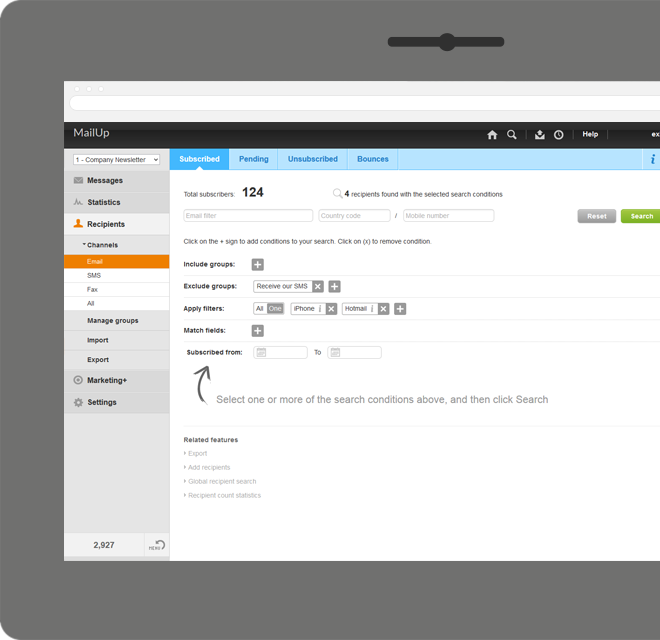
Screenshot of Manage lists. With MailUp, you can manage mailing lists, groups and sending profiles, automatically eliminating duplicate addresses and handling users who cancel their subscription. The procedure is guided, quick and safe. The utmost simplicity, with no need to install additional software. Not bad, right?Screenshot of he winning variable, with mathematical certainty
With A/B testing, discover, prior to mailing, what your recipients prefer to read, by automatically testing several versions of the same text, measuring its effectiveness on a select group. Opening results improve by up to 30% and, for each version, you have more statistical information. Mailing after mailing, you can only do better!Screenshot of Creating emails for mobile devices is easy
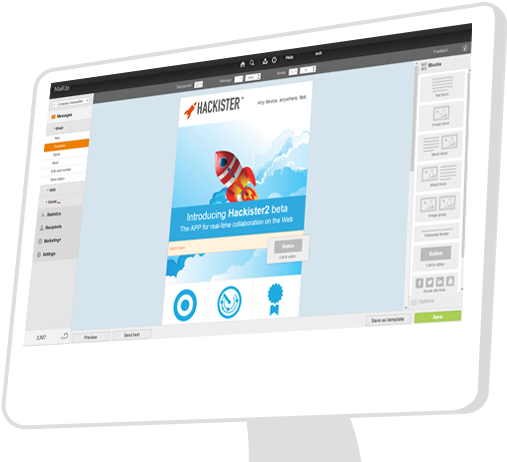
Free your creativity and create emails and newsletters that have great visual impact, optimised for mobile devices. While you concentrate on the content of your campaign, MailUp takes care of the rest with the aid of an intelligent editor and plenty of cutting-edge functions. Not bad, right?Screenshot of Countless ways to create your messages.

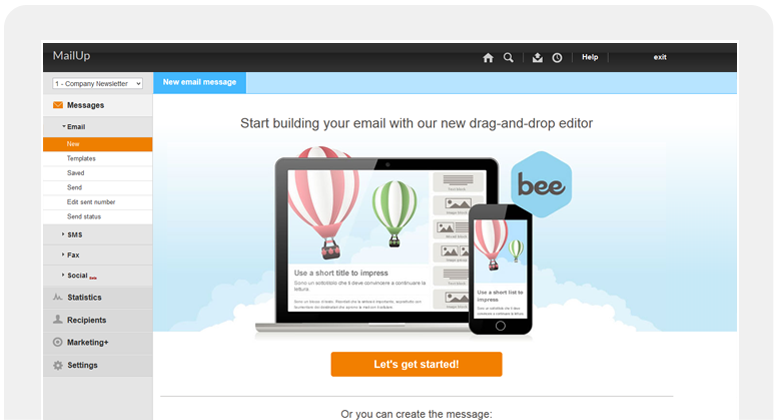
There's not only BEE with which create messages. You can start with HTML documents, RSS/Atom, URL or choose from hundreds of graphic models. Starting with an empty email? The convenient WYSIWYG editor helps you put your messages together with just a few clicks. It's all up to you!Screenshot of .and you can do the same with unsubscribe lists.

Automatic management of unsubscribe lists allows you to activate the UNSUBSCRIBE button directly in the email client interface. The unsubscribers list also shows a list of users who performed this action, which may be edited and exported. This function also allows you to make up random groups of users, specifying the number of subscribers. This makes it easier to manage random sampling and A/B testing.Screenshot of

Stripo Screenshots

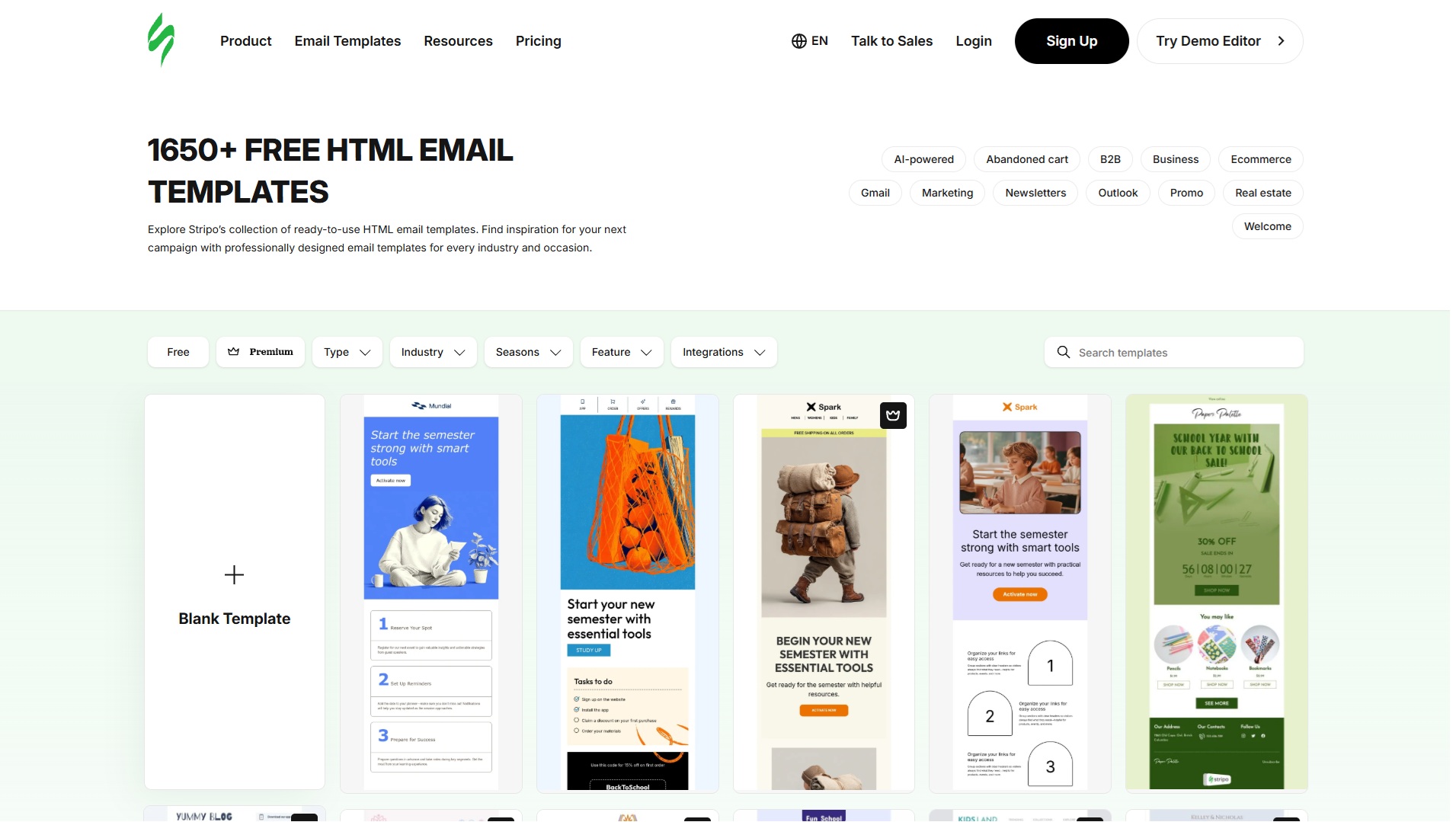
Screenshot of Stripo LandingScreenshot of Stripo EditorScreenshot of Stripo Templates