
ManageEngine ADSelfService Plus vs. Password Boss
| Product | Rating | Most Used By | Product Summary | Starting Price |
|---|---|---|---|---|
 ManageEngine ADSelfService Plus | Score8.6 out of 10 | Mid-Size Companies (51-1,000 employees) | ManageEngine's Self-Service Plus provides self-service password management, multi‑factor authentication, and single sign-on solution. | $295 per year for 100 users |
 Password Boss | Score9.2 out of 10 | N/A | Password Boss is a multi-tenant password management solution for managed service providers (MSP) from the company headquartered in Tampa. Password Boss was designed and developed by an MSP specifically for the needs and the ways that today’s MSPs work, and support their customers’ password management needs. | $2.50 per month |
| ManageEngine ADSelfService Plus | Password Boss | |||||||||||||||
|---|---|---|---|---|---|---|---|---|---|---|---|---|---|---|---|---|
| Editions & Modules |
|
| ||||||||||||||
| Offerings |
| |||||||||||||||
| Entry-level Setup Fee | Optional | No setup fee | ||||||||||||||
| Additional Details | Failover and Secure Gateway Services add-on is $395 SMS add-on starts at $595 for 2000 SMS credits. | — | ||||||||||||||
| More Pricing Information | ||||||||||||||||
| ManageEngine ADSelfService Plus | Password Boss | |
|---|---|---|
| Considered Both Products | No answer on this topic | No answer on this topic |
| Key User Insights | ||
| Would buy again | ||
100% Would buy again 12 Answers | No answers on this topic | |
| Delivers good value for the price | ||
100% Delivers good value for the price 12 Answers | No answers on this topic | |
| Happy with the feature set | ||
100% Happy with the feature set 12 Answers | No answers on this topic | |
| Lived up to sales and marketing promises | ||
100% Lived up to sales and marketing promises 10 Answers | No answers on this topic | |
| Implementation went as expected | ||
100% Implementation went as expected 10 Answers | No answers on this topic | |
| ManageEngine ADSelfService Plus | Password Boss | |
|---|---|---|
| Small Businesses |  RoboForm Score8.2 out of 10 | RoboForm Score8.2 out of 10 |
| Medium-sized Companies |  1Password Score9.1 out of 10 | 1Password Score9.1 out of 10 |
| Enterprises |  KeePass Score8.9 out of 10 | KeePass Score8.9 out of 10 |
| All Alternatives | View all alternatives | View all alternatives |
| ManageEngine ADSelfService Plus | Password Boss | |
|---|---|---|
| Likelihood to Recommend | 8.8 | - |
| Usability | 8.6 | - |
| ManageEngine ADSelfService Plus | Password Boss | |
|---|---|---|
| Likelihood to Recommend |
| No answers on this topic |
| Pros |
| No answers on this topic |
| Cons |
| No answers on this topic |
| Usability |
| No answers on this topic |
| Alternatives Considered |
| No answers on this topic |
| Return on Investment |
| No answers on this topic |
| ScreenShots | ManageEngine ADSelfService Plus Screenshots 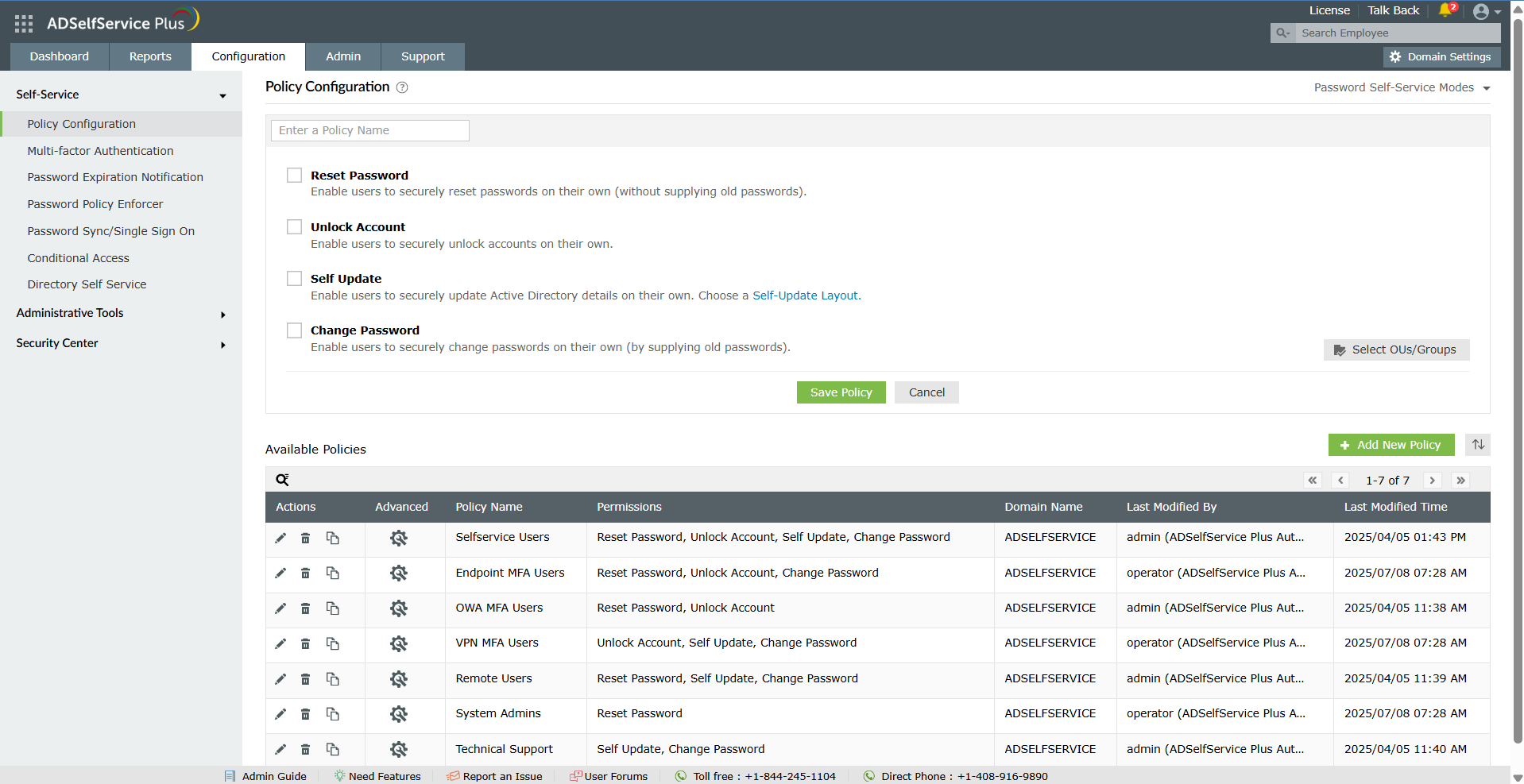    | Password Boss Screenshots |
