The ManageEngine Mobile Device Manager Plus application is an enterprise mobile device management (MDM) solution.
N/A
TinyMDM
Score 0.0 out of 10
N/A
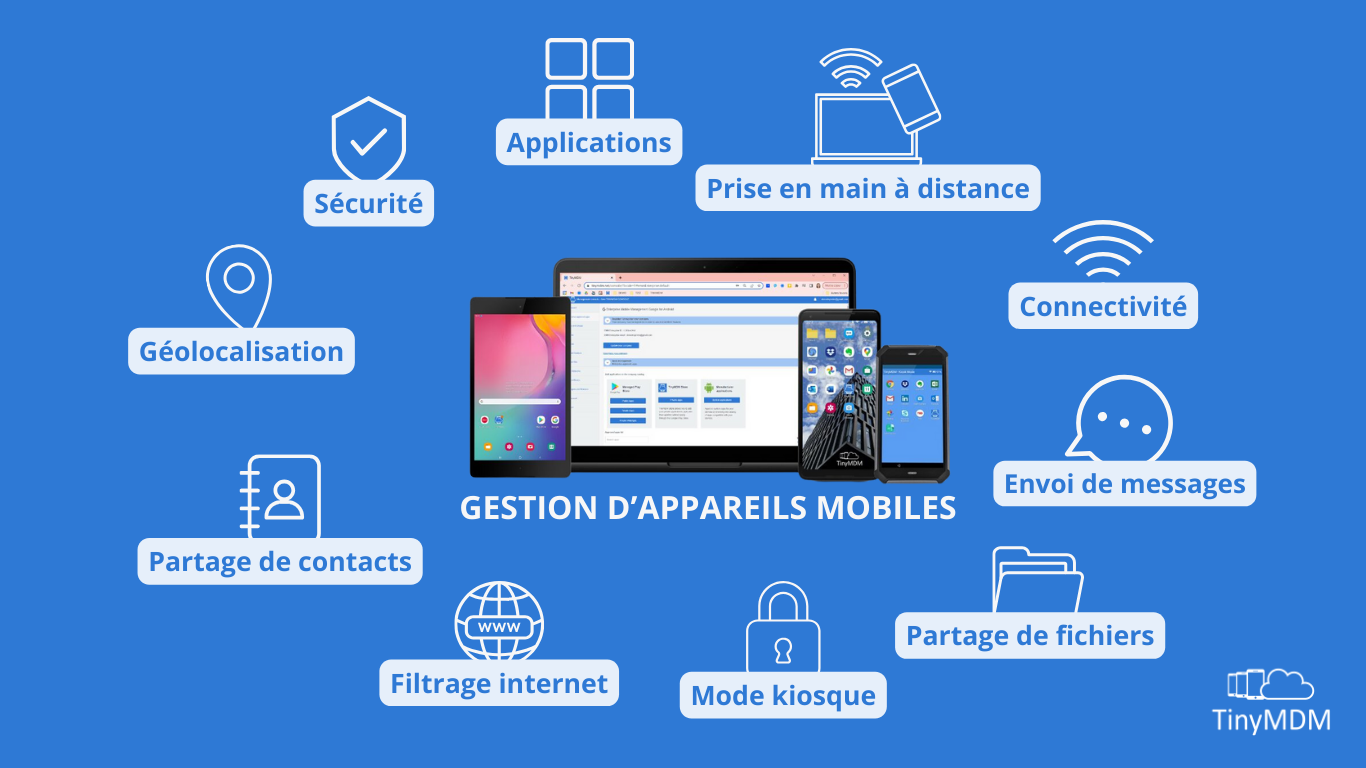
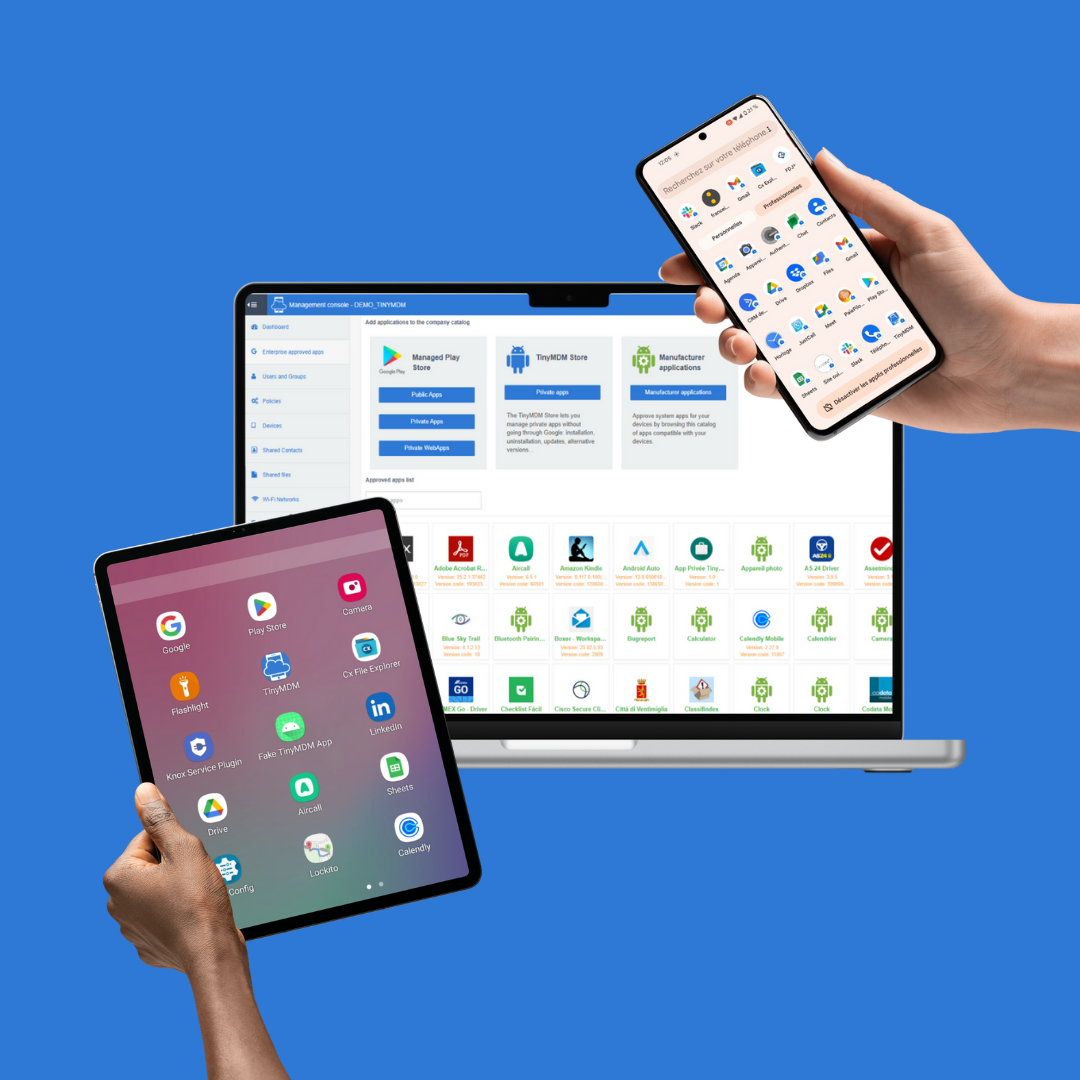
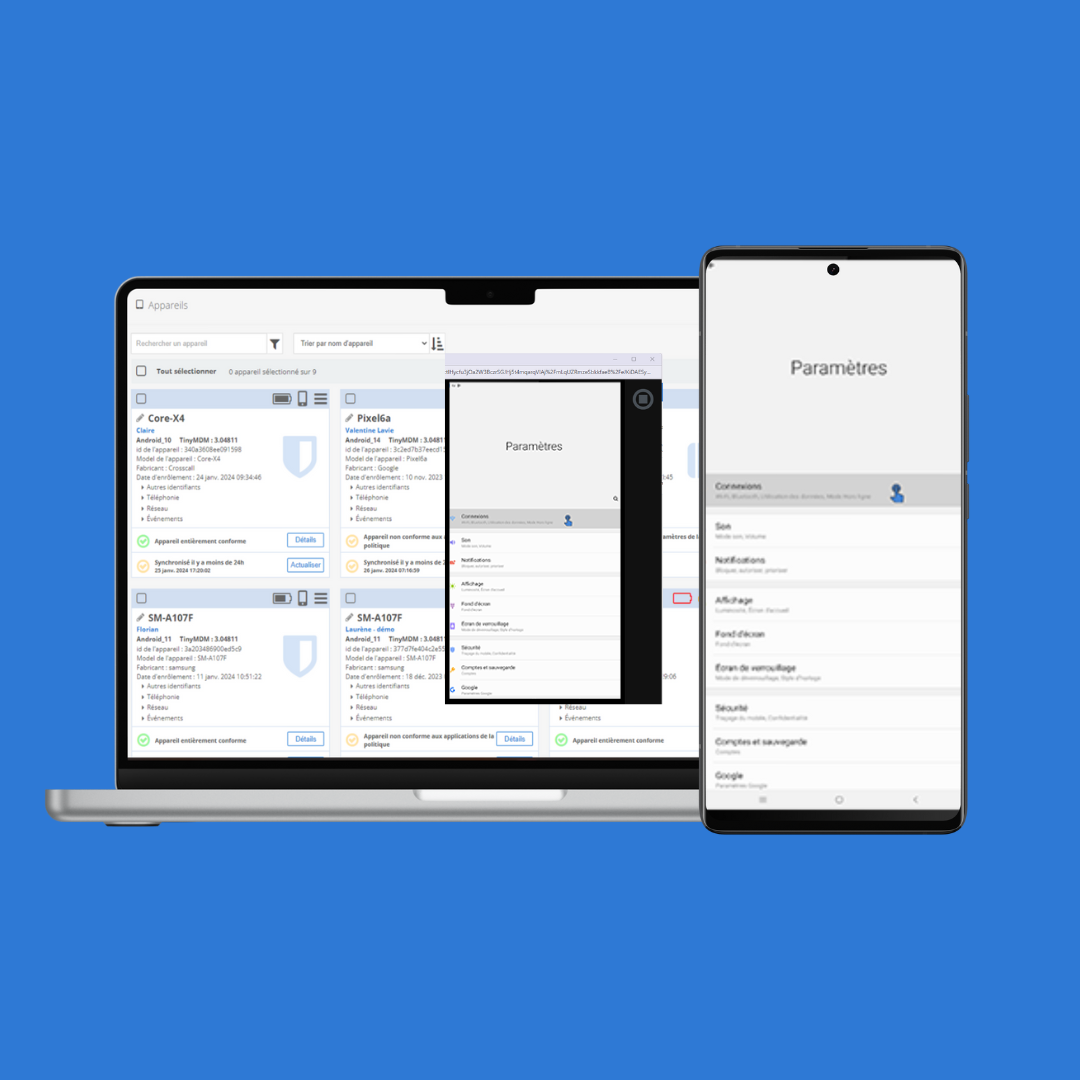
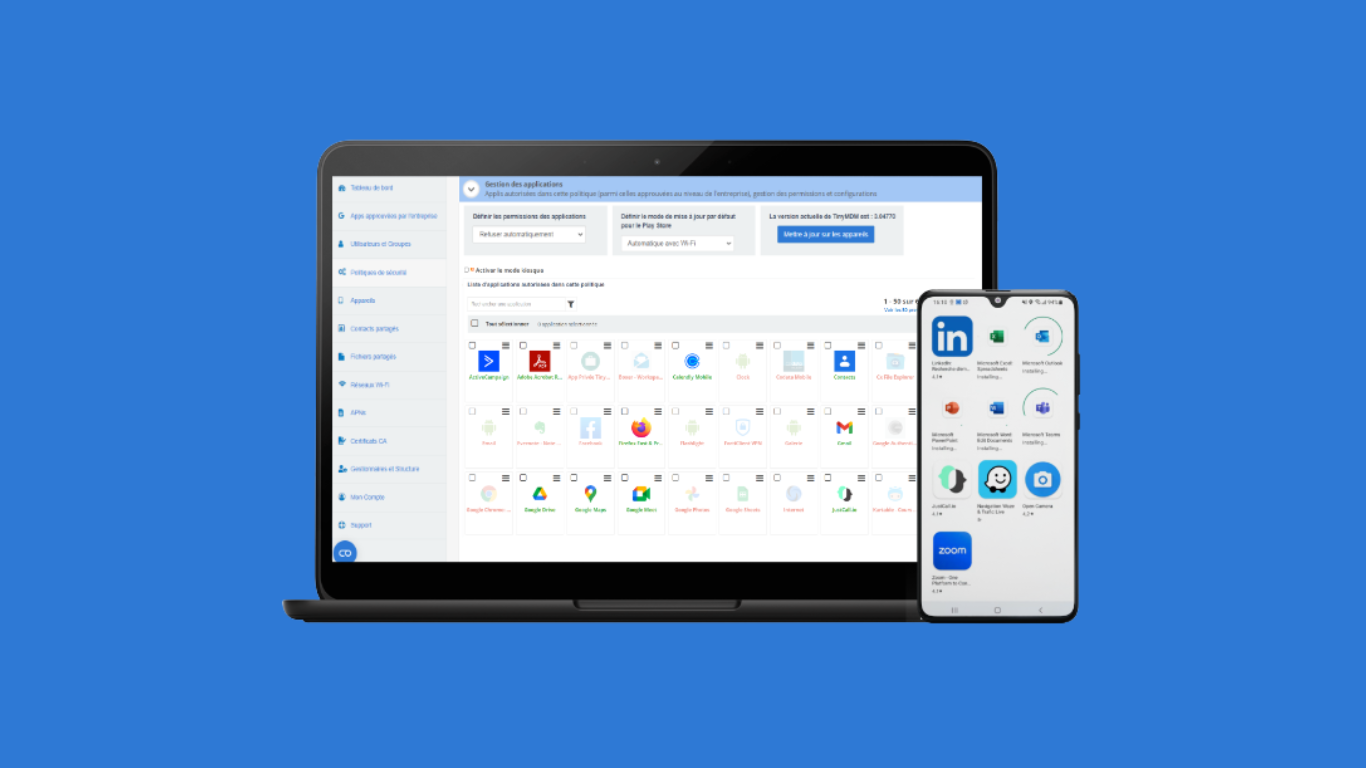
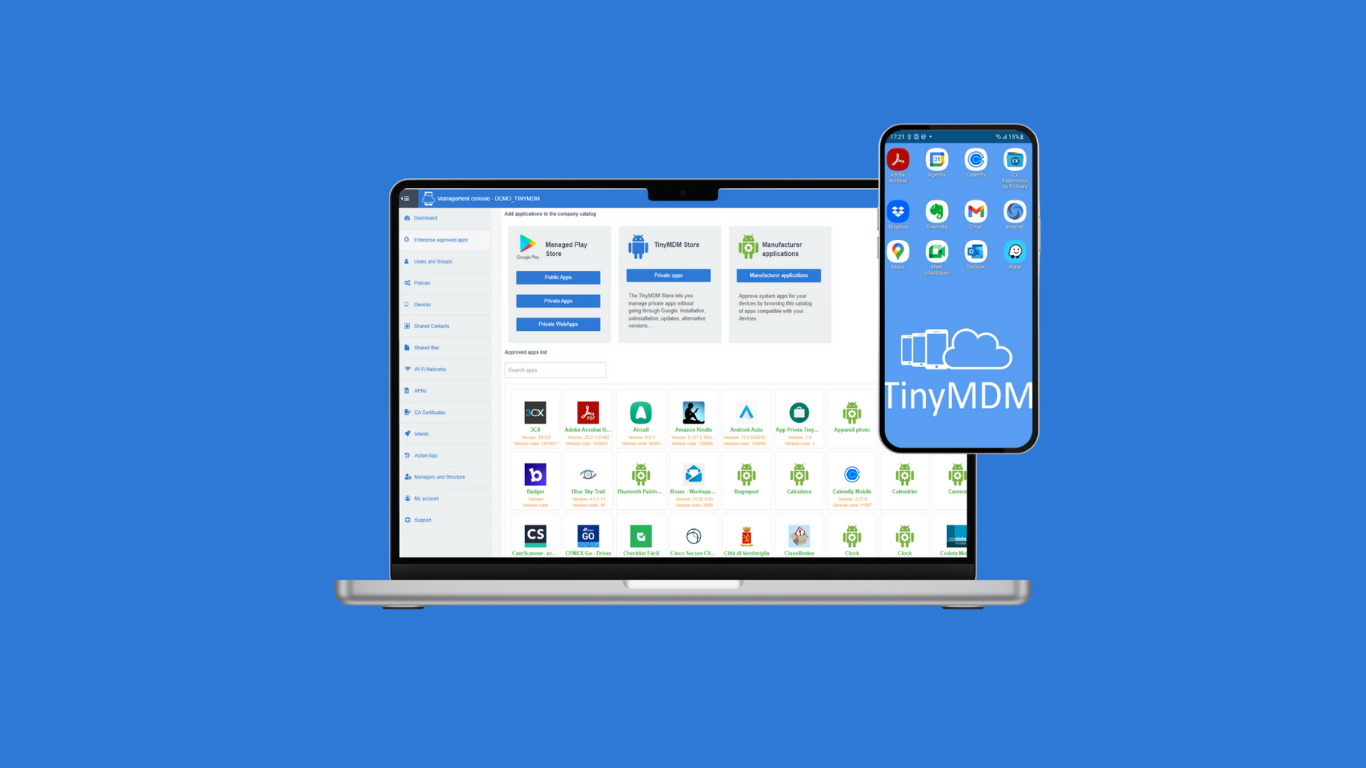
TinyMDM, Android EMM Partner, is a Mobile Device Management dedicated to businesses looking for a solution to manage and secure their mobile fleet of smartphones, tablets, rugged devices. TinyMDM is approved by Android for all its management sets: Kiosk Mode Fully Managed Mode BYOD (Bring Your Own Device) WPCO (Work Profile on Company Owned Device) It offers a centralized management solution for all devices within an organization: app…
$2.30
per month per device
Pricing
ManageEngine Mobile Device Manager Plus
TinyMDM
Editions & Modules
No answers on this topic
FLEXIBLE
$2.40
per month per user
CLASSIC
$24
per year per user
Offerings
Pricing Offerings
ManageEngine Mobile Device Manager Plus
TinyMDM
Free Trial
No
Yes
Free/Freemium Version
No
No
Premium Consulting/Integration Services
No
No
Entry-level Setup Fee
No setup fee
No setup fee
Additional Details
—
TinyMDM also offers quantitative discounts starting from 200 licenses.
More Pricing Information
Community Pulse
ManageEngine Mobile Device Manager Plus
TinyMDM
Considered Both Products
ManageEngine Mobile Device Manager Plus
Verified User
Manager
Chose ManageEngine Mobile Device Manager Plus
After exploring some MDM system, we choose ManageEngine Mobile Device Manager Plus as the out-of-the-box features and functionalities meet our business needs, reasonable license cost, reputable company, and provide good supports.
An amazing solution for an organisation of up to 25 devices as they offer a free subscription. You could use this to trial the product at your organisation. The perfect fit for any size of organisation with the software being simple enough for non-technical staff to be able to deploy and manage devices.
Geo tracking: once the mobile app is installed, the phone checks in to our cloud management console and we can ping the location of the device easily.
Lost/stolen device: when a device is lost or stolen, we can make the phone make a sounds to help in finding it or perform a complete wipe to remove any sensitive data.
App management: they make it easy to add mobile apps that can automatically be pushed out to all of the managed devices. It is easy to control what apps you want to have immediately installed, apps you want to make available, or apps you want to block.
Documents are sorted by some random order by default, users need to manually select "sort by A-Z", and even by doing so, coming out of documents and back in will reset the order to the random one. Would be amazing if A-Z was default, or if I could find out what this default order was to edit the files accordingly.
Playing audio files from the app is approached as if it was a video: if you come out of the app or lock the screen, the audio will stop. Would be great if it could act like music apps and keep playing with locked screen.
Overall, I like using MDM as the GUI is greatly easier to use. The navigation is very simple, as you can find your way using multiple routes. I like how the opening dashboard shows devices and users, so you can see your numbers grow or shrink.
After exploring some MDM system, we choose ManageEngine Mobile Device Manager Plus as the out-of-the-box features and functionalities meet our business needs, reasonable license cost, reputable company, and provide good supports.