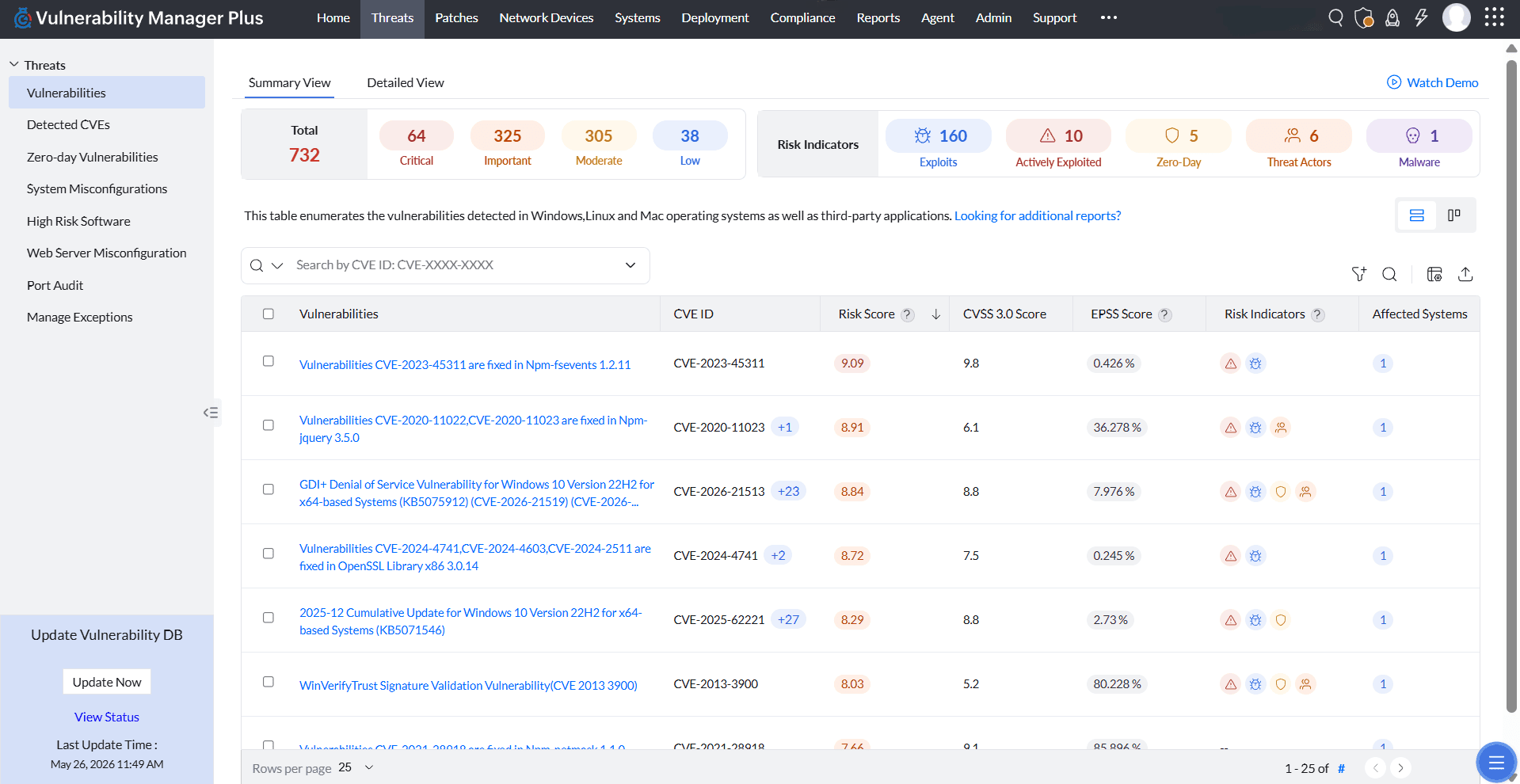
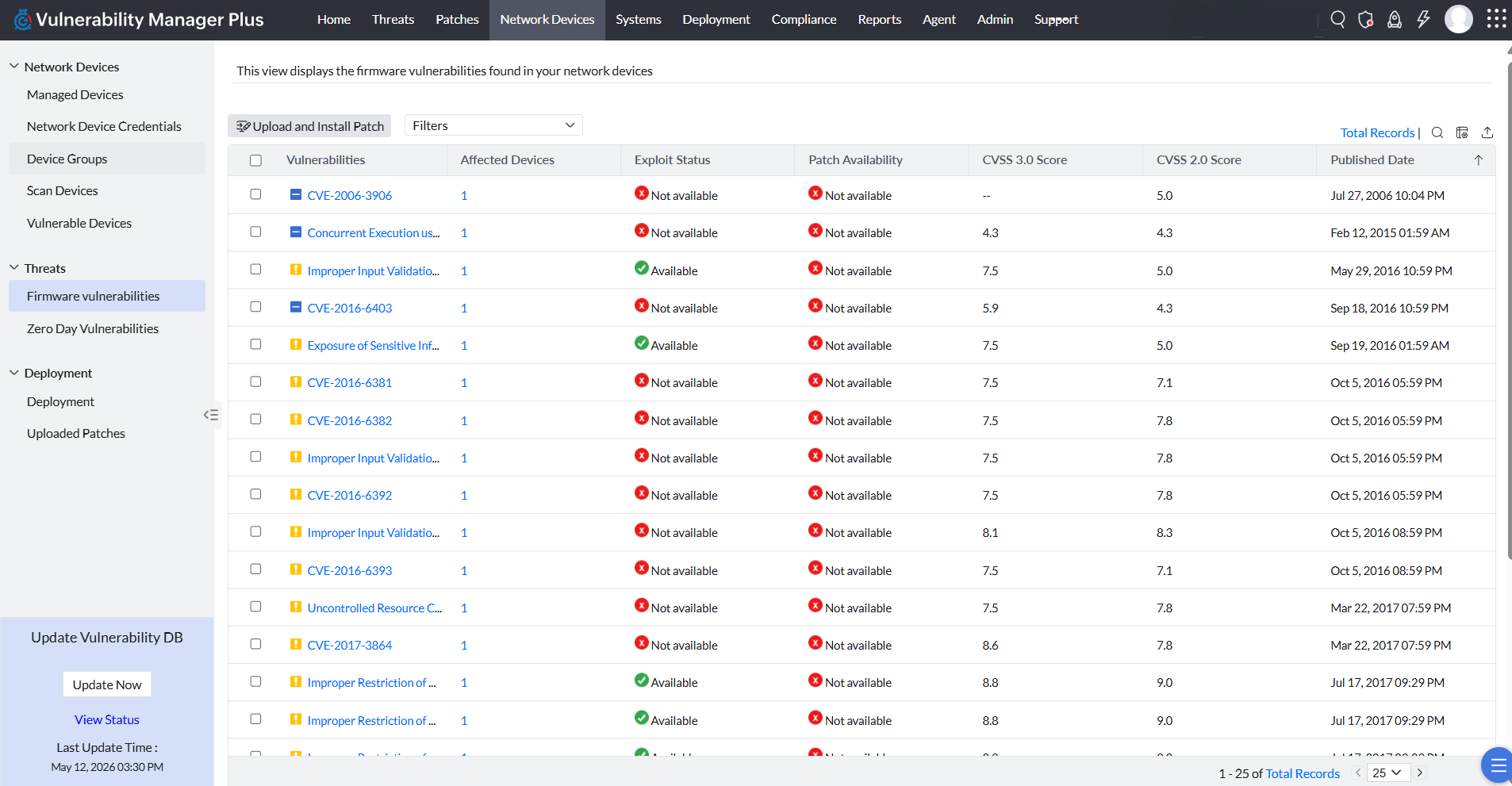
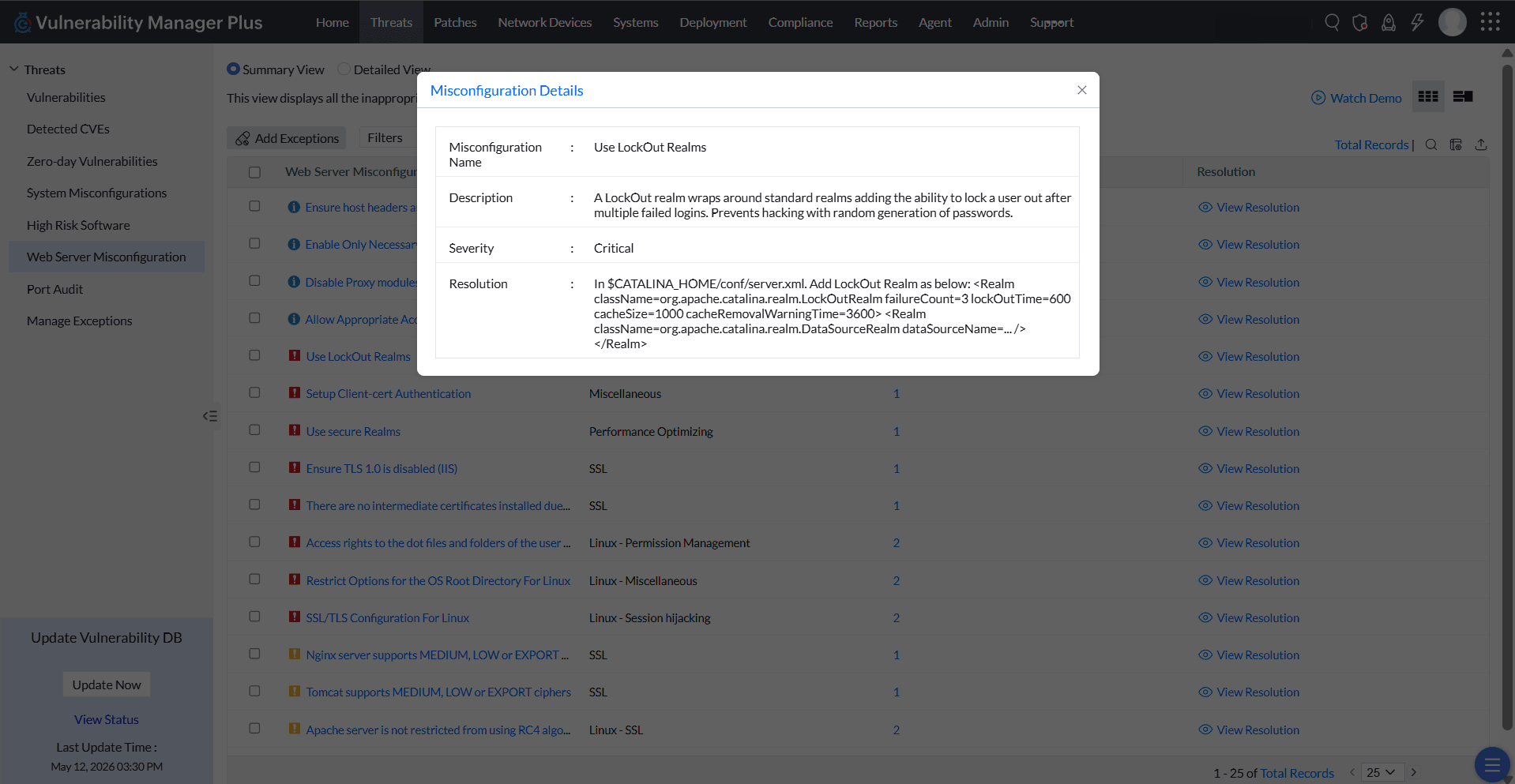
ManageEngine Vulnerability Manager Plus is an exposure management solution that helps organizations proactively detect, prioritize, and fix vulnerabilities from one console. It combines asset discovery, AI-powered vulnerability assessment and threat prioritization with built-in patching to speed up remediation. It discovers and manages desktops, laptops, servers, virtual machines, DMZ servers, and network devices, giving real-time visibility into known, unknown, zero-day, and actively exploited…
$90
per month 1 technician
SmartDeploy
Score9.7 out of 10
N/A
SmartDeploy, now from PDQ.com (acquired January 2022), provides a software deployment solution supporting computer imaging, app deployment, driver management, and Windows migration.
$960
per year
Pricing
ManageEngine Vulnerability Manager Plus
SmartDeploy
Editions & Modules
No answers on this topic
Starter
$960
per year
Plus
Contact sales team
Pro
Contact sales team
Offerings
Pricing Offerings
ManageEngine Vulnerability Manager Plus
SmartDeploy
Free Trial
Yes
Yes
Free/Freemium Version
Yes
Yes
Premium Consulting/Integration Services
Yes
No
Entry-level Setup Fee
Optional
$96,050
Additional Details
—
—
More Pricing Information
Features
ManageEngine Vulnerability Manager Plus
SmartDeploy
Threat Intelligence
Comparison of Threat Intelligence features of ManageEngine Vulnerability Manager Plus and SmartDeploy
Feature
ManageEngine Vulnerability Manager Plus
7.0
4 Ratings
14% below category average
SmartDeploy
-
Ratings
Network Analytics
6.42 Ratings
00 Ratings
Threat Recognition
6.73 Ratings
00 Ratings
Vulnerability Classification
8.23 Ratings
00 Ratings
Automated Alerts and Reporting
7.24 Ratings
00 Ratings
Threat Analysis
6.73 Ratings
00 Ratings
Threat Intelligence Reporting
6.73 Ratings
00 Ratings
Automated Threat Identification
7.13 Ratings
00 Ratings
Vulnerability Management Tools
Comparison of Vulnerability Management Tools features of ManageEngine Vulnerability Manager Plus and SmartDeploy
ManageEngine Vulnerability Manager Plus is highly effective for organizations prioritizing ease of use, cost-effectiveness, and a single pane of glass for both vulnerability detection and patching. It is well-suited for organizations needing to manage a diverse, yet traditional, on-premise IT infrastructure (servers, workstations, laptops). It is good at securing remote endpoints by using an agent to scan, detect and patch workstations. It is good for both scanning and remediating vulnerabilities through the built-in patching tools. It is ideal for a smaller to mid sized environment using Active Directory.
A de minimis incentive was given to thank the reviewer for their time. The incentive was not used to bias or drive a particular response, nor was the incentive contingent on a positive endorsement. More Info
Well suited scenarios : One of the situations SmartDeploy helped immensly was in application deployment and management for our projects , making it and instant favorite for the deployment process. Also in one situation where we had a high flying app development which did'nt had much time to develop, deployment thorugh smart deploy made it quick and less involvement. Easier to understand major functionalities and onboard new projects. Less appropriate scenarios: We faced issues while utilising by DevOps team for monitoring every system for issue resolving in linux update on every employees system. This created alot of delay in every employees work front as systems were not working as expected
A de minimis incentive was given to thank the reviewer for their time. The incentive was not used to bias or drive a particular response, nor was the incentive contingent on a positive endorsement. More Info
A de minimis incentive was given to thank the reviewer for their time. The incentive was not used to bias or drive a particular response, nor was the incentive contingent on a positive endorsement. More Info
A de minimis incentive was given to thank the reviewer for their time. The incentive was not used to bias or drive a particular response, nor was the incentive contingent on a positive endorsement. More Info
Remote monitoring is useful but has some lagging and functionalities are not upfront to use , making it complicated for new users to be aware just by using the application
Windows migration was quite difficult in terms of updates of softwares to be migrated to new system
Integration with client systems can be tough as major usage of other softwares is done in most of client systems causing us difficulties to integrate with smart deploy on the same platform
A de minimis incentive was given to thank the reviewer for their time. The incentive was not used to bias or drive a particular response, nor was the incentive contingent on a positive endorsement. More Info
A de minimis incentive was given to thank the reviewer for their time. The incentive was not used to bias or drive a particular response, nor was the incentive contingent on a positive endorsement. More Info
SmartDeploy customer support has been very good. Although we do not always get a super-fast response (though always within the time stated). The tech support folks at SmartDeploy always go the extra mile to see that our immediate issues are taken care of in as timely a manner as possible. They have always been attentive to our needs and frustrations.
A de minimis incentive was given to thank the reviewer for their time. The incentive was not used to bias or drive a particular response, nor was the incentive contingent on a positive endorsement. More Info
I chose Vulnerability because it is very easy to use and analyzes threats effectively. I previously used Microsoft System Center; however, due to its complexity and lack of transparency, we decided to remove it from our company and keep only Vulnerability.
A de minimis incentive was given to thank the reviewer for their time. The incentive was not used to bias or drive a particular response, nor was the incentive contingent on a positive endorsement. More Info
SmartDeploy has a fantastic deployment process management with detailed and configurable aspects. Even though it has detailed configuration it still somehow makes it easy to understand and implement compared to other services which need special learning and courses to understand them completelya and use them efficiently. This is one quality highly appreciated and stacks up against any other services I have used for deployment
A de minimis incentive was given to thank the reviewer for their time. The incentive was not used to bias or drive a particular response, nor was the incentive contingent on a positive endorsement. More Info
By automating the scanning, assessment, and patch management process, VMP has helped reduce the time to patch for us by 40%.
It has provided continuous visibility into device health and overall patch state. This has helped reduce the amount of time manually checking and updating.
By prioritizing the list of vulnerabilities the tool has helped our staff stay focused on the high-impact risks and ensure that critical assets are patched first.
A de minimis incentive was given to thank the reviewer for their time. The incentive was not used to bias or drive a particular response, nor was the incentive contingent on a positive endorsement. More Info
Very fast as an image deployment solution for new PCs. We do not have to create a completely new image when new hardware comes out. This is an amazing time-saver on its own.
With offline deployment and some workarounds, this is allowing us to migrate many Windows 7 units, rather than having to upgrade each one or load from scratch or replace it with new hardware.
A de minimis incentive was given to thank the reviewer for their time. The incentive was not used to bias or drive a particular response, nor was the incentive contingent on a positive endorsement. More Info