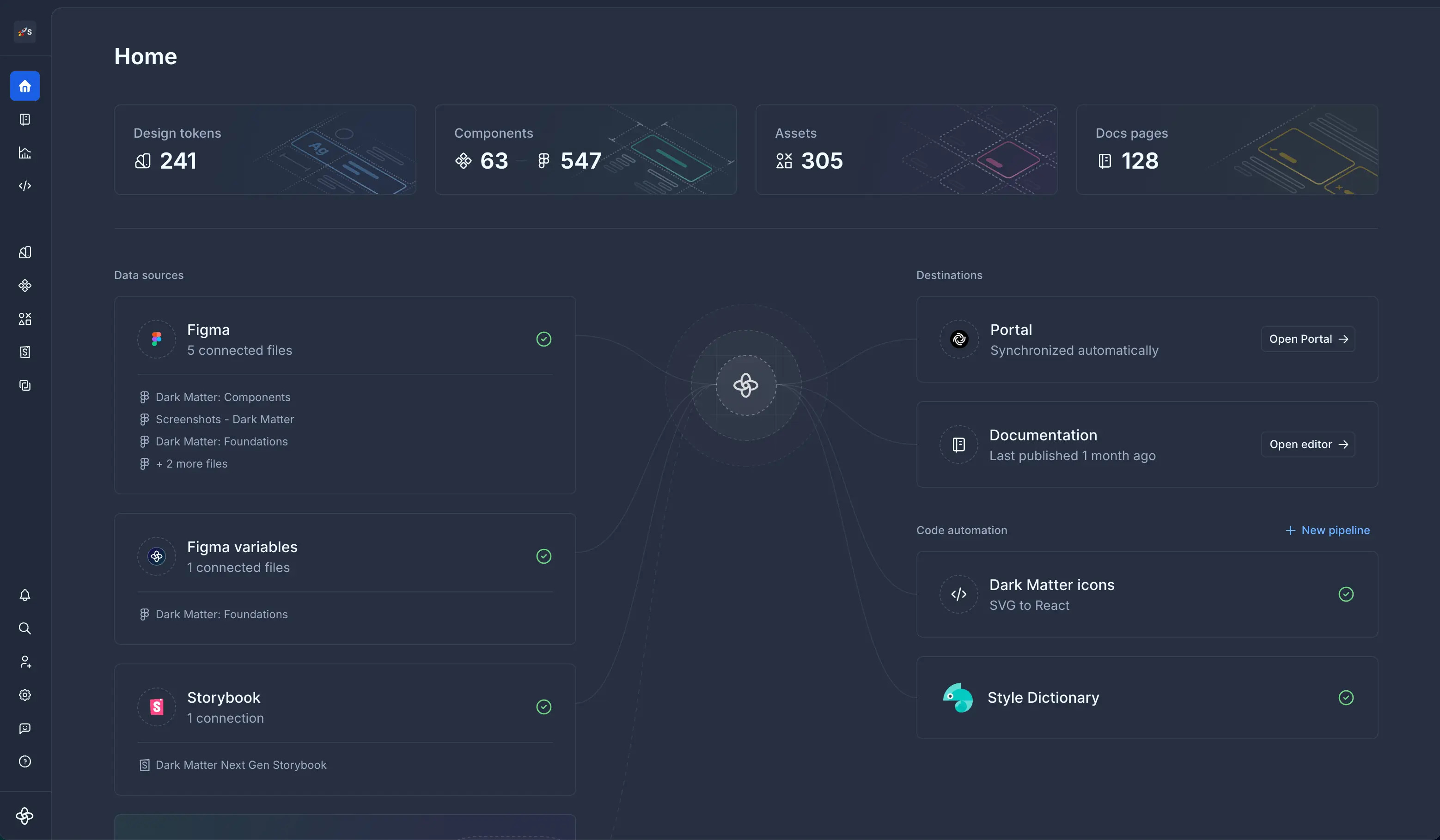
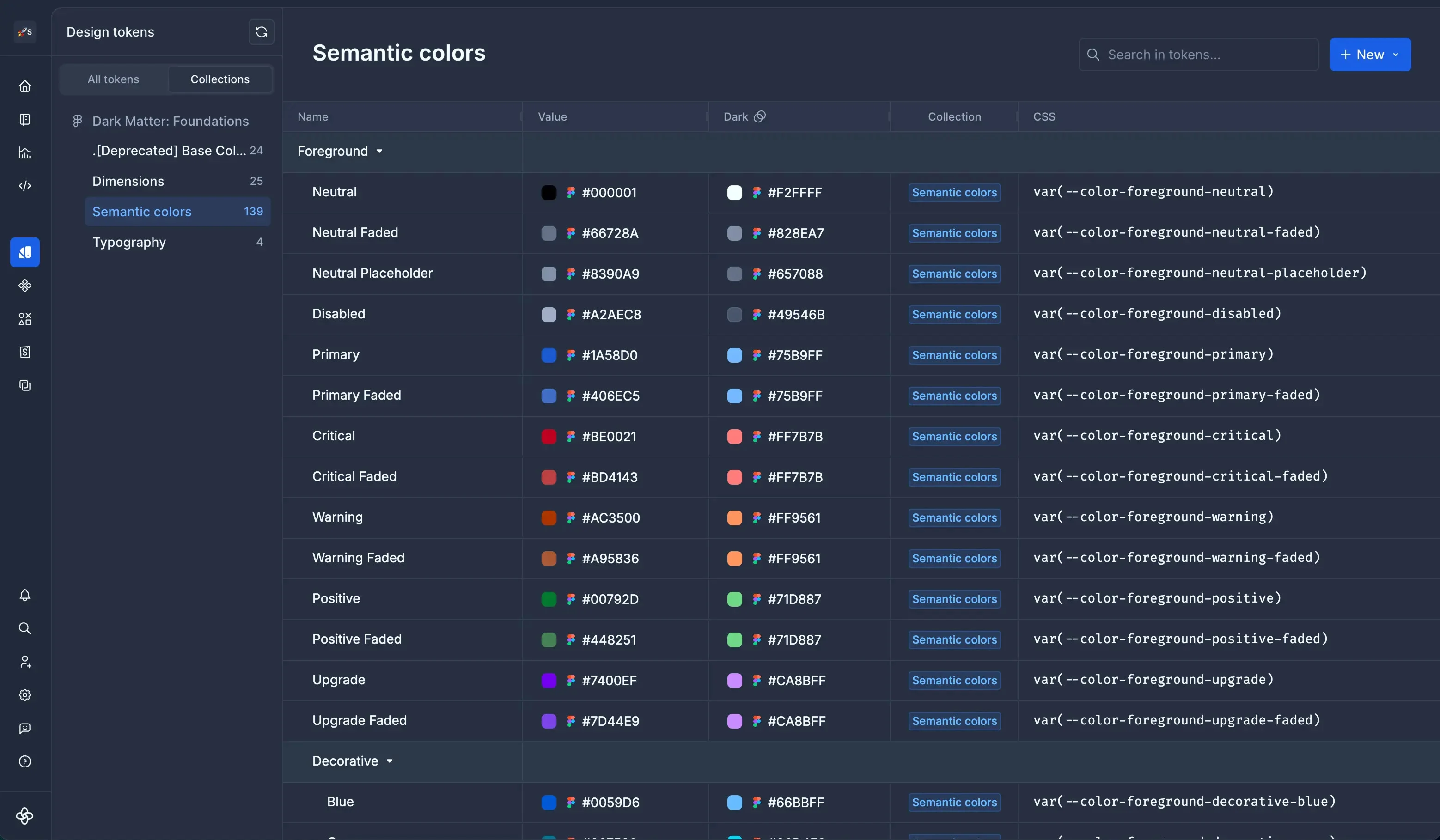
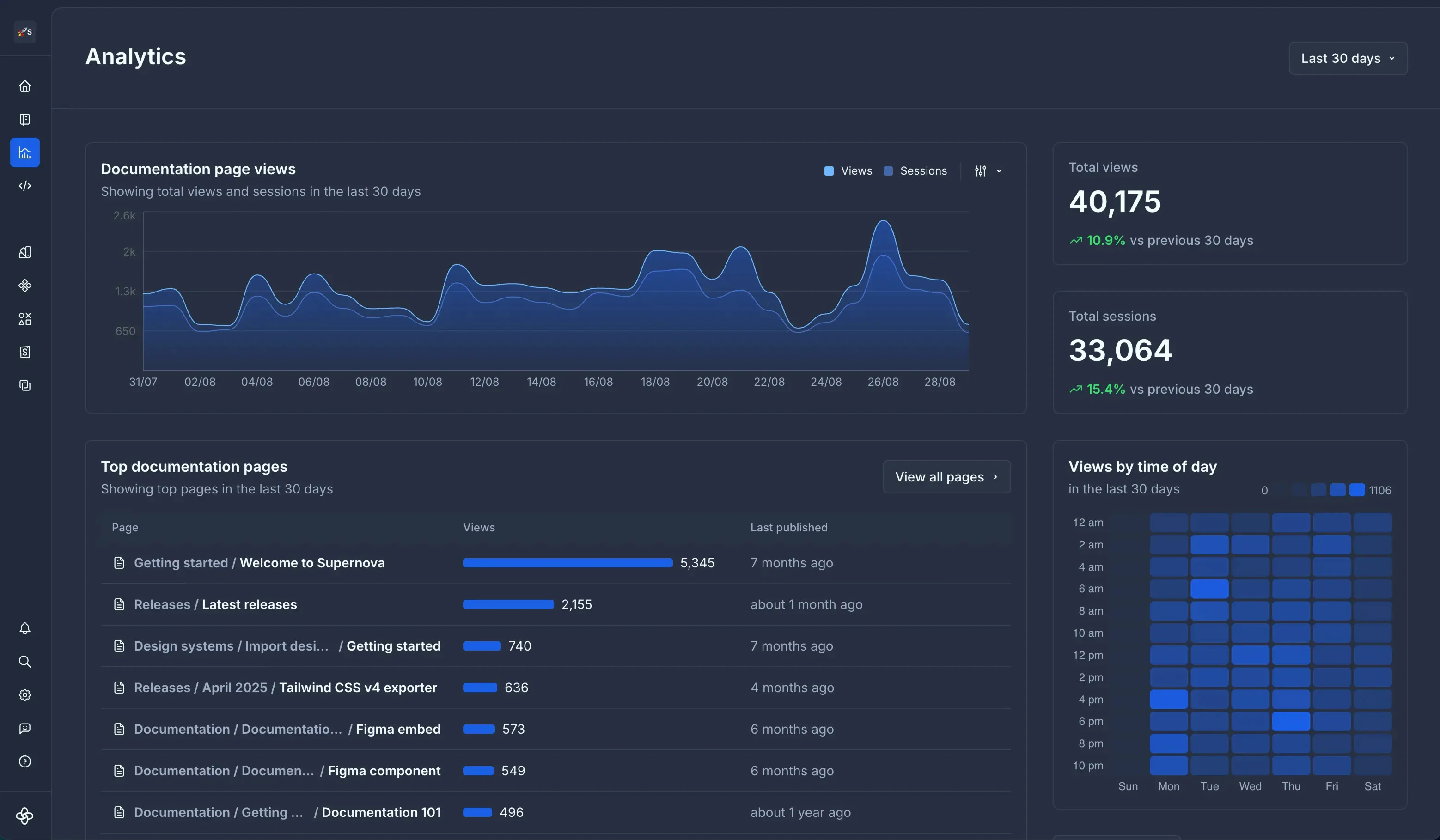
Supernova is a collaborative platform that helps product teams turn ideas into production-ready features while keeping design and development connected. It brings designs, tokens, guidelines, and code libraries together in one collaborative environment.
Marvel is a very strong tool in scenarios where designers seek to quickly create simple prototypes on their desktops using a simple, intuitive interface. It offers “just enough” functionality to create somewhat realistic designs to present to stakeholders and other designers. However, there’s a limit to how “realistic” those designs can be, given that Marvel has somewhat limited functionality around animations. Marvel is not a strong option for those who want to create very complex prototypes with many animations, or for those who want to edit prototypes on their tablet or phone. Marvel is a jewel for simplicity but starts to be difficult to use when creating complicated designs. For creating more complicated prototypes, I would recommend a more robust tool, such as Axure.
A de minimis incentive was given to thank the reviewer for their time. The incentive was not used to bias or drive a particular response, nor was the incentive contingent on a positive endorsement. More Info
Supernova is the best documentation platform on the market, having tested numerous alternatives, including the more popular zeroheight, Knapsack, etc. It's ideal for low-code solutions for brand guidelines and detailed component documentation. Their automated exporter pipelines are the icing on the cake, enabling them to pull what you see in Figma and push it directly into your codebase.
A de minimis incentive was given to thank the reviewer for their time. The incentive was not used to bias or drive a particular response, nor was the incentive contingent on a positive endorsement. More Info
A de minimis incentive was given to thank the reviewer for their time. The incentive was not used to bias or drive a particular response, nor was the incentive contingent on a positive endorsement. More Info
I really miss being able to duplicate, make a copy of the prototype I'm working on. Sometimes, I want to make a comparison with detail changes and without being able to duplicate it is difficult.
Compared to other similar services, I feel the animations could be more fluid and smoother.
It could have more free sophisticated icons and images.
A de minimis incentive was given to thank the reviewer for their time. The incentive was not used to bias or drive a particular response, nor was the incentive contingent on a positive endorsement. More Info
A de minimis incentive was given to thank the reviewer for their time. The incentive was not used to bias or drive a particular response, nor was the incentive contingent on a positive endorsement. More Info
A de minimis incentive was given to thank the reviewer for their time. The incentive was not used to bias or drive a particular response, nor was the incentive contingent on a positive endorsement. More Info
Ultimately, InVision was just a better fit for our company's needs. It's probably faster to create prototypes using Marvel, but InVision's collaboration features (comments, notes, etc.) are much more robust, which was helpful for our large team spread across multiple continents. InVision also offers more advanced features, and Marvel felt a little too limited for our overall business needs.
A de minimis incentive was given to thank the reviewer for their time. The incentive was not used to bias or drive a particular response, nor was the incentive contingent on a positive endorsement. More Info
Supernova has best-in-class customer service. Our Figma library is a huge file and was unable to automatically sync with most platforms (including Supernova) - of all three platforms we tried, Supernova was the only one that actively assigned engineers to our case and offered a solution within a couple of days. They've been great partners.
A de minimis incentive was given to thank the reviewer for their time. The incentive was not used to bias or drive a particular response, nor was the incentive contingent on a positive endorsement. More Info
A de minimis incentive was given to thank the reviewer for their time. The incentive was not used to bias or drive a particular response, nor was the incentive contingent on a positive endorsement. More Info
A de minimis incentive was given to thank the reviewer for their time. The incentive was not used to bias or drive a particular response, nor was the incentive contingent on a positive endorsement. More Info