MindMeister vs. Rocketlane

Overview
ProductRatingMost Used ByProduct SummaryStarting Price
MindMeister
Score 3.4 out of 10
N/A
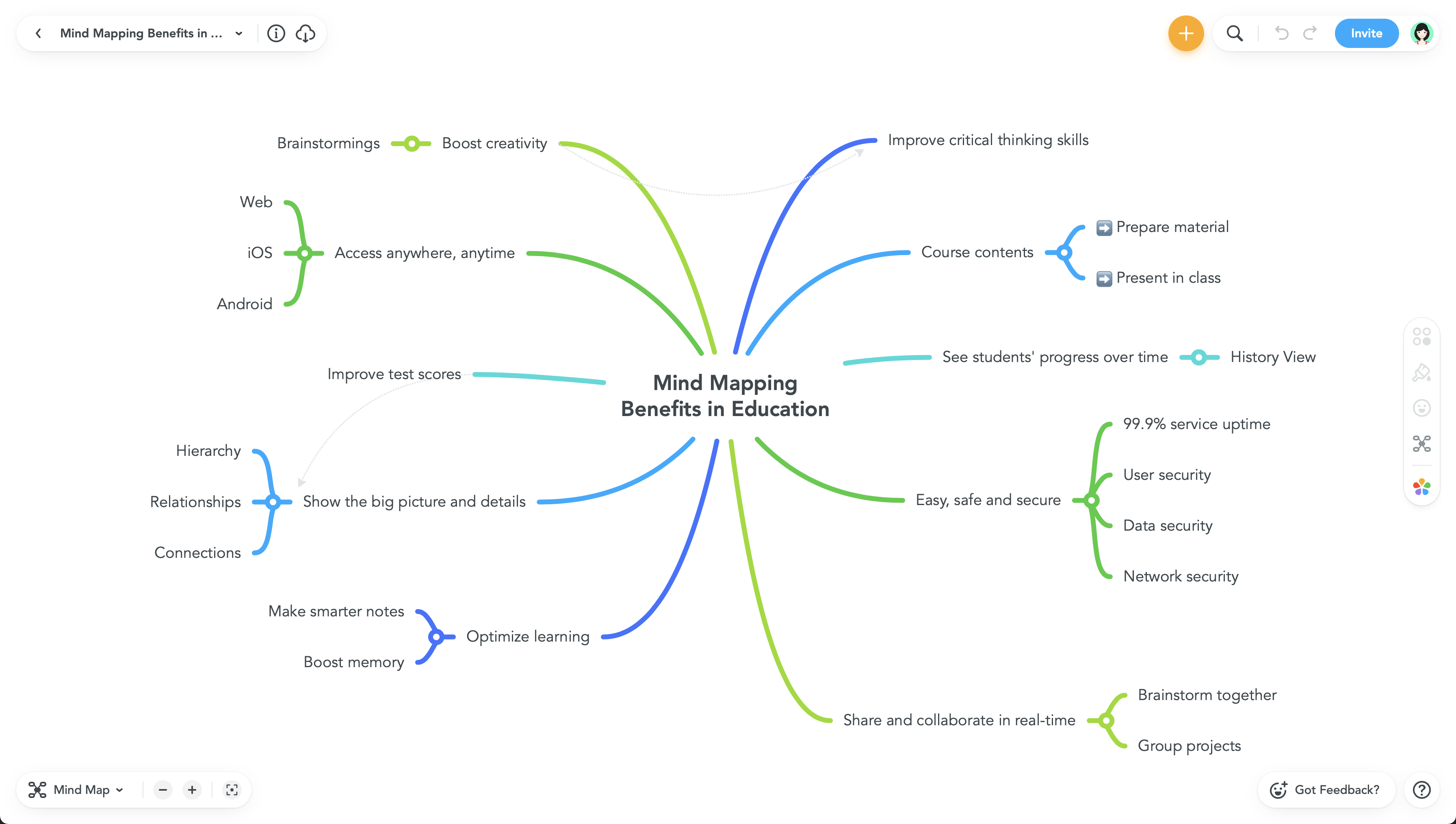
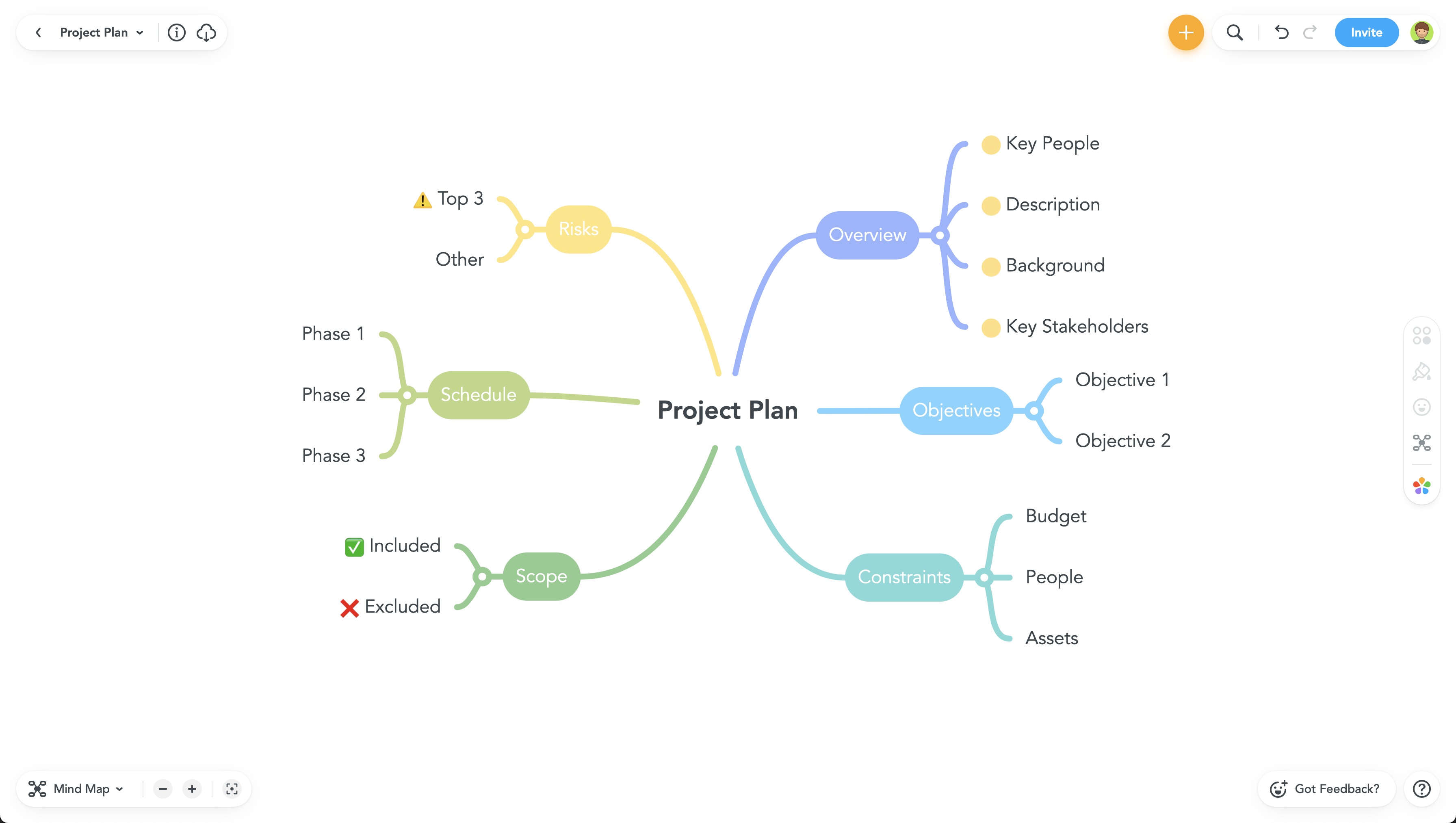
MindMeister is an online mind mapping tool that lets users share maps with an unlimited number of users and collaborate with them in real-time. MindMeister is used to brainstorm ideas, plan projects, take meeting minutes, develop business strategies, and create presentations. MindMeister runs in any standard web-browser as well as on iOS and Android devices, so users can access, edit and present their mind maps anytime, wherever they are. With MindMeister, users…
$45
per 6 months per user
Rocketlane
Score 8.6 out of 10
N/A
As per the information provided by the vendor, Rocketlane is a platform specifically designed to cater to onboarding, implementation, and professional services teams. The primary objective of this platform is to enhance collaboration with customers, optimize project delivery efficiency, and augment customer experience and accountability. Its target audience primarily includes industries such as CS (Customer Success) and Professional Services. It emphasizes its capability to expedite time-to…N/A
Pricing
MindMeisterRocketlane
Editions & Modules
Personal
$45
per 6 months per user
Pro
$75
per 6 months per user
Business
$114
per 6 months per user
No answers on this topic
Offerings
Pricing Offerings
MindMeisterRocketlane
Free Trial
NoYes
Free/Freemium Version
YesNo
Premium Consulting/Integration Services
NoNo
Entry-level Setup FeeNo setup feeNo setup fee
Additional DetailsMindMeister offers 6-monthly and yearly subscriptions. Discounts for educational users and non-profit organizations are also available. Up to 22% discount for yearly pricing.
More Pricing Information
Community Pulse
MindMeisterRocketlane
Considered Both Products
MindMeister
Chose MindMeister
I was unaware of ClickUp at the time. I thought MindMeister would be able to solve some story telling and automation challenges the team was facing. It failed to do that and the team disbanded as a result.
Chose MindMeister
Mindmiester is not good compared to miro
Chose MindMeister
We found MindMeister as the most complete tool considering our needs and context of use. Other tools that we had the chance to test/evaluate offered similar features for brainstorming and log of information, but we felt MindMeister was very easy-to-use, especially thinking …
Chose MindMeister
We chose MindMeister as the UI seemed easier to use. We were not able to take LucidChart for a full test drive due to the limited free plan so we opted for MindMeister in the end as it seemed to have what we needed, which it did. The collaboration features of MindMeister also …
Chose MindMeister
There are many similar programs, but I also use the Freemind open sourced program to work offline, but working collectively in it is not very convenient with this application, so we use the MindMeister.
Chose MindMeister
Mindmeister has a good free plan compared with Lucidchart, and better Google Drive integration in my opinion. Draw.io has a better free plan than MindMeister, but I prefer MindMeister for mindmap creation still, while I prefer draw.io for other types of diagrams. XMind is …
Chose MindMeister
I have also used LucidChart and Google Draw to create mind maps and concept maps in the past. I think that MindMeister is by far the cleanest and most user friendly of the three. Google Draw does not have anywhere near the same functionality. LucidChart tends to be clunky and …
Chose MindMeister
I’ve tried Mindnode for Mac, but it’s a native app, so MindMeister is always accessible (as a web application) and has even more features.
Chose MindMeister
I really like the Mindmeister interface. Clean, beautiful and organized. One of the factors that made me choose Mindmeiter was the direct integration with Meistertask. It is absolutely amazing to delegate tasks to your team directly through the mind map.
Chose MindMeister
MindMeister has a better look than Freemind and is easier to use than Visio
Chose MindMeister
I've not used any other programs, I've been told about others, however I'm happy with MM and I always use it.
Chose MindMeister
As a full graph editor, yEd needs added structure to do tree structures as well as MindMeister. FreeMind is a great tool if you work alone. It allows all sorts of customization and scripting. It is Java-based. We don't work alone. Based on FreeMind, Freeplane adds it's own …
Chose MindMeister
Just as mind maps are applicable to just about anybody in any field of work, MindMeister is probably the best piece of software on which to create them. SimpleMind for MC/PC is very good, if not better in terms of user experience, but it's not cloud based so sharing maps is a …
Rocketlane
Chose Rocketlane
Ease of User, User Friendliness, Customer Onboarding, Task Management, Effective & Efficient communication, Project Management, E-mail reminders/notifications, Publishing status report, Overview of all projects, Templates, Resource management, Timesheet
Chose Rocketlane
The older one was no as good as Rocketlane because the User interface and UI are most important to use any software for the end user. Because more easy to understand, and easier to adapt the software. Thanks, Rocketplane I really like rocketplane because of its features and …
Chose Rocketlane
Rocketlane was extremely easy to stand up and get running. Both our internal teams and customers have been fans of the process so far. We had our first projects set up, with our Salesforce sync and white-labeled branding all live within the first week.
Chose Rocketlane
For our specific needs, Rocketlane fits the bill perfectly. It had just the right amount of features without it being overly complicated to teach the client. The pricing also worked out well: just pay monthly licenses per user.
Chose Rocketlane
Rocketlane is more robust for onboarding than monday.com with better customer interface. However, Rocketlane does not have some of the advanced features of ChurnZero or GUIDEcx. However, Rocketlane's pricing is aligned well with the features they offer.
Features
MindMeisterRocketlane
Project Management
Comparison of Project Management features of Product A and Product B
MindMeister
-
Ratings
Rocketlane
8.4
Ratings
9% above category average
Task Management00 Ratings9.00 Ratings
Resource Management00 Ratings8.00 Ratings
Gantt Charts00 Ratings8.00 Ratings
Scheduling00 Ratings9.00 Ratings
Workflow Automation00 Ratings8.00 Ratings
Team Collaboration00 Ratings10.00 Ratings
Support for Agile Methodology00 Ratings9.00 Ratings
Support for Waterfall Methodology00 Ratings5.00 Ratings
Document Management00 Ratings8.00 Ratings
Email integration00 Ratings9.00 Ratings
Timesheet Tracking00 Ratings9.00 Ratings
Best Alternatives
MindMeisterRocketlane
Small Businesses
Whimsical
Whimsical
Score 9.3 out of 10
Stackby
Stackby
Score 8.9 out of 10
Medium-sized Companies
Whimsical
Whimsical
Score 9.3 out of 10
InEight
InEight
Score 8.2 out of 10
Enterprises
Whimsical
Whimsical
Score 9.3 out of 10
InEight
InEight
Score 8.2 out of 10
All AlternativesView all alternativesView all alternatives
User Ratings
MindMeisterRocketlane
Likelihood to Recommend
1.0
(0 ratings)
10.0
(0 ratings)
Likelihood to Renew
-
(0 ratings)
10.0
(0 ratings)
Usability
-
(0 ratings)
9.0
(0 ratings)
Support Rating
10.0
(0 ratings)
-
(0 ratings)
User Testimonials
MindMeisterRocketlane
Likelihood to Recommend
This product is well suited for making mind maps and outlining projects and ideas from the start. It can be tough if you are trying to convert something you began in Docs. It allows for a lot of intuitive creation, making your work flow easily. It can get to be a bit clunky though if you make your map too large.
Read full review
There is project management tracking from the start till the end (onboarding till hypercare). The bifurcation of project stages and pre-built templates is good; you can assign client tasks. Less appropriate: Raising tickets for developers because there is no escalation management option. Let’s say the developer didn’t reply in 24 hours for a high-priority task; this should be automatically escalated to their senior.
Read full review
Pros
  • The UI is well laid out and easy to use. The workflow makes perfect sense and makes creating tasks a breeze.
  • The collaboration features make brainstorming not only easy but fun! Everyone enjoys using the tool, which was not the case with other collaboration software we used.
  • I love being able to get all of my thoughts and ideas on the screen to see them and then be able to connect them in a logical way.
Read full review
  • The project timelines and tasks feature is nice.
  • Status updates can be published, which can be seen by external stakeholders/clients even though they are not on Rocketlane or they have not taken Rocketlane subscriptions.
  • Timesheets can be easily tracked through which resource utilization can be planned.
Read full review
Cons
  • I wish collaborators could add comments without having to be given editor privileges. A "Reviewer" role would be helpful.
  • I would like to be able to toggle note visibility on and off. If there is a way to do it now, I haven't found it. As it is, I have to hover or use the sidebar to see notes.
  • Two or three times I have seen my nodes spontaneously reverse order in a big map (over their recommended limit). Even so, they are working on tracking the issue down.
Read full review
  • Project Opening time
  • Automated time tracked should be there
  • Every phase has a option to make a call and zoom so time tracked real time
Read full review
Likelihood to Renew
No answers on this topic
It really helps to support us in supporting our customers.
Read full review
Usability
No answers on this topic
Because of the impact, it has created in terms of saving resources and time by helping them with project-related timelines.
Read full review
Support Rating
Never had an issue with customer support, though we never really needed anything major as far as technical help. I do not believe they offer 24 hour customer support but we don't need it as MindMeister is not the type of tool we need need 24 hour a day support for. Overall, very happy with the level of support.
Read full review
No answers on this topic
Alternatives Considered
Mindmeister has a good free plan compared with Lucidchart, and better Google Drive integration in my opinion. draw.io has a better free plan than MindMeister, but I prefer MindMeister for mindmap creation still, while I prefer draw.io for other types of diagrams. Xmind is powerful, but bloated, and requires installation on every machine that needs to open the file. The fact that MindMeister is in the cloud is a huge bonus.
Read full review
Ease of User, User Friendliness, Customer Onboarding, Task Management, Effective & Efficient communication, Project Management, E-mail reminders/notifications, Publishing status report, Overview of all projects, Templates, Resource management, Timesheet
Read full review
Return on Investment
  • Our meetings became more productive (time saving /better outcome).
  • Project management activities became more efficient (time-saving/increased quality/better collaboration).
  • It became easier to create online repositories to share relevant and well-organized information to our teams (before it was dispersed, incomplete, and difficult to find/manage).
Read full review
  • As an admin and end-user, Rocketlane has saved me at least four hours of work every week. Multiply that across the entire team, and we're saving two full days of work by removing all the manual tasks.
Read full review
ScreenShots

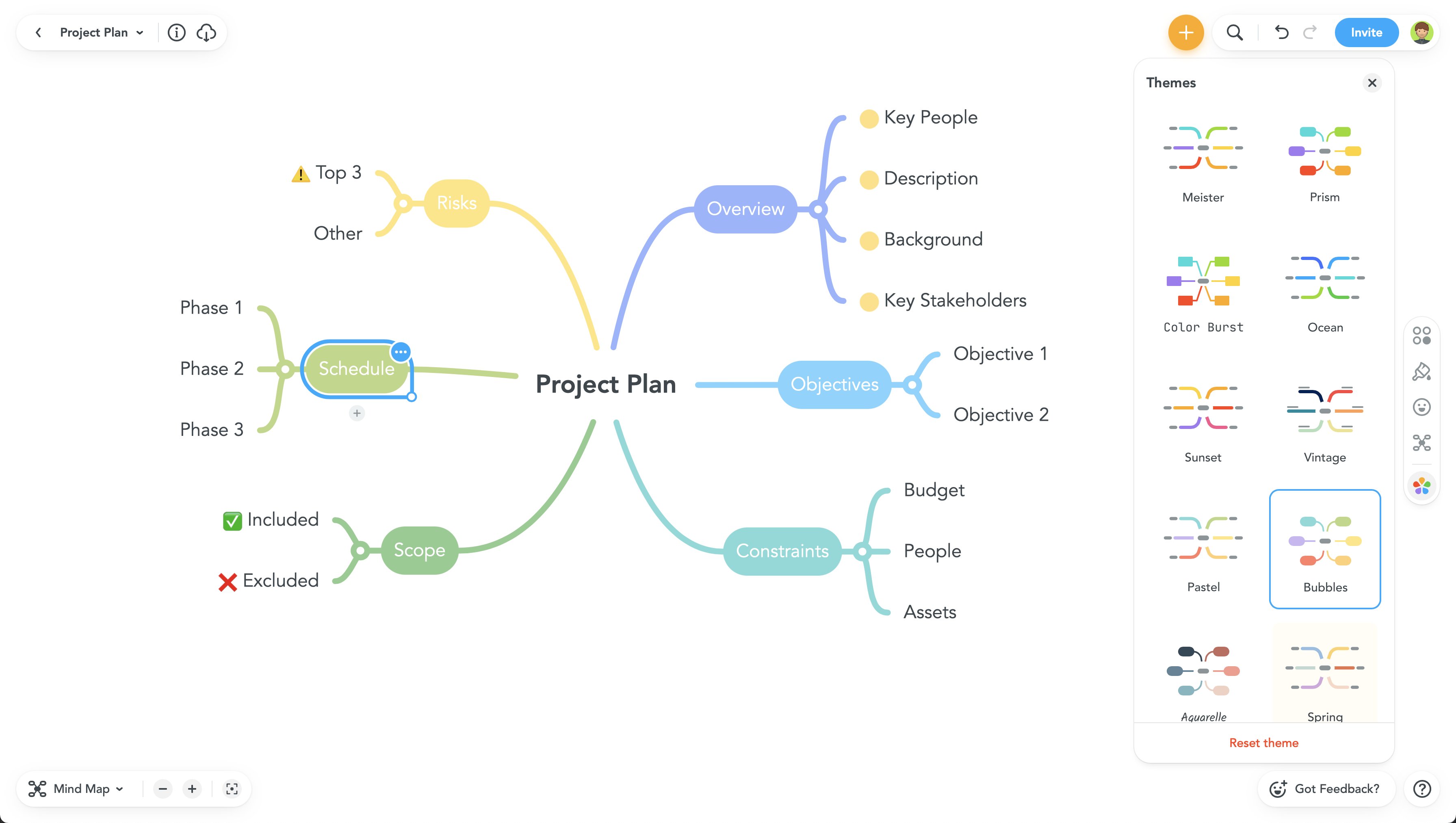
MindMeister Screenshots

Screenshot of Screenshot of Screenshot of Screenshot of

Rocketlane Screenshots

Screenshot of Project ListsScreenshot of Project PlanScreenshot of Status UpdateScreenshot of Customer ViewScreenshot of TemplateScreenshot of Documents