TrustRadius: an HG Insights company

Save this comparison

Save this comparison

Add Product

Recommended Comparisons

    Overview
    ProductRatingMost Used ByProduct SummaryStarting Price

    Munin

    Score9 out of 10
    N/AN/AN/A

    NetVizura NetFlow Analyzer

    Score7.6 out of 10
    Mid-Size Companies (51-1,000 employees)
    NetVizura NetFlow Analyzer, from Soneco, is designed to help network admins with network traffic monitoring, analysis and reporting. The vendor says their solution enables users to do the following: Monitor network bandwidth on routers and interfaces Monitor custom traffic on IP subnets and IP subnets groups Monitor end user traffic (username based) Quickly get insight into traffic structure (top talkers) by hosts, services, protocols, conversations, QoS,…N/A
    Pricing
    MuninNetVizura NetFlow Analyzer
    Editions & Modules
    No answers on this topic
    No answers on this topic
    Offerings
    Pricing Offerings
    MuninNetVizura NetFlow Analyzer
    Free Trial
    NoYes
    Free/Freemium Version
    NoYes
    Premium Consulting/Integration Services
    NoYes
    Entry-level Setup FeeNo setup feeNo setup fee
    Additional Details—Price is based on the number of processed flows. No limitations on the number of user, interfaces etc.
    More Pricing Information
    Best Alternatives
    MuninNetVizura NetFlow Analyzer
    Small Businesses
    No answers on this topic
    No answers on this topic
    Medium-sized Companies
    Cisco Meraki Dashboard
    Score9 out of 10
    SolarWinds NetFlow Traffic Analyzer (NTA)
    Score8.5 out of 10
    Enterprises
    Cisco Prime LAN Management (discontinued)
    Score7.7 out of 10
    SolarWinds NetFlow Traffic Analyzer (NTA)
    Score8.5 out of 10
    All AlternativesView all alternativesView all alternatives
    User Ratings
    MuninNetVizura NetFlow Analyzer
    Likelihood to Recommend
    9.0
    (1 ratings)
    9.0
    (2 ratings)
    User Testimonials
    MuninNetVizura NetFlow Analyzer
    Likelihood to Recommend
    Open Source
    Single window to look for hardware statistics and application monitoring. Easy to configure, and a lot of stuff is available online related to its configuration. However, the team at Munin should work on the mobile applications as well and also look for bundling professional services at a cost. That will be helpful for startups to hook to Munin instead of running across websites for the integration.
    Read full review
    Soneco
    The capacity planning was a big help in our company as we grew the number of connected locations. Grow or die is pretty much the business model of today but that growth is only as good as the network it travels on. Being able to recommend appropriate network requirements is a big deal in our line of business.
    Incentivized
    Read full review
    Pros
    Open Source
    • Hardware stats.
    • Application stats.
    • Ease of admin.
    • Simple interface.
    Read full review
    Soneco
    • Ease of use
    Read full review
    Cons
    Open Source
    • Mobile application.
    • Pre builtin modules for unix, cisco, hp devices.
    • Alert Notifications over SMS and call.
    • Web hook integrations with Slack, pagerduty etc.
    Read full review
    Soneco
    • At this point, I don't have any suggestion for improvements.
    Incentivized
    Read full review
    Alternatives Considered
    Open Source
    Ease of admin and relatively easy to configure. People have been using it for decades, so the market is well aware of its functionality, and you will get answers to most of the questions or problems. Community support is also there to seek advice. In a nutshell, people are well aware, and it's stable.
    Read full review
    Soneco
    Easier to use
    Read full review
    Return on Investment
    Open Source
    No answers on this topic
    Soneco
    • As I mentioned in a previous statement, the capacity planning was the big thing. In our line of business, speed is everything. Customers hate to be slowed down so having the appropriate network connections is a must.
    • Anomaly Detection with the threshold based alerting has made our network team more proactive in stopping things before they can really affect the company.
    • Productivity with the use of monitoring conversations and amount of used bandwidth has helped weed out the works versus the campers.
    Incentivized
    Read full review
    ScreenShots

    NetVizura NetFlow Analyzer Screenshots

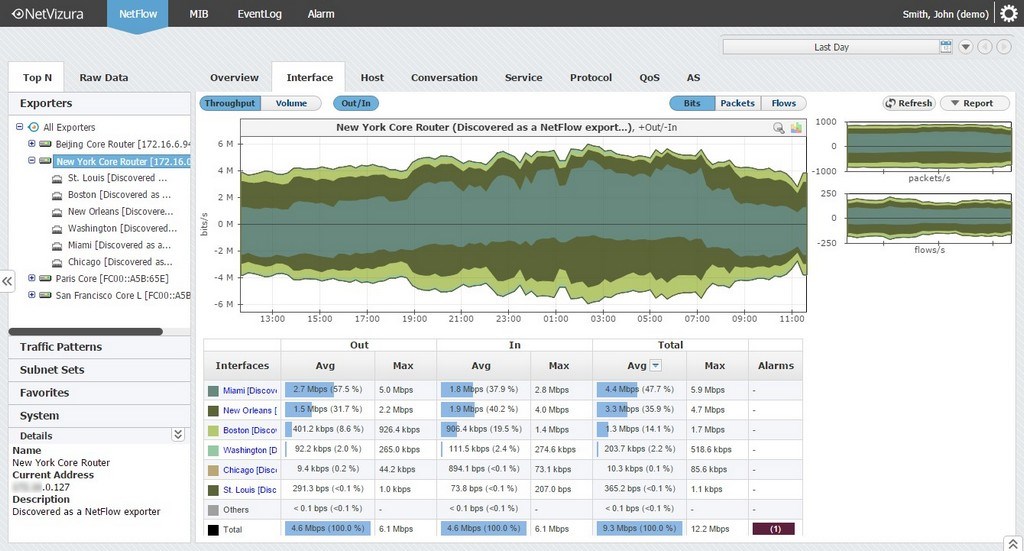
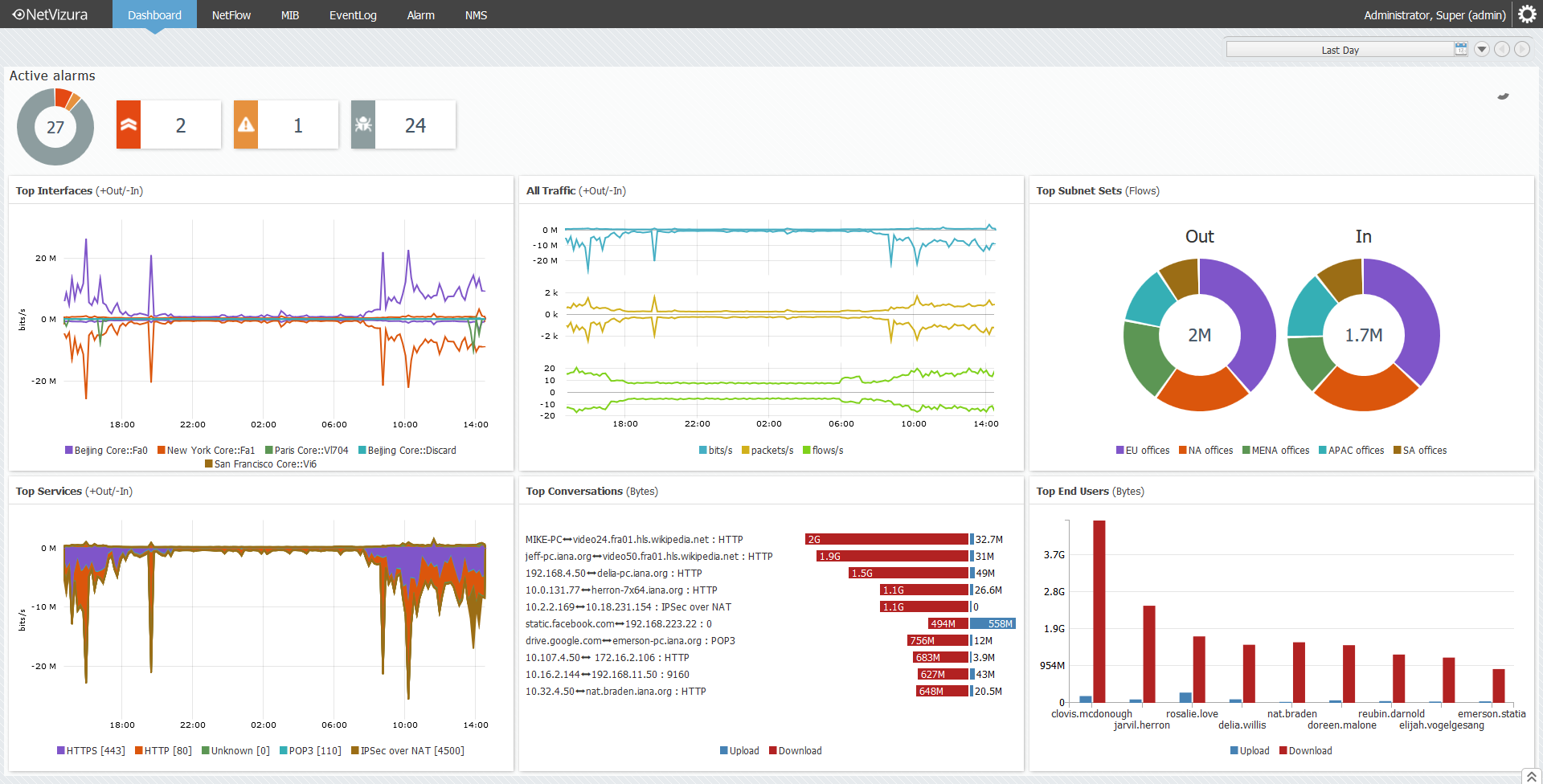
    Screenshot of Interface traffic monitoring in NetVizuraScreenshot of IP subnet traffic monitoring in NetVizuraScreenshot of Investigating flow records in NetVizuraScreenshot of Setting top talker number per node in NetVizuraScreenshot of End user traffic monitoring in NetVizuraScreenshot of Dashboard overview in NetVizura