
Navisworks vs. ZW3D
| Product | Rating | Most Used By | Product Summary | Starting Price |
|---|---|---|---|---|
 Navisworks | Score9.1 out of 10 | N/A | Autodesk's Navisworks is a 3D model and construction project review and coordination software allowing the user to combine design and construction data into a single model, and identify and resolve clash and interference problems before construction. | $135 per month |
 ZW3D | N/A | N/A | ZW3D is a 3D CAD/CAE/CAM solution that can take users through the entire product development journey from conception to production. Harnessing the power of design, simulation, and manufacturing, ZW3D helps users to build better products faster at less cost. Whether for a small workshop or an enterprise organization, ZW3D aims to cover all needs, with features including solid-surface hybrid modeling, structural simulation, 2-5 axis machining and specialized tools for sheet metal,… | $1,800 one-time fee |
| Navisworks | ZW3D | |||||||||||||||
|---|---|---|---|---|---|---|---|---|---|---|---|---|---|---|---|---|
| Editions & Modules |
|
| ||||||||||||||
| Offerings |
| |||||||||||||||
| Entry-level Setup Fee | No setup fee | No setup fee | ||||||||||||||
| Additional Details | — | 1. Depending on the country of residence, relevant taxes will be added at checkout. 2. Yearly maintenance is optional and not included in prices above, to keep the perpetual license up-to-date with the next annual version and corresponding service packs. | ||||||||||||||
| More Pricing Information | ||||||||||||||||
| Navisworks | ZW3D | |
|---|---|---|
| Considered Both Products | No answer on this topic | No answer on this topic |
| Key User Insights | ||
| Would buy again | ||
100% Would buy again 17 Answers | No answers on this topic | |
| Delivers good value for the price | ||
100% Delivers good value for the price 15 Answers | No answers on this topic | |
| Happy with the feature set | ||
94% Happy with the feature set 16 Answers | No answers on this topic | |
| Lived up to sales and marketing promises | ||
100% Lived up to sales and marketing promises 12 Answers | No answers on this topic | |
| Implementation went as expected | ||
100% Implementation went as expected 14 Answers | No answers on this topic | |
| Navisworks | ZW3D | |
|---|---|---|
| Small Businesses |  Autodesk Maya Score8.3 out of 10 | Autodesk Maya Score8.3 out of 10 |
| Medium-sized Companies |  Blender Score9 out of 10 | Navisworks Score9.1 out of 10 |
| Enterprises | No answers on this topic | Navisworks Score9.1 out of 10 |
| All Alternatives | View all alternatives | View all alternatives |
| Navisworks | ZW3D | |
|---|---|---|
| Likelihood to Recommend | 10.0 | - |
| Usability | 10.0 | - |
| Support Rating | 7.4 | - |
| Navisworks | ZW3D | |
|---|---|---|
| Likelihood to Recommend |
| No answers on this topic |
| Pros |
| No answers on this topic |
| Cons |
| No answers on this topic |
| Usability |
| No answers on this topic |
| Support Rating |
| No answers on this topic |
| Alternatives Considered |
| No answers on this topic |
| Return on Investment |
| No answers on this topic |
| ScreenShots | ZW3D Screenshots  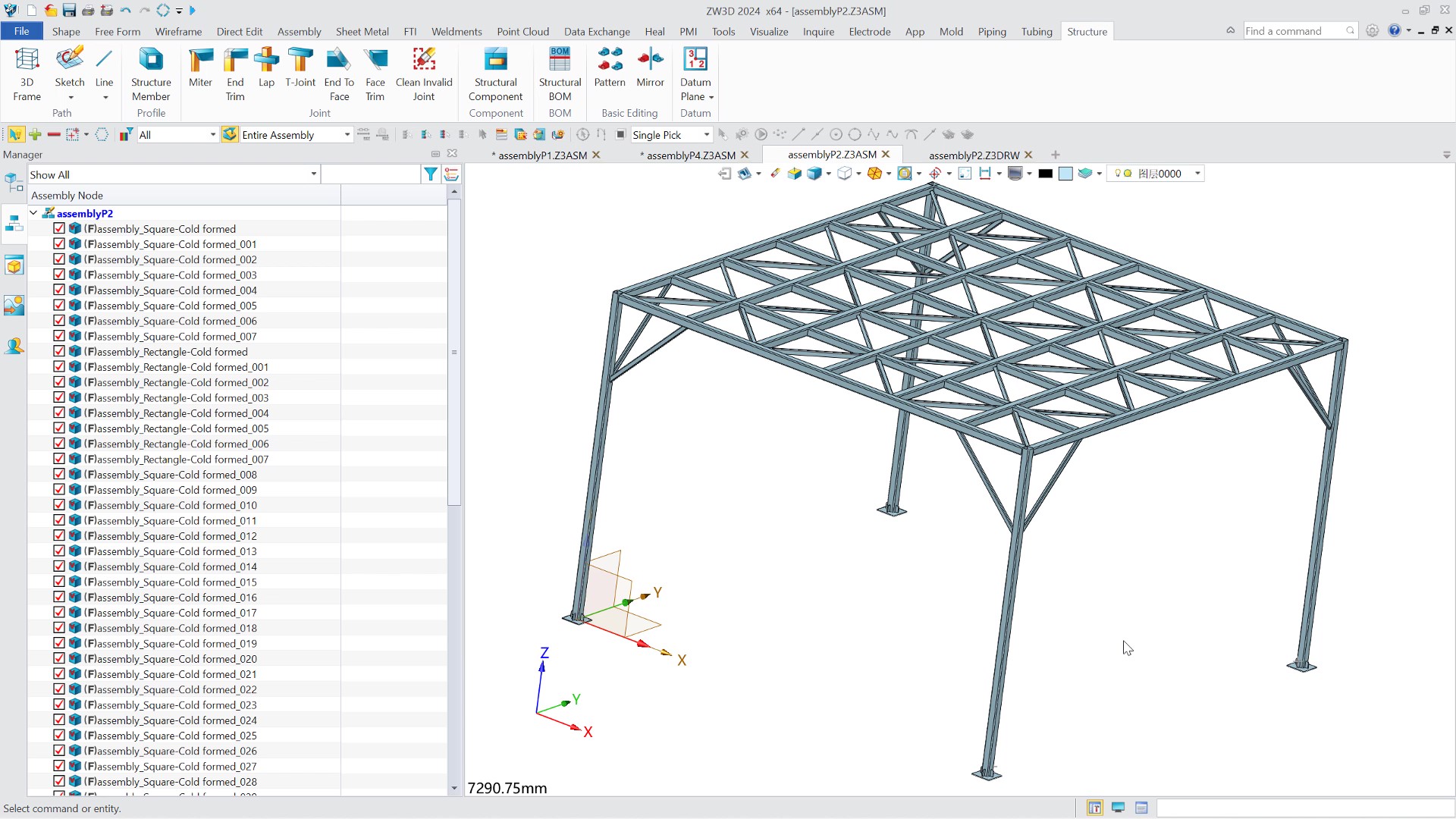  |



