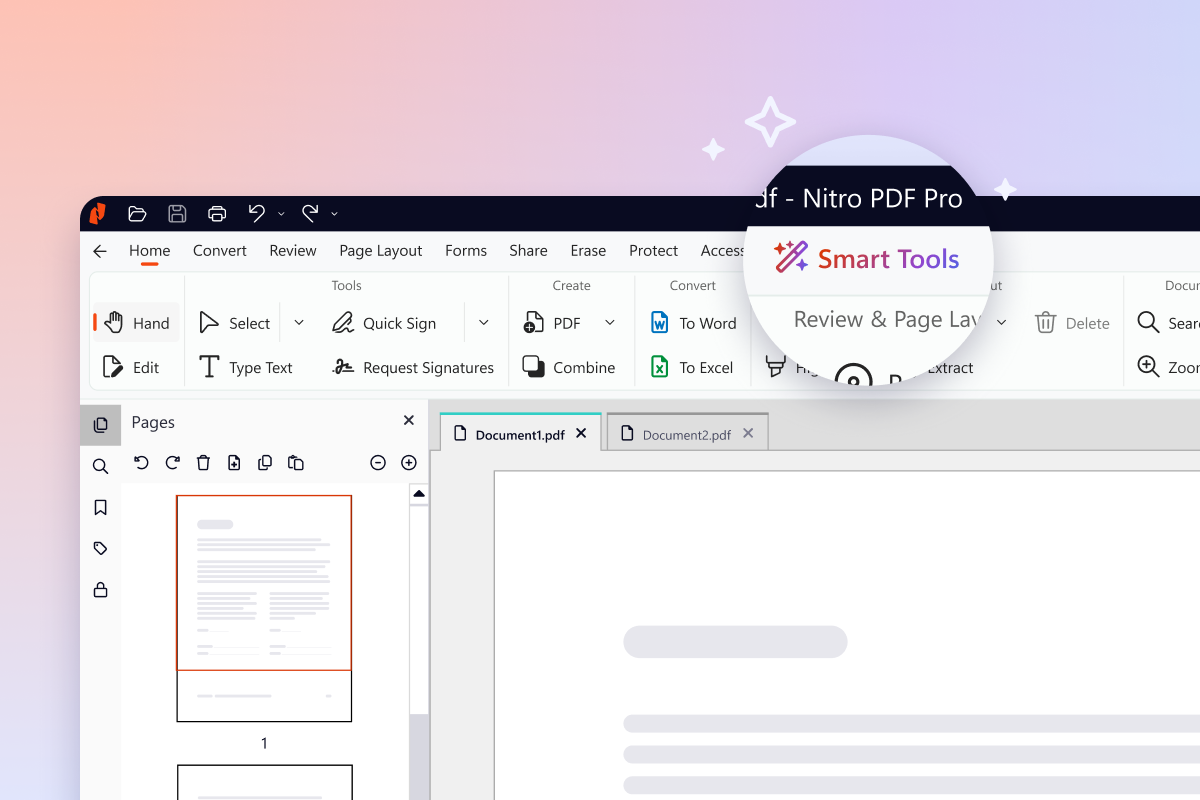
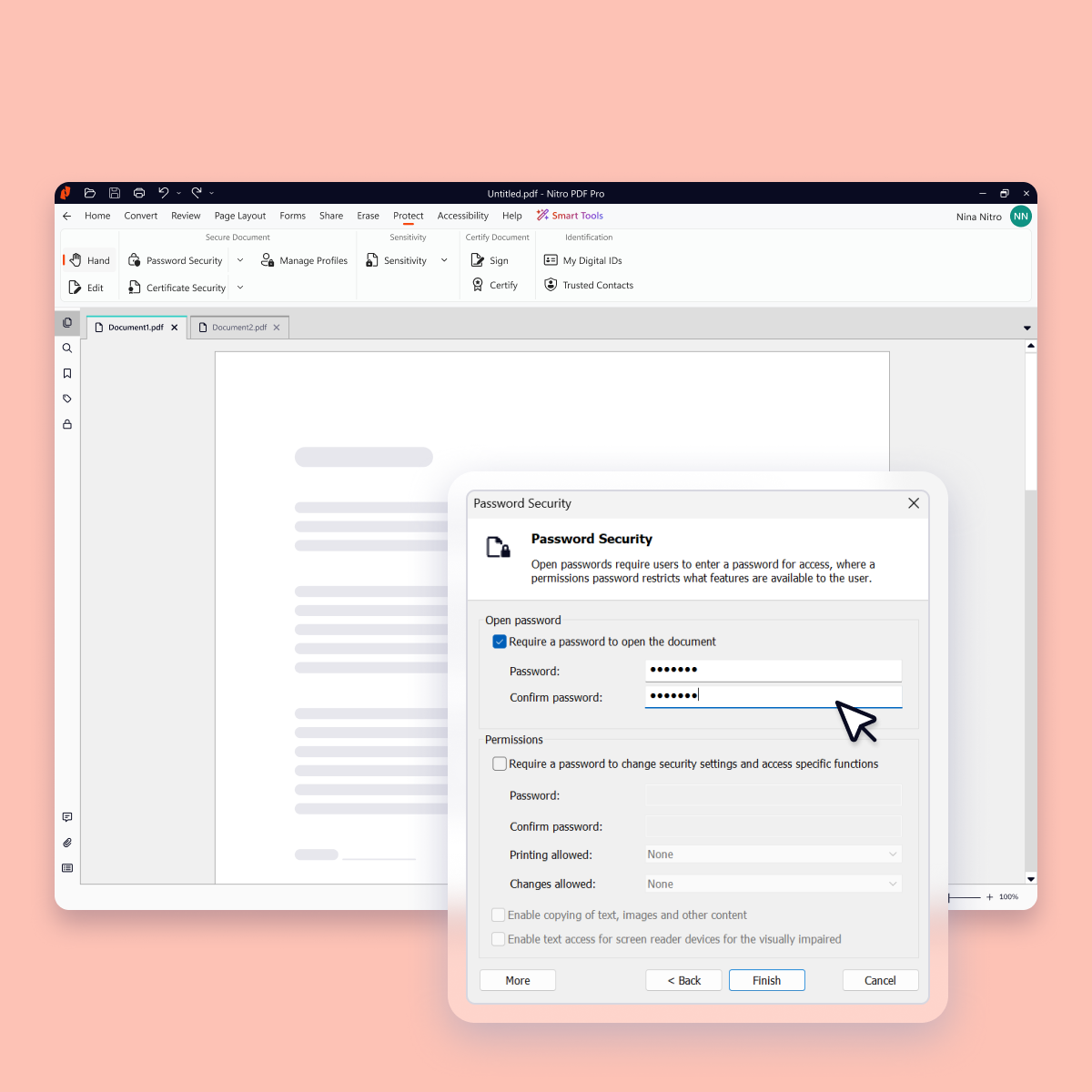
Nitro PDF Pro is a document management platform that supports PDF creation, modification, conversion, organization, review, and protection across Windows, Mac, and iOS environments. Key Capabilities Document Authoring & Modification: Native editing capabilities for PDF creation and content updates. Format Conversion: Conversion between PDF and standard office document formats. Document Organization & Management: File organization and management…
$7.50
Billed every 3 years. This is a subscription product with a 3-year fee of $270.00 per license. per seat
UiPath Document Understanding
Score 9.0 out of 10
N/A
UiPath Document Understanding is an intelligent document processing software solution that trains RPA robots to understand and process a company's forms.
N/A
Pricing
Nitro PDF Pro
UiPath Document Understanding
Editions & Modules
Nitro PDF Classic
$7.5/month
Billed every 3 years. This is a subscription product with a 3-year fee of $270.00 per license. per seat
Nitro PDF Standard
$15/month
This is a subscription product with a yearly fee of $180.00 per license. per seat
Nitro Productivity Suite is able to perform just as well as Adobe. It uses less resources on my machine than Adobe. I think it is much easier to use than Tungsten as well.
Every 1-2 years will do a check on current PDF options to include trialing the software. Have tried Foxit and several that seem to have failed in the marketplace. Over the last 4 years, I have always stuck with Nitro. Unfortunately, we still need to keep Adobe Acrobat (free …
I think Adobe is probably the best PDF solution since they essentially developed and own the PDF format, but Nitro is a very good alternative and is more competitively priced.
If our clients didn't use PDF documents or sent us everything in MS Word, then our Office 365 would be …
Nitro Productivity Suite allows a user to accomplish all of the things you would want to do to a document that Adobe does not. Much easier to find the operation you are looking for in Nitro Productivity Suite compared to Adobe
At the time, we evaluated Adobe Professional to help with some of the PDF modifications we were needing to accomplish. I didn't see any further options besides Nitro and Adobe that were worth evaluating. When looking at costs and feature comparisons it was a no-brainer.
I downloaded the trial versions of both Acrobat DC and Nitro PDF, and found Nitro to be superior in price, while Acrobat was superior in software features and user-friendliness. I knew I would be using Nitro for basic publishing and editing of PDFs, which both programs do well, …
We selected Nitro PDF because the features that the organization needed were comparable and the annual cost for the on-premises version of the application was considerably less expensive at the time. When we selected, Adobe was not yet in the cloud. At that time, there were …
UiPath document understanding makes my work easier. My business requirement was to identify invoice page numbers from a PDF containing more than 2 pages. And DU makes my work easier. Especially if there are thousands of documents, DU works better for that.
Accuracy and ExtractionCapabilitiesUtilizes machine learning algorithms for adaptive learning.Well-suited for structured and semi-structured document extraction.Offers a high degree of accuracy in data extraction.Employs cognitive learning and natural language processing (NLP) …
I run a professional services business from home. I need to edit documents quickly and easily and with minimal subscriptions to minimize overheads. I love that Nitro is a one-off payment to get a license to the software, and you can simply upgrade to the latest version if that's what you want, but you're not obligated to. I've been using the same version of Nitro for 7-8 years now. Despite the fact the upgraded versions have a lot of great, nice-to-have features, the version I'm on still does the job.
UiPath Document Understanding excels in scenarios where invoices follow a standardized format or template. Its ability to accurately extract data from consistent layouts ensures reliable automation for invoices with predictable structures.When dealing with a large volume of invoices, Document Understanding's automation capabilities shine. It streamlines the extraction process, allowing organizations to efficiently process a high number of invoices with reduced manual intervention.Document Understanding is particularly suitable for organizations that utilize SAP or other Enterprise Resource Planning (ERP) systems. Its seamless integration capabilities facilitate the automatic transfer of accurately extracted invoice data into these systems.In scenarios where invoices have a combination of structured and semi-structured elements, Document Understanding performs well. It can intelligently handle varying layouts, making it suitable for invoices with standardized sections and flexible content placement.Similar to invoices, Document Understanding can be effectively used for extracting data from receipts. Whether it's capturing transaction details, merchant information, or purchase amounts, the tool's template-based extraction is advantageous.Document Understanding can be employed for automating the extraction of data from various HR documents, including resumes, employee onboarding forms, and timesheets. This facilitates efficient HR document management.
For the most part, the entire software is extremely easy to navigate and use. You won't need to follow tutorials or anything for the bulk of the core features, as it's all pretty seamlessly designed.
Nitro checks all the boxes for what we need. It is fairly priced, it allows us to read and edit PDF documents, convert PDF to MS Word and convert MS Word to PDF. It allows us to combine multiple files and do all the post processing like adding page numbers and adding headers and footers
Every 1-2 years will do a check on current PDF options to include trialing the software. Have tried Foxit and several that seem to have failed in the marketplace. Over the last 4 years, I have always stuck with Nitro. Unfortunately, we still need to keep Adobe Acrobat (free version) installed to view a small percentage of some PDFs we receive.
UiPath document understanding makes my work easier. My business requirement was to identify invoice page numbers from a PDF containing more than 2 pages. And DU makes my work easier. Especially if there are thousands of documents, DU works better for that.
Positive - Allows us to modify PDF documents from our clients to submit our proposals.
Positive - Allows us to convert PDF documents to MS Word to share with our consultants and others without a PDF editor who contributes to our proposals.
Negative - Need to upgrade to get the latest features/versions unlike something like MS/Office 365 where we just get updates automatically and free for the monthly fee. Maybe they will or need to move to a subscription solution versus a product price.