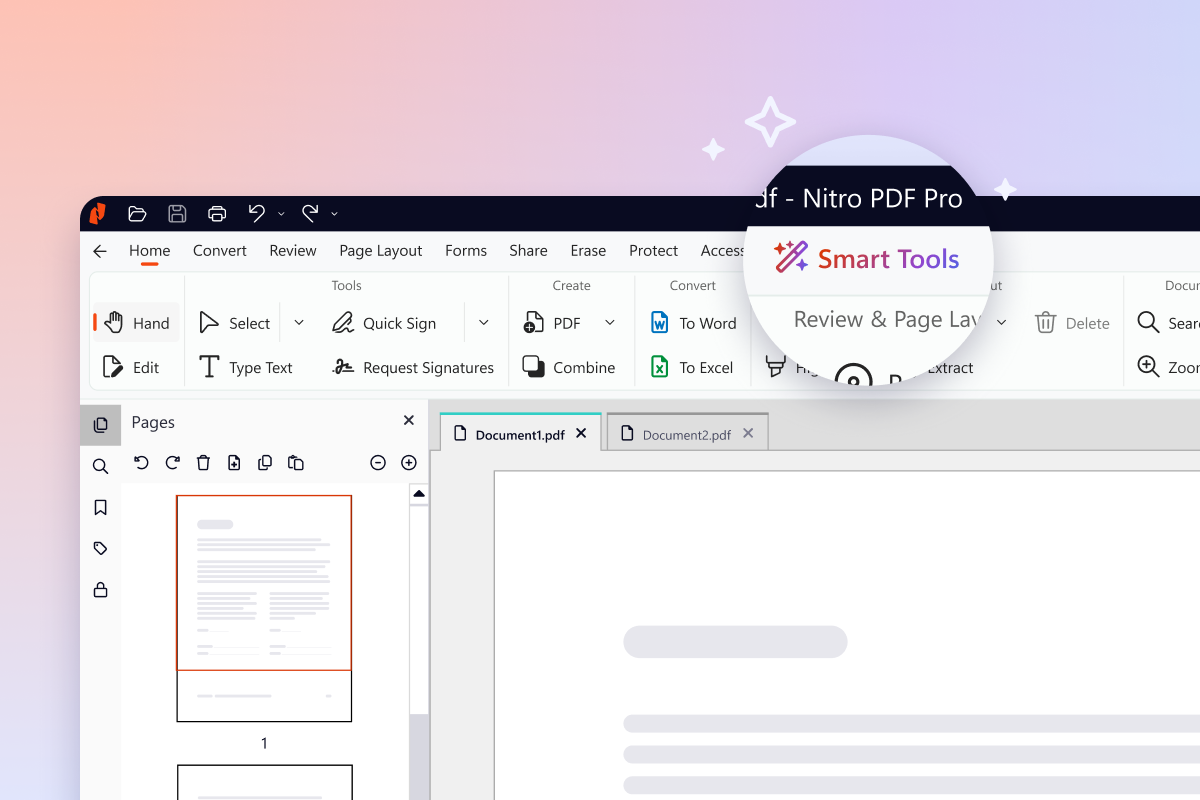
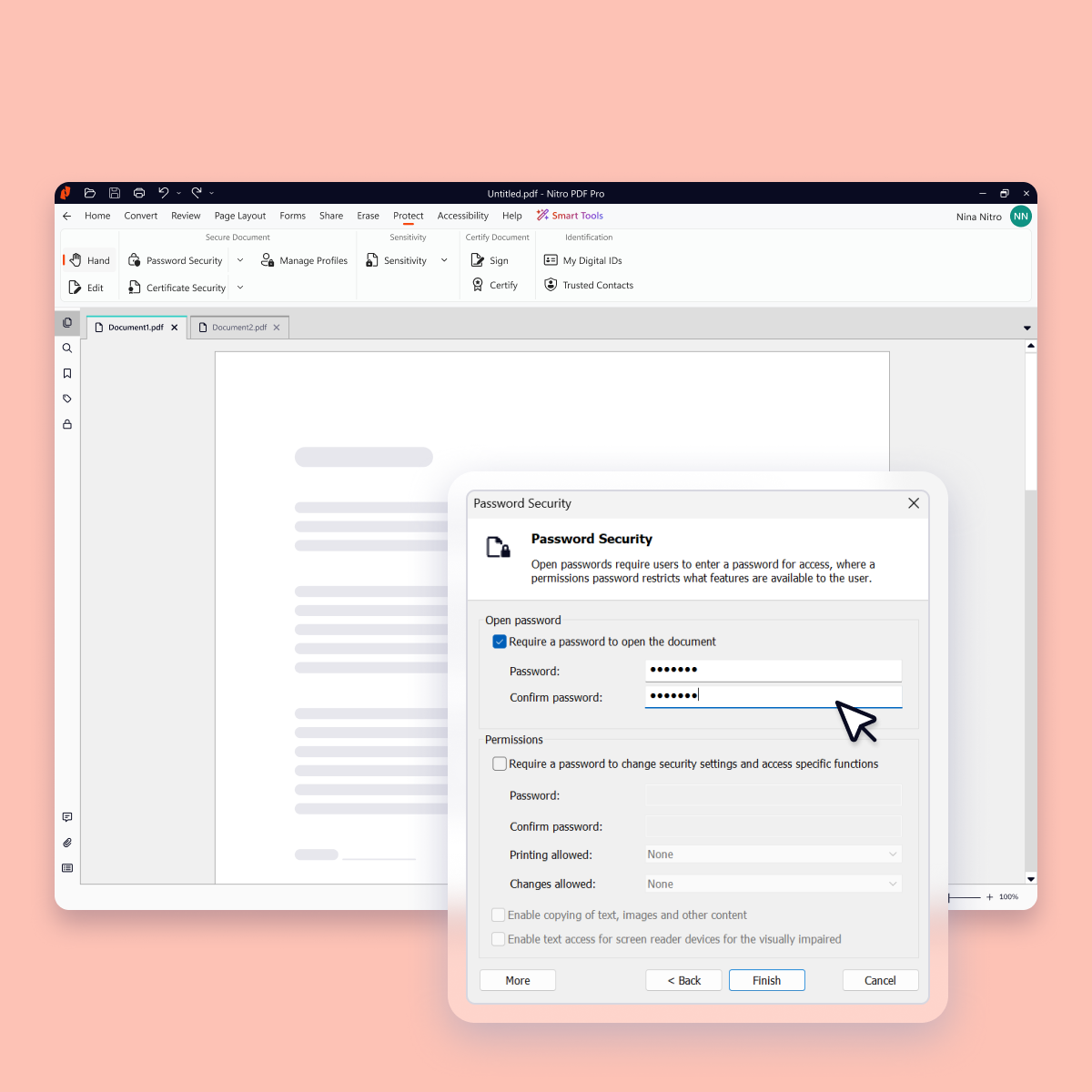
Nitro PDF Pro is a document management platform that supports PDF creation, modification, conversion, organization, review, and protection across Windows, Mac, and iOS environments. Key Capabilities Document Authoring & Modification: Native editing capabilities for PDF creation and content updates. Format Conversion: Conversion between PDF and standard office document formats. Document Organization & Management: File organization and management…
$7.50
Billed every 3 years. This is a subscription product with a 3-year fee of $270.00 per license. per seat
Pricing
Nitro PDF Pro
Editions & Modules
Nitro PDF Classic
$7.5/month
Billed every 3 years. This is a subscription product with a 3-year fee of $270.00 per license. per seat
Nitro PDF Standard
$15/month
This is a subscription product with a yearly fee of $180.00 per license. per seat
A de minimis incentive was given to thank the reviewer for their time. The incentive was not used to bias or drive a particular response, nor was the incentive contingent on a positive endorsement. More Info
Network Engineer in Information Technology at Alliant Insurance Services (Insurance, 5001-10,000 employees)
Chose Nitro PDF Pro
Nitro Productivity Suite is able to perform just as well as Adobe. It uses less resources on my machine than Adobe. I think it is much easier to use than Tungsten as well.
A de minimis incentive was given to thank the reviewer for their time. The incentive was not used to bias or drive a particular response, nor was the incentive contingent on a positive endorsement. More Info
A de minimis incentive was given to thank the reviewer for their time. The incentive was not used to bias or drive a particular response, nor was the incentive contingent on a positive endorsement. More Info
President in Corporate at United SAR, Inc. (Wholesale, 1-10 employees)
Chose Nitro PDF Pro
Every 1-2 years will do a check on current PDF options to include trialing the software. Have tried Foxit and several that seem to have failed in the marketplace. Over the last 4 years, I have always stuck with Nitro. Unfortunately, we still need to keep Adobe Acrobat (free …
A de minimis incentive was given to thank the reviewer for their time. The incentive was not used to bias or drive a particular response, nor was the incentive contingent on a positive endorsement. More Info
IT Operations Lead in Corporate at Providence Technology Group, Inc. (Information Technology & Services, 11-50 employees)
Chose Nitro PDF Pro
I think Adobe is probably the best PDF solution since they essentially developed and own the PDF format, but Nitro is a very good alternative and is more competitively priced.
If our clients didn't use PDF documents or sent us everything in MS Word, then our Office 365 would be …
A de minimis incentive was given to thank the reviewer for their time. The incentive was not used to bias or drive a particular response, nor was the incentive contingent on a positive endorsement. More Info
VP of Business Development in Sales at InTech Aerospace (Airlines/Aviation, 51-200 employees)
Chose Nitro PDF Pro
Nitro Productivity Suite allows a user to accomplish all of the things you would want to do to a document that Adobe does not. Much easier to find the operation you are looking for in Nitro Productivity Suite compared to Adobe
A de minimis incentive was given to thank the reviewer for their time. The incentive was not used to bias or drive a particular response, nor was the incentive contingent on a positive endorsement. More Info
Verified User
Chose Nitro PDF Pro
Nitro is a more specified app with simple pdf editing use and a low cost.
A de minimis incentive was given to thank the reviewer for their time. The incentive was not used to bias or drive a particular response, nor was the incentive contingent on a positive endorsement. More Info
A de minimis incentive was given to thank the reviewer for their time. The incentive was not used to bias or drive a particular response, nor was the incentive contingent on a positive endorsement. More Info
A de minimis incentive was given to thank the reviewer for their time. The incentive was not used to bias or drive a particular response, nor was the incentive contingent on a positive endorsement. More Info
Verified User
Chose Nitro PDF Pro
At the time, we evaluated Adobe Professional to help with some of the PDF modifications we were needing to accomplish. I didn't see any further options besides Nitro and Adobe that were worth evaluating. When looking at costs and feature comparisons it was a no-brainer.
A de minimis incentive was given to thank the reviewer for their time. The incentive was not used to bias or drive a particular response, nor was the incentive contingent on a positive endorsement. More Info
A de minimis incentive was given to thank the reviewer for their time. The incentive was not used to bias or drive a particular response, nor was the incentive contingent on a positive endorsement. More Info
Senior Content Manager in Marketing at One Car Payment, Inc. (Writing and Editing, 1-10 employees)
Chose Nitro PDF Pro
I downloaded the trial versions of both Acrobat DC and Nitro PDF, and found Nitro to be superior in price, while Acrobat was superior in software features and user-friendliness. I knew I would be using Nitro for basic publishing and editing of PDFs, which both programs do well, …
A de minimis incentive was given to thank the reviewer for their time. The incentive was not used to bias or drive a particular response, nor was the incentive contingent on a positive endorsement. More Info
A de minimis incentive was given to thank the reviewer for their time. The incentive was not used to bias or drive a particular response, nor was the incentive contingent on a positive endorsement. More Info
Verified User
Chose Nitro PDF Pro
We selected Nitro PDF because the features that the organization needed were comparable and the annual cost for the on-premises version of the application was considerably less expensive at the time. When we selected, Adobe was not yet in the cloud. At that time, there were …
A de minimis incentive was given to thank the reviewer for their time. The incentive was not used to bias or drive a particular response, nor was the incentive contingent on a positive endorsement. More Info
I run a professional services business from home. I need to edit documents quickly and easily and with minimal subscriptions to minimize overheads. I love that Nitro is a one-off payment to get a license to the software, and you can simply upgrade to the latest version if that's what you want, but you're not obligated to. I've been using the same version of Nitro for 7-8 years now. Despite the fact the upgraded versions have a lot of great, nice-to-have features, the version I'm on still does the job.
A de minimis incentive was given to thank the reviewer for their time. The incentive was not used to bias or drive a particular response, nor was the incentive contingent on a positive endorsement. More Info
A de minimis incentive was given to thank the reviewer for their time. The incentive was not used to bias or drive a particular response, nor was the incentive contingent on a positive endorsement. More Info
A de minimis incentive was given to thank the reviewer for their time. The incentive was not used to bias or drive a particular response, nor was the incentive contingent on a positive endorsement. More Info
A de minimis incentive was given to thank the reviewer for their time. The incentive was not used to bias or drive a particular response, nor was the incentive contingent on a positive endorsement. More Info
For the most part, the entire software is extremely easy to navigate and use. You won't need to follow tutorials or anything for the bulk of the core features, as it's all pretty seamlessly designed.
A de minimis incentive was given to thank the reviewer for their time. The incentive was not used to bias or drive a particular response, nor was the incentive contingent on a positive endorsement. More Info
A de minimis incentive was given to thank the reviewer for their time. The incentive was not used to bias or drive a particular response, nor was the incentive contingent on a positive endorsement. More Info
Nitro checks all the boxes for what we need. It is fairly priced, it allows us to read and edit PDF documents, convert PDF to MS Word and convert MS Word to PDF. It allows us to combine multiple files and do all the post processing like adding page numbers and adding headers and footers
A de minimis incentive was given to thank the reviewer for their time. The incentive was not used to bias or drive a particular response, nor was the incentive contingent on a positive endorsement. More Info
Every 1-2 years will do a check on current PDF options to include trialing the software. Have tried Foxit and several that seem to have failed in the marketplace. Over the last 4 years, I have always stuck with Nitro. Unfortunately, we still need to keep Adobe Acrobat (free version) installed to view a small percentage of some PDFs we receive.
A de minimis incentive was given to thank the reviewer for their time. The incentive was not used to bias or drive a particular response, nor was the incentive contingent on a positive endorsement. More Info
A de minimis incentive was given to thank the reviewer for their time. The incentive was not used to bias or drive a particular response, nor was the incentive contingent on a positive endorsement. More Info