TrustRadius: an HG Insights company

Odoo Manufacturing vs. Pico MES

Save this comparison

Save this comparison

Add Product

Recommended Comparisons

    Overview
    ProductRatingMost Used ByProduct SummaryStarting Price

    Odoo Manufacturing

    Score8 out of 10
    N/AThe Odoo Suite of Manufacturing Apps allows users to automate manufacturing processes. Odoo’s database offers a fully integrated solution to MRP, Quality, Maintenance, and PLM. Odoo MRP allows multi-level BoM tracking, which ties in with the user's whole inventory and product catalog. The solution aims to simplify, streamline, and organize production through operations, work centers, and detailed steps. Helps users manage cost analysis, time-tracking, and lot serial number…N/A

    Pico MES

    N/AN/APico MES is a factory operating system that and enables a connected environment to limitless factory tools, capturing data for visibility into the supply chain. Pico MES migrates mid-sized factories off of paper-based systems and helps improve product quality for American factories in battery manufacturing, automotive, and aerospace.N/A
    Pricing
    Odoo ManufacturingPico MES
    Editions & Modules
    No answers on this topic
    No answers on this topic
    Offerings
    Pricing Offerings
    Odoo ManufacturingPico MES
    Free Trial
    YesNo
    Free/Freemium Version
    YesNo
    Premium Consulting/Integration Services
    YesNo
    Entry-level Setup FeeOptionalNo setup fee
    Additional Details
    More Pricing Information
    User Ratings
    Odoo ManufacturingPico MES
    Likelihood to Recommend
    10.0
    (1 ratings)
    -
    (0 ratings)
    User Testimonials
    Odoo ManufacturingPico MES
    Likelihood to Recommend
    Odoo
    Out of the box, Odoo Manufacturing has a lot of functionality and the flexibility to change the app on demand to meet your requirements. You can even change the MO requirements on demand, such as substituting one material for another. The only criticism I have is that child MOs (manufacturing orders) do not get listed more clearly. Out of the box, there is no way to jump to a child-MO from the parent-MO. That said, we largely mitigated this problem by linking all MO's together according to the sales order using studio. Our version, 13, there is a bug that when you reduce a material requirement (in order to substitute with another) it still tries to consume the original quantity. This has been fixed in version 14.
    Incentivized
    Read full review
    Pico MES
    No answers on this topic
    Pros
    Odoo
    • Item Routing
    • BoO integration with Studio
    • Partial Production & Backorders
    • Whole-System Integration
    Incentivized
    Read full review
    Pico MES
    No answers on this topic
    Cons
    Odoo
    • Deeper integration out of the box
    • Child-MO tracking
    Incentivized
    Read full review
    Pico MES
    No answers on this topic
    Alternatives Considered
    Odoo
    We had previously used xTuple ERP for manufacturing. Odoo ERP is a big step up as well as a big savings. xTuple did have a robust manufacturing offering, but the Odoo Studio allowed us to do things we could never have done with xTuple, like integrate the BoO. xTuple never tracked product transfers either, so you had to manually track requirements or do detective work to figure things out. Odoo is a big improvement on that.
    Incentivized
    Read full review
    Pico MES
    No answers on this topic
    Return on Investment
    Odoo
    • >30% savings over our previous solution
    • More flexibility when used with Studio
    • Product transfers make tracking demand easier
    Incentivized
    Read full review
    Pico MES
    No answers on this topic
    ScreenShots

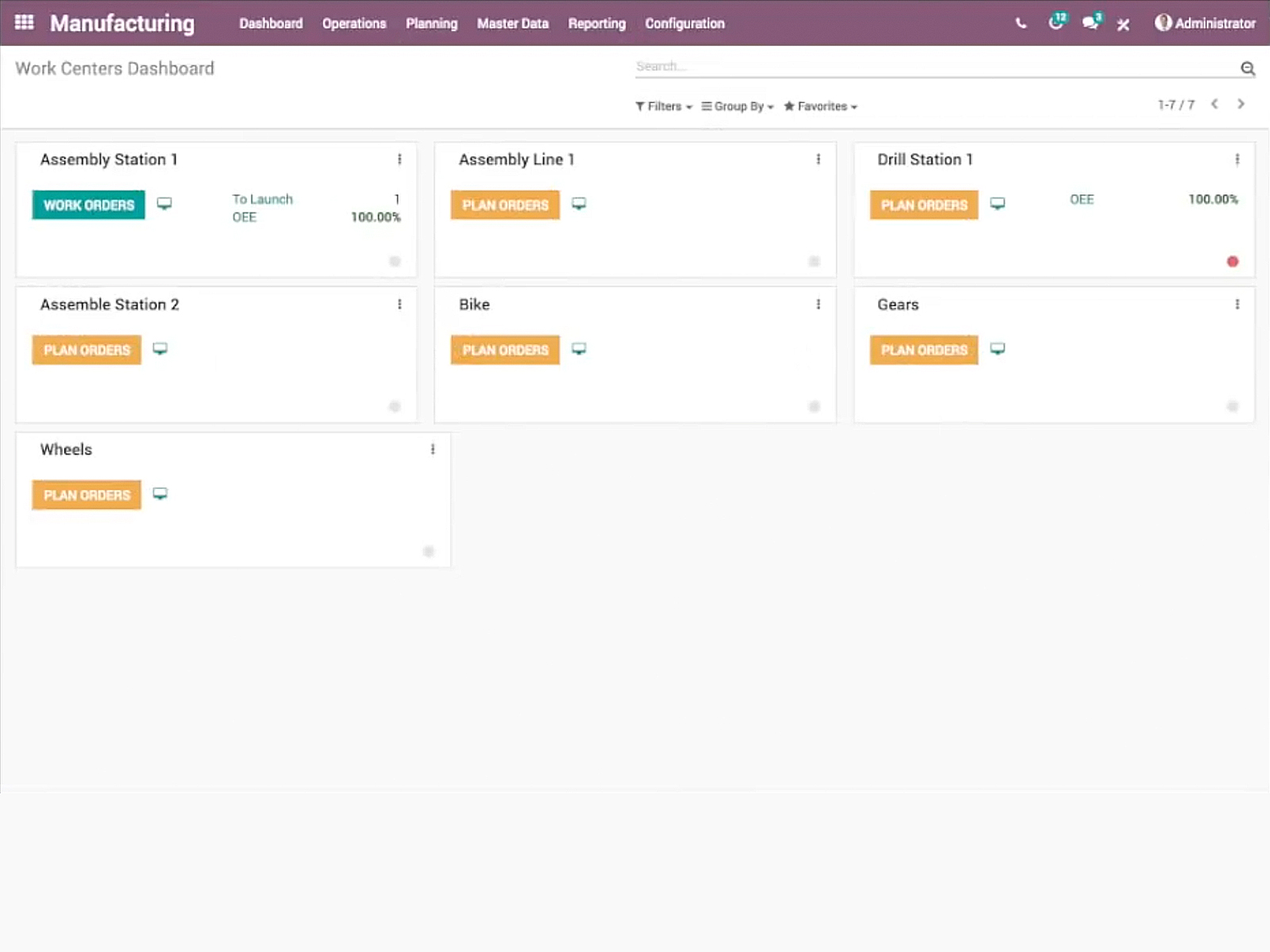
    Odoo Manufacturing Screenshots

    Product screenshotProduct screenshotProduct screenshotProduct screenshot