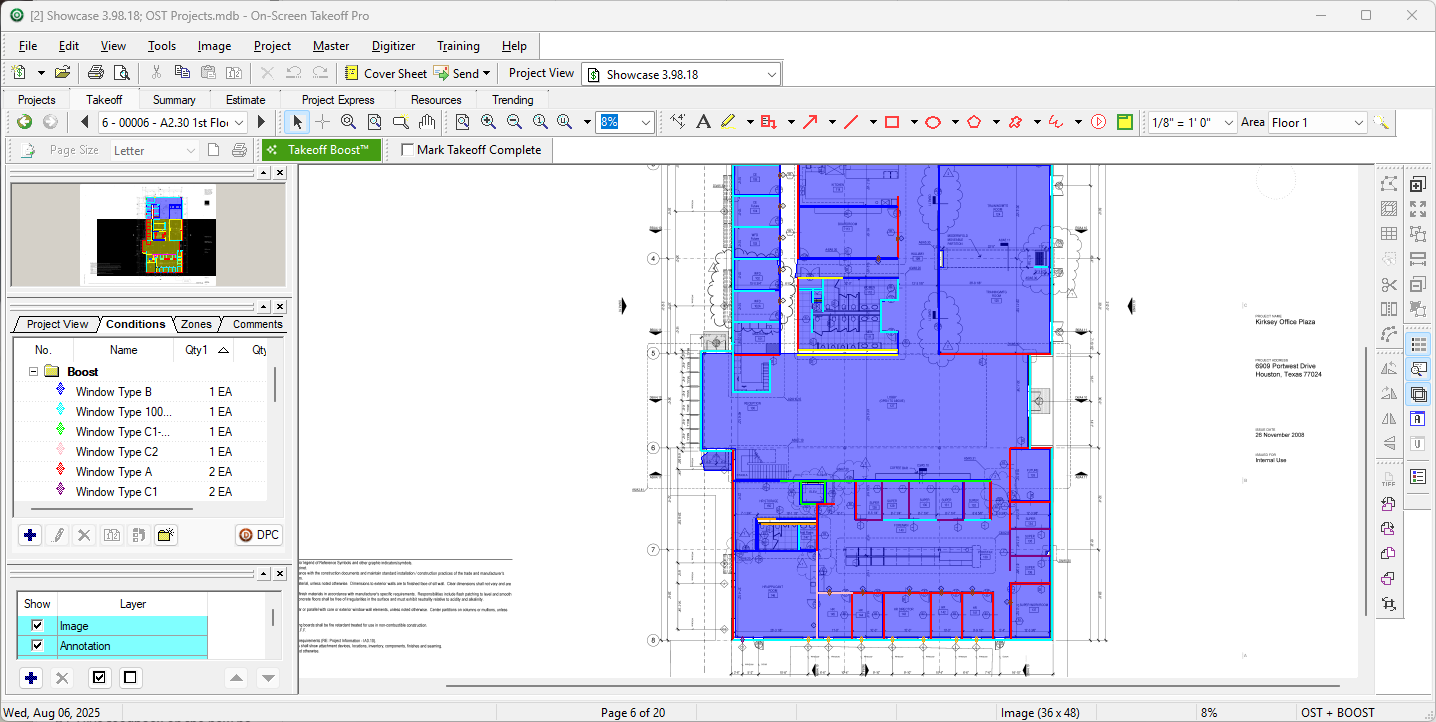
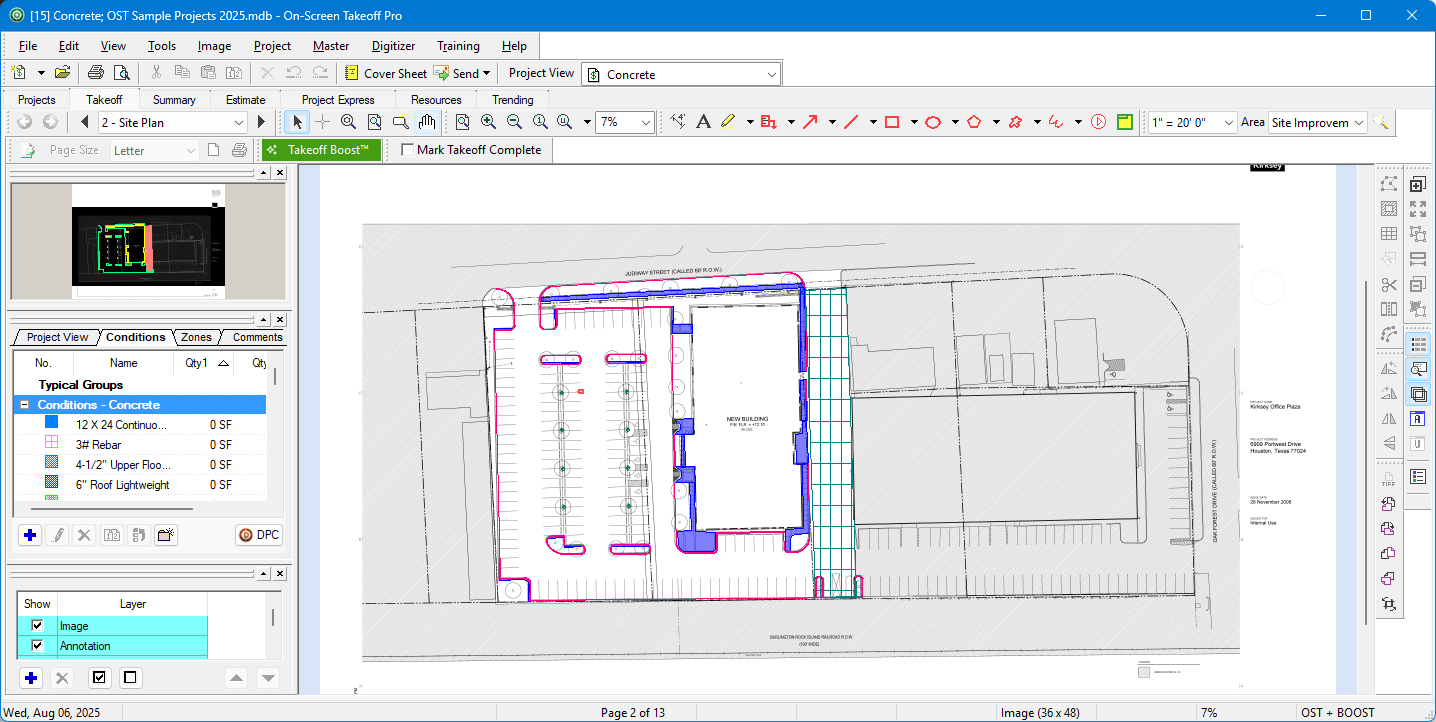
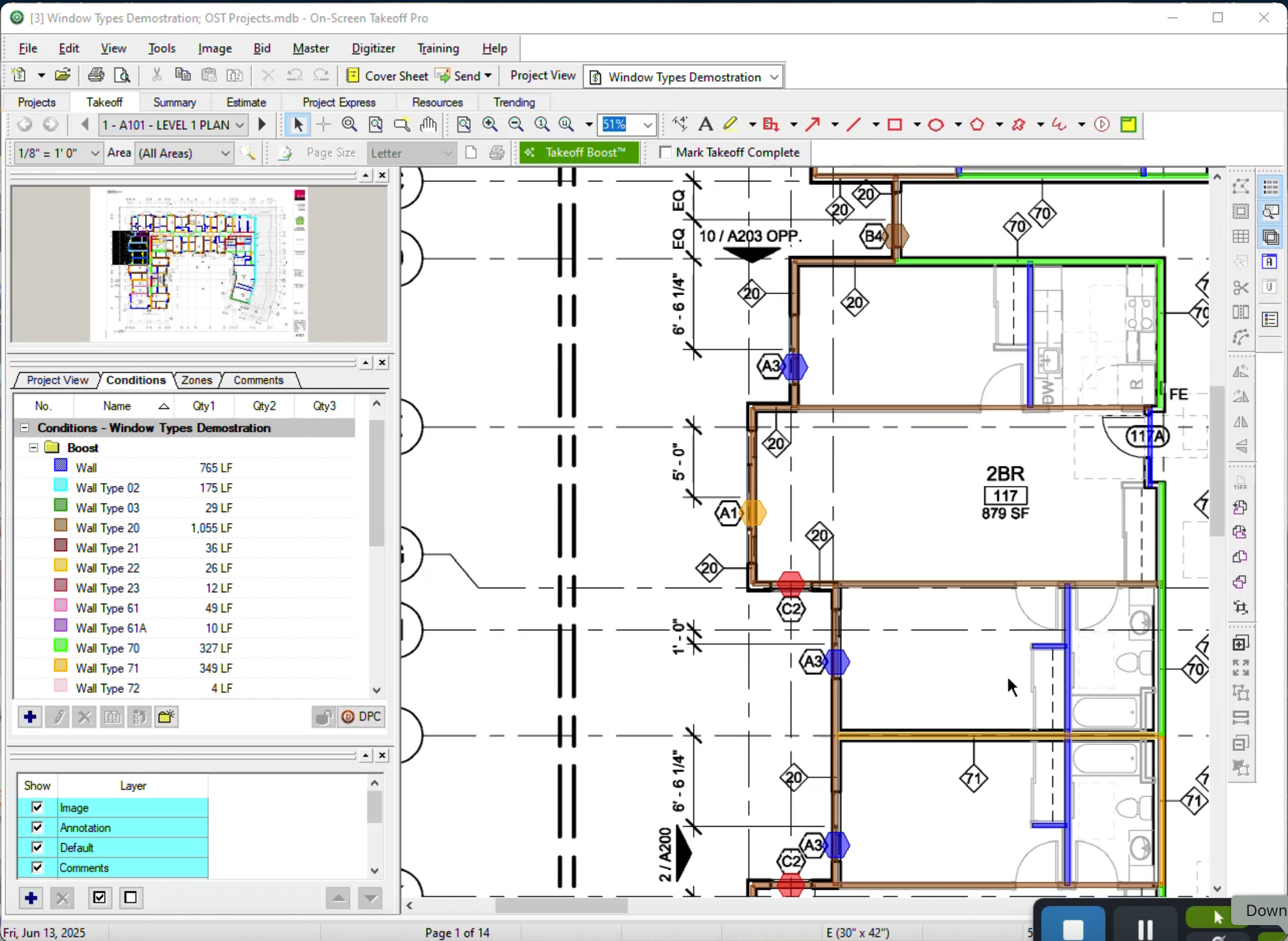
On-Screen Takeoff is a construction takeoff and estimating solution. It is intended to streamline takeoff, RFI, and bidding processes.
N/A
QuoteSoft
Score9 out of 10
N/A
Acquired by ConstructConnect from Quote Software, QuoteSoft is a construction and estimation software for mechanical, piping, plumbing, HVAC and ductwork.
N/A
Pricing
On-Screen Takeoff®
QuoteSoft
Editions & Modules
No answers on this topic
No answers on this topic
Offerings
Pricing Offerings
On-Screen Takeoff®
QuoteSoft
Free Trial
Yes
No
Free/Freemium Version
No
No
Premium Consulting/Integration Services
No
No
Entry-level Setup Fee
No setup fee
No setup fee
Additional Details
On-Screen Takeoff® pricing varies based on licensing options and specific business needs. The annual subscription plans are designed to scale with project and team size.
Available Subscription Options:
•On-Screen Takeoff
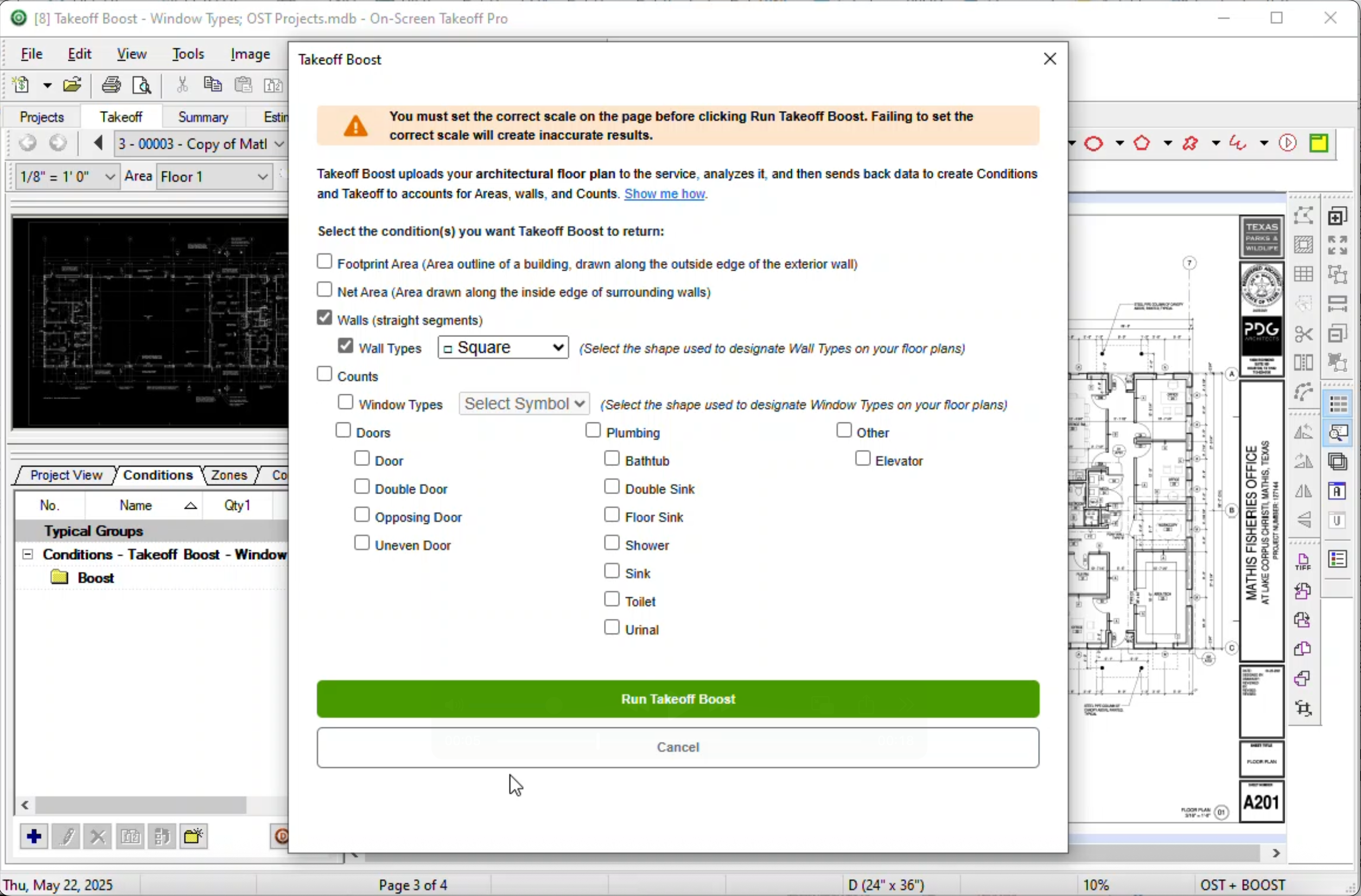
•On-Screen Takeoff with Takeoff Boost™
•On-Screen Takeoff and Quick Bid®
•On-Screen Takeoff with Takeoff Boost and Quick Bid
Each subscription is customized to match the subscriber's workflow requirements. A 14-day free trial is available.
I think most of the reasoning was just provided on the previous pros and cons questions. On-Screen Takeoff (OST) is well suited for doing either quick takeoffs or getting into an elaborate, detailed takeoff. All though the viewing tools are quick and easy, I would still very much prefer using BlueBeam for looking through an overall set of drawings. With all of the hyperlink and bookmark functions of BlueBeam, OST doesn't compare and I rarely use OST unless I'm actually doing a takeoff.
A de minimis incentive was given to thank the reviewer for their time. The incentive was not used to bias or drive a particular response, nor was the incentive contingent on a positive endorsement. More Info
Quotesoft again is very well suited to any estimating department. I recommend a large screen monitor, but it's far more convenient than the old quick pen table or other methods. It's been great for jobs post mortem as well, we'll go back over as builds and make sure we captured and adjust estimates or change orders. It's also great for illustrating changes, and having all be very accurate.
A de minimis incentive was given to thank the reviewer for their time. The incentive was not used to bias or drive a particular response, nor was the incentive contingent on a positive endorsement. More Info
The biggest thing for me is that it is so easy to use, which allows it to be used widely throughout our organization without a lot of intense training.
Another great thing is that it does not matter how big or little the scope of the take off may be, it works just as well for a whole 12 story building take off as it does for a stretch of sidewalk.
A de minimis incentive was given to thank the reviewer for their time. The incentive was not used to bias or drive a particular response, nor was the incentive contingent on a positive endorsement. More Info
Once you're over the learning curve, it's fantastic at getting accurate material takeoff. Because one is working off the real PDF prints of the project, it's very easy to get a good material list and takeoff.
Excellent for giving options of transitions and allowing the user to account for the actual 3rd dimension of the project by being able to click and add the sections needed to transition between floors.
The speed in which the user is able to takeoff is so much faster than traditional methods, and more accurate and easier to use than the other options on the market. Prints out great reports showing materials and hours, and lets you color code the systems while estimating so you know you aren't duplicating efforts.
Very flexible as far as how it adjusts for your desired estimate. You can identify per floor, side of the building, system, etc.
Allows for fast on the fly adjustments of sizes, materials and types of transitions with ductwork.
A de minimis incentive was given to thank the reviewer for their time. The incentive was not used to bias or drive a particular response, nor was the incentive contingent on a positive endorsement. More Info
A de minimis incentive was given to thank the reviewer for their time. The incentive was not used to bias or drive a particular response, nor was the incentive contingent on a positive endorsement. More Info
I'd prefer an 'all in one' as opposed to modules. I believe it's offered in that fashion but it was a touch more expensive. I was able to negotiate a footage takeoff tool for piping, to make it easier and more economical to our specific use, which is 95% dry side hvac estimating.
Would be great if it could be preloaded with Smacna or MCA factors for labor, and also would be great if there was a faster way to update material costs. You do need to stay on top of your material factors and make adjustments per the price of steel and other consumables. The industry has been stable lately, but if for some reason you were lax in updating labor and material factors, you could be off on the estimate. That's true of ANY software or even standard old school estimating approach.
It does require a dongle and a per seat license. The one drawback I don't care for, in a small company with tight cash flow, I do have estimators sharing the seat and scheduling takeoff around each other. Pretty standard though.
A de minimis incentive was given to thank the reviewer for their time. The incentive was not used to bias or drive a particular response, nor was the incentive contingent on a positive endorsement. More Info
It provides invaluable communication, organization, and flexibility to generate a project overview both visually and by the numbers. In addition to the overview it makes getting into the project details easy and quick, so our takeoff is accurate and correct every time
A de minimis incentive was given to thank the reviewer for their time. The incentive was not used to bias or drive a particular response, nor was the incentive contingent on a positive endorsement. More Info
On Screen Takeoff is a valuable tool for what it does. Across the board it can keep track of the critical data and corresponding values without extra legwork. While powerful, it is prone to user error, and the problem can compound quickly if not realized up front. Overall a great project tool, but not without limitations
A de minimis incentive was given to thank the reviewer for their time. The incentive was not used to bias or drive a particular response, nor was the incentive contingent on a positive endorsement. More Info
I have had very few issues with the software which is probably the first sign that there is a good customer support team, since I am sure they are working and fixing problems for everyone when they get a report from somewhere. The few times I have had to reach out to support they have been knowledgeable and on top of helping me quickly get my issues resolved.
A de minimis incentive was given to thank the reviewer for their time. The incentive was not used to bias or drive a particular response, nor was the incentive contingent on a positive endorsement. More Info
Implementation was as simple as setting up the program and creating databases. Everything else was already in use and this was a supplement to the final organization of the system
A de minimis incentive was given to thank the reviewer for their time. The incentive was not used to bias or drive a particular response, nor was the incentive contingent on a positive endorsement. More Info
Being able to train individuals in a single afternoon on the program and trusting them to get you something usable as soon as possible is quite invaluable. It is also something that I feel is unique to this program. It is just easier.
A de minimis incentive was given to thank the reviewer for their time. The incentive was not used to bias or drive a particular response, nor was the incentive contingent on a positive endorsement. More Info
We were looking at this, as well as quick pen, and other industry standard programs like Wendes. QuoteSoft was far more versatile, user friendly and has proven to be the right choice. No specific equipment outside of a bigger monitor, ease of use, and tech support as well as the online training aspect was fantastic. Felt well supported while we rolled it out.
A de minimis incentive was given to thank the reviewer for their time. The incentive was not used to bias or drive a particular response, nor was the incentive contingent on a positive endorsement. More Info
The software has more than paid for itself because the company has been able to save lots of money when awarding to subs since it is easy to verify quantities to qualify their bids.
Less of a chance of under-ordering products since the visible audit trail improves accuracy. Also you spend less since you aren't ordering more than you should be.
A de minimis incentive was given to thank the reviewer for their time. The incentive was not used to bias or drive a particular response, nor was the incentive contingent on a positive endorsement. More Info
First positive impact is time saved. We're able with our small team to estimate..ACCURATELY far more projects, thus winning more projects.
Accuracy once we had our factors programmed is fantastic. It's tightened up our material and labor hours and made us more competitive
Definitely has had a great return on investment. Helping to land more projects out of the sheer amount of available time to bid more, as well as being more confident in material costs.
A de minimis incentive was given to thank the reviewer for their time. The incentive was not used to bias or drive a particular response, nor was the incentive contingent on a positive endorsement. More Info