TrustRadius: an HG Insights company

Save this comparison

Save this comparison

Add Product

Recommended Comparisons

    Overview
    ProductRatingMost Used ByProduct SummaryStarting Price

    OrbitNote

    Score6.8 out of 10
    N/AOrbitNote is a dynamic PDF editor for working with documents. Users can modify, annotate, and convert files while creating an accessible and collaborative workspace for all.N/A

    PDF Studio

    Score9.1 out of 10
    N/APDF Studio is a PDF editor that aims to provides all PDF features needed at a low cost. PDF Studio maintains full compatibility with the PDF Standard. Users can: Create PDFs from Scan, MS Word, Text and Images Annotate PDFs with Comments & Text Markups Create, Fill In & Save PDF Forms Secure Documents with Passwords and Permissions Merge, Split & Assemble Documents Apply Watermarks, Headers and Footers Create Bookmarks / Table…

    $99

    one-time fee

    Pricing
    OrbitNotePDF Studio
    Editions & Modules
    No answers on this topic
    No answers on this topic
    Offerings
    Pricing Offerings
    OrbitNotePDF Studio
    Free Trial
    YesYes
    Free/Freemium Version
    YesNo
    Premium Consulting/Integration Services
    NoNo
    Entry-level Setup FeeNo setup feeNo setup fee
    Additional Details—Each user license key can be used on 2 computers (for the same user) on any of the supported operating system (Windows, Mac, Linux). Each user license is perpetual and allows to continue using this major version of our software (version 2018) as long as it works on your operating system. Payment is a one-time fee, with no monthly or yearly subscription or commitment. Any upgrade to future major versions is optional.
    More Pricing Information
    Features
    OrbitNotePDF Studio
    PDF Editors
    Comparison of PDF Editors features of OrbitNote and PDF Studio
    Feature
    OrbitNote
    7.4
    2 Ratings
    15% below category average
    PDF Studio
    -
    Ratings
    Edit Text and Images9.02 Ratings00 Ratings
    Add Annotations8.02 Ratings00 Ratings
    Text Recognition (OCR)5.12 Ratings00 Ratings
    Comment and Review Tools5.01 Ratings00 Ratings
    Undo and Redo Actions10.02 Ratings00 Ratings
    Best Alternatives
    OrbitNotePDF Studio
    Small Businesses
    Tungsten Power PDF
    Score9.8 out of 10
    Tungsten Power PDF
    Score9.8 out of 10
    Medium-sized Companies
    PDF Xchange Viewer and Editor
    Score9.3 out of 10
    PDF Xchange Viewer and Editor
    Score9.3 out of 10
    Enterprises
    Adobe Acrobat Reader
    Score8.6 out of 10
    Adobe Acrobat Reader
    Score8.6 out of 10
    All AlternativesView all alternativesView all alternatives
    User Ratings
    OrbitNotePDF Studio
    Likelihood to Recommend
    8.0
    (2 ratings)
    9.1
    (3 ratings)
    Usability
    7.0
    (1 ratings)
    8.2
    (1 ratings)
    Support Rating
    -
    (0 ratings)
    8.5
    (2 ratings)
    User Testimonials
    OrbitNotePDF Studio
    Likelihood to Recommend
    Everway (formerly Texthelp and n2y)
    I usually recommend OrbitNote for students who have more difficulty with penmanship. I do find that there are a lot of other apps that can cover needed features such as screen reading on a PDF. So usually, I only suggest OrbitNote if A student has difficulty with handwriting.
    Incentivized
    Read full review
    Qoppa Software
    For Linux users it is without a doubt the best option and the most developed so far.
    Read full review
    Pros
    Everway (formerly Texthelp and n2y)
    • OCR scanning.
    • Text to speech.
    • Annotation on worksheets.
    • Integration with Google classroom.
    Incentivized
    Read full review
    Qoppa Software
    • Editing PDF pages easily.
    • Organizing PDF pages quickly.
    • Adding comments to particular items within a PDF.
    Read full review
    Cons
    Everway (formerly Texthelp and n2y)
    • Would like it to have a specific iPad app.
    • Circle- shape tool difficult to use.
    Incentivized
    Read full review
    Qoppa Software
    • I would like to be able to generate indexes of the documents that I am adding to a file.
    • To be able to scan a file and convert it from a PDF simply having the scan parameters.
    Read full review
    Usability
    Everway (formerly Texthelp and n2y)
    I gave this reading because I do wish that teachers and staff would take a little bit more time to learn about OrbitNote and its features as well as integrated into the classroom. I think that often all of these different computer programs all working in isolation from one another can be overwhelming for teachers and staff to learn
    Incentivized
    Read full review
    Qoppa Software
    As I answered before, the graphical interface is the best developed of the options that exist for Linux.
    Read full review
    Support Rating
    Everway (formerly Texthelp and n2y)
    No answers on this topic
    Qoppa Software
    Anytime I have had questions they have been able to be found in the forums of PDF Studio.
    Read full review
    Alternatives Considered
    Everway (formerly Texthelp and n2y)
    I like how read&write integrates with OrbitNote making it where students do not have to learn multiple tools depending on what they are doing on the computer.
    Incentivized
    Read full review
    Qoppa Software
    PDF Studio doesn't involve an expensive subscription, plus has all the features without the cluttered UI. It is intuitive to use and I prefer it to Adobe Acrobat, Foxit, PDF XChange, AcePDF, and others. Minimal design with refined tools. Frankly, I am just relieved to have a perpetual license for a product that just works.
    Incentivized
    Read full review
    Return on Investment
    Everway (formerly Texthelp and n2y)
    • It has made it possible for teachers to provide accessible materials to students with just a few clicks.
    Incentivized
    Read full review
    Qoppa Software
    • Allowed me to get a customer a quote faster.
    • Won business proposition due to the ability to organize and sort through customer documentation quickly.
    Read full review
    ScreenShots

    OrbitNote Screenshots

    Screenshot of AnnotationsScreenshot of DashboardScreenshot of DictionariesScreenshot of PDF EditorScreenshot of Freehand DrawingScreenshot of Highlights

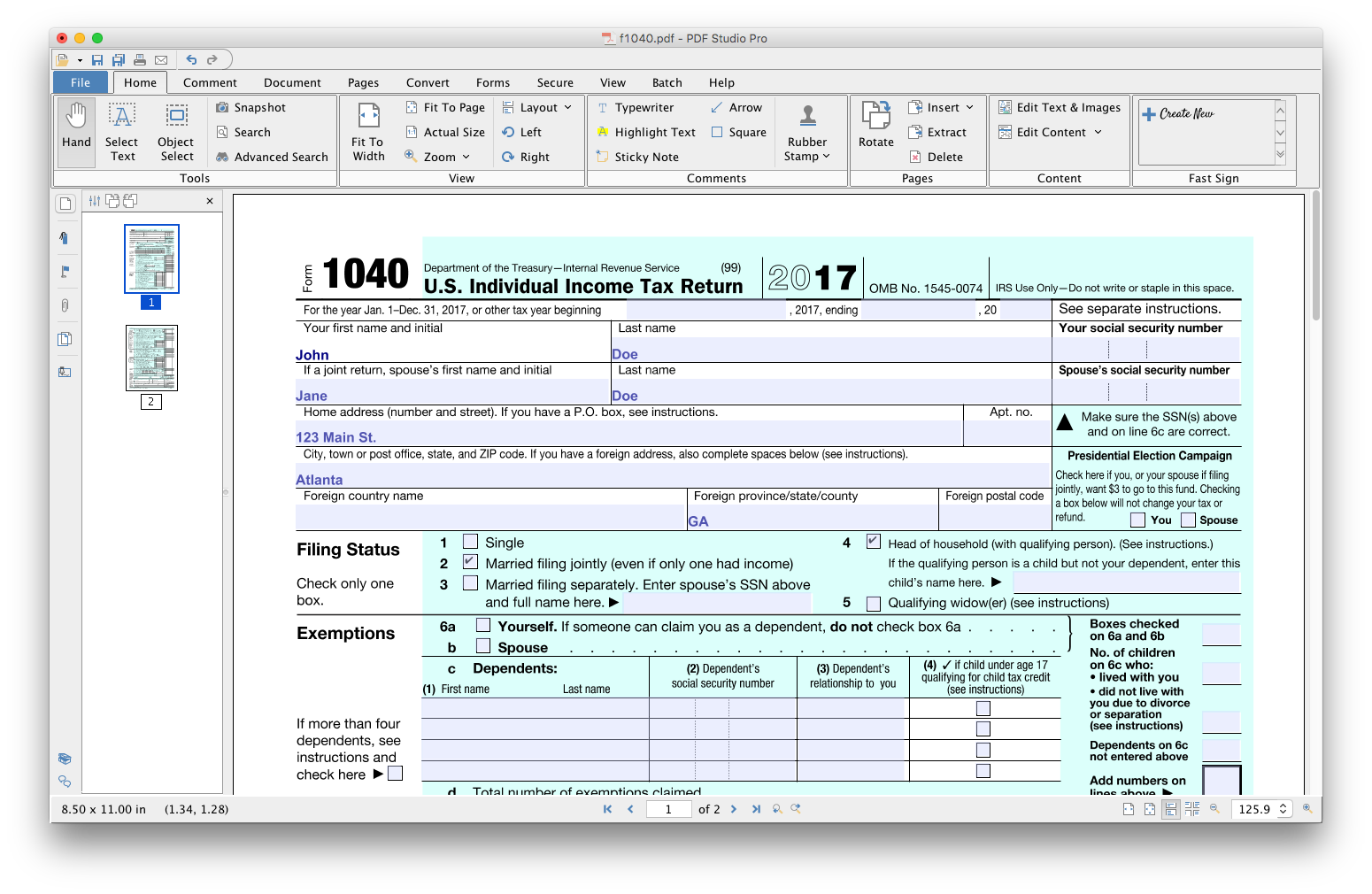
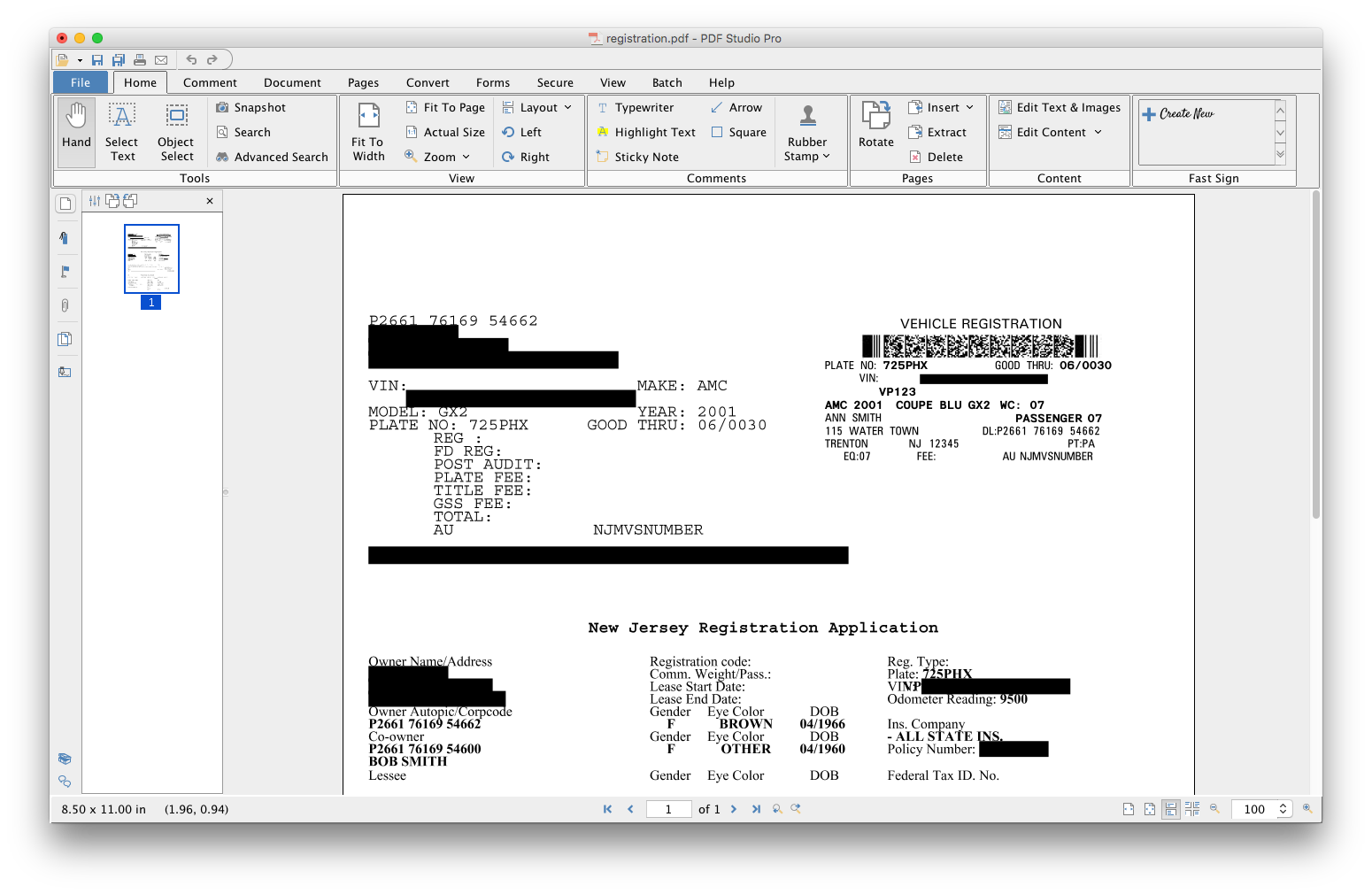
    PDF Studio Screenshots

    Product screenshotProduct screenshotProduct screenshotProduct screenshotProduct screenshotProduct screenshot