
Patch My PC Patch Management vs. Quidget
Patch My PC Patch Management vs. Quidget
| Product | Rating | Most Used By | Product Summary | Starting Price |
|---|---|---|---|---|
 Patch My PC Patch Management | Enterprise companies (1,001+ employees) | Software that extends Microsoft Configuration Manager to deploy and patch third-party applications. It is designed to handle the tedious task of packaging, testing, troubleshooting, and deploying applications in the environment. The software automates the creation and patching of third-party applications. Optionally, users can configure automatic deployment rules for complete automation and control over third-party patch management in the enterprise. | $1 per year per seat | |
 Quidget | N/A | Quidget is a chat builder that helps improve customer service by automating basic support questions. It scans company data and knowledge base to provide answers to customer inquiries. It can also be used to launch an AI agent on a website in under 10 minutes without coding. By taking care of routine questions, Quidget lets support teams focus on more complex customer issues, potentially saving support… | $0 per year per plan |
| Patch My PC Patch Management | Quidget | |||||||||||||||
|---|---|---|---|---|---|---|---|---|---|---|---|---|---|---|---|---|
| Editions & Modules |
|
| ||||||||||||||
| Offerings |
| |||||||||||||||
| Entry-level Setup Fee | No setup fee | No setup fee | ||||||||||||||
| Additional Details | — | Monthly / Annual payment options available. Discount available for annual pricing. Free trial is available (no credit card required) | ||||||||||||||
| More Pricing Information | ||||||||||||||||
| Patch My PC Patch Management | Quidget | ||||||
|---|---|---|---|---|---|---|---|
| Threat Intelligence |
| ||||||
| Vulnerability Management Tools |
|
| Patch My PC Patch Management | Quidget | |
|---|---|---|
| Small Businesses |  Action1 Score 9.5 out of 10 |  LocaliQ Score 8.8 out of 10 |
| Medium-sized Companies | Action1 Score 9.5 out of 10 |  Piper the AI SDR by Qualified Score 9.2 out of 10 |
| Enterprises |  CrowdStrike Falcon Score 9.1 out of 10 |  Conversica Score 4.0 out of 10 |
| All Alternatives | View all alternatives | View all alternatives |
| Patch My PC Patch Management | Quidget | |
|---|---|---|
| Likelihood to Recommend | 10.0 (1 ratings) | - (0 ratings) |
| Likelihood to Renew | 10.0 (1 ratings) | - (0 ratings) |
| Implementation Rating | 10.0 (1 ratings) | - (0 ratings) |
| Patch My PC Patch Management | Quidget | |
|---|---|---|
| Likelihood to Recommend | Patch My PC
 Bruce Sa EUC Cloud Architect | Quidget No answers on this topic |
| Pros | Patch My PC
Bruce Sa EUC Cloud Architect | Quidget No answers on this topic |
| Cons | Patch My PC
Bruce Sa EUC Cloud Architect | Quidget No answers on this topic |
| Likelihood to Renew | Patch My PC
Bruce Sa EUC Cloud Architect | Quidget No answers on this topic |
| Implementation Rating | Patch My PC
Bruce Sa EUC Cloud Architect | Quidget No answers on this topic |
| Alternatives Considered | Patch My PC
Bruce Sa EUC Cloud Architect | Quidget No answers on this topic |
| Return on Investment | Patch My PC
Bruce Sa EUC Cloud Architect | Quidget No answers on this topic |
| ScreenShots | Patch My PC Patch Management Screenshots      | Quidget Screenshots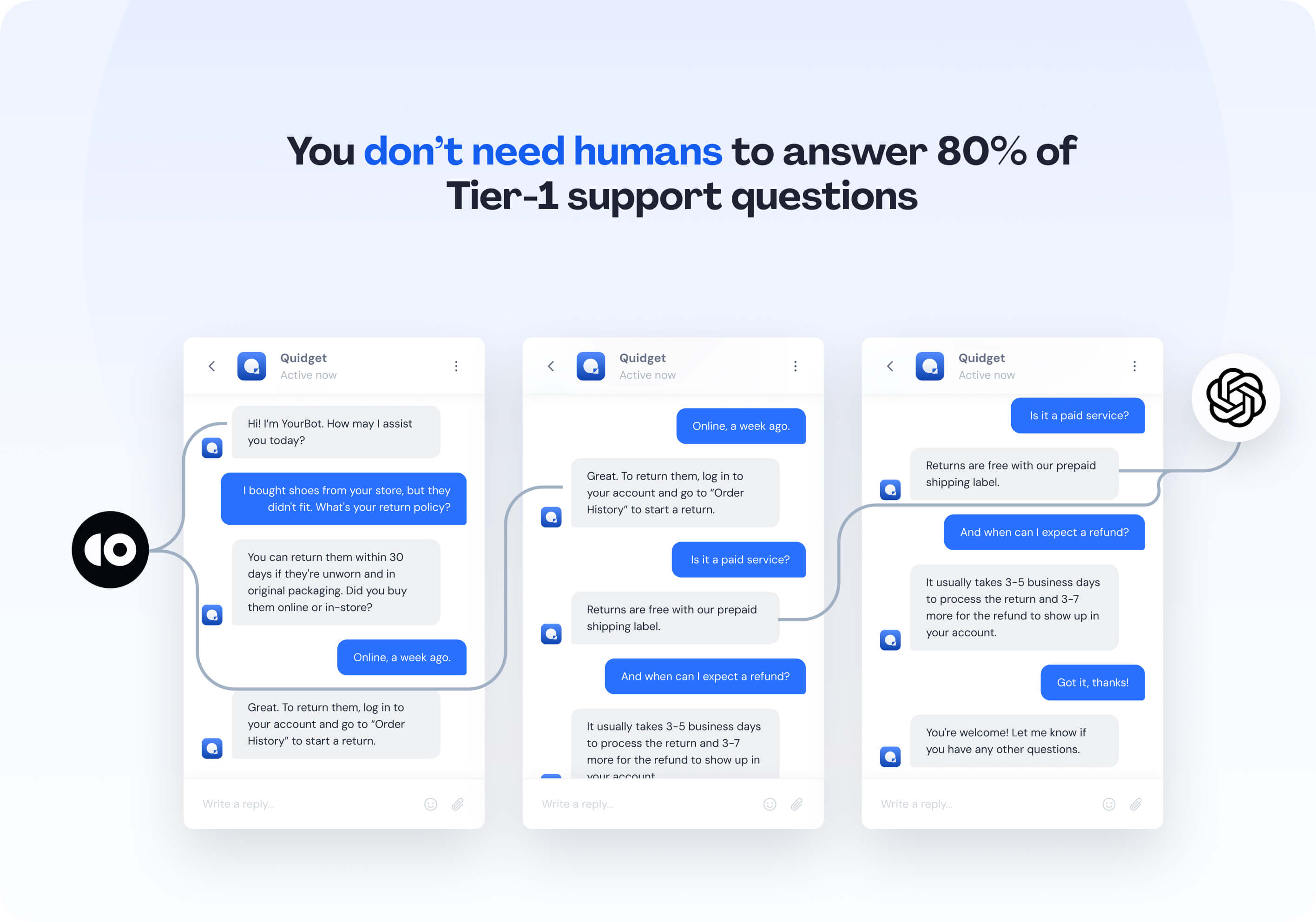 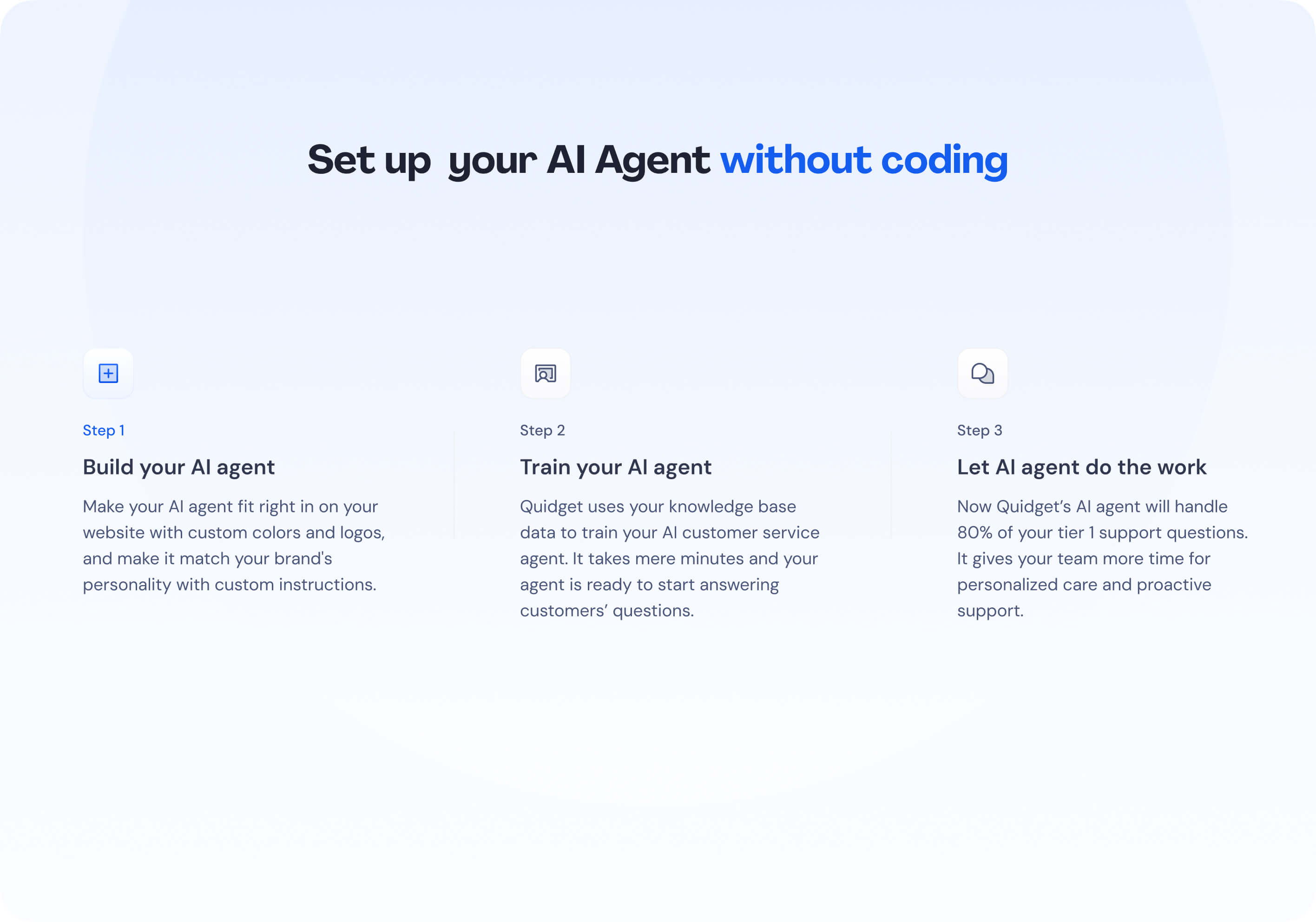 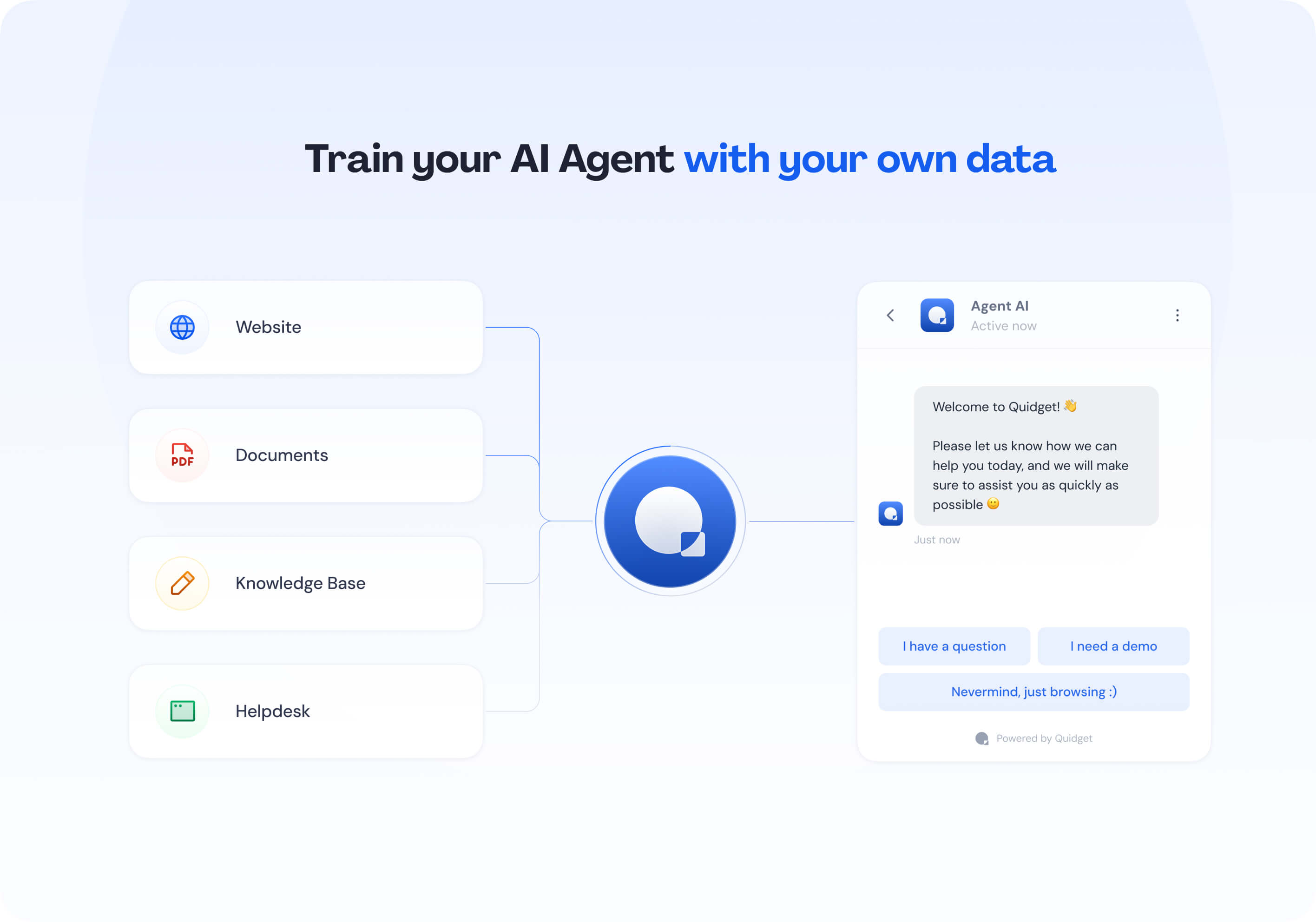 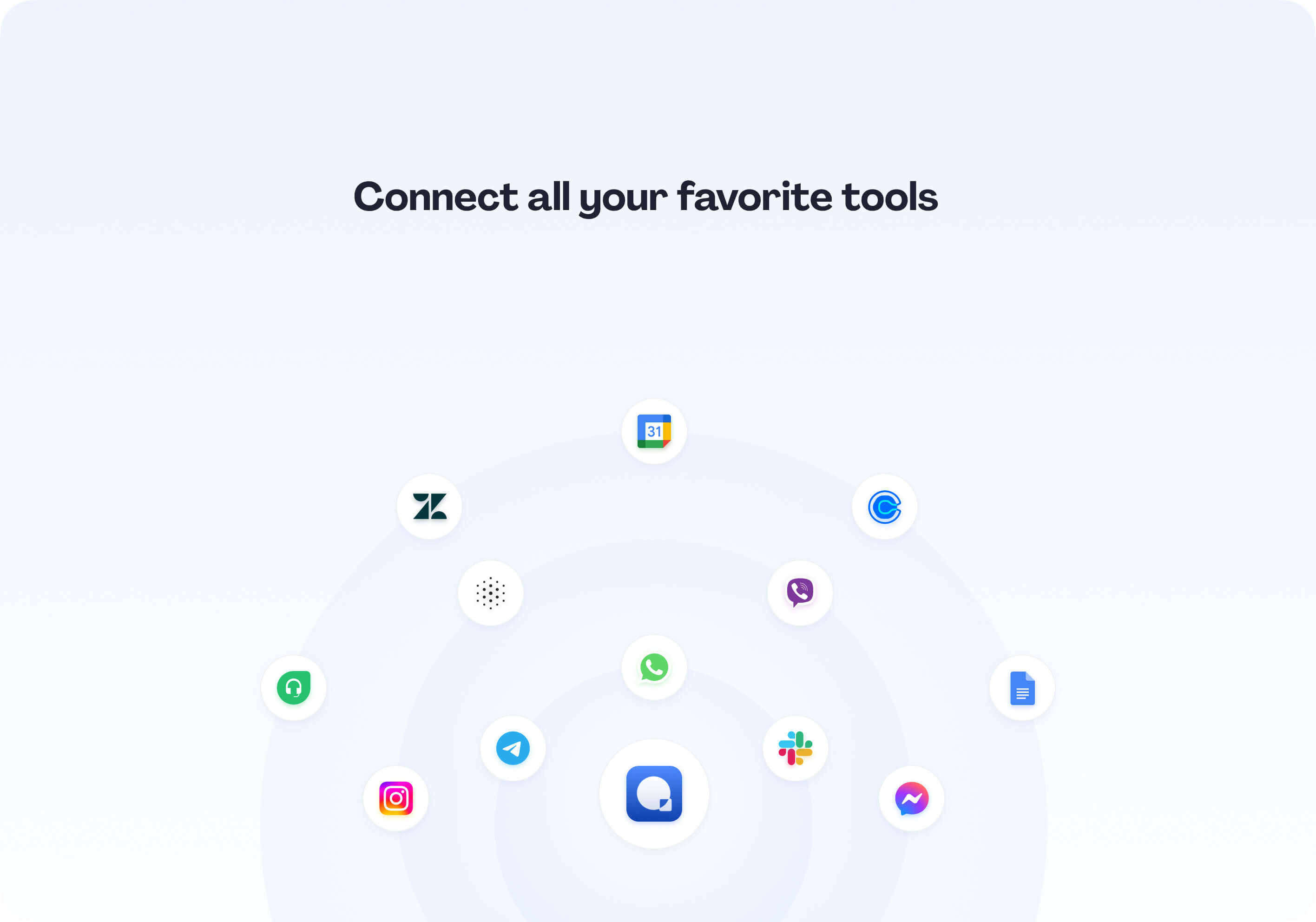 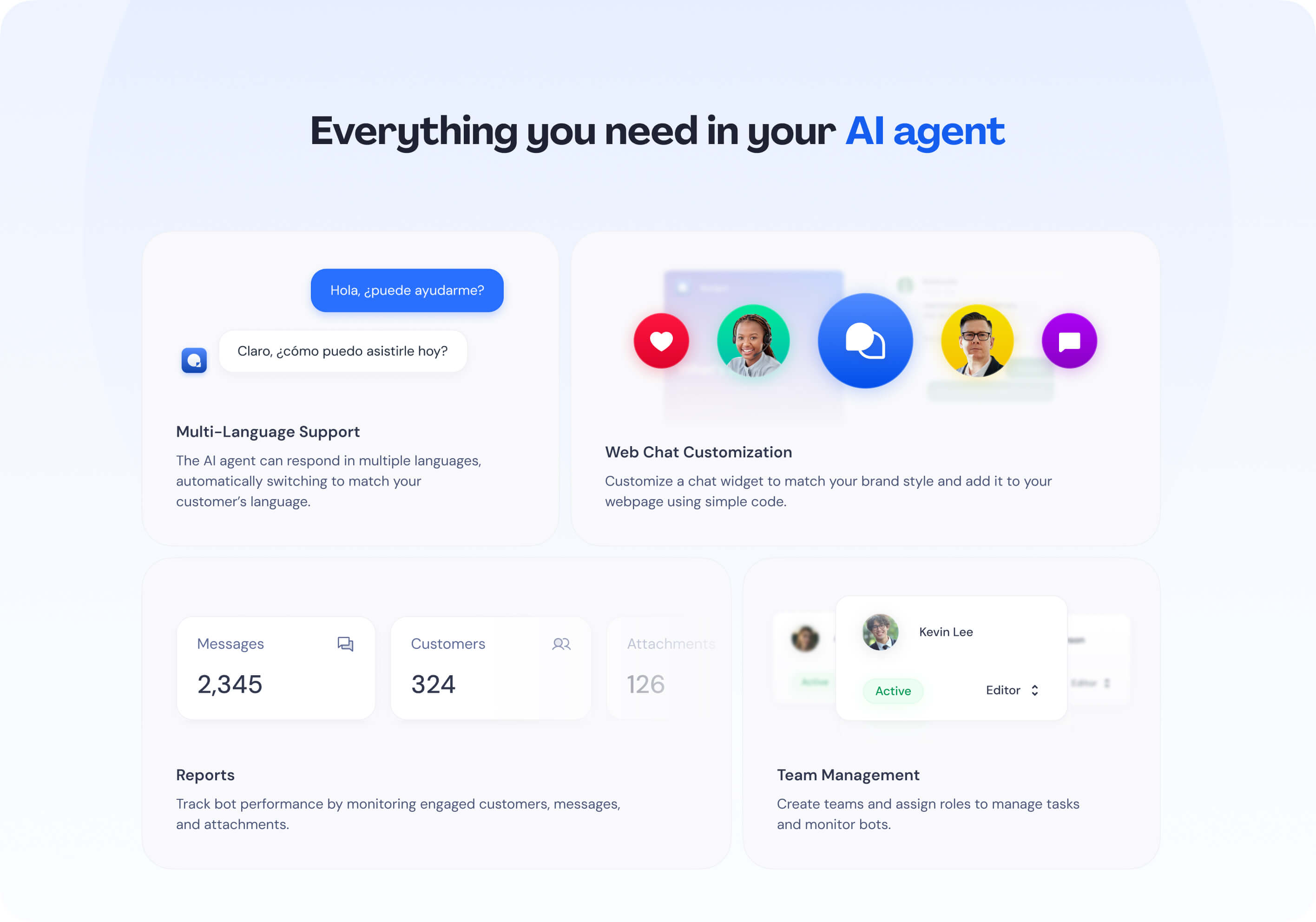 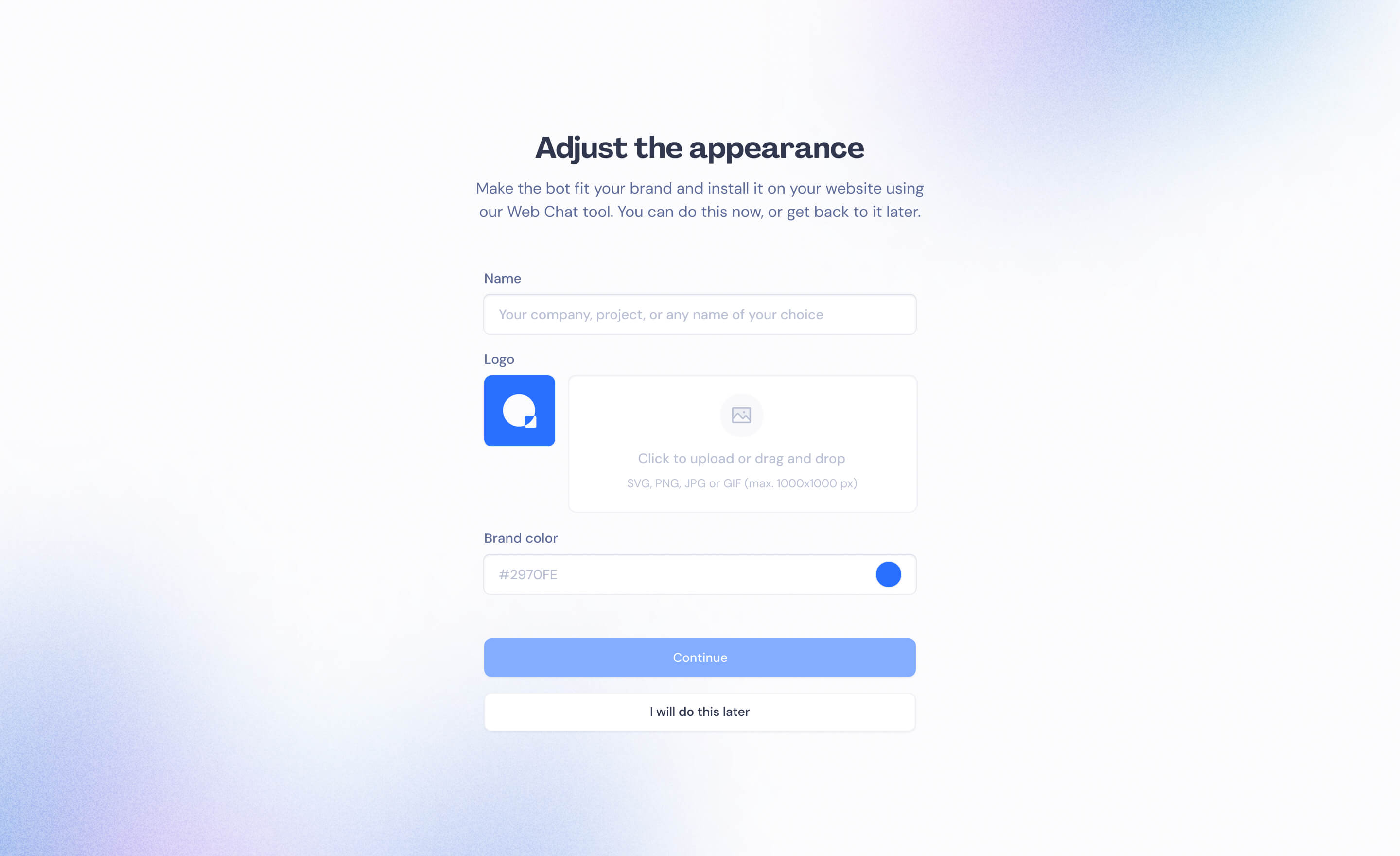 |