
pfSense vs. Twingate
| Product | Rating | Most Used By | Product Summary | Starting Price |
|---|---|---|---|---|
 pfSense | Score8.5 out of 10 | N/A | pfSense is a firewall and load management product available through the open source pfSense Community Edition, as well as a the licensed edition, pfSense Plus (formerly known as pfSense Enterprise). The solution provides combined firewall, VPN, and router functionality, and can be deployed through the cloud (AWS or Azure), or on-premises with a Netgate appliance. It as scalable capacities, with functionality for SMBs. As a firewall, pfSense offers Stateful packet inspection, concurrent… | $179 per appliance |
 Twingate | Score9.9 out of 10 | N/A | Twingate allows businesses to secure remote access to their private applications, data, and environments, whether they are on-premise or in the cloud. Built to make the lives of DevOps teams, IT teams, and end users easier, it replaces outdated corporate VPNs which were not built to handle a world in which "work from anywhere" and cloud-based assets are increasingly the norm. Twingate’s modern zero trust-based approach to securing remote access focuses on improving security,… | $0 |
| pfSense | Twingate | |||||||||||||||
|---|---|---|---|---|---|---|---|---|---|---|---|---|---|---|---|---|
| Editions & Modules |
|
| ||||||||||||||
| Offerings |
| |||||||||||||||
| Entry-level Setup Fee | No setup fee | No setup fee | ||||||||||||||
| Additional Details | — | An Enterprise Plan with customized pricing is also available. | ||||||||||||||
| More Pricing Information | ||||||||||||||||
| pfSense | Twingate | |
|---|---|---|
| Considered Both Products | No answer on this topic | No answer on this topic |
| Key User Insights | ||
| Would buy again | ||
94% Would buy again 16 Answers | No answers on this topic | |
| Delivers good value for the price | ||
100% Delivers good value for the price 17 Answers | No answers on this topic | |
| Happy with the feature set | ||
94% Happy with the feature set 16 Answers | No answers on this topic | |
| Lived up to sales and marketing promises | ||
100% Lived up to sales and marketing promises 14 Answers | No answers on this topic | |
| Implementation went as expected | ||
94% Implementation went as expected 16 Answers | No answers on this topic | |
| pfSense | Twingate | |||||||||||||||||||||||||||||||||||||
|---|---|---|---|---|---|---|---|---|---|---|---|---|---|---|---|---|---|---|---|---|---|---|---|---|---|---|---|---|---|---|---|---|---|---|---|---|---|---|
| Firewall |
| |||||||||||||||||||||||||||||||||||||
| pfSense | Twingate | |
|---|---|---|
| Small Businesses |  SonicWall NSA Series Score8.3 out of 10 | No answers on this topic |
| Medium-sized Companies |  Barracuda CloudGen Firewall Score9.6 out of 10 | No answers on this topic |
| Enterprises |  Cisco Adaptive Security Appliance (ASA) Software Score9 out of 10 |  Forescout Vistaro Platform Score6.6 out of 10 |
| All Alternatives | View all alternatives | View all alternatives |
| pfSense | Twingate | |
|---|---|---|
| Likelihood to Recommend | 9.3 | 9.5 |
| Usability | 9.7 | 10.0 |
| Support Rating | 10.0 | 9.5 |
| pfSense | Twingate | |
|---|---|---|
| Likelihood to Recommend |
|
|
| Pros |
|
|
| Cons |
|
|
| Usability |
|
|
| Support Rating |
|
|
| Alternatives Considered |
| No answers on this topic |
| Return on Investment |
|
|
| ScreenShots | Twingate Screenshots 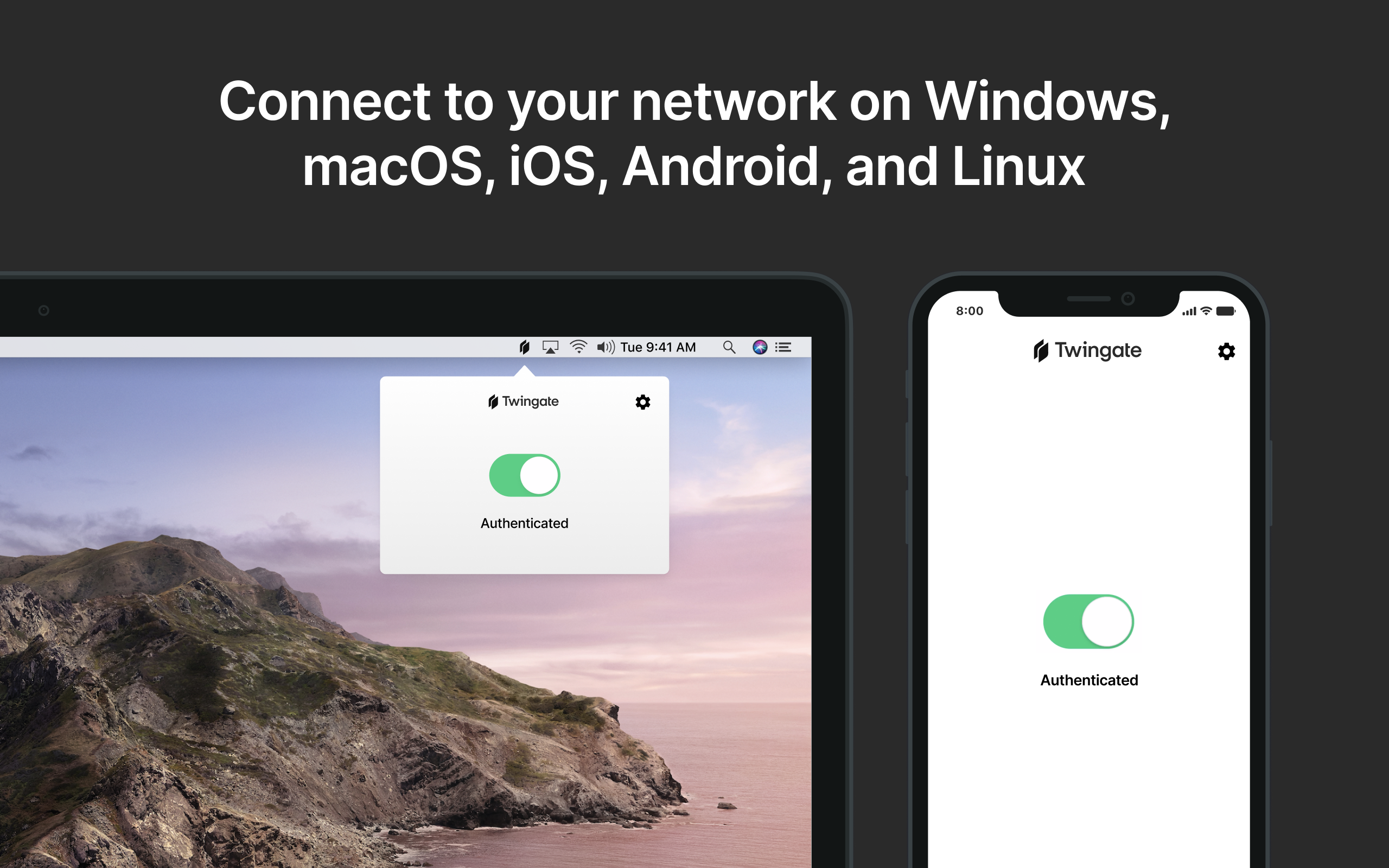 |




