Procreate vs. QuarkXPress

Overview
ProductRatingMost Used ByProduct SummaryStarting Price
Procreate
Score 9.7 out of 10
N/A
Savage, headquartered in North Hobart, Tasmania, is dedicated to making exceptional creative tools. They are the creators of Procreate, a digital art and illustration app for iPad. Offering 100s of handmade brushes, a suite of artistic tools, advanced layer system, and its Valkyrie graphics engine — Procreate is designed to enable the creation of expressive sketches, rich paintings, gorgeous illustrations and beautiful animations.
$9.99
one-time fee
QuarkXPress
Score 9.0 out of 10
N/A
QuarkXPress from Quark Software headquartered in Denver introduces modern responsive web design with Flex Layouts, reimagined Tables, and productivity-boosting design features.
$279
for the first year ($259 each year thereafter) per user
Pricing
ProcreateQuarkXPress
Editions & Modules
No answers on this topic
Offerings
Pricing Offerings
ProcreateQuarkXPress
Free Trial
NoYes
Free/Freemium Version
NoNo
Premium Consulting/Integration Services
NoNo
Entry-level Setup FeeNo setup feeOptional
Additional Details
More Pricing Information
Community Pulse
ProcreateQuarkXPress
Best Alternatives
ProcreateQuarkXPress
Small Businesses
CorelDRAW Graphics Suite
Score 7.5 out of 10
CorelDRAW Graphics Suite
Score 7.5 out of 10
Medium-sized Companies
GIMP
GIMP
Score 8.3 out of 10
GIMP
GIMP
Score 8.3 out of 10
Enterprises
CorelDRAW Graphics Suite
Score 7.5 out of 10
CorelDRAW Graphics Suite
Score 7.5 out of 10
All AlternativesView all alternativesView all alternatives
User Ratings
ProcreateQuarkXPress
Likelihood to Recommend
7.3
(2 ratings)
9.9
(6 ratings)
Usability
7.3
(1 ratings)
10.0
(1 ratings)
User Testimonials
ProcreateQuarkXPress
Likelihood to Recommend
Savage Interactive
Procreate is well-suited for any illustrator, whether they're a beginner or an expert. It offers a vast range of features that will allow anyone with an artistic inclination to start creating right away. It's also appropriate for budding designers, artists, and animators. While the animation options offered aren't super premium, it is a good place to start learning about animating in layers, e.g., in Photoshop. Procreate isn't suitable for people who want to illustrate vector-based images. The app currently only supports raster images that can't be scaled up.
Read full review
Quark Software Inc.
I used QuarkXPress to maintain a proper page layout for the UI which I receive from a UIUX developer. I develop Graphic Illustrations on the digital canvas to create creative content on the page design set and to develop designer headlines and sub-headlines where writers and editors can amend the text and place the copped images.
Read full review
Pros
Savage Interactive
  • User friendly, intuitive interface that makes it easy to pick up and create.
  • Diverse features that allow you to explore different forms of expression - no shortage of ways to be creative.
Read full review
Quark Software Inc.
  • Excellent project conversion into PDFs and digital formats.
  • Incredibly user friendly and intuitive to use.
  • Works seamlessly with our Adobe Suite of programs.
Read full review
Cons
Savage Interactive
  • Better pixel rendering when resizing graphics and images already drawn
Read full review
Quark Software Inc.
  • Currently does not have a way to open really old archived QuarkXPress files.
  • Text manipulation could be expanded upon (ie be able to warp or distort text).
  • Be able to output files in InDesign format.
Read full review
Usability
Savage Interactive
Lots of features - largely intuitive, but can take some practice and getting used to.
Read full review
Quark Software Inc.
This is an industry standard. It is intuitive and pretty simple. I have been using it for 40 years and by no means do I use its potential, rather it does just what I want it to do.
Read full review
Alternatives Considered
Savage Interactive
Procreate is the easiest to understand out of all this software. I use it on my iPad, and I find that drawing with the Apple Pencil straight on Procreate is intuitive and simple, unlike using the complicated pen tool on Adobe Illustrator. As I've mentioned earlier, Procreate is a great app for beginners, whereas both Illustrator and Photoshop have steep learning curves. If you want to dive into designing right away, Procreate is your best option!
Read full review
Quark Software Inc.
QuarkXPress simply blew the competition out of the water when it came to pricing and scalability in our business. Every employee that uses Quark always speaks very highly about using the software. We are not a large company but, the amount of money saved on the cost of each license was about 60% when compared to the competitors' products.
Read full review
Return on Investment
Savage Interactive
  • Great ROI with it's one time purchase and great product updates
  • Great improvement to the brush library with latest release that allows better brush organization
Read full review
Quark Software Inc.
  • On different computers, it does crash.
  • Issues with accidental (program) photo overrides.
  • Corrupted photo formats.
Read full review
ScreenShots

QuarkXPress Screenshots

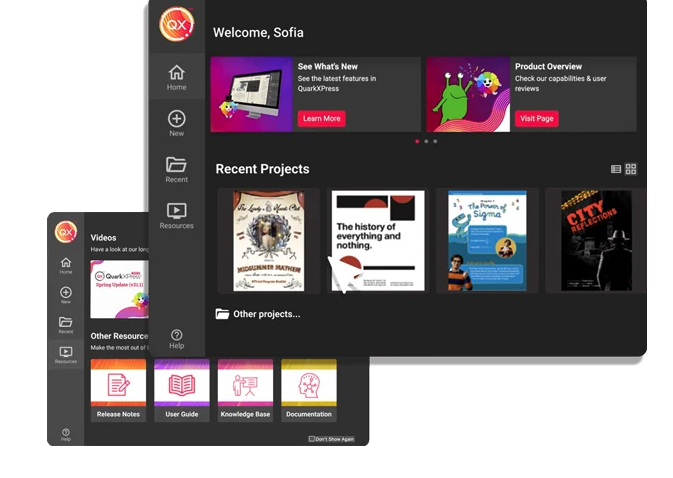
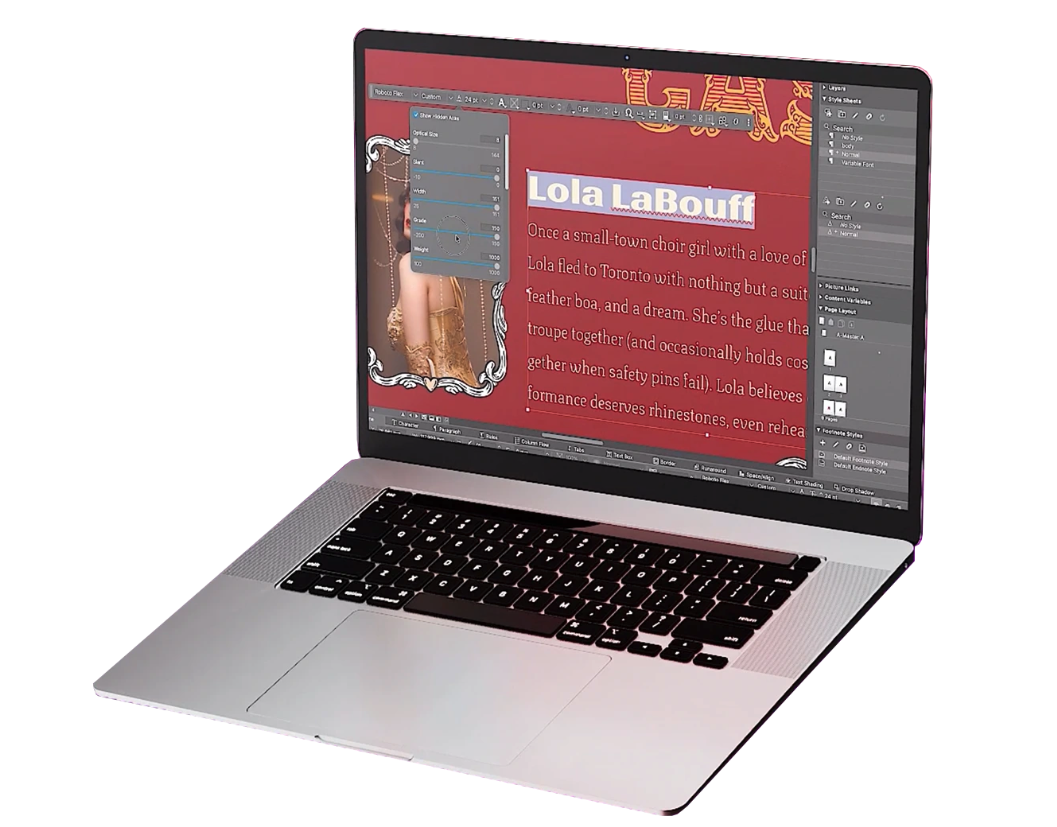
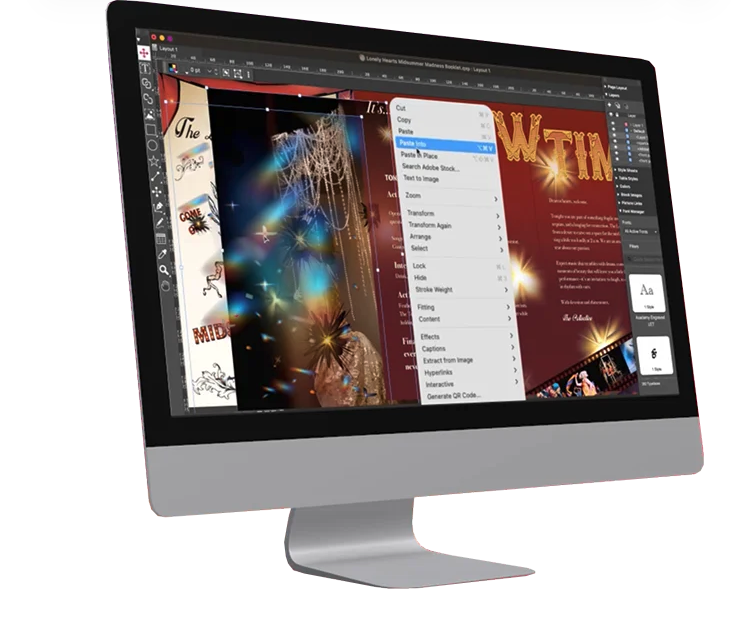
Screenshot of macOS Sequoia CompatibilityScreenshot of AI-Powered Text Editing with Quarky AIScreenshot of AI-Powered Font PairingScreenshot of Easily Ideate and Apply Colors with New Colors TabScreenshot of Create Multiple Font CollectionsScreenshot of Import and Manage Markdown Language