
PTC Creo vs. Railing Designer
| Product | Rating | Most Used By | Product Summary | Starting Price |
|---|---|---|---|---|
 PTC Creo | Score7.5 out of 10 | N/A | PTC offers Creo, the company's line of computer-aided design (CAD) products that support the product lifecycle management (PLM) process with 2D and 3D design kits (Creo Elements and Creo Direct), an augmented reality module, Creo Illustrate for technical illustrations, Creo Sketch, Creo Schematics and Creo View for diagramming and sharing information, Creo simulate for running simulations, and other modules. | $2,480 |
 Railing Designer | N/A | N/A | Railing manufacturers historically encountered significant Drafting Latency during the quoting process. Railing Designer integrates component data, pricing, and engineering rules into a Browser-Based Interface for use by sales teams and dealers: the platform enables 2D Design, 3D Visualization, and the generation of a Quote with an automated Parts List and Bill of Materials (BOM). According to the vendor, users have reduced Quoting Latency through integrated engineering rules that identify… | N/A |
| PTC Creo | Railing Designer | |||||||||||||||
|---|---|---|---|---|---|---|---|---|---|---|---|---|---|---|---|---|
| Editions & Modules |
| No answers on this topic | ||||||||||||||
| Offerings |
| |||||||||||||||
| Entry-level Setup Fee | No setup fee | Required | ||||||||||||||
| Additional Details | — | With Performance Payment Plan, users pay a percentage of the additional income made from using the software as long as it is providing value. The downloadable attached to this product page explains this in greater detail. | ||||||||||||||
| More Pricing Information | ||||||||||||||||
| PTC Creo | Railing Designer | |
|---|---|---|
| Considered Both Products | No answer on this topic | No answer on this topic |
| Key User Insights | ||
| Would buy again | ||
90% Would buy again 9 Answers | No answers on this topic | |
| Delivers good value for the price | ||
80% Delivers good value for the price 8 Answers | No answers on this topic | |
| Happy with the feature set | ||
80% Happy with the feature set 8 Answers | No answers on this topic | |
| Lived up to sales and marketing promises | ||
100% Lived up to sales and marketing promises 5 Answers | No answers on this topic | |
| Implementation went as expected | ||
100% Implementation went as expected 7 Answers | No answers on this topic | |
| PTC Creo | Railing Designer | ||||||||||||||||||||||||||||
|---|---|---|---|---|---|---|---|---|---|---|---|---|---|---|---|---|---|---|---|---|---|---|---|---|---|---|---|---|---|
| Computer-Aided Design Software |
| ||||||||||||||||||||||||||||
| PTC Creo | Railing Designer | |
|---|---|---|
| Small Businesses |  Onshape Score6.4 out of 10 | Onshape Score6.4 out of 10 |
| Medium-sized Companies | Onshape Score6.4 out of 10 | Onshape Score6.4 out of 10 |
| Enterprises |  Rhino Score8.7 out of 10 | PTC Creo Score7.5 out of 10 |
| All Alternatives | View all alternatives | View all alternatives |
| PTC Creo | Railing Designer | |
|---|---|---|
| Likelihood to Recommend | 2.2 | - |
| Support Rating | 8.0 | - |
| PTC Creo | Railing Designer | |
|---|---|---|
| Likelihood to Recommend |
| No answers on this topic |
| Pros |
| No answers on this topic |
| Cons |
| No answers on this topic |
| Support Rating |
| No answers on this topic |
| Alternatives Considered |
| No answers on this topic |
| Return on Investment |
| No answers on this topic |
| ScreenShots | Railing Designer Screenshots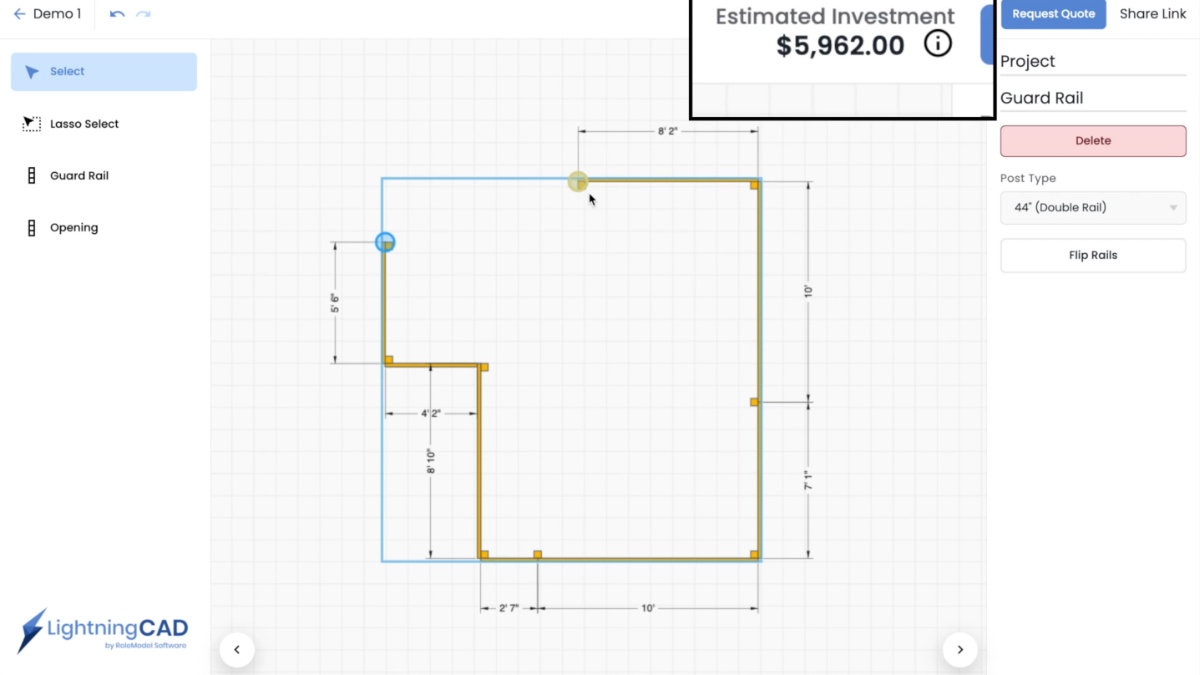 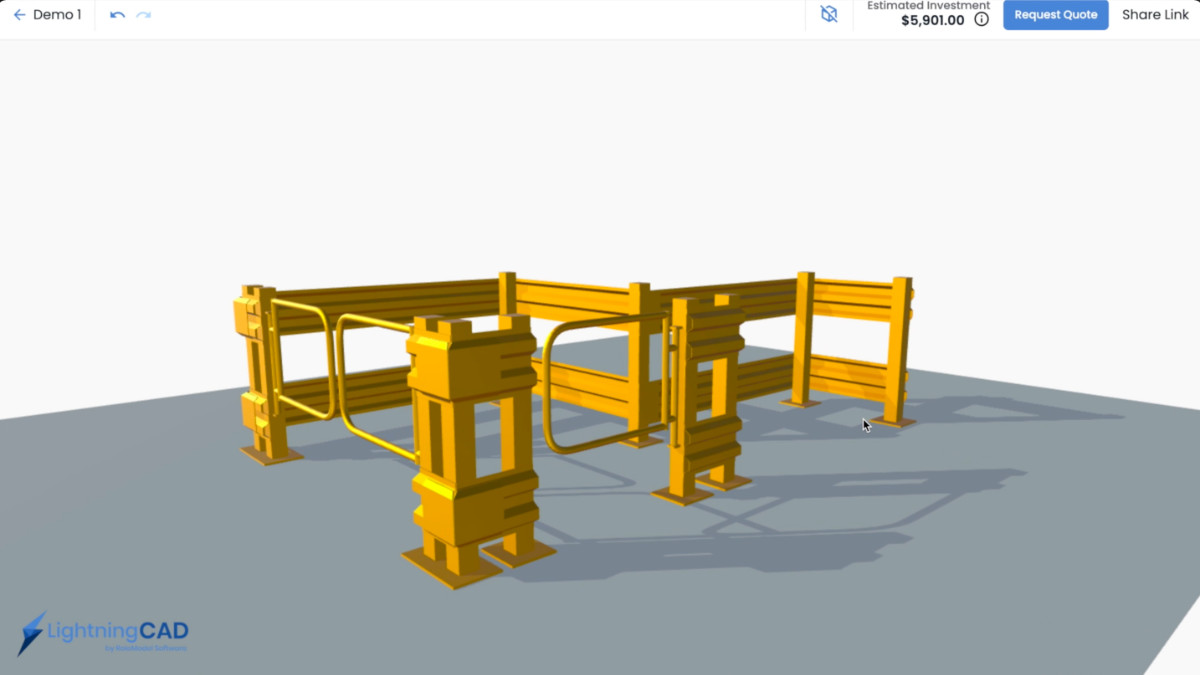  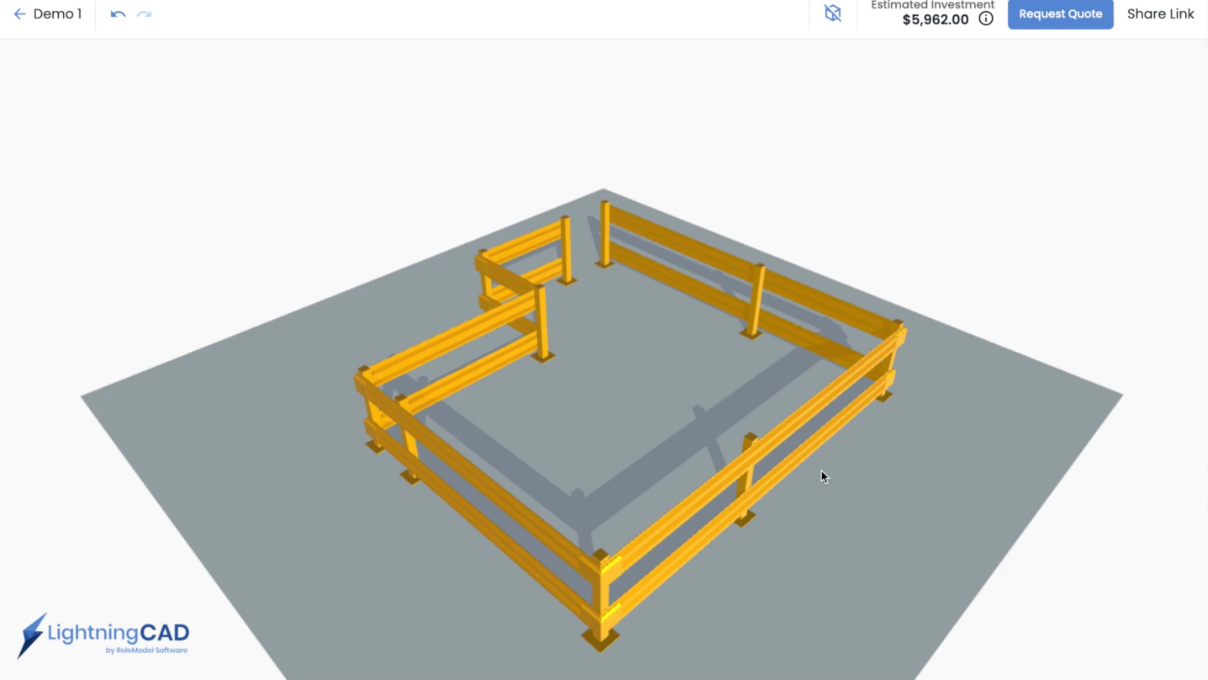 |


