Qualys TruRisk Platform vs. Sensagraph

Overview
ProductRatingMost Used ByProduct SummaryStarting Price
Qualys TruRisk Platform
Score 6.0 out of 10
N/A
Qualys TruRisk Platform (formerly Qualys Cloud Platform, or Qualysguard), from San Francisco-based Qualys, is network security and vulnerability management software featuring app scanning and security, network device mapping and detection, vulnerability prioritization schedule and remediation, and other features to provide vulnerability management and network attack surface reduction.N/A
Sensagraph
Score 0.0 out of 10
N/A
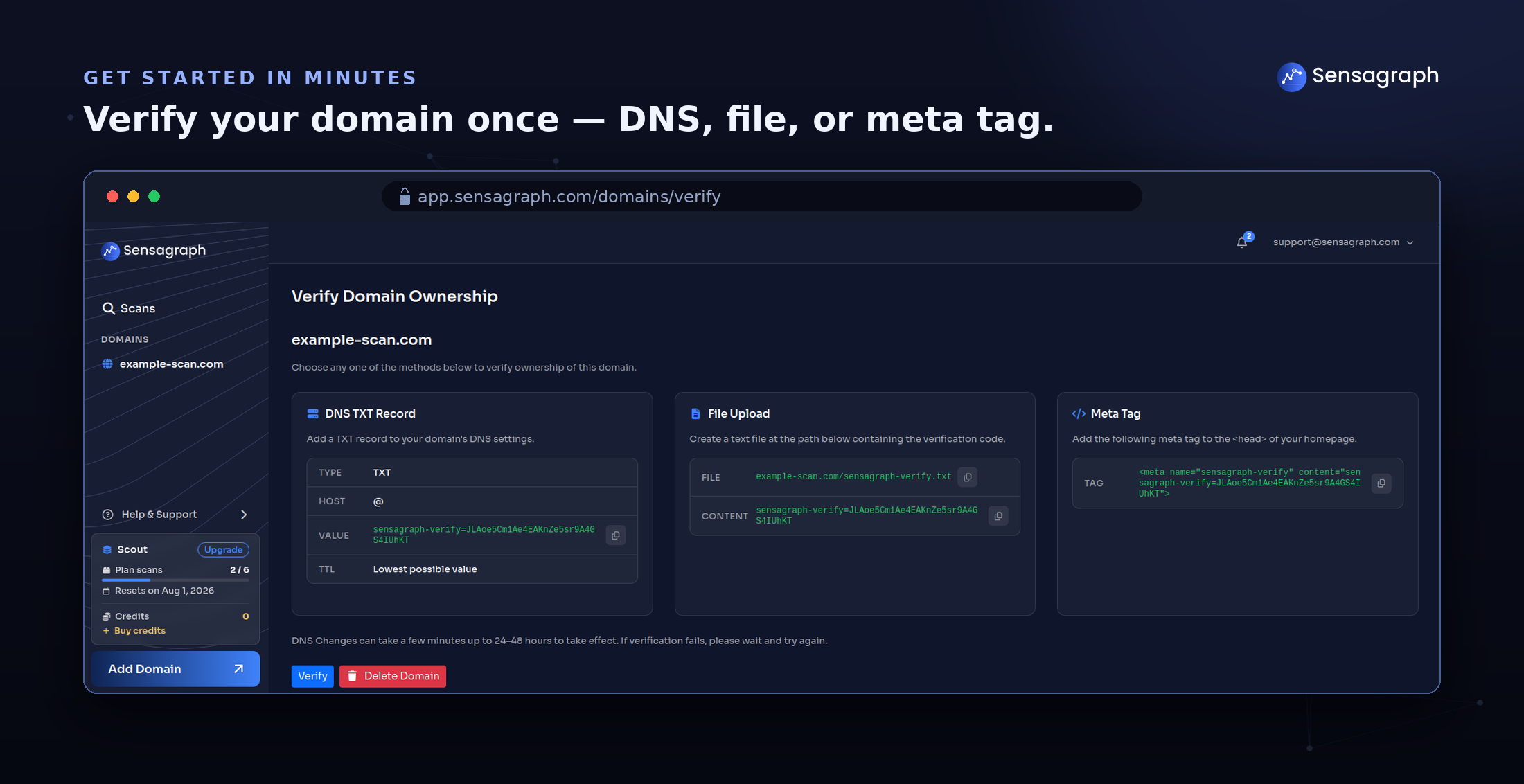
Sensagraph is an agentless external security scanning platform that shows you your web applications the way an attacker sees them: from the public internet, with nothing to install and no code to change. Point Sensagraph at a domain, verify ownership once, and it maps any app's real attack surface across five focused capabilities: Web Application Vulnerability Detection (SQL injection, XSS, CSRF, and the rest of the OWASP Top 10), Web Server Configuration Analysis,…
$19
per month
Pricing
Qualys TruRisk PlatformSensagraph
Editions & Modules
No answers on this topic
Scout
$19
per month
Sentinel
$49
per month
Ops
$119
per month
Scout
$190
per year
Sentinel
$490
per year
Ops
$1,190
per year
Offerings
Pricing Offerings
Qualys TruRisk PlatformSensagraph
Free Trial
NoNo
Free/Freemium Version
NoYes
Premium Consulting/Integration Services
NoNo
Entry-level Setup FeeNo setup feeNo setup fee
Additional DetailsSensagraph is priced as a simple, self-serve subscription with no setup fees, no long procurement cycle, and no mandatory sales call to get started. A free plan includes 1 full external scan per month, so you can evaluate the product on your own domain before paying anything. Paid plans are built to scale with how much you scan and how many domains you monitor, which makes the product a good fit for a range of buyers: solo developers securing a single site, SaaS teams watching their production environment, and agencies managing many client domains from one account. There are no agents to license per host and no per-endpoint charges, so pricing stays predictable as your footprint grows. Every plan includes the same core scanning engine and the client-ready PDF report, so you are choosing based on scan volume and domain coverage, not being locked out of key security features at lower tiers.
More Pricing Information
Features
Qualys TruRisk PlatformSensagraph
Threat Intelligence
Comparison of Threat Intelligence features of Product A and Product B
Qualys TruRisk Platform
8.7
7 Ratings
7% above category average
Sensagraph
-
Ratings
Network Analytics8.96 Ratings00 Ratings
Threat Recognition8.37 Ratings00 Ratings
Vulnerability Classification8.87 Ratings00 Ratings
Automated Alerts and Reporting9.07 Ratings00 Ratings
Threat Analysis8.27 Ratings00 Ratings
Threat Intelligence Reporting8.97 Ratings00 Ratings
Automated Threat Identification8.77 Ratings00 Ratings
Vulnerability Management Tools
Comparison of Vulnerability Management Tools features of Product A and Product B
Qualys TruRisk Platform
8.5
9 Ratings
2% above category average
Sensagraph
-
Ratings
IT Asset Realization8.89 Ratings00 Ratings
Authentication7.96 Ratings00 Ratings
Configuration Monitoring8.57 Ratings00 Ratings
Web Scanning8.88 Ratings00 Ratings
Vulnerability Intelligence8.67 Ratings00 Ratings
Best Alternatives
Qualys TruRisk PlatformSensagraph
Small Businesses
Action1
Action1
Score 9.5 out of 10
Action1
Action1
Score 9.5 out of 10
Medium-sized Companies
Action1
Action1
Score 9.5 out of 10
Action1
Action1
Score 9.5 out of 10
Enterprises
CrowdStrike Falcon
CrowdStrike Falcon
Score 9.0 out of 10
CrowdStrike Falcon
CrowdStrike Falcon
Score 9.0 out of 10
All AlternativesView all alternativesView all alternatives
User Ratings
Qualys TruRisk PlatformSensagraph
Likelihood to Recommend
8.6
(25 ratings)
-
(0 ratings)
Usability
2.0
(1 ratings)
-
(0 ratings)
Support Rating
5.0
(7 ratings)
-
(0 ratings)
User Testimonials
Qualys TruRisk PlatformSensagraph
Likelihood to Recommend
Qualys
Qualys Cloud Platform is well suited for organizations that need additional tools to secure and bolster their security from end to end. The automated, real-time threat protection is very quick to notify an admin of potential vulnerabilities and risks, as well as recommending quick fixes to resolve/close the gap before an incident occurs. QCP excels at portraying all of these in a single pane of glass, and find that the Qualys reports are more detailed than competitor product lines. One of our big issues with QCP is that you do have to pay for each scanner, which can quickly add up to large costs. For this reason, I would rate Qualys at a ~7 due to great features and functionality, but overall value could be better for a large organization. I would also say that QCP may make more sense for smaller organizations due to this pricing model.
Read full review
Kaşgar Yazılım
No answers on this topic
Pros
Qualys
  • It really does well at vulnerability scanning, which it is well known for. It's accuracy at finding vulnerabilities is top notch, more so than a lot of other vulnerability tools out there. In an organization/company you want this kind of accuracy at finding vulnerabilities in your network/endpoints
  • It is very good at managing endpoints on a consistent basis, meaning you can add endpoints to Qualys and have the platform scan/track/protect for vulnerabilities on an ongoing basis, without user intervention
  • It does really well at separating out and identifying what levels of criticality each vulnerability should fall into. This way, an organization/company can attack the more critical vulnerabilities first
Read full review
Kaşgar Yazılım
No answers on this topic
Cons
Qualys
  • This program is really complicated, the multiple functions that are presented to us are not very clear and in some cases, it is a matter of intuition to execute a function, it is not very informative.
  • The interface of this program can be a real problem; for our taste, this program looks a bit messy, and the interface does not help or guide you to find the options you need.
Read full review
Kaşgar Yazılım
No answers on this topic
Usability
Qualys
Again, the usability of Qualys has been a pinpoint for this entire review. It was easily the worst thing about the product and because of this, I would not recommend Qualys to anybody in my field. This should be something that Qualys strives to improve if they wish to stay in business.
Read full review
Kaşgar Yazılım
No answers on this topic
Support Rating
Qualys
They had a support page within the WAS to report any concerns or seek help. But the UI of that is not smooth. Regardless support staff were pretty responsive and helpful. They scheduled calls to understand and address our problems. Email support is good as well.
Read full review
Kaşgar Yazılım
No answers on this topic
Alternatives Considered
Qualys
As described before Qualys is used to scan periodically the environment in order to check if there are some packages (Linux) or Applications (Windows) outdated, generating reports to the Service Owners, fulfilling what's is expected from us, attending all our expectations regarding the tool. That's why we'd choose Qualys to our organization.
Read full review
Kaşgar Yazılım
No answers on this topic
Return on Investment
Qualys
  • Big time-saving tool vs. having to comb through several system reports which ultimately can still have you missing unapproved software.
  • Quick snapshot via the dashboard provided a nice summary of where you're assets meet or do not meet your organization's policy requirements.
Read full review
Kaşgar Yazılım
No answers on this topic
ScreenShots

Sensagraph Screenshots

Screenshot of Scan Result ScreenScreenshot of Domain Verification Screen