
Refapp vs. Zenreader
| Product | Rating | Most Used By | Product Summary | Starting Price |
|---|---|---|---|---|
 Refapp | Score10 out of 10 | N/A | N/A | N/A |
 Zenreader | N/A | N/A | Zenreader is a desktop software used by students, researchers and professionals to collect, organise and combine knowledge to produce great work in less time. Zenreader is used to rapidly build a body of knowledge and evidence from PDF documents and webpages. With Zenreader users read documents, highlight text and images, capture thoughts and draft evidence-based notes. With one click users then export all of your work to your favourite writing software. Zenreader is designed with… | N/A |
| Refapp | Zenreader | |||||||||||||||
|---|---|---|---|---|---|---|---|---|---|---|---|---|---|---|---|---|
| Editions & Modules | No answers on this topic | No answers on this topic | ||||||||||||||
| Offerings |
| |||||||||||||||
| Entry-level Setup Fee | No setup fee | No setup fee | ||||||||||||||
| Additional Details | — | — | ||||||||||||||
| More Pricing Information | ||||||||||||||||
| Refapp | Zenreader | |
|---|---|---|
| Likelihood to Recommend | 10.0 | - |
| Refapp | Zenreader | |
|---|---|---|
| Likelihood to Recommend |
| No answers on this topic |
| ScreenShots | Zenreader Screenshots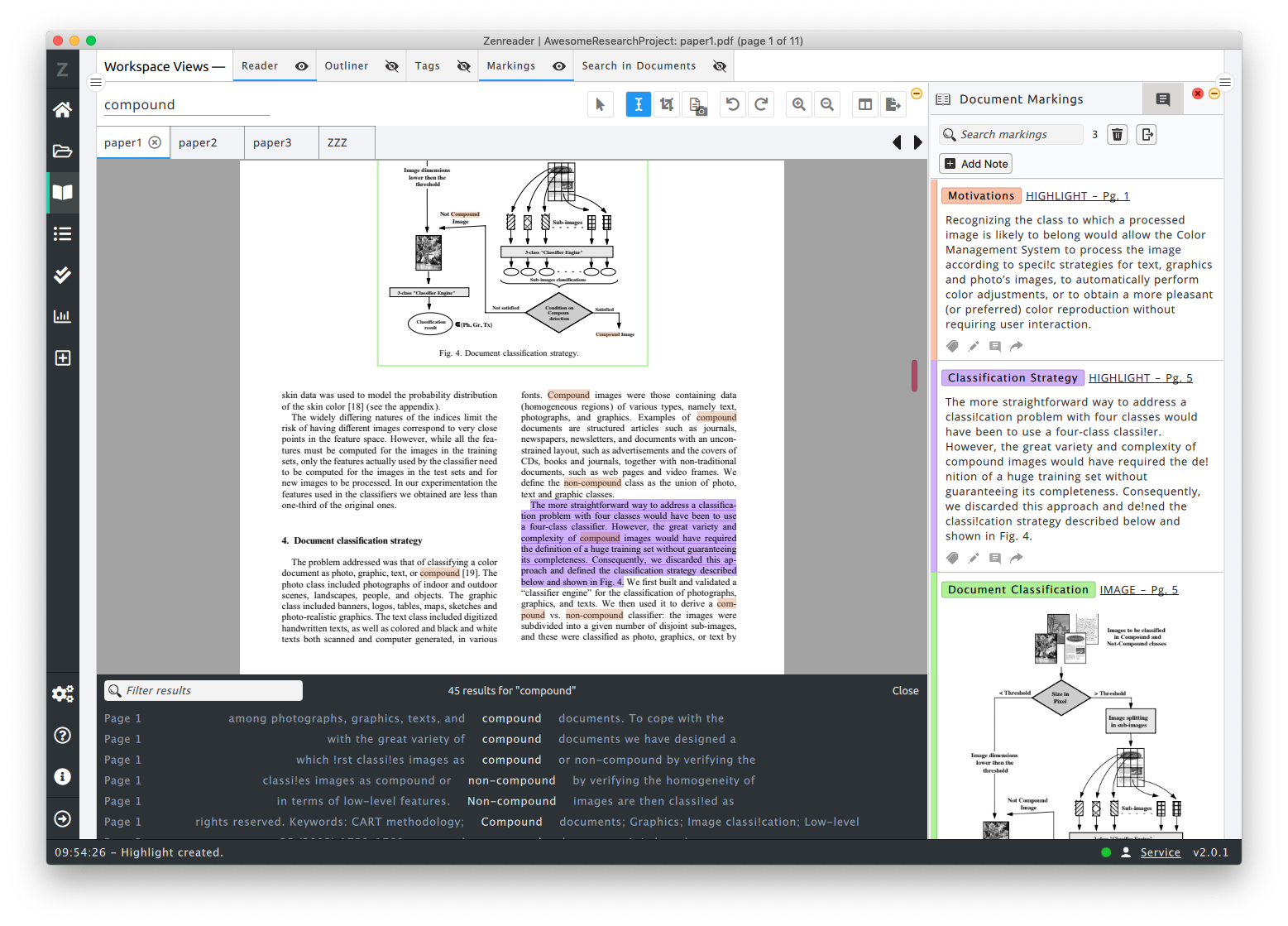 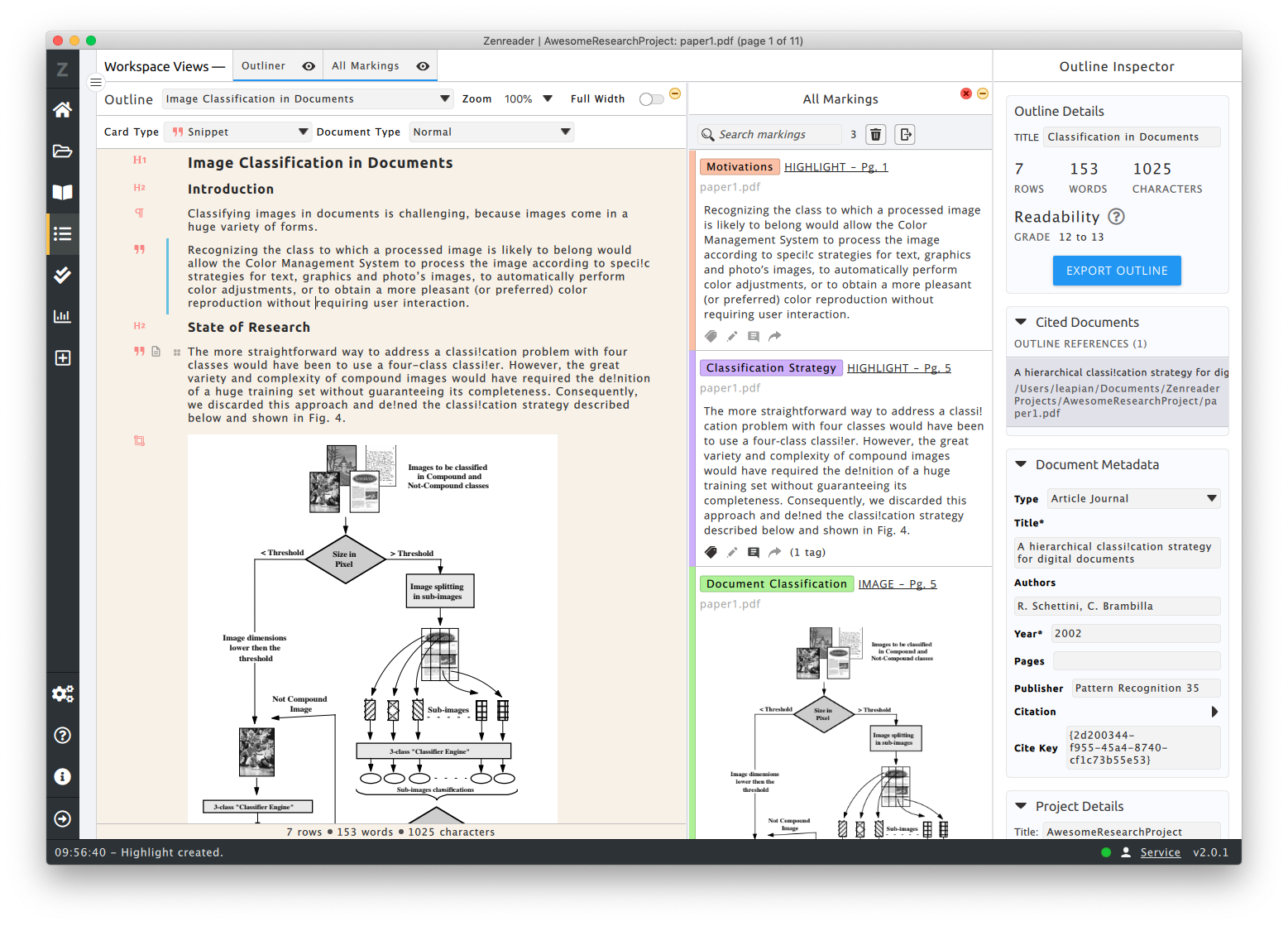 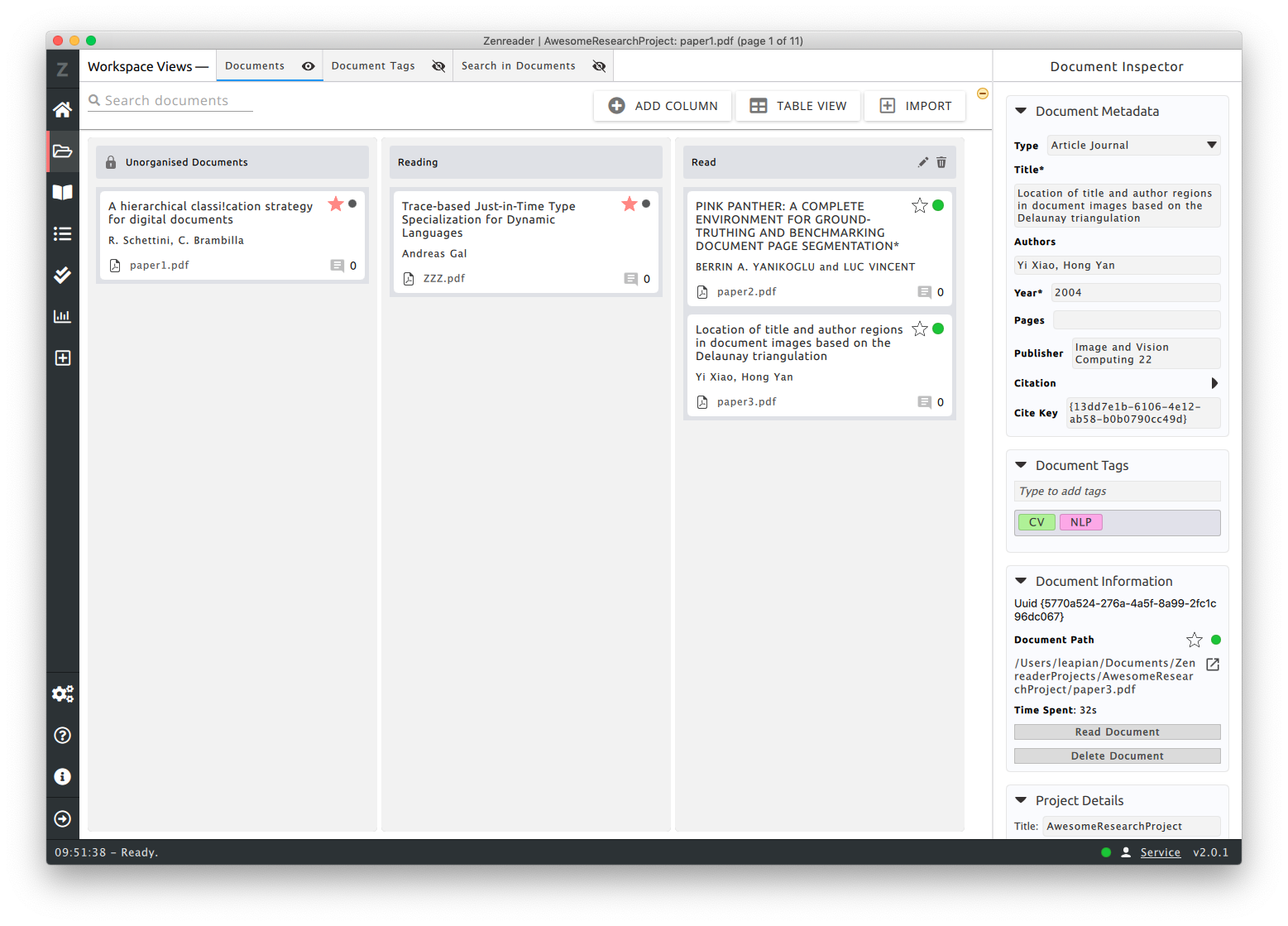 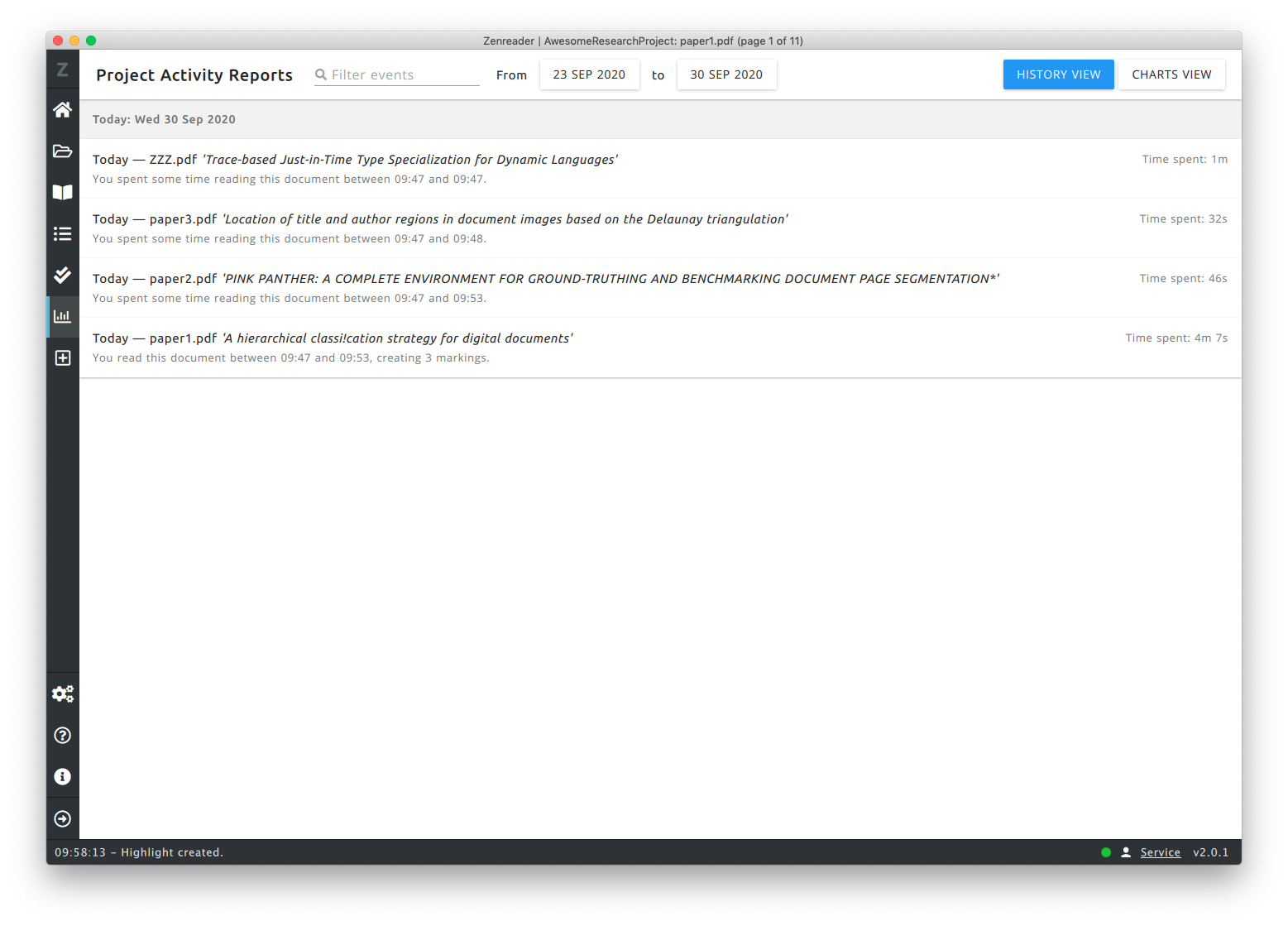 |
