Resource Guru vs. SeaTable

Overview
ProductRatingMost Used ByProduct SummaryStarting Price
Resource Guru
Score 8.0 out of 10
N/A
Resource Guru is presented as a fast, flexible way to schedule teams and projects. It enables users to: Manage people, equipment, and meeting rooms in one place Assign work, book time off, and edit schedules in seconds Track availability in real-time and avoid unrealistic workloads Keep a team up-to-date with personal dashboards and daily schedule emails Analyze utilization rates, clients, and projects for more accurate project forecasts and…
$4.16
per month per user
SeaTable
Score 8.4 out of 10
N/A
With SeaTable, teams can organize tasks, assets, projects and ideas. It looks like a spreadsheet but structures any type of information, in the cloud or on the user's own server. SeaTable is a web solution to design business processeses and workflows. SeaTable is designed to give teams the information that is currently needed. Individual views provide the freedom to organize work as it is needed. SeaTable can be linked with other business applications and…
$0
up to 3 users
Pricing
Resource GuruSeaTable
Editions & Modules
Grasshopper Plan
$4.16
per user, per month
Blackbelt Plan
$6.65
per user, per month
Master Plan
$10
per user, per month
Free Version
$0
up to 3 users
Free Version
$0
per user, per year
Plus - monthly
$11
per user, per month
Enterprise - monthly
$22
per user, per month
General license
$84
per user, per year
Plus - yearly
$101
per user, per year
Enterprise - yearly
$203
per user, per year
Small Business Package #1
$483
for 10 users. per year
Small Business Package #2
$1,811
for 25 users, per year
Offerings
Pricing Offerings
Resource GuruSeaTable
Free Trial
YesNo
Free/Freemium Version
NoYes
Premium Consulting/Integration Services
NoYes
Entry-level Setup FeeNo setup feeNo setup fee
Additional Details
More Pricing Information
Community Pulse
Resource GuruSeaTable
Features
Resource GuruSeaTable
Project Management
Comparison of Project Management features of Product A and Product B
Resource Guru
8.8
3 Ratings
13% above category average
SeaTable
7.5
3 Ratings
3% below category average
Resource Management8.93 Ratings9.13 Ratings
Scheduling8.63 Ratings4.83 Ratings
Team Collaboration9.02 Ratings9.13 Ratings
Task Management00 Ratings9.13 Ratings
Gantt Charts00 Ratings1.01 Ratings
Workflow Automation00 Ratings8.32 Ratings
Support for Agile Methodology00 Ratings6.01 Ratings
Support for Waterfall Methodology00 Ratings6.01 Ratings
Document Management00 Ratings9.12 Ratings
Email integration00 Ratings7.42 Ratings
Mobile Access00 Ratings8.01 Ratings
Timesheet Tracking00 Ratings9.01 Ratings
Change request and Case Management00 Ratings10.01 Ratings
Budget and Expense Management00 Ratings8.32 Ratings
Professional Services Automation
Comparison of Professional Services Automation features of Product A and Product B
Resource Guru
8.0
2 Ratings
3% above category average
SeaTable
7.3
2 Ratings
6% below category average
Project & financial reporting8.02 Ratings8.02 Ratings
Quotes/estimates00 Ratings8.01 Ratings
Invoicing00 Ratings8.01 Ratings
Integration with accounting software00 Ratings5.01 Ratings
Best Alternatives
Resource GuruSeaTable
Small Businesses
Stackby
Stackby
Score 8.9 out of 10
Stackby
Stackby
Score 8.9 out of 10
Medium-sized Companies
InEight
InEight
Score 8.4 out of 10
InEight
InEight
Score 8.4 out of 10
Enterprises
InEight
InEight
Score 8.4 out of 10
InEight
InEight
Score 8.4 out of 10
All AlternativesView all alternativesView all alternatives
User Ratings
Resource GuruSeaTable
Likelihood to Recommend
8.0
(3 ratings)
10.0
(2 ratings)
Usability
-
(0 ratings)
9.0
(1 ratings)
User Testimonials
Resource GuruSeaTable
Likelihood to Recommend
Resource Guru
It is very well suited when different branches of the company reside in different countries or time zones. It allows the project manager to efficiently keep track of the progress of their team members. It reduces the need for intensive calls where the manager asks for an extensive check in and update from each individual person. It also allows the project manager to update tasks and timelines as needed.
Read full review
SeaTable
It does well as a CRM for a company to see all of their candidates or clients or whatever they are tracking. The sorting and grouping ability as well as the inclusion of many formula integrations is also helpful to organize content more meaningfully. If you don't have a lot of information that you need to track, this might have more than you require but it is still a great software to use.
Read full review
Pros
Resource Guru
  • We can color by client, project, booker for clear picture.
  • There are filters to select particular resources for need of our event.
  • We can easily see booked and free time.
Read full review
SeaTable
  • Combination of spreadsheet and database
  • Feature rich but still easy to use
  • Uncomplicated installation and Maintenance
Read full review
Cons
Resource Guru
  • lacks real-time logging button
Read full review
SeaTable
  • SeaTable is a young company, and I have nothing to criticise, for now. - No solution will fit all use cases, in any event. --- I have found this one to be the most adaptable and complex on the European market. Due to the data location, I am reassured on the subject of GDPR compliance.
Read full review
Usability
Resource Guru
No answers on this topic
SeaTable
It is easy to use even with keyboard only. It has a good documentation and a perfect support.
Read full review
Alternatives Considered
Resource Guru
Resource Guru is the only product of it's kind that I have used regularly. Slack is comparable in allowing communication between teams, but doesn't have nearly the functionality of Resource Guru. Resource Guru is the only product that I am aware of that manages tasks and deadlines between various team members, and can be accessed by all members.
Read full review
SeaTable
For the value, you get much more with SeaTable including the statistics and the number of records that can be utilized on the free version. I also thoroughly enjoy the ease of adding formulas and having the reference right inside of the platform to ensure the selection of the correct formula to meet your needs.
Read full review
Return on Investment
Resource Guru
  • It's easy to assign work to the resources.
  • Resources can be filtered with various criteria as per the project needs.
  • We get clear picture of assigned tasks and hence project progress.
Read full review
SeaTable
  • Positive: Savings in administrative staffing needs.
  • Positive: Customisation allows for real-life workflow management
  • Positive: Automation is a goal that SeaTable supports very well.
  • Negative: Not many people are familiar with solutions like SeaTable. They are used to working with inflexible (and often not-fit for purpose) administrative systems. They are adept at finding ways to circumvent the issues by using secondary tools, or they wait passively for web developers to deliver the functionality they need. - It is quite difficult to convey the opportunities that SeaTable offers to people who have not used it before. SeaTable cannot be blamed for this, but it creates work in needing to convey this to the organisation's stakeholders. --- I would recommend one person to be assigned the role of SeaTable specialist in an organisation, so that any issues can be quickly resolved.
Read full review
ScreenShots

Resource Guru Screenshots

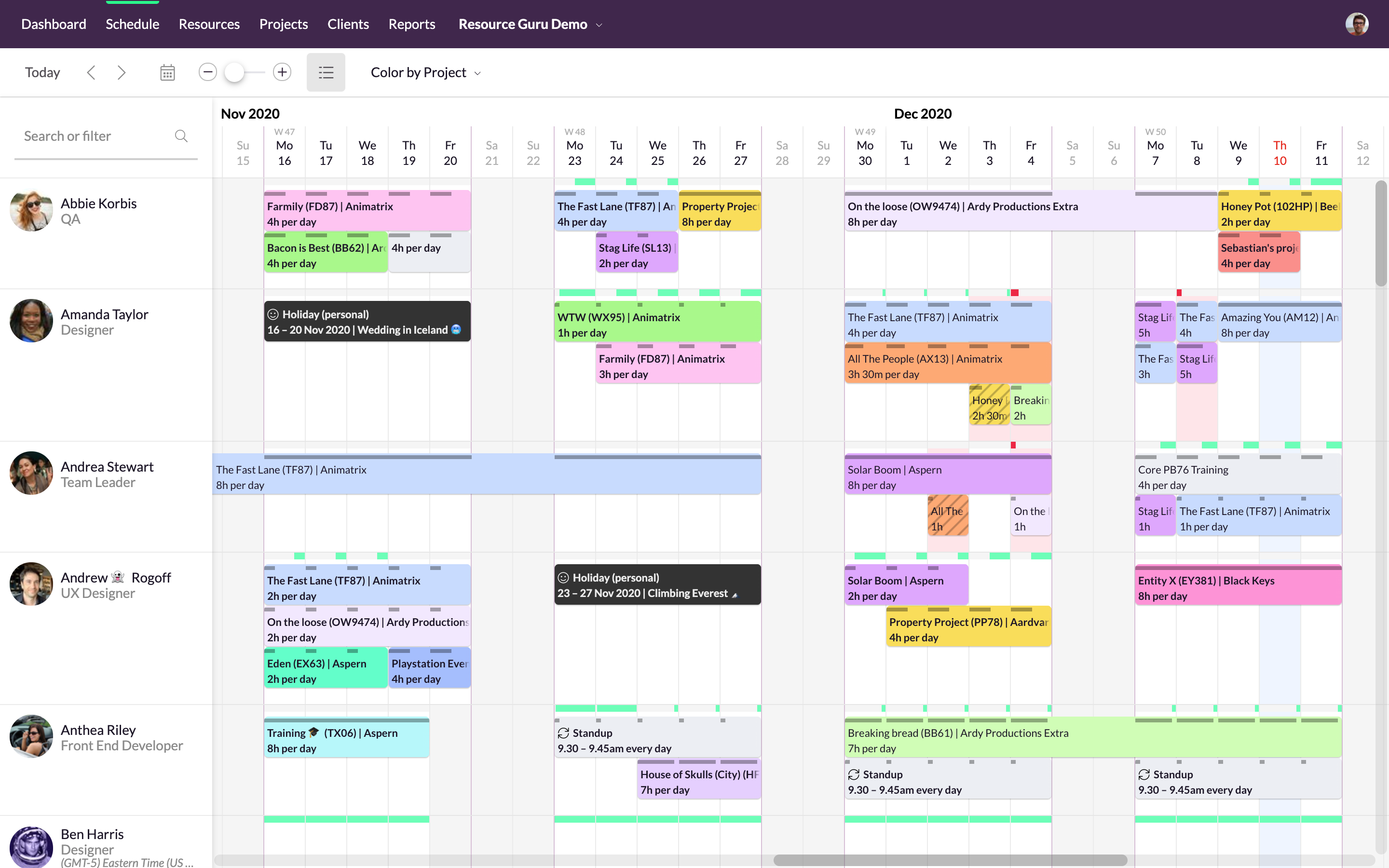
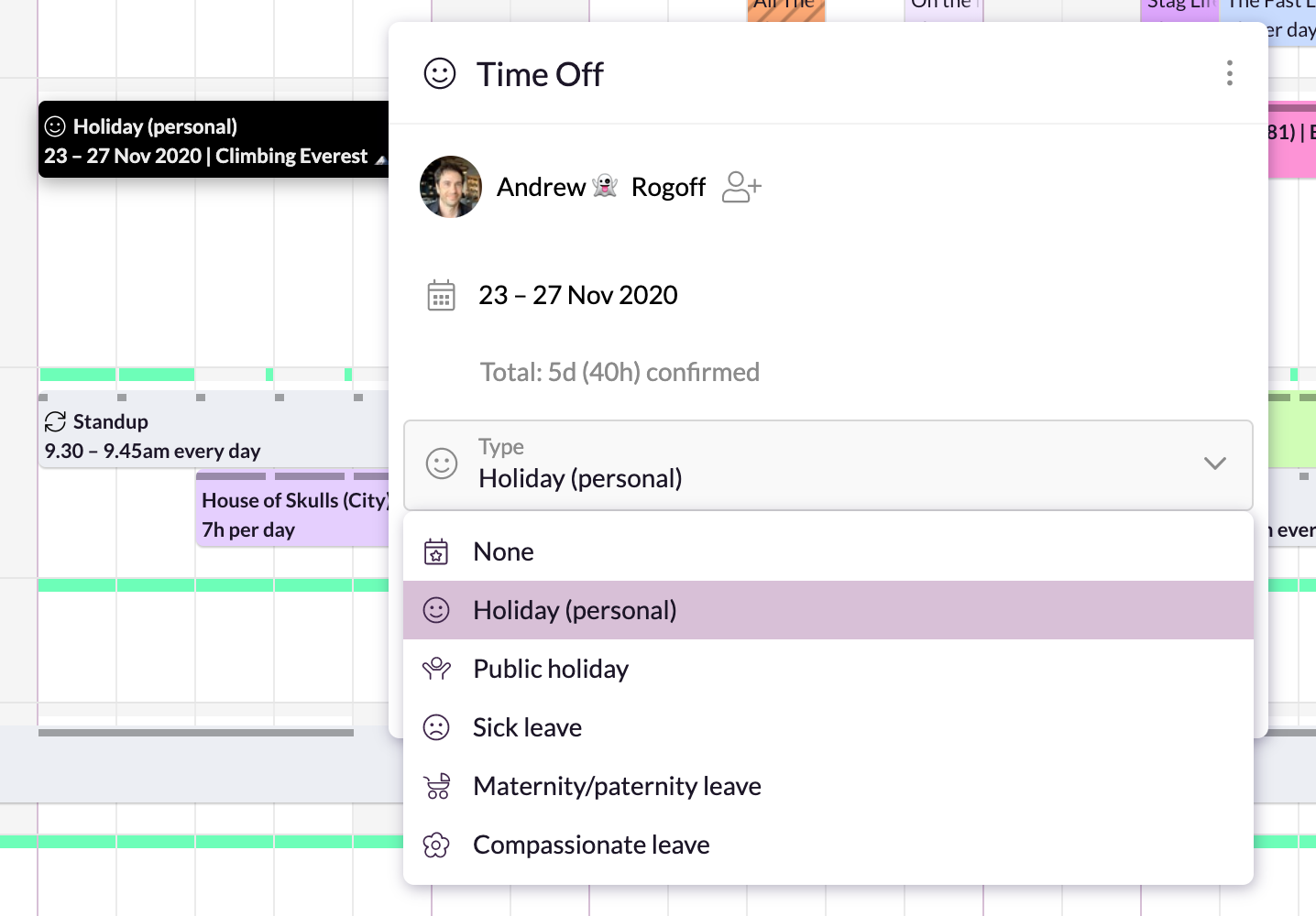
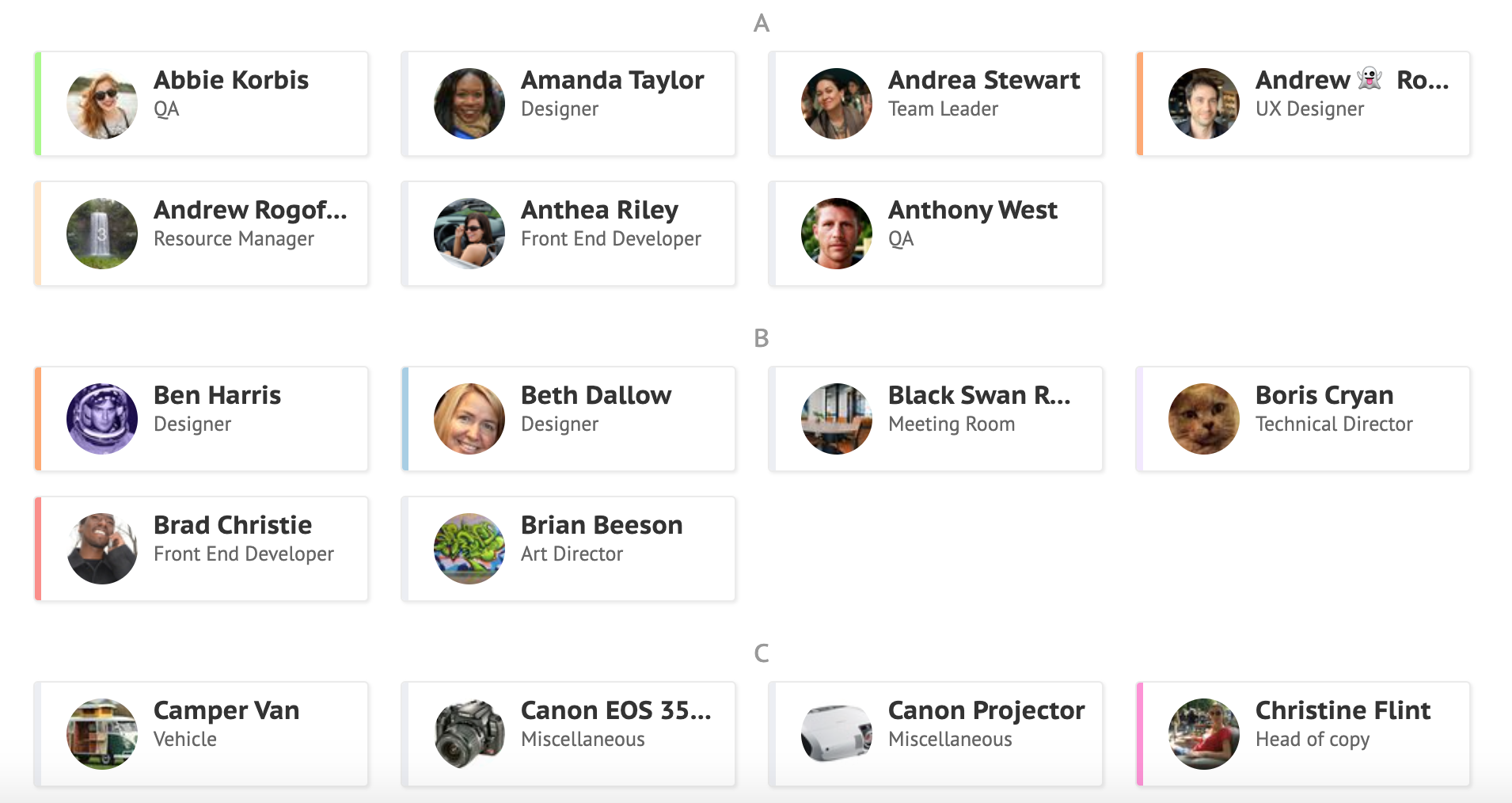
Screenshot of Simple, drag-and-drop schedulingScreenshot of Focus in on specific groups of resourcesScreenshot of Helps with utilization and capacity managementScreenshot of Manages sick days, holidays, and any other types of time off.Screenshot of A single resource poolScreenshot of Repeats weekly, fortnightly, monthly and yearly

SeaTable Screenshots

Screenshot of This is your starting overview page with all your bases. We provide you with predefined templates to help you get started with SeaTable as easily as possible.Screenshot of Always keep track of all your ideas, tasks or projects. So that everyone in the team knows exactly what needs to be done.Screenshot of In just a few clicks, you can add your team members to SeaTable, assign tasks, mark individual team members, set permissions and comment on the various tasks. This way, everyone in the team always stays informed and knows what needs to be done.Screenshot of SeaTable can be extended with individual plug-ins. In addition to the gallery, calendar, map view and timeline plug-in, you also have the option of developing your own desired functions.Screenshot of Bring your data to life with SeaTable! In addition to pie charts, bar charts and line charts, SeaTable has a variety of other options for efficiently preparing your data.Screenshot of Do you have to regularly record data from your employees or business partners? With SeaTable you can create online forms in no time at all, which you can send to the respective recipients via a link. The entered data ends up directly in SeaTable.