
Rhino 3D vs. Vectorworks Spotlight
Rhino 3D vs. Vectorworks Spotlight
| Product | Rating | Most Used By | Product Summary | Starting Price |
|---|---|---|---|---|
 Rhino | N/A | Robert McNeel and Associates headquartered in Seattle offers Rhinoceros 3D (or Rhino 3D), a 3D modeling and design application. Rhino can create, edit, analyze, document, render, animate, and translate NURBS curves, surfaces and solids, subdivision geometry (SubD), point clouds, and polygon meshes. | $995 one-time fee | |
 Vectorworks Spotlight | N/A | Vectorworks Spotlight is a solution used to design, document, previsualize, and produce shows and events. With an extensive suite of drawing, modeling, database, documentation, and collaboration tools, Spotlight helps users go from concept to fully created model within a single workflow. Evolved to meet the needs of entertainment industry professionals, Vectorworks Spotlight 2025 opens a new world of visual understanding and communication, delivering features implemented to address the most-used… | $153 per month per user |
| Rhino 3D | Vectorworks Spotlight | |||||||||||||||
|---|---|---|---|---|---|---|---|---|---|---|---|---|---|---|---|---|
| Editions & Modules |
|
| ||||||||||||||
| Offerings |
| |||||||||||||||
| Entry-level Setup Fee | No setup fee | Optional | ||||||||||||||
| Additional Details | Discount available for students and faculty. | $153/M: Monthly, 2 GB of cloud storage, Basic tech support, Immediate access to new versions $128/M: $1530 billed annually | Saves $306 over monthly billing, 2 GB of cloud storage, Basic tech support, Immediate access to new versions | ||||||||||||||
| More Pricing Information | ||||||||||||||||
| Rhino 3D | Vectorworks Spotlight |
|---|
| Rhino 3D | Vectorworks Spotlight | |||||||||||||||||||||||||||||||||
|---|---|---|---|---|---|---|---|---|---|---|---|---|---|---|---|---|---|---|---|---|---|---|---|---|---|---|---|---|---|---|---|---|---|---|
| Computer-Aided Design Software |
|
| Rhino 3D | Vectorworks Spotlight | |
|---|---|---|
| Small Businesses |  Onshape Score 7.3 out of 10 | Onshape Score 7.3 out of 10 |
| Medium-sized Companies | Onshape Score 7.3 out of 10 | Onshape Score 7.3 out of 10 |
| Enterprises |  CATIA Score 8.3 out of 10 | Rhino Score 8.3 out of 10 |
| All Alternatives | View all alternatives | View all alternatives |
| Rhino 3D | Vectorworks Spotlight | |
|---|---|---|
| Likelihood to Recommend | 8.0 (9 ratings) | - (0 ratings) |
| Support Rating | 7.5 (4 ratings) | - (0 ratings) |
| Rhino 3D | Vectorworks Spotlight | |
|---|---|---|
| Likelihood to Recommend |  Robert McNeel and Associates
 Stefan Boeykens Guest Professor | Vectorworks, Inc. No answers on this topic |
| Pros | Robert McNeel and Associates
| Vectorworks, Inc. No answers on this topic |
| Cons | Robert McNeel and Associates
| Vectorworks, Inc. No answers on this topic |
| Support Rating | Robert McNeel and Associates
| Vectorworks, Inc. No answers on this topic |
| Alternatives Considered | Robert McNeel and Associates
 Antoine Carpentier, E.I.T Structural Engineer | Vectorworks, Inc. No answers on this topic |
| Return on Investment | Robert McNeel and Associates
 Bob Householder Director of Engineering | Vectorworks, Inc. No answers on this topic |
| ScreenShots | Vectorworks Spotlight Screenshots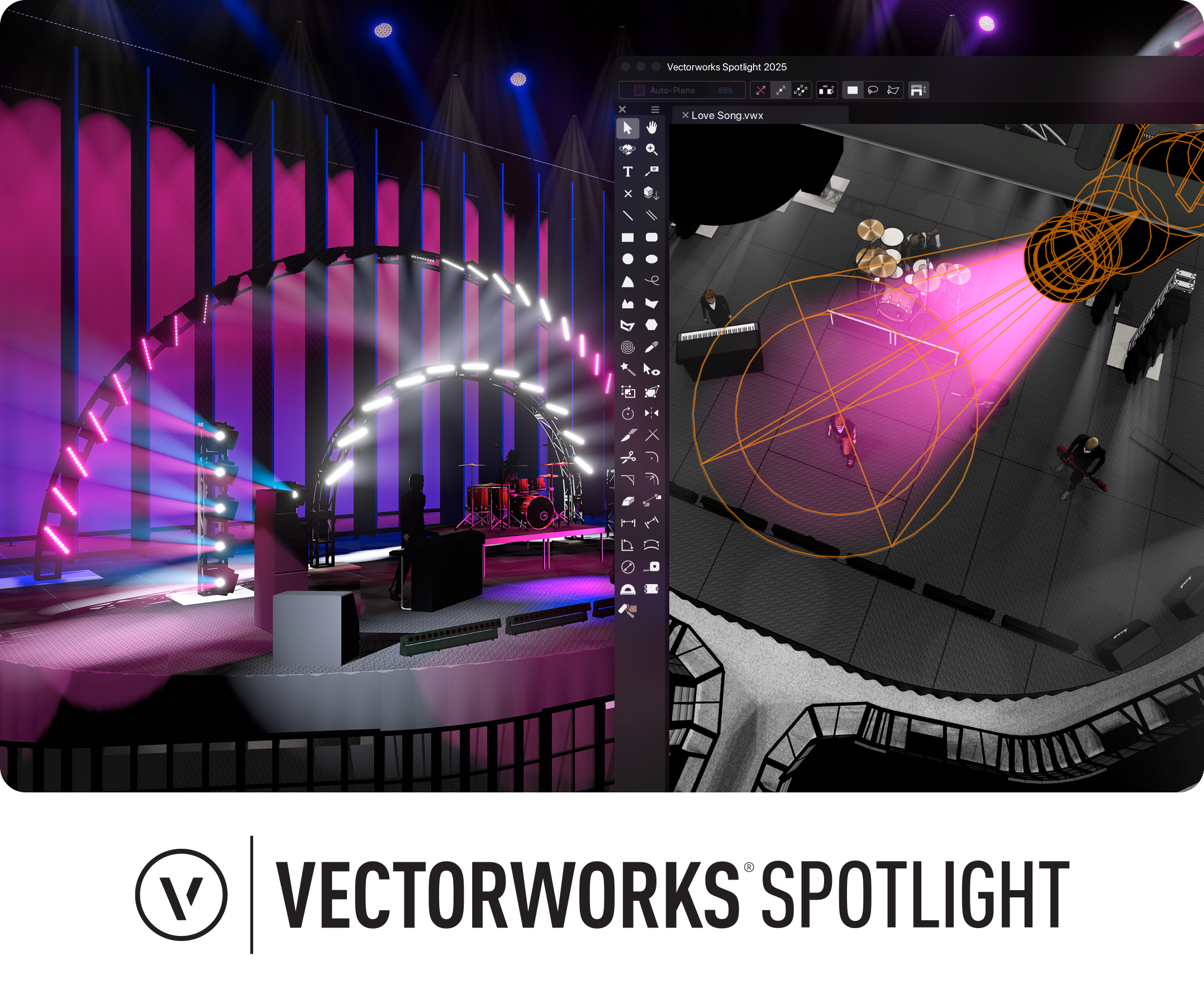 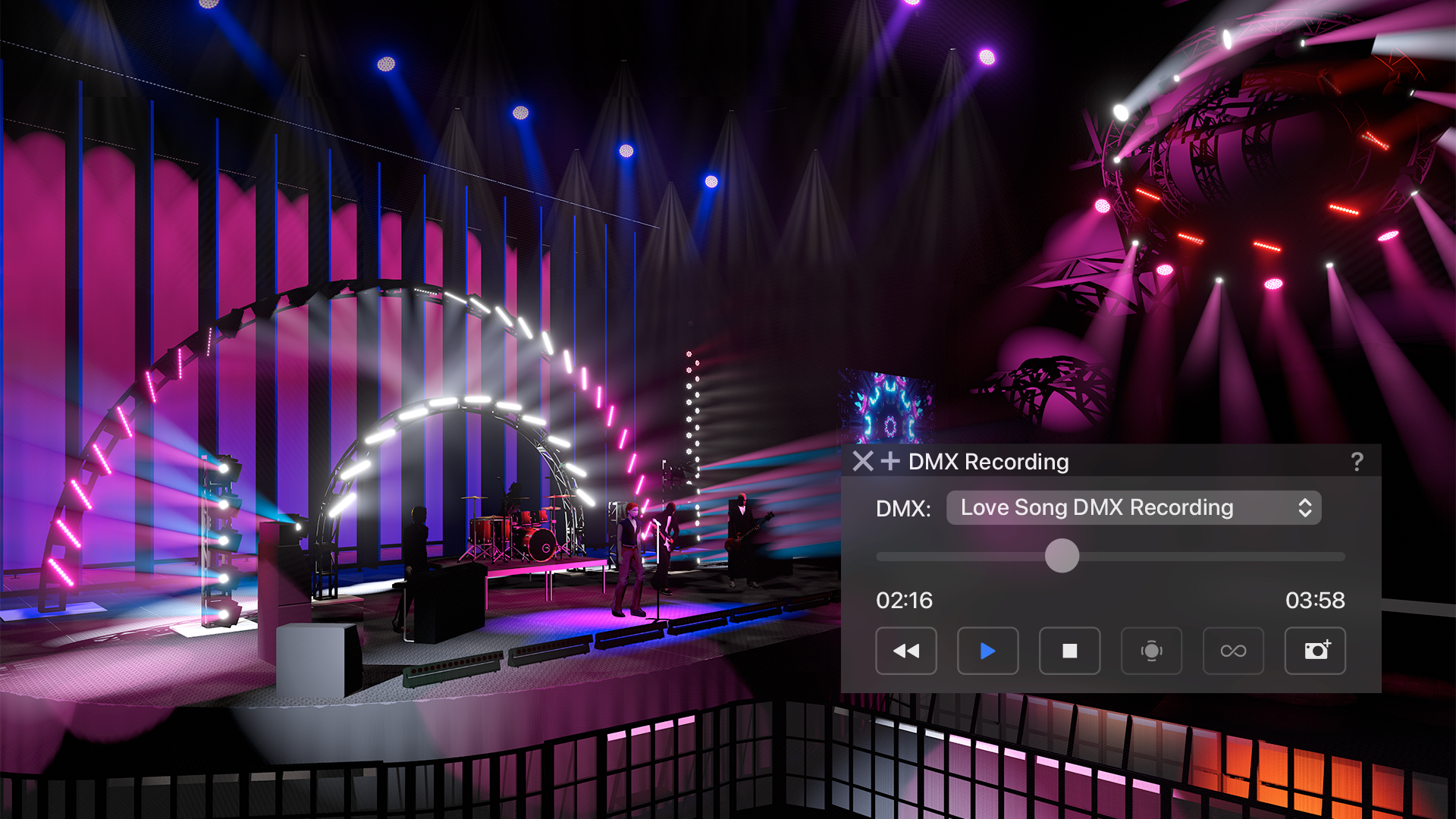 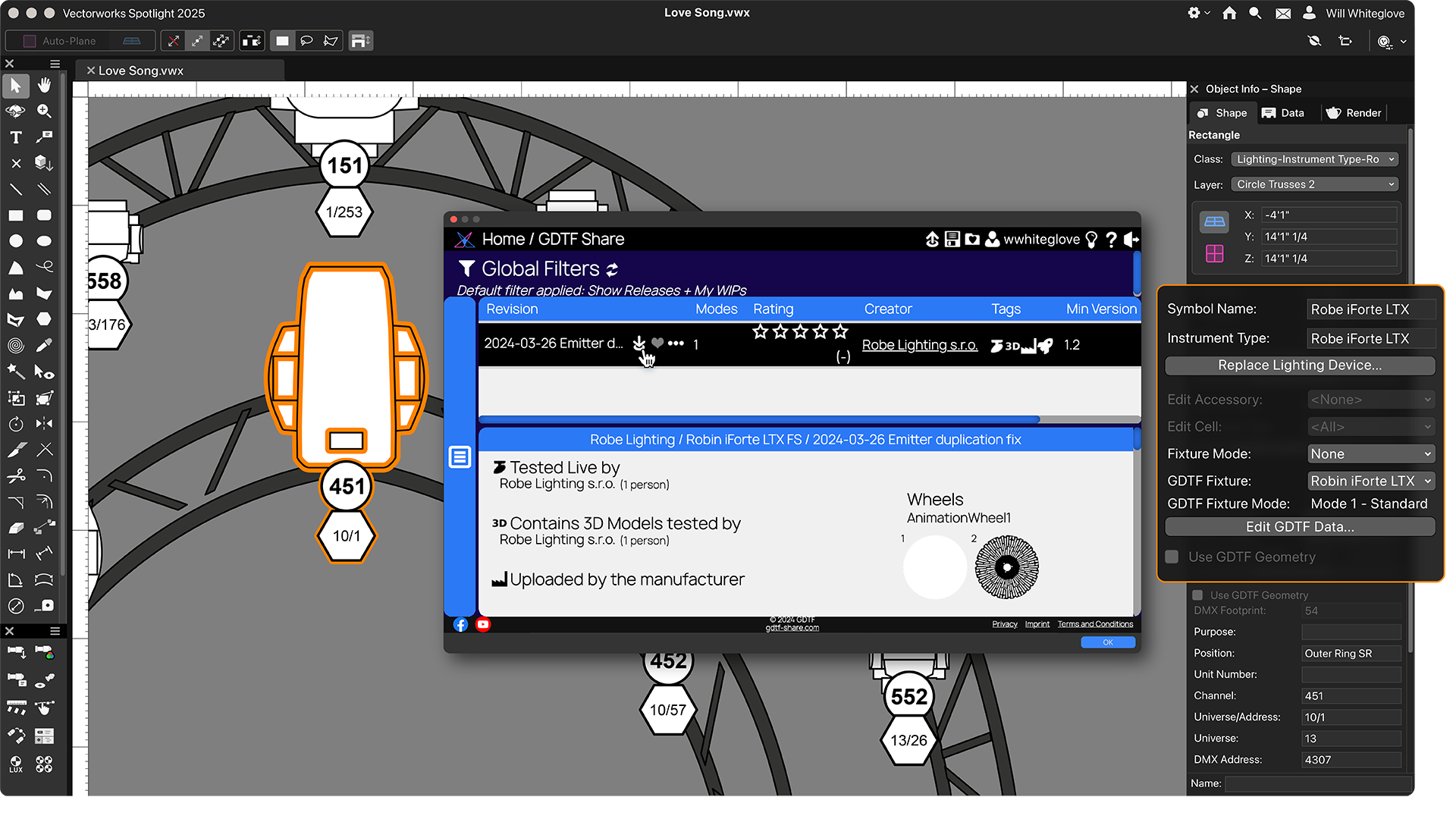 |