TrustRadius: an HG Insights company

Save this comparison

Save this comparison

Add Product

Recommended Comparisons

    Overview
    ProductRatingMost Used ByProduct SummaryStarting Price

    S-Docs

    Score8 out of 10
    Small Businesses (1-50 employees)
    S-Docs headquartered in New York offers what they present as a secure document generator and E-signature solution built on the Salesforce Platform. It aims to help users to create and e-sign sophisticated documents that improve efficiency, reduce errors and eliminate tedious work.

    $25

    per month per user

    Secured Signing

    Score8.5 out of 10
    N/ASecured Signing is an electronic signature software offering from SecuredSigning. It includes features such as capturing graphical signatures and individually sign a document.N/A
    Pricing
    S-DocsSecured Signing
    Editions & Modules
    S-Docs for Salesforce
    $25
    per month (billed annually) per user
    No answers on this topic
    Offerings
    Pricing Offerings
    S-DocsSecured Signing
    Free Trial
    YesNo
    Free/Freemium Version
    YesNo
    Premium Consulting/Integration Services
    NoNo
    Entry-level Setup FeeOptionalNo setup fee
    Additional DetailsS-Docs for Salesforce is priced by seat. Organizations that are interested in the enterprise edition - including per-document pricing and Experience Cloud plans, can reach out to sales. S-Docs for HubSpot is priced by usage. S-Docs for HubSpot Team Edition comes with 500 documents and 250 e-Signature requests per year. S-Docs for HubSpot Professional Edition comes with 2,500 documents and 800 e-Signature requests per year. Nonprofit discounts are available.—
    More Pricing Information
    Best Alternatives
    S-DocsSecured Signing
    Small Businesses
    Formstack for Salesforce
    Score7.1 out of 10
    BoldSign, by Syncfusion
    Score10 out of 10
    Medium-sized Companies
    Formstack for Salesforce
    Score7.1 out of 10
    OneSpan Sign
    Score9.6 out of 10
    Enterprises
    Conga Composer
    Score7.9 out of 10
    DocuSign
    Score8.7 out of 10
    All AlternativesView all alternativesView all alternatives
    User Ratings
    S-DocsSecured Signing
    Likelihood to Recommend
    9.0
    (1 ratings)
    8.5
    (3 ratings)
    Likelihood to Renew
    -
    (0 ratings)
    10.0
    (1 ratings)
    Usability
    -
    (0 ratings)
    10.0
    (1 ratings)
    Support Rating
    -
    (0 ratings)
    8.0
    (1 ratings)
    Implementation Rating
    -
    (0 ratings)
    9.0
    (1 ratings)
    User Testimonials
    S-DocsSecured Signing
    Likelihood to Recommend
    S-Docs Inc.
    S-Docs would be great for anyone looking to make the process of getting signatures more seamless and less time intensive. You can get a signature in minutes no matter where the signee is located. No more having to worry about printing, scanning, and emailing over important and time-sensitive documents.
    Incentivized
    Read full review
    SecuredSigning
    I think it's an excellent day to day solution, at a very reasonable price. It works particularly well when paired with our document automation solutions, as we can automatically create the relevant "smart tags" for each party as part of building the signing blocks in the document. This means the document (or a whole package of documents) can be uploaded into Secured Signing and it can just read the tags, meaning they are effectively ready to send
    Incentivized
    Read full review
    Pros
    S-Docs Inc.
    • onboarding
    • approval of marketing spend
    • approval of travel expenses
    Incentivized
    Read full review
    SecuredSigning
    • Easy to add signature fields.
    • Easy to upload documents.
    • Secure audit history.
    • No need for an app - can sign through a browser.
    Incentivized
    Read full review
    Cons
    S-Docs Inc.
    No answers on this topic
    SecuredSigning
    • We see no deficiencies in the product. Even the new anti-money laundering etc rules seem to be catered for. The few things we did wish were there have all been added as the product has developed.
    Incentivized
    Read full review
    Likelihood to Renew
    S-Docs Inc.
    No answers on this topic
    SecuredSigning
    Wouldn't want to go back, and no one else offers a better service and support.
    Incentivized
    Read full review
    Usability
    S-Docs Inc.
    No answers on this topic
    SecuredSigning
    There is so little to it - it just works.
    Incentivized
    Read full review
    Support Rating
    S-Docs Inc.
    No answers on this topic
    SecuredSigning
    Usually quick and responsive - even with a newby.
    Incentivized
    Read full review
    Implementation Rating
    S-Docs Inc.
    No answers on this topic
    SecuredSigning
    Training users (and ourselves) to think differently is the challenge - but given most users are not as familar with the computer systems which run their accounting software, that's not new.
    Incentivized
    Read full review
    Alternatives Considered
    S-Docs Inc.
    just as easy to use as dousign. Since I do not make the purchasing decisions, I am not sure how these prices compare to each other
    Incentivized
    Read full review
    SecuredSigning
    I haven't looked in detail at alternatives, as Secured Signing does everything we have needed it to, at a very reasonable price point
    Incentivized
    Read full review
    Return on Investment
    S-Docs Inc.
    • increased efficiency
    • increased security
    Incentivized
    Read full review
    SecuredSigning
    • No more printing.
    • No more posting.
    • Everything gets completed and returned in real time.
    Incentivized
    Read full review
    ScreenShots

    S-Docs Screenshots

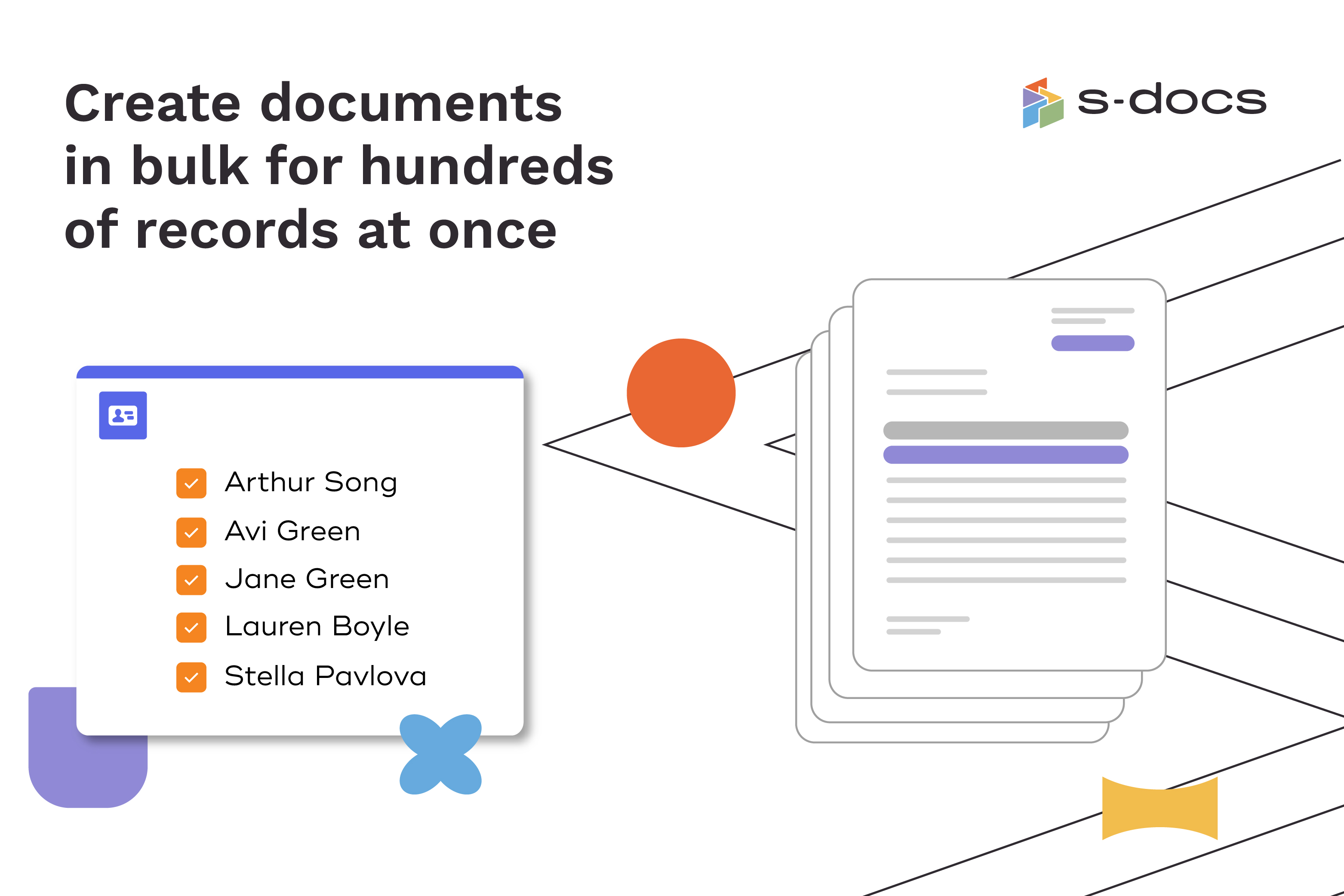
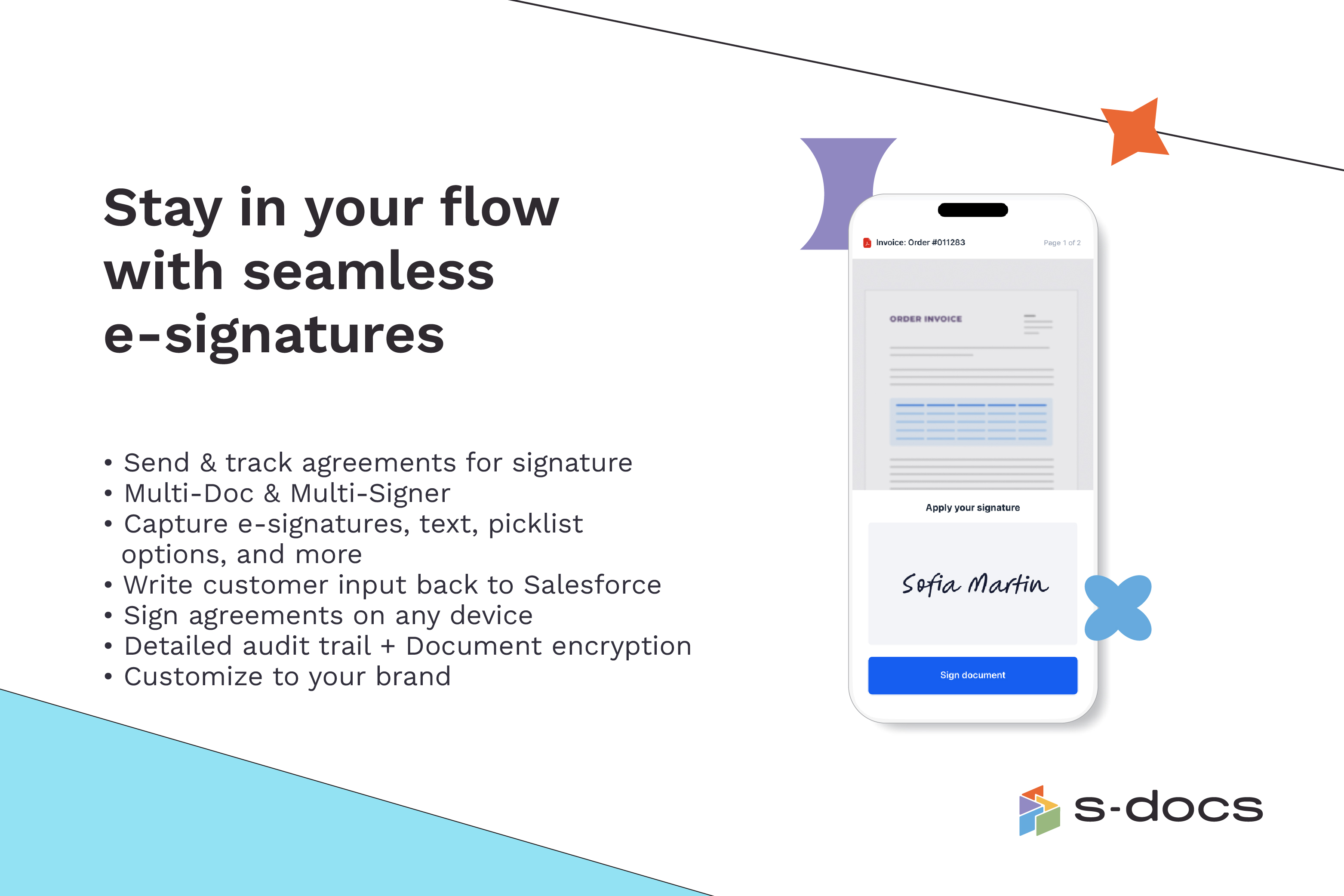
    Screenshot of how to create business documents in flexible formatsScreenshot of how to create documents via clicks or automaticallyScreenshot of how to generate documents in bulk for hundreds of records at onceScreenshot of how to edit generated documents without downloading external programsScreenshot of how to request secure e-Signatures via email or in personScreenshot of how to create templates with the drag-and-drop interface