TrustRadius: an HG Insights company

Save this comparison

Save this comparison

Add Product

Recommended Comparisons

    Overview
    ProductRatingMost Used ByProduct SummaryStarting Price

    Securly Classroom

    Score8 out of 10
    N/ASecurly Classroom gives teachers management over all Chromebooks in the classroom through a web-based console allowing them to guide, monitor, and communicate with students. Get class started quickly by pushing sites to student devices, keep them on task with web lock and custom blacklists, communicate discreetly with students with hand-raise and chat features, and keep an eye on things with screen and tab views, and students’ browsing histories.N/A

    Tyler SIS

    Score8 out of 10
    N/ATyler Technologies offers Tyler SIS, a suite of school and student management applications, including online student registration, school inventory management, Classroom 360 mobile accessible student information management for teachers, Student 360 with portal for grades, announcements, and homework for students and parents, and other features.N/A
    Pricing
    Securly ClassroomTyler SIS
    Editions & Modules
    No answers on this topic
    No answers on this topic
    Offerings
    Pricing Offerings
    Securly ClassroomTyler SIS
    Free Trial
    YesNo
    Free/Freemium Version
    YesNo
    Premium Consulting/Integration Services
    NoNo
    Entry-level Setup FeeNo setup feeNo setup fee
    Additional Details——
    More Pricing Information
    Features
    Securly ClassroomTyler SIS
    Student and Faculty Administration
    Comparison of Student and Faculty Administration features of Securly Classroom and Tyler SIS
    Feature
    Securly Classroom
    -
    Ratings
    Tyler SIS
    6.5
    2 Ratings
    24% below category average
    Integrations with 3rd-Party Education Technology00 Ratings7.02 Ratings
    Online Registration Management00 Ratings6.02 Ratings
    District Communications, such as messaging and alerting00 Ratings5.02 Ratings
    Roster Management00 Ratings7.02 Ratings
    Platform Customization00 Ratings7.02 Ratings
    Teacher Self-Service00 Ratings5.02 Ratings
    Student Data Security00 Ratings6.02 Ratings
    Community Support00 Ratings6.02 Ratings
    Class Scheduling00 Ratings7.02 Ratings
    State and National-level Reporting00 Ratings8.02 Ratings
    Compliance Support00 Ratings8.02 Ratings
    Teacher and Parent Mobile Application00 Ratings6.02 Ratings
    Best Alternatives
    Securly ClassroomTyler SIS
    Small Businesses
    No answers on this topic
    No answers on this topic
    Medium-sized Companies
    No answers on this topic
    Schoolmint Hero
    Score9.7 out of 10
    Enterprises
    No answers on this topic
    Schoolmint Hero
    Score9.7 out of 10
    All AlternativesView all alternativesView all alternatives
    User Ratings
    Securly ClassroomTyler SIS
    Likelihood to Recommend
    10.0
    (1 ratings)
    8.0
    (3 ratings)
    User Testimonials
    Securly ClassroomTyler SIS
    Likelihood to Recommend
    Securly
    As stated earlier it is very well suited to monitor computer use in the classroom and for virtual learning. The ability to send links to students who have trouble opening them is helpful, especially when students are home and don't have a teacher present to help. It is also helpful with its individual chat rooms where students can communicate privately with the teacher.
    Incentivized
    Read full review
    Tyler Technologies
    When it comes to tracking grades and attendance or even just entering grades and attendance, this has been the best system I have used in fifteen years in education. The administrative side has many features and tools that allow us as a school or district to identify students that would benefit from specific interventions. Overall, it has been a great product for us. I am not aware of any scenarios where Tyler SIS is less appropriate than other products.
    Incentivized
    Read full review
    Pros
    Securly
    No answers on this topic
    Tyler Technologies
    • Great for Missouri
    • IEPs
    • Easy to use
    Incentivized
    Read full review
    Cons
    Securly
    No answers on this topic
    Tyler Technologies
    • Need for labels of all of the navigation pictures. It is difficult for me to know what button I am clicking into if I haven't accessed that part of the software in a while.
    • It would be nice to have a tutorial to know how to navigate the software better. It can be difficult to navigate at the beginning.
    • Remove the "BULLETIN" section.
    Incentivized
    Read full review
    Alternatives Considered
    Securly
    No answers on this topic
    Tyler Technologies
    Everything about Tyler SIS has been better than 4Clicks. I remember it being a running joke in my building about how the "four clicks" was such a selling point. Sometimes it was not really four clicks until you reached what you need, but it also felt as though it required four clicks to even do a simple thing. The gradebook system alone was infuriating with how many clicks (and the loading) it took to enter grades.
    Incentivized
    Read full review
    Return on Investment
    Securly
    No answers on this topic
    Tyler Technologies
    • Tyler has saved us time from paper records
    Incentivized
    Read full review
    ScreenShots

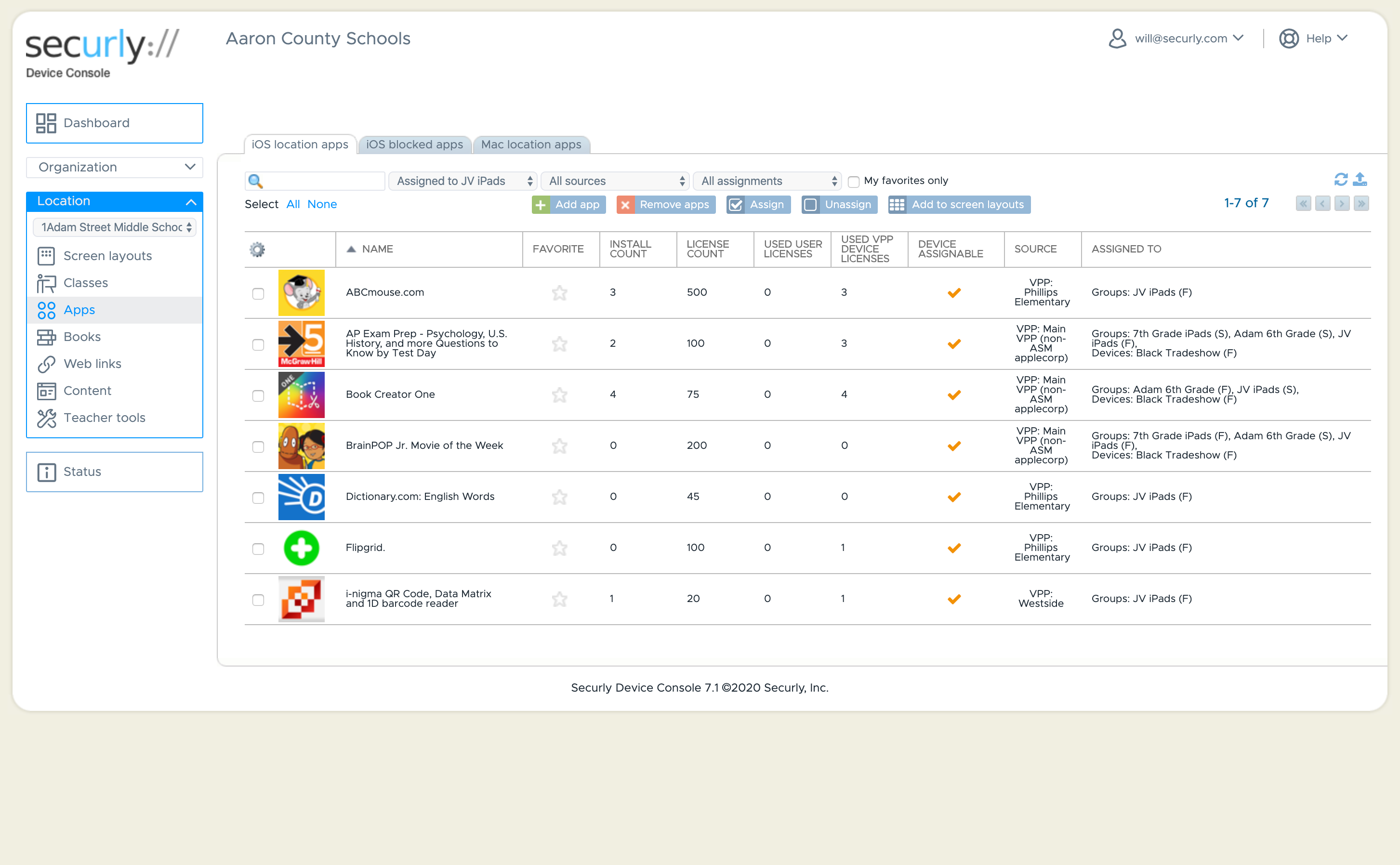
    Securly Classroom Screenshots

    Screenshot of Dashboard ViewScreenshot of Customize your student's iOS experienceScreenshot of Classroom Management - Screen ViewScreenshot of Classroom ManagementScreenshot of Classroom ManagementScreenshot of iOS Application Management