All in One Accessibility vs. WAVE Web Accessibility Evaluation Tool

Overview
ProductRatingMost Used ByProduct SummaryStarting Price
All in One Accessibility
Score 9.1 out of 10
N/A
All in One Accessibility is a solution designed to make websites accessible for people with various disabilities, including those with hearing or vision impairments, motor impairments, color blindness, dyslexia, cognitive and learning difficulties, seizure disorders, and ADHD. The platform allows users to choose accessibility features that suit their individual needs, enabling them to navigate content more easily. It is available via a 10-day free trial, along with…
$250
per year per installation
WAVE Web Accessibility Evaluation Tool
Score 5.0 out of 10
N/A
WAVE is a suite of evaluation tools that helps authors make their web content more accessible to individuals with disabilities. WAVE can identify many accessibility and Web Content Accessibility Guideline (WCAG) errors, but also facilitates human evaluation of web content. The vendor, WebAIM who offers WAVE as a free suite of tools, states their philosophy is to focus on issues that they know impact end users, facilitate human evaluation, and to educate about web…
$0
Pricing
All in One AccessibilityWAVE Web Accessibility Evaluation Tool
Editions & Modules
No answers on this topic
WAVE API Credits 10000+
$0.25
per credit
WAVE API Credits 1000-9999
$0.3
per credit
WAVE API Credits 250-999
$0.4
per credit
Offerings
Pricing Offerings
All in One AccessibilityWAVE Web Accessibility Evaluation Tool
Free Trial
YesNo
Free/Freemium Version
YesYes
Premium Consulting/Integration Services
NoNo
Entry-level Setup FeeRequiredNo setup fee
Additional Details
More Pricing Information
Features
All in One AccessibilityWAVE Web Accessibility Evaluation Tool
Accessibility Testing
Comparison of Accessibility Testing features of Product A and Product B
All in One Accessibility
6.5
1 Ratings
3% below category average
WAVE Web Accessibility Evaluation Tool
5.7
1 Ratings
17% below category average
Accessibility Scanning and Assessment3.61 Ratings7.01 Ratings
Automatic or Scheduled Scanning4.51 Ratings00 Ratings
Automatic Fixes7.31 Ratings00 Ratings
Compliance Reporting and Tracking5.51 Ratings2.01 Ratings
Integrations and Interoperability9.11 Ratings00 Ratings
Color/Contrast Analysis9.11 Ratings6.01 Ratings
Issue Ranking00 Ratings8.01 Ratings
Manual Auditing Services00 Ratings5.01 Ratings
HTML and CSS scanning00 Ratings6.01 Ratings
Best Alternatives
All in One AccessibilityWAVE Web Accessibility Evaluation Tool
Small Businesses
BrowserStack
BrowserStack
Score 8.5 out of 10
BrowserStack
BrowserStack
Score 8.5 out of 10
Medium-sized Companies
Siteimprove
Siteimprove
Score 9.1 out of 10
Siteimprove
Siteimprove
Score 9.1 out of 10
Enterprises
BrowserStack
BrowserStack
Score 8.5 out of 10
BrowserStack
BrowserStack
Score 8.5 out of 10
All AlternativesView all alternativesView all alternatives
User Ratings
All in One AccessibilityWAVE Web Accessibility Evaluation Tool
Likelihood to Recommend
9.1
(1 ratings)
5.0
(4 ratings)
Usability
8.2
(1 ratings)
-
(0 ratings)
User Testimonials
All in One AccessibilityWAVE Web Accessibility Evaluation Tool
Likelihood to Recommend
Skynet Technologies
It helps us meet ADA, WCAG, and other accessibility standards effortlessly, reducing the risk of legal issues. Visitors with visual impairments, motor disabilities, or cognitive challenges benefit from features like screen readers, contrast adjustments, and keyboard navigation. The widget’s simple installation allowed us to make our website more accessible without extensive development work.
Read full review
WebAIM
This is pretty middle of the road. It does a good job of picking out some of the low-hanging fruit, but it's not going properly evaluate semantic structure and will pop several false positives. Additionally, the tools are incomplete. For instance, the contrast editor will allow you to test your colors with sliders so you can get the closest color that passes; however, that isn't how color palettes work, you generally don't get to change a companies palette without a lot of pain; furthermore, there is no ability to adjust the font-size and both font-size AND color are used to determine contrast requirements. Oh, and they use points VS pixels...nobody is using points on the web even if the ADA uses them in their fairly dated guidelines. Text from the actual contrast editor "Text is present that has a contrast ratio less than 4.5:1, or large text (larger than 18 point or 14 point bold) has a contrast ratio less than 3:1.". 14pt = 18.66 pixels, so I can see their logic even if I don't agree with it
Read full review
Pros
Skynet Technologies
No answers on this topic
WebAIM
  • Provides report of errors for you
  • Explains what needs to be fixed so you know why
  • Shows the errors next to each item on your website so you can see which one they mean
Read full review
Cons
Skynet Technologies
No answers on this topic
WebAIM
  • Sometimes the automated functions miss things or are mis-triggered
  • I would like it to link out to more in-depth reading on issues and resolving them
  • I would love it if it generated a PDF report to send people.
Read full review
Usability
Skynet Technologies
I would rate All in One Accessibility's overall usability as a 9 out of 10. At Vico, we found the installation process to be quick, making it easy to configure accessibility features without needing extensive technical expertise. The tool's simplicity allowed us to quickly improve our website's accessibility compliance, enhancing the user experience for a broader audience. The only slight drawback is that for custom accessibility and full remediation needs, additional manual tweaks may occasionally be required, which prevented a perfect score. Overall, its efficiency and ease-of-use significantly contribute to our digital strategy.
Read full review
WebAIM
No answers on this topic
Alternatives Considered
Skynet Technologies
No answers on this topic
WebAIM
For this, I'm speaking specifically to the Siteimprove browser plugin. The Siteimprove plugin: Allows to filter on guideline level Catches a few more errors than WAVE Web Accessibility Evaluation Tool, but comes pretty close But, both do a great job in all other aspects WebAIM shines in its simplicity of overlaying of errors and warnings on the page. I think its real benefit is a lower learning curve on understanding how to use the tool
Read full review
Return on Investment
Skynet Technologies
No answers on this topic
WebAIM
  • It has led us to be more inclusive and accessible in our website
  • We have more website visitors
  • We have had positive comments about our website in terms of being accessible
Read full review
ScreenShots

All in One Accessibility Screenshots
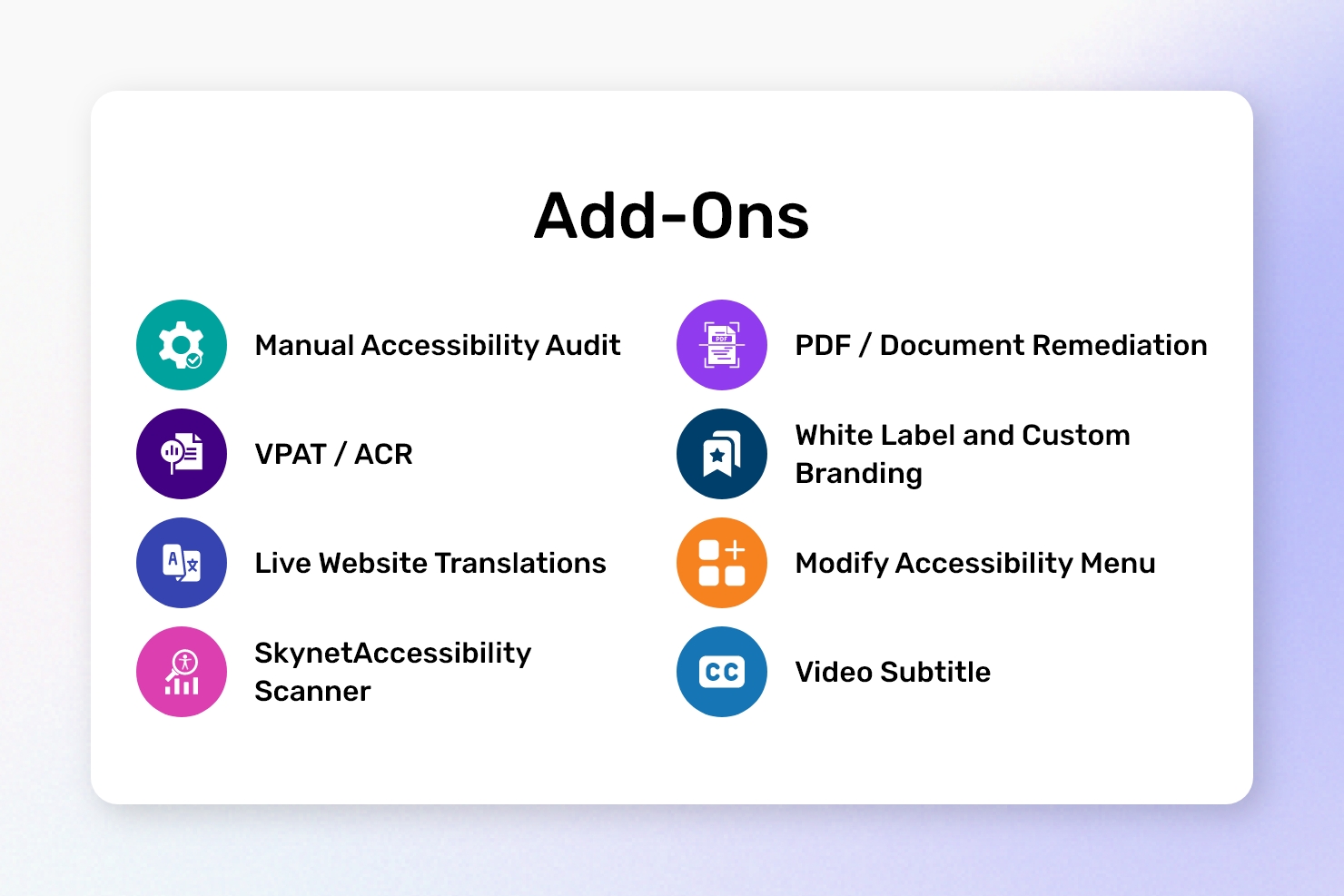
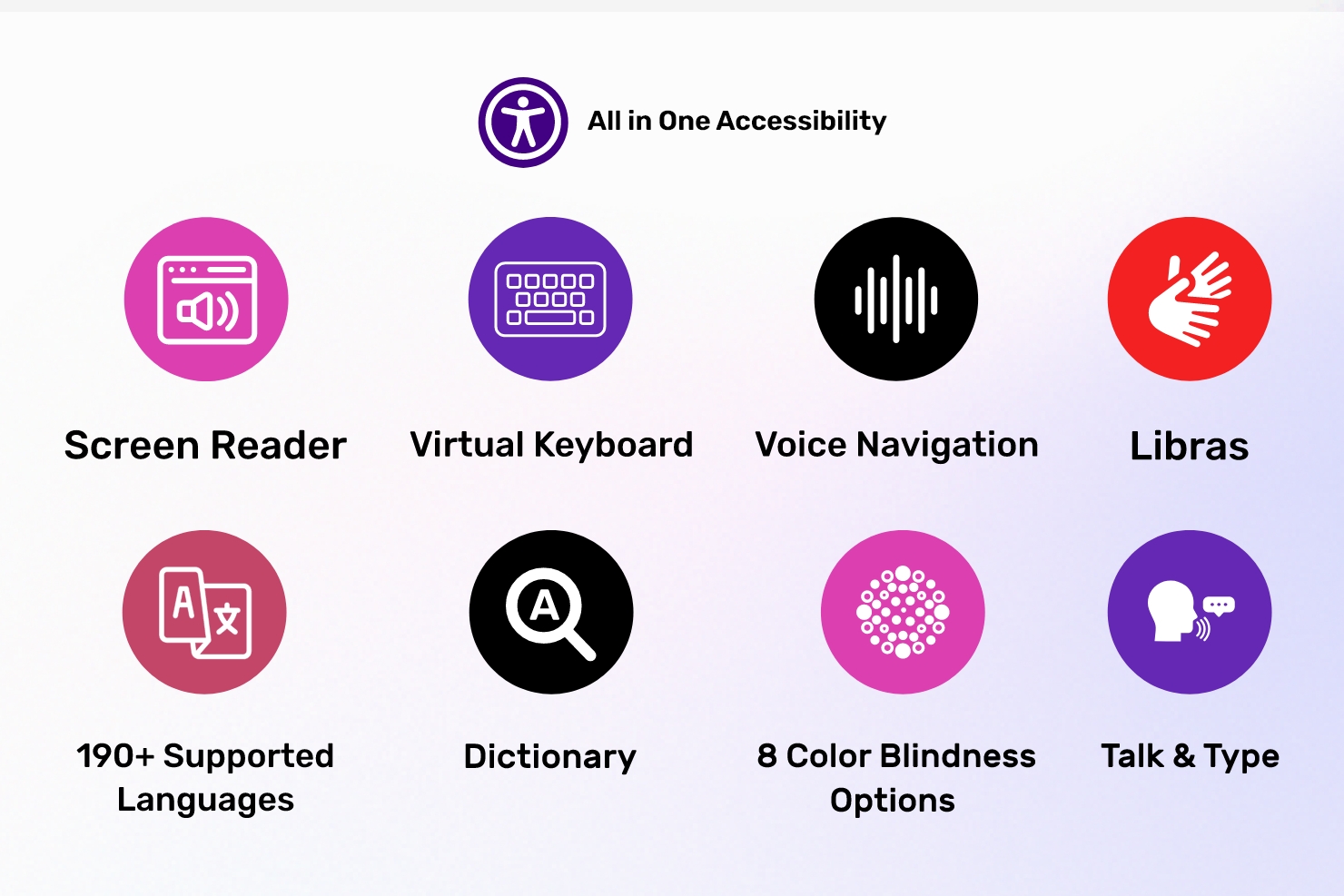
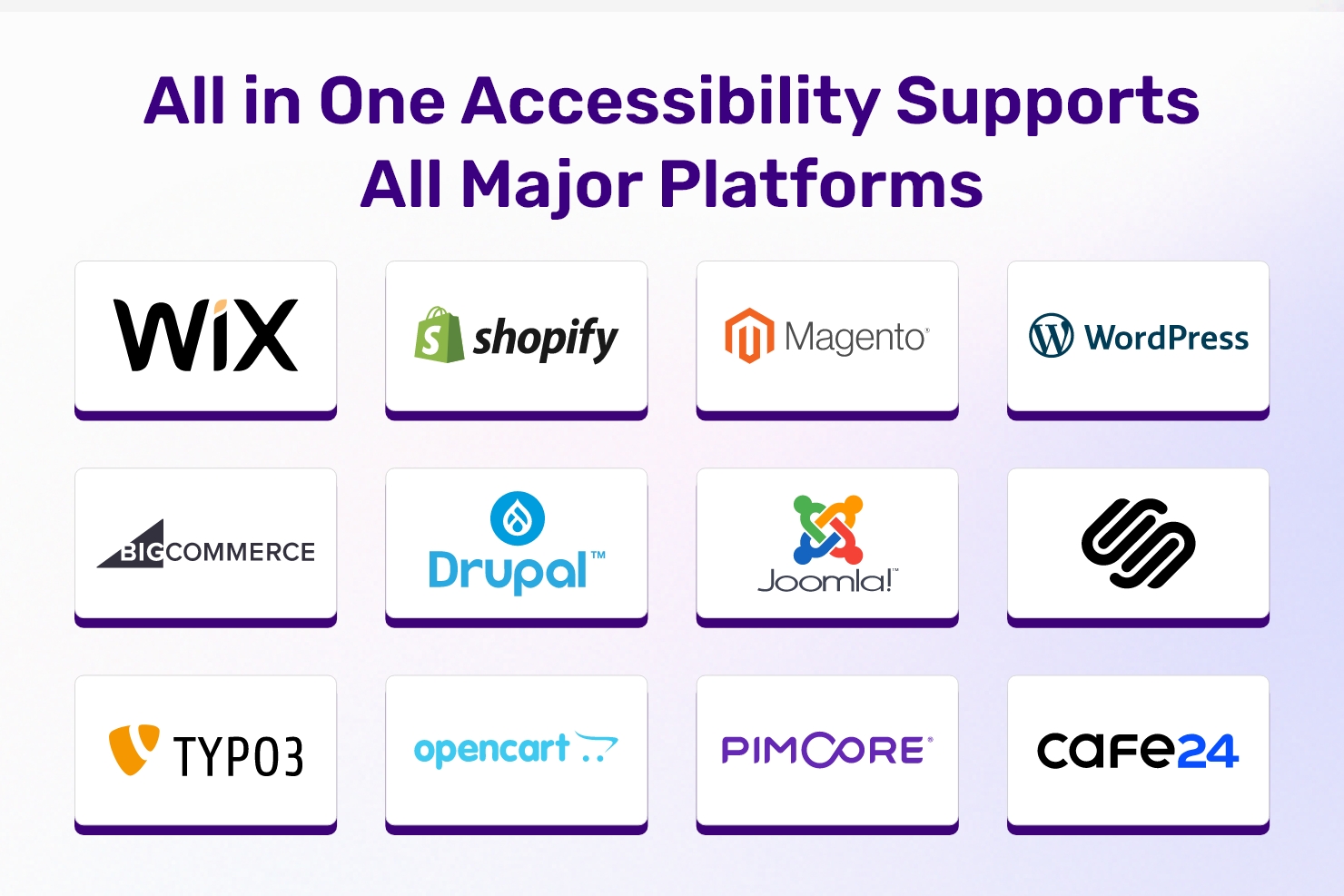
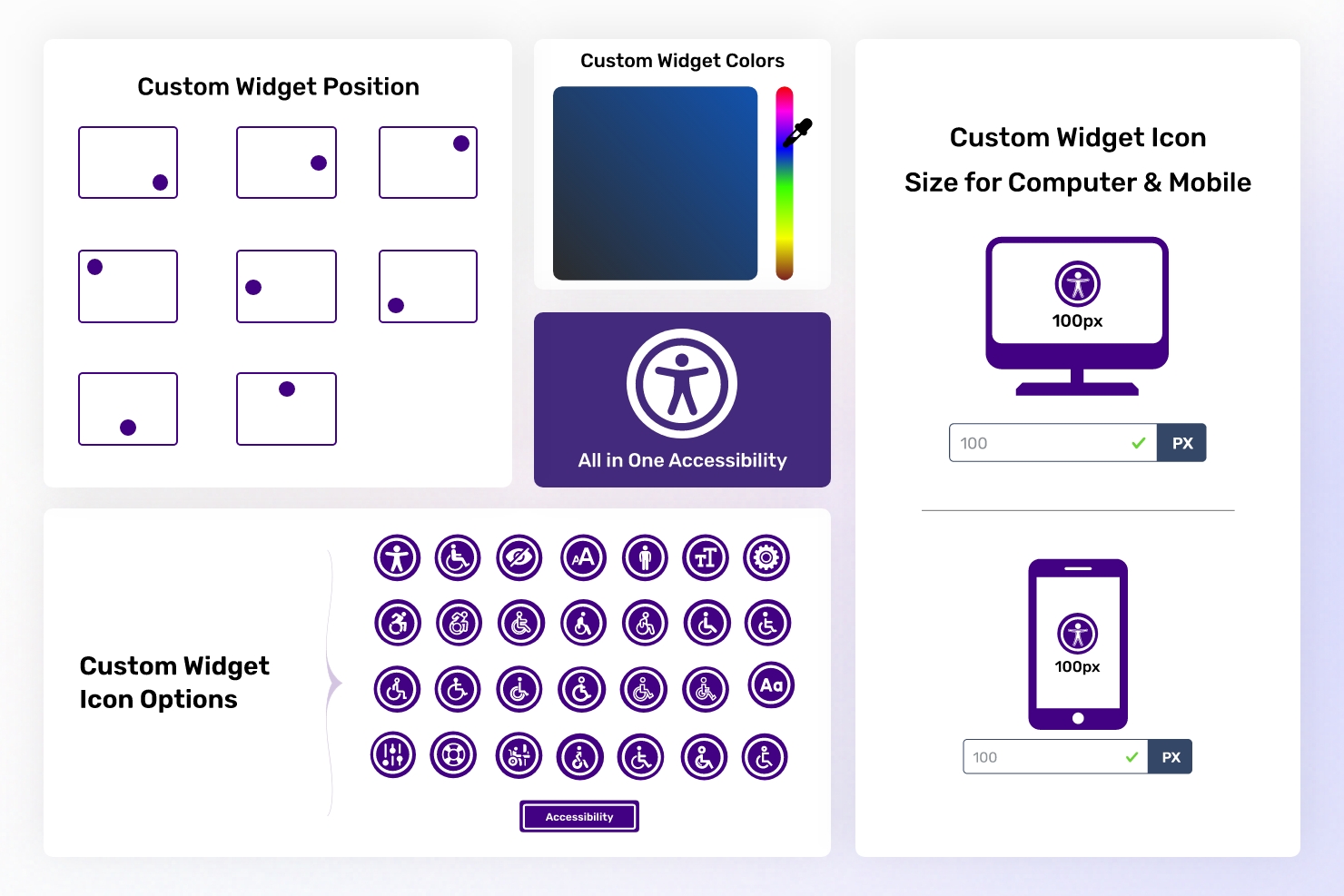
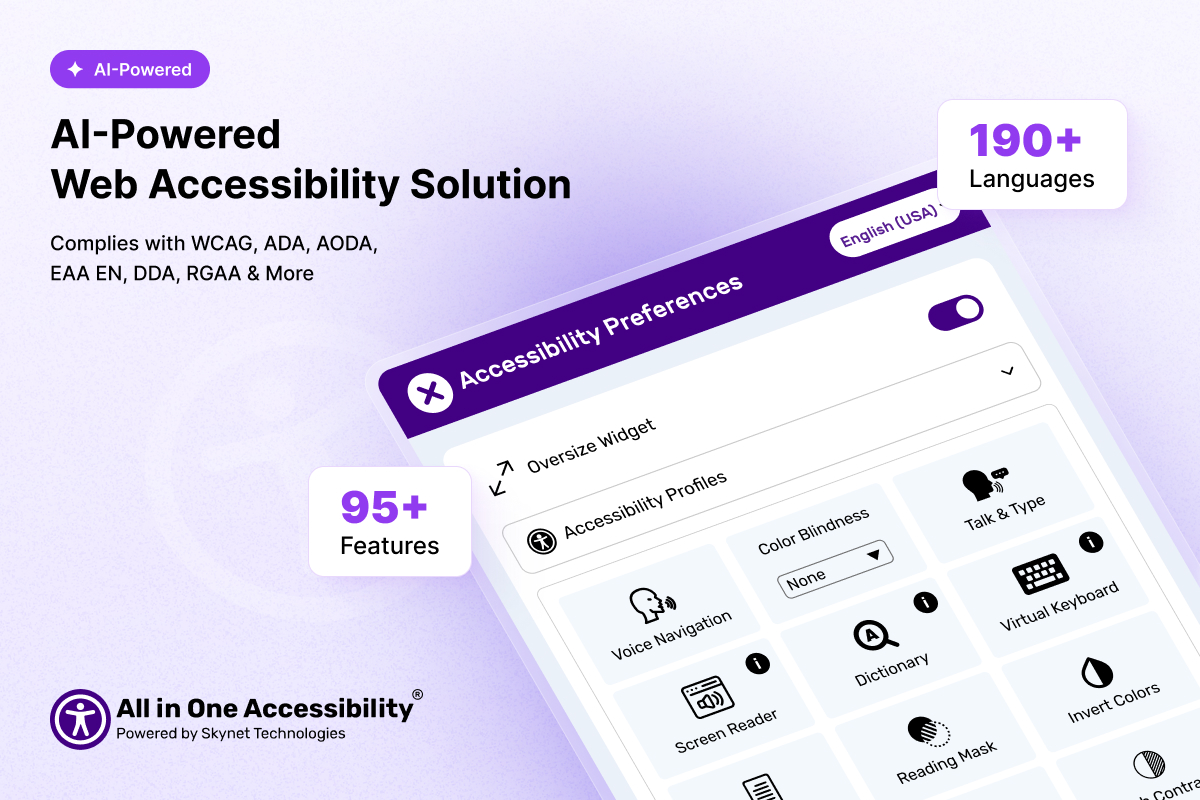
Screenshot of the key features of All in One AccessibilityScreenshot of the app's compatibilities, which include CMS, LMS, CRM, and E-commerce PlatformsScreenshot of custom widget, position, and icon sizeScreenshot of add-onsScreenshot of A Web Accessibility Solution for WCAG & ADA improvement