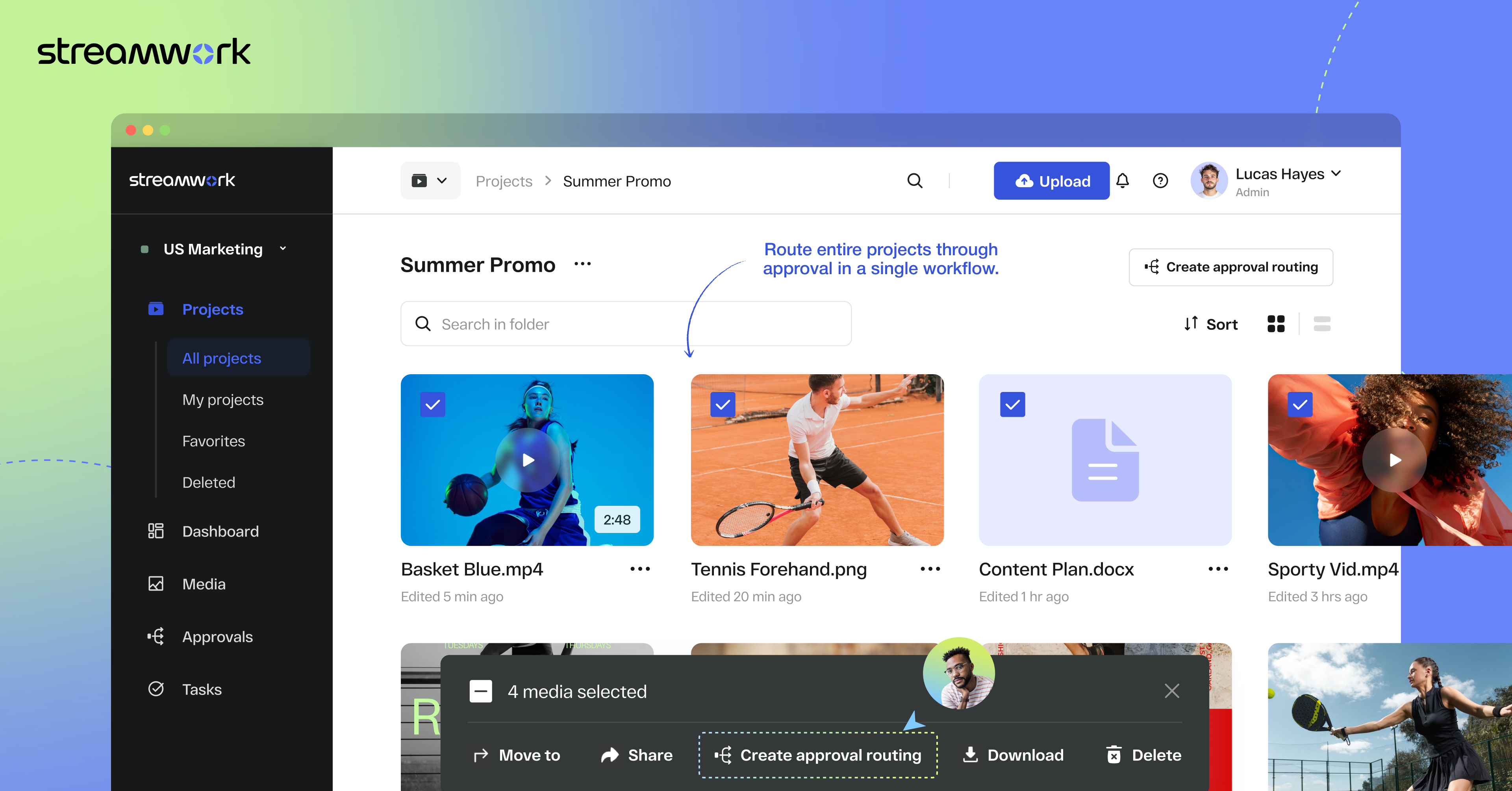
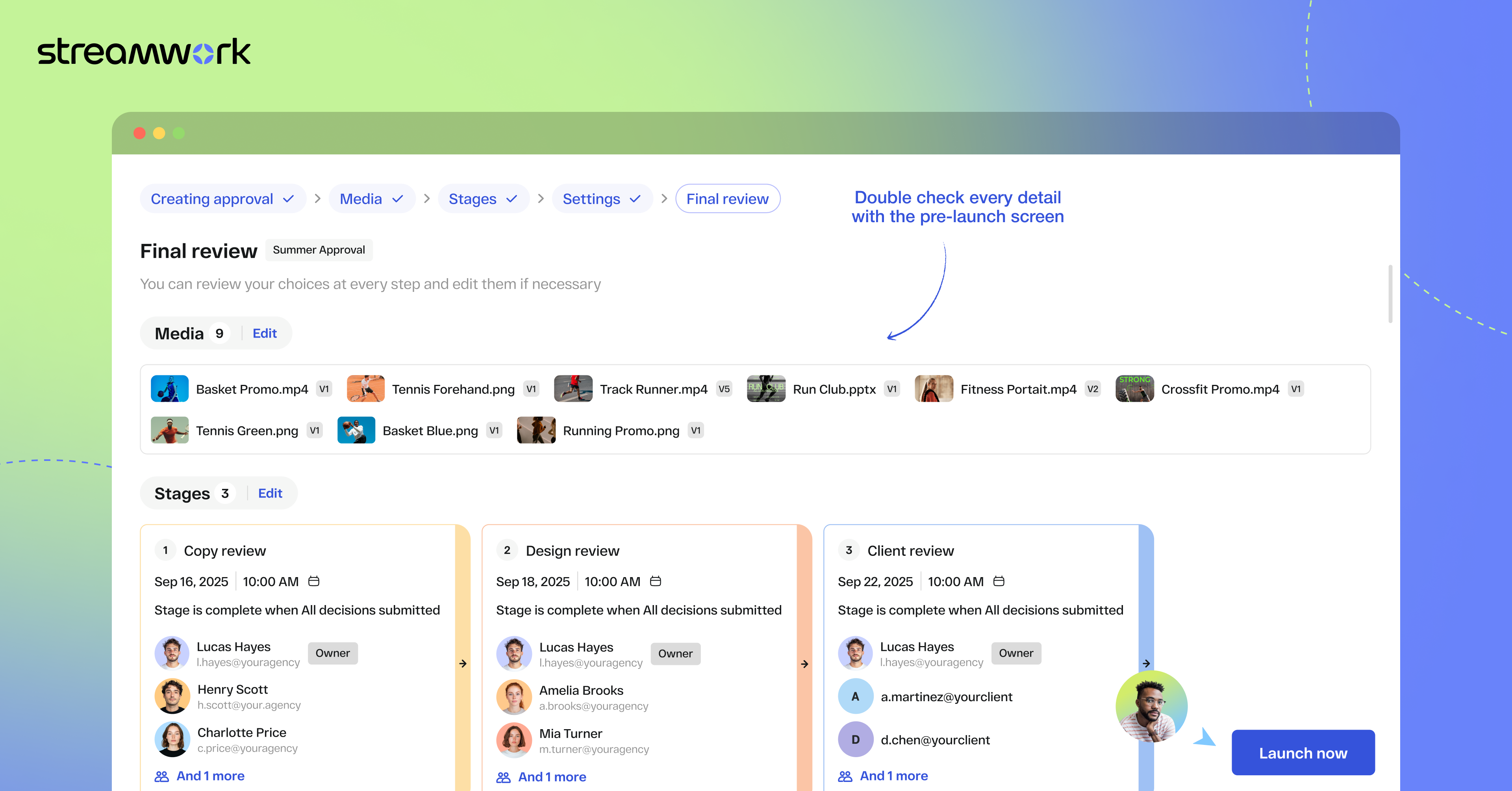
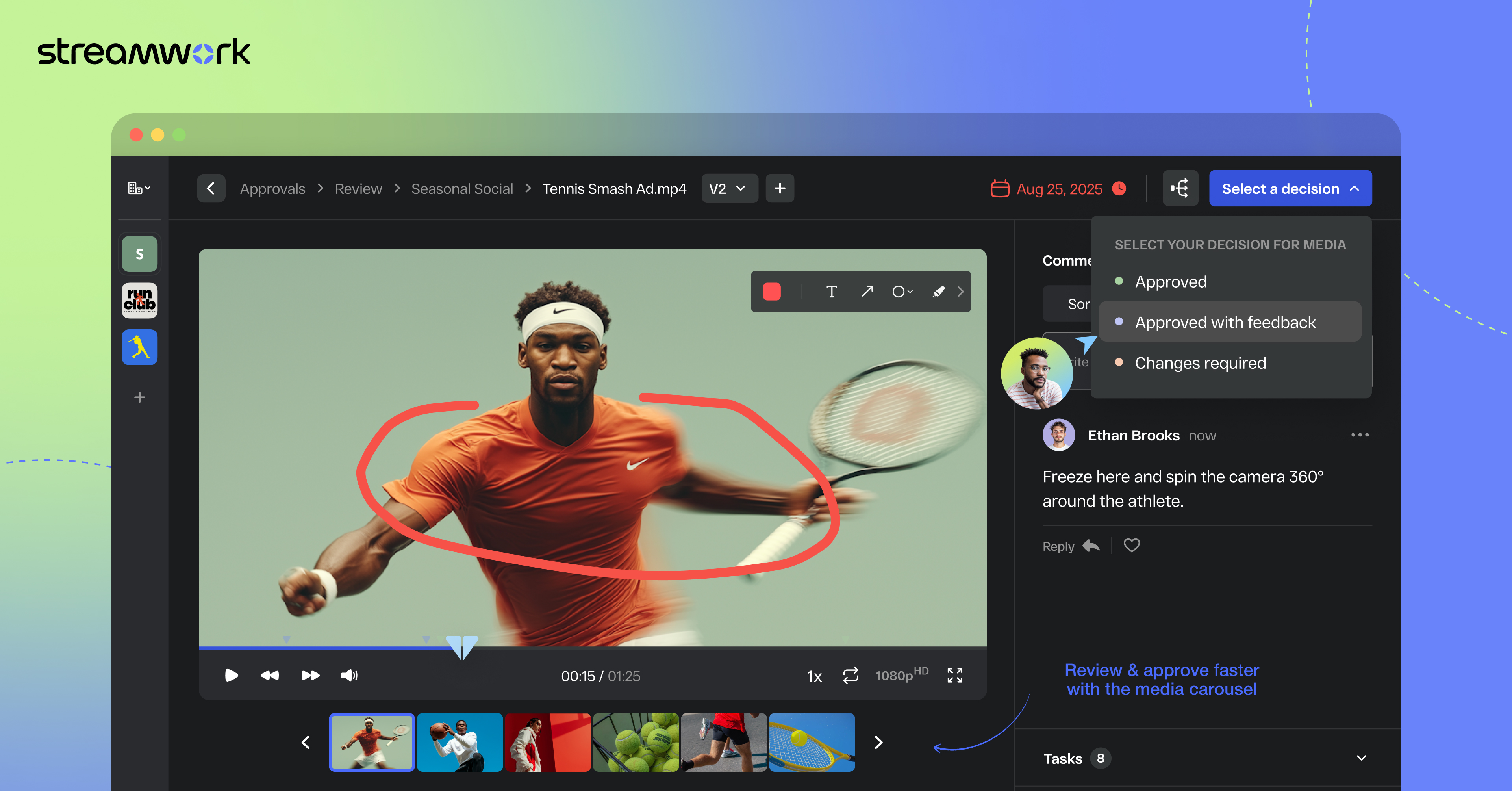
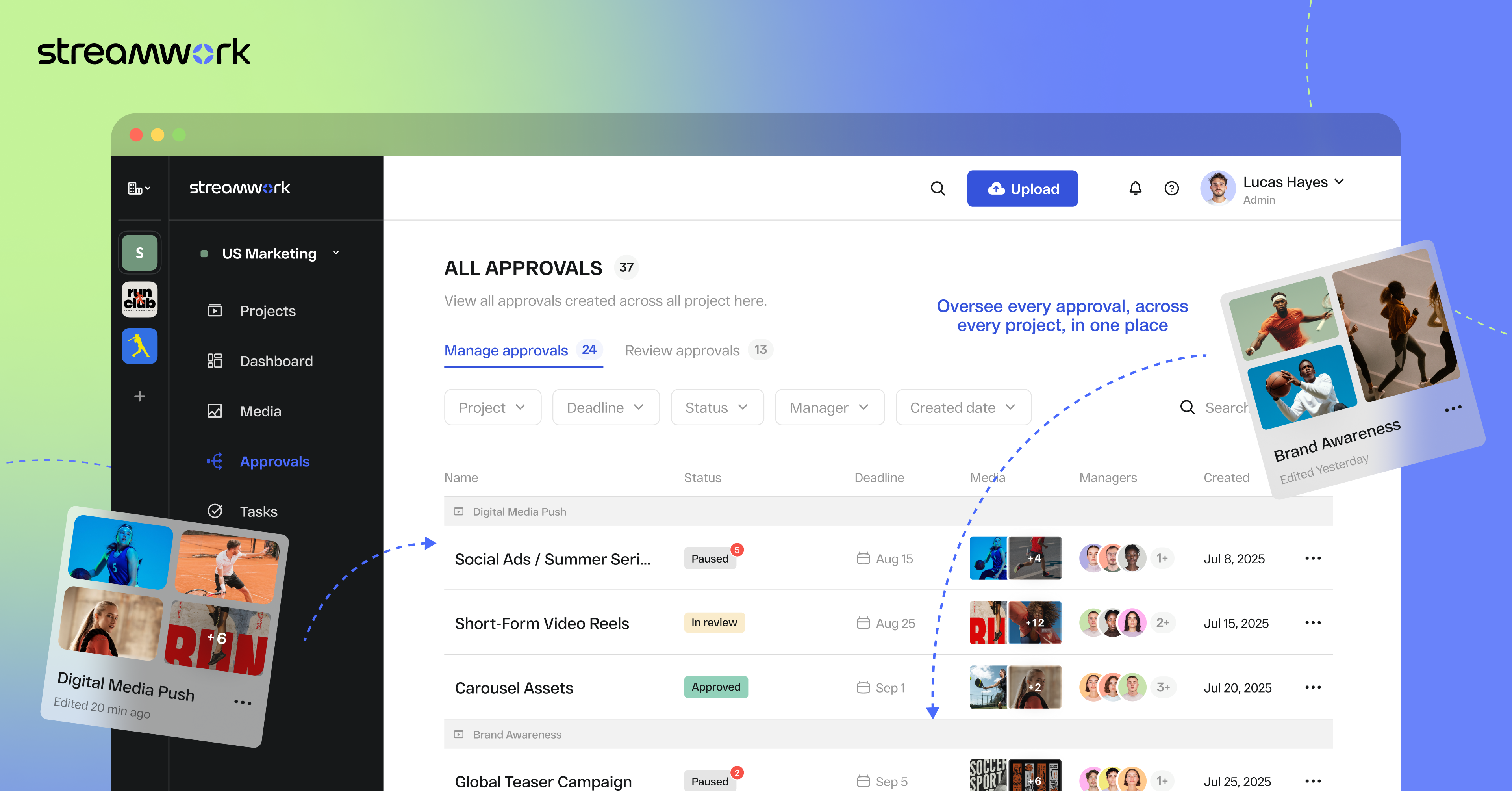
StreamWork is a review and approval platform used by marketing and creative teams to centralize feedback, streamline online proofing, and automate creative approval workflows. By consolidating version control, task management, and stakeholder input, it aims to eliminate bottlenecks and reduces rework. Teams can markup nearly any file type (videos, images, CAD files, documents, slides, etc), route assets through multi-stage approvals with smart deadlines, and share review links without requiring…
$219
per month (15 users included)
Workiz
Score9.1 out of 10
N/A
Workiz is a field service management application created to improve the workflows being implemented by field service businesses. It provides users complete control and visibility over various aspects of their operations. These include creating customizable job forms, preparing schedules for jobs on a drag-and-drop and color-coded calendar, dispatching jobs to the right field technicians, monitoring the status of assigned jobs, streamlining payment collection, and enhancing engagements with…
$225
per month per user
Pricing
StreamWork
Workiz
Editions & Modules
Free
$0
2 users
Starter
$219
per month 15 users
Team
$369
per month 20 users
Enterprise
Custom Pricing
per year 25 users
Kickstart
$225
per month 1-3 members
Standard
$275
per month 1-5 members
Pro
$325
per month 1-5 members
Ultimate
Let’s talk
per month
Offerings
Pricing Offerings
StreamWork
Workiz
Free Trial
Yes
Yes
Free/Freemium Version
Yes
No
Premium Consulting/Integration Services
Yes
No
Entry-level Setup Fee
Optional
No setup fee
Additional Details
StreamWork offers monthly and annual pricing options. Annual plans receive a discount.
Workiz charges $30 per additional user. A 17% discount is available for annual pricing.
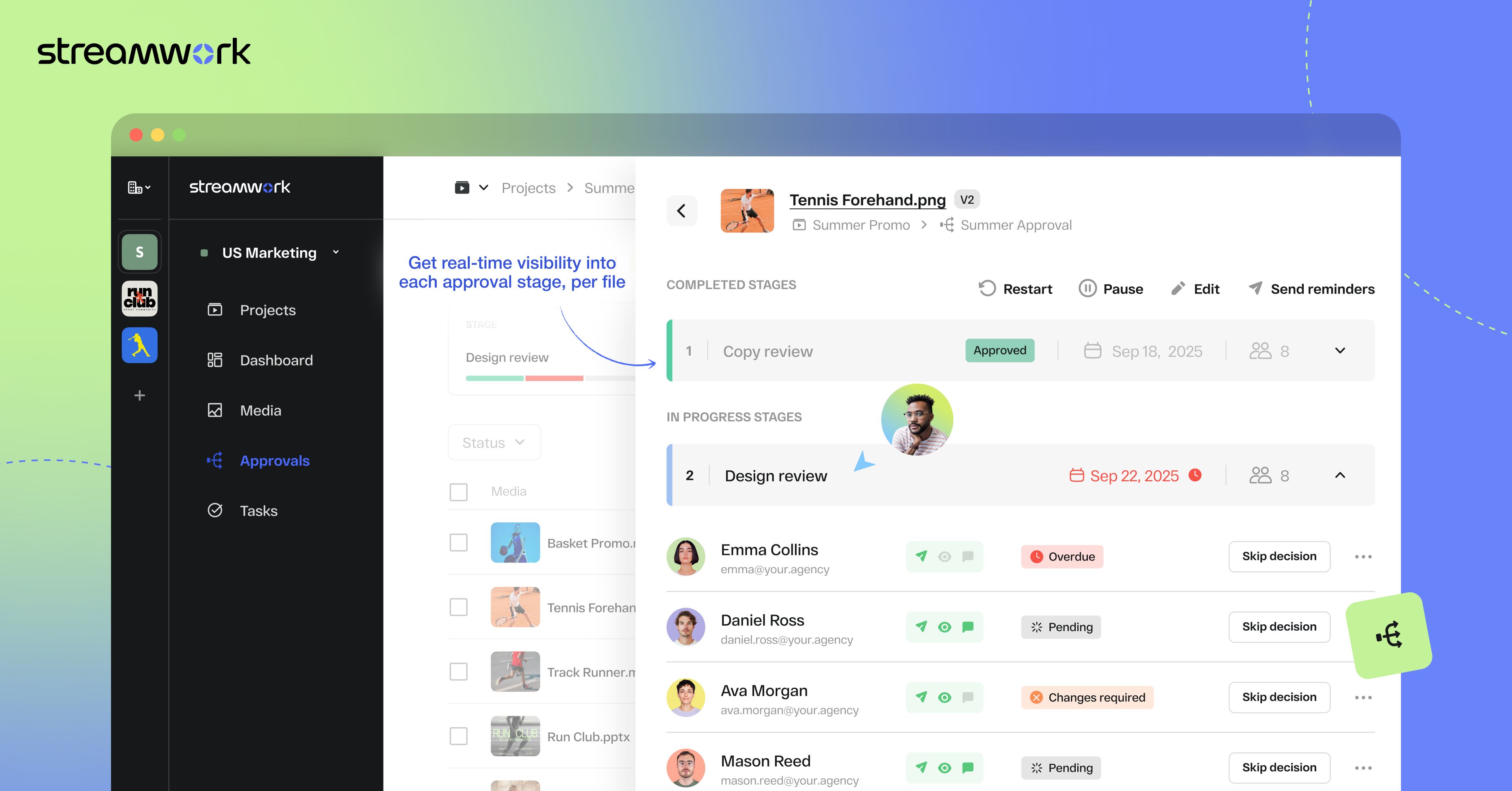
1) I like that "Approvals" are on the main nav as this expedites my workflow as I'm QA for all our projects. I save time by not delving down into each project workspace 2) The Approval widget on the dashboard is also a time saver! 3) The "Review Approvals" section - I like being able to see the status of each user's approval process so I can send reminders 4) The "Skip Decision" feature is helpful as we're entering holiday season with folks being OOO.... we want to avoid gatekeeping/blockers. 5) While I haven't yet used the split review process, I can see how it will be helpful on my large-scale, long-term projects.
Scenarios Where Workiz is Well Suited: Workiz works well for businesses that need visual scheduling, conflict management, and dispatching with filtering based on service areas and skills. For example, if a company manages multiple jobs daily and needs to assign the right worker based on their expertise and location, Workiz makes this process quick and efficient. Scenarios Where Workiz is Less Appropriate: If your business requires deep customization, Workiz may have limitations. For instance, if you need highly specific charge types without duplicating services or if you want to create complex team structures beyond the existing dispatch board, Workiz might not provide enough flexibility.
Workiz makes it easy to see all scheduled jobs at a glance. For example, we can quickly drag and drop assignments on the calendar, making rescheduling simple when changes come up.
If two jobs are accidentally scheduled for the same time and worker, Workiz alerts us immediately. This prevents double bookings and ensures smooth operations.
We can filter workers by service areas and skills. For example, if we need a technician with a specific certification in a certain zone, we can find and assign them instantly.
Currently, we have to create duplicate services just to distinguish between different charge types. This adds unnecessary work and makes managing services more time-consuming. It would be much more efficient to allow multiple charge types within the same service.
While the dispatch board allows filtering by service areas and skills, it would be helpful to have a dedicated section for organizing teams. A feature that lets us group workers by zones, skills, and availability in one place would make scheduling and dispatching even smoother.
Manually entering service areas can be tedious. It would be great to have a feature where we could input an array of zip codes, and Workiz would automatically create the corresponding service areas. This would save time and reduce errors.
Once set up, StreamWork is very easy to use! Since I started using the platform, the team has pushed several key updates that have further improved user experience and usability.
I rated Workiz 10/10 for usability because it’s intuitive and easy to navigate. The drag-and-drop scheduling, automated workflows, and dispatch board simplify daily tasks. Even while still implementing it, our team adapted quickly, showing how user-friendly it is. Features are well-organized, reducing the learning curve for new users. Overall, Workiz makes scheduling, dispatching, and managing jobs much more efficient.
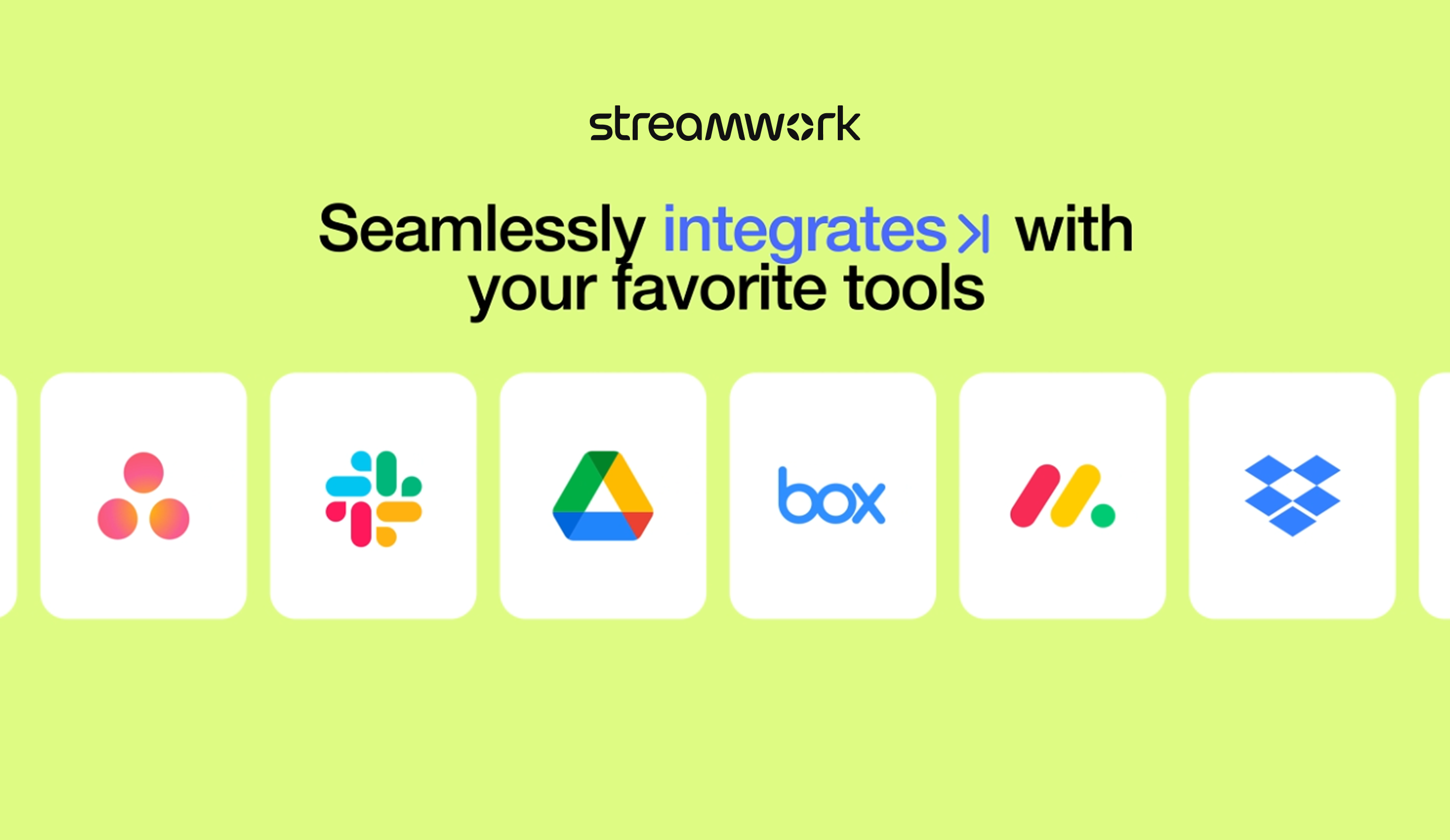
StreamWork's Asana integration was the stand-out. I could not find any other platform that integrated so seamlessly into our existing process and automations.
Compared to Odoo, Workiz is much easier to use, with a more intuitive interface that requires little training. Odoo offers deep customization but has a steeper learning curve and requires technical expertise to configure. Against Service WorkWave, Workiz stands out for its modern UI and clear feature set. While WorkWave has strong scheduling tools, Workiz offers more flexibility with dispatching and automation. We chose Workiz because it delivers on the features promised, has an easy-to-use system, and is actively improving, especially with upcoming AI integrations.
StreamWork has made our creative review process far more efficient. It’s reduced turnaround times, minimized miscommunication, and helped us deliver assets to clients faster... all of which translate into better project outcomes and a clear ROI.
A de minimis incentive was given to thank the reviewer for their time. The incentive was not used to bias or drive a particular response, nor was the incentive contingent on a positive endorsement. More Info
Since we’re still implementing Workiz, it’s hard to measure the exact ROI yet. However, automations are already reducing manual work for both admin and field users. This translates to saved labor hours, which ultimately means cost savings.
Increased Website Conversions:
The online booking tool makes it easier for customers to schedule services directly from our website. This will help increase our website conversion rate, leading to more booked jobs without additional effort from our team.
Lower Upfront Costs:
Unlike some other platforms that require large upfront payments or long-term contracts, Workiz has helped us save money by allowing us to pay as we go instead of committing to expensive multi-year licenses.