
Twingate vs. Zscaler Workload Communications
Twingate vs. Zscaler Workload Communications
| Product | Rating | Most Used By | Product Summary | Starting Price |
|---|---|---|---|---|
 Twingate | N/A | Twingate allows businesses to secure remote access to their private applications, data, and environments, whether they are on-premise or in the cloud. Built to make the lives of DevOps teams, IT teams, and end users easier, it replaces outdated corporate VPNs which were not built to handle a world in which "work from anywhere" and cloud-based assets are increasingly the norm. Twingate’s modern zero trust-based approach to securing remote access focuses on improving security,… | $0 | |
 Zscaler Workload Communications | N/A | Zscaler Workload Communications (replacing the former Zscaler Cloud Protection) delivers an approach that aims to take the operational complexity and headaches out of cloud workload security. The Zscaler zero trust architecture reduces business risk by automatically remediating security gaps, minimizing the attack surface, and eliminating lateral threat movement. | N/A |
| Twingate | Zscaler Workload Communications | |||||||||||||||
|---|---|---|---|---|---|---|---|---|---|---|---|---|---|---|---|---|
| Editions & Modules |
| No answers on this topic | ||||||||||||||
| Offerings |
| |||||||||||||||
| Entry-level Setup Fee | No setup fee | No setup fee | ||||||||||||||
| Additional Details | An Enterprise Plan with customized pricing is also available. | — | ||||||||||||||
| More Pricing Information | ||||||||||||||||
| Twingate | Zscaler Workload Communications |
|---|
| Twingate | Zscaler Workload Communications | |
|---|---|---|
| Small Businesses |  ThreatLocker Score 9.4 out of 10 | ThreatLocker Score 9.4 out of 10 |
| Medium-sized Companies |  Palo Alto Networks Prisma Access Score 8.3 out of 10 | Palo Alto Networks Prisma Access Score 8.3 out of 10 |
| Enterprises | Palo Alto Networks Prisma Access Score 8.3 out of 10 | Palo Alto Networks Prisma Access Score 8.3 out of 10 |
| All Alternatives | View all alternatives | View all alternatives |
| Twingate | Zscaler Workload Communications | |
|---|---|---|
| Likelihood to Recommend | 9.5 (3 ratings) | - (0 ratings) |
| Usability | 10.0 (1 ratings) | - (0 ratings) |
| Support Rating | 9.5 (3 ratings) | - (0 ratings) |
| Twingate | Zscaler Workload Communications | |
|---|---|---|
| Likelihood to Recommend | Twingate
 Tanuj Chatterjee SVP of Engineering |  Zscaler No answers on this topic |
| Pros | Twingate
 Maksim Pavlishin Sr Director, Engineering | Zscaler No answers on this topic |
| Cons | Twingate
| Zscaler No answers on this topic |
| Usability | Twingate
Tanuj Chatterjee SVP of Engineering | Zscaler No answers on this topic |
| Support Rating | Twingate
Maksim Pavlishin Sr Director, Engineering | Zscaler No answers on this topic |
| Return on Investment | Twingate
| Zscaler No answers on this topic |
| ScreenShots | Twingate Screenshots 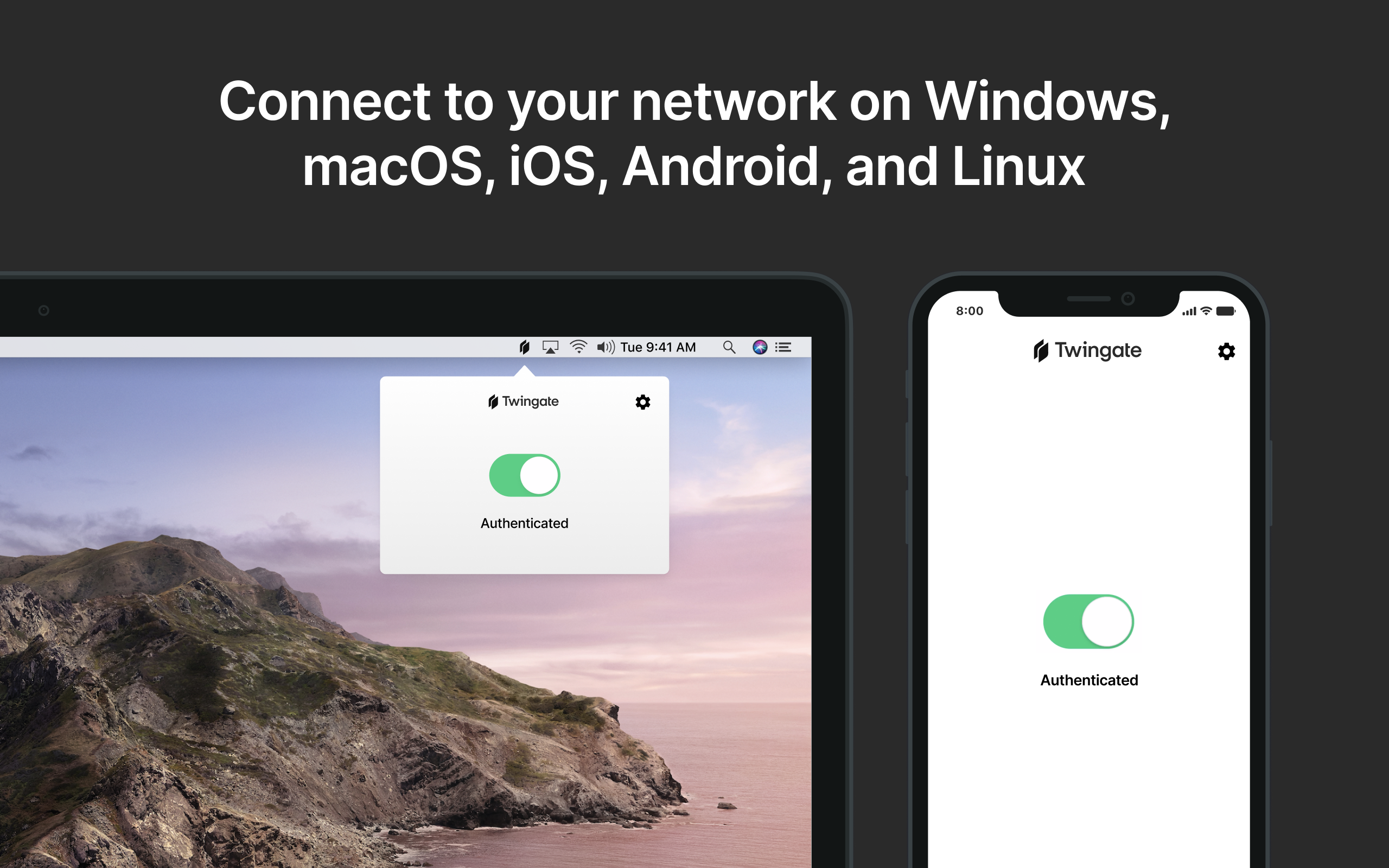 |