Senior Applications Analyst in Research & Development at Luxer One (Program Development, 201-500 employees)
Chose Zoho Flow
It's as simple as it gets, but it's more powerful, and you can add custom functions if you need them and are ready. If you're already using Zoho products or Zoho One, then this is a no-brainer for enhancing your existing usability and functionality.
A de minimis incentive was given to thank the reviewer for their time. The incentive was not used to bias or drive a particular response, nor was the incentive contingent on a positive endorsement. More Info
Verified User
Chose Zoho Flow
I've used Zapier and both programs are similar. Zapier has deeper integrations or more apps to integrate with but considering Flow's association with other Zoho apps this does it for us!
A de minimis incentive was given to thank the reviewer for their time. The incentive was not used to bias or drive a particular response, nor was the incentive contingent on a positive endorsement. More Info
Key User Insights
Would buy again
No answers on this topic
Delivers good value for the price
No answers on this topic
Happy with the feature set
No answers on this topic
Lived up to sales and marketing promises
No answers on this topic
Implementation went as expected
No answers on this topic
Features
Zoho Flow
Cloud Data Integration
Comparison of Cloud Data Integration features of Zoho Flow
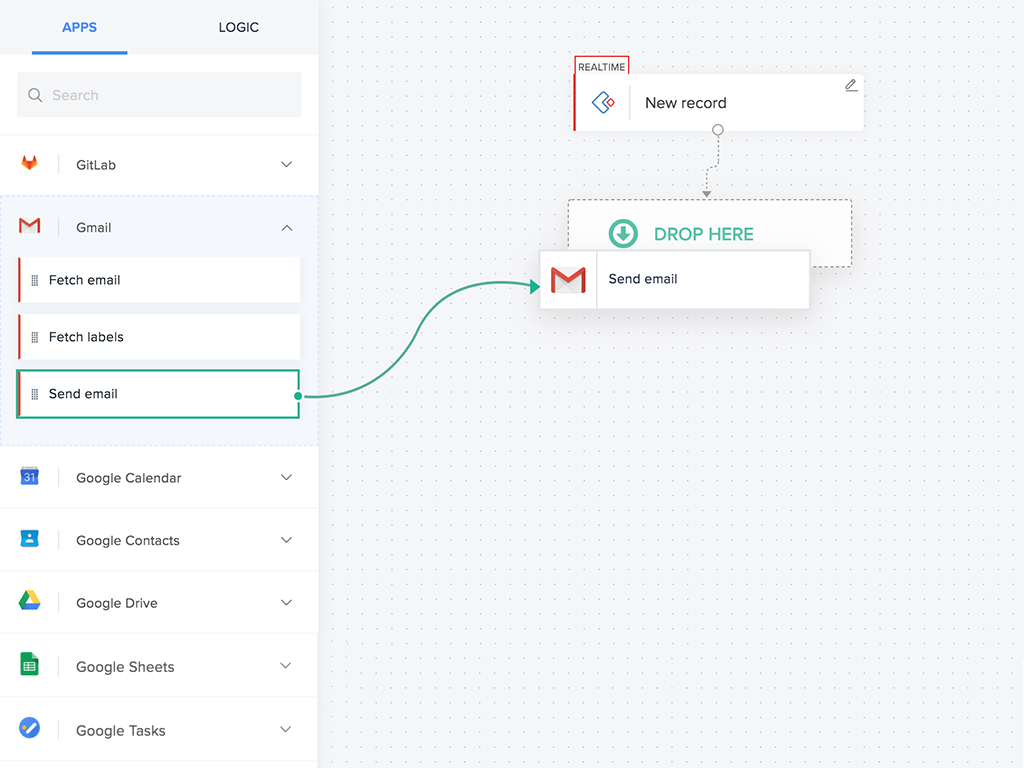
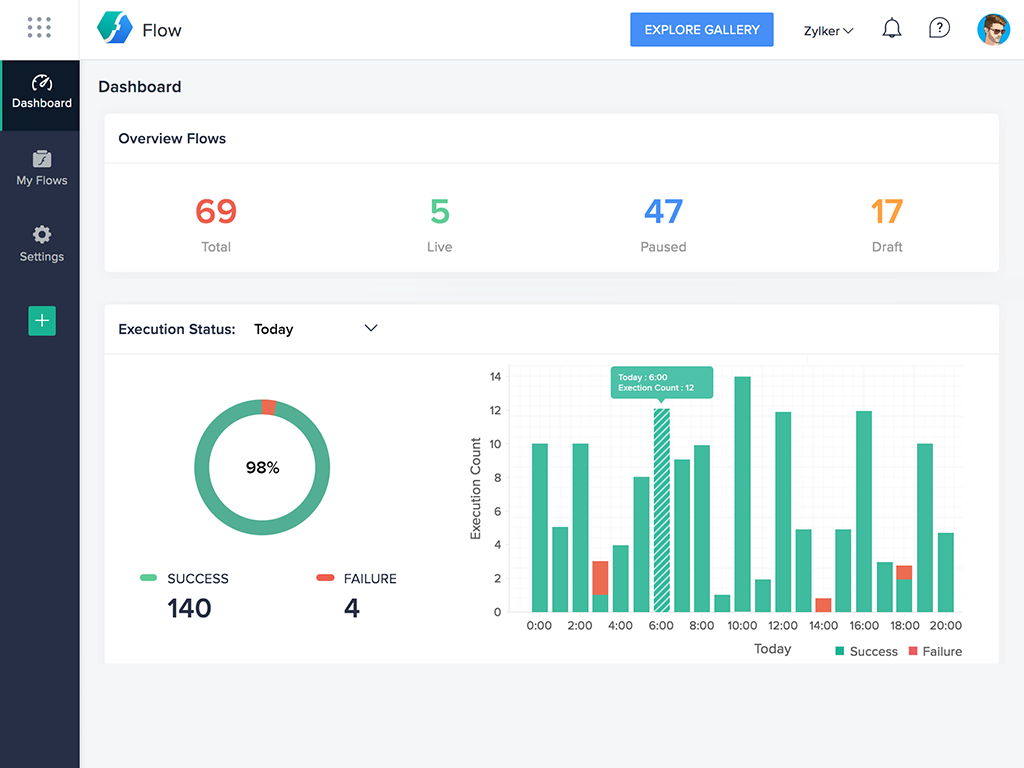
For small—to medium-sized connections between different applications, Zoho Flow is quick and easy to set up and test. However, as a Flow becomes more complicated with multiple connections and decisions, it becomes more difficult to track errors and faults and manage changes. Some of this is due to the history not being detailed enough, and some is just the UI, where you can't zoom in and out and clearly see connecting lines for flows.
A de minimis incentive was given to thank the reviewer for their time. The incentive was not used to bias or drive a particular response, nor was the incentive contingent on a positive endorsement. More Info
A de minimis incentive was given to thank the reviewer for their time. The incentive was not used to bias or drive a particular response, nor was the incentive contingent on a positive endorsement. More Info
A de minimis incentive was given to thank the reviewer for their time. The incentive was not used to bias or drive a particular response, nor was the incentive contingent on a positive endorsement. More Info
Flow can accomplish almost anything you want to do. It's imperfect, but it could be with just a few more features and better error management/visibility. For someone who's not a developer, this is a no-brainer. Having used other products in the past, like Zapier, this is as easy to use, if not even easier.
A de minimis incentive was given to thank the reviewer for their time. The incentive was not used to bias or drive a particular response, nor was the incentive contingent on a positive endorsement. More Info
I've reached out to the support team several times with assistance requests in Zoho Flow. Each time the team has answered my questions promptly and accurately. And because we are mainly integrating other Zoho apps their teams are perfectly positioned to solve our problems.
A de minimis incentive was given to thank the reviewer for their time. The incentive was not used to bias or drive a particular response, nor was the incentive contingent on a positive endorsement. More Info
I've used Zapier and both programs are similar. Zapier has deeper integrations or more apps to integrate with but considering Flow's association with other Zoho apps this does it for us!
A de minimis incentive was given to thank the reviewer for their time. The incentive was not used to bias or drive a particular response, nor was the incentive contingent on a positive endorsement. More Info
A de minimis incentive was given to thank the reviewer for their time. The incentive was not used to bias or drive a particular response, nor was the incentive contingent on a positive endorsement. More Info