TrustRadius: an HG Insights company

Adobe Express

Score8.7 out of 10

447 Reviews and Ratings

What is Adobe Express?

Adobe Creative Cloud Express (formerly Adobe Spark) is a task-based, web and mobile product used to create and share rich multimedia content – from social media posts and stories to invitations to marketing materials like logos, flyers and banners.

Read more details.

Media

Adobe Express
Adobe Express
Adobe Express
Adobe Express
Adobe Express
Adobe Express
Adobe Express
Adobe Express
Adobe Express

1 / 9

Who Buys & Uses Adobe Express

Pros

  • Extensive template library for quick project initiation and brand consistency
  • Intuitive and user-friendly interface for non-designers
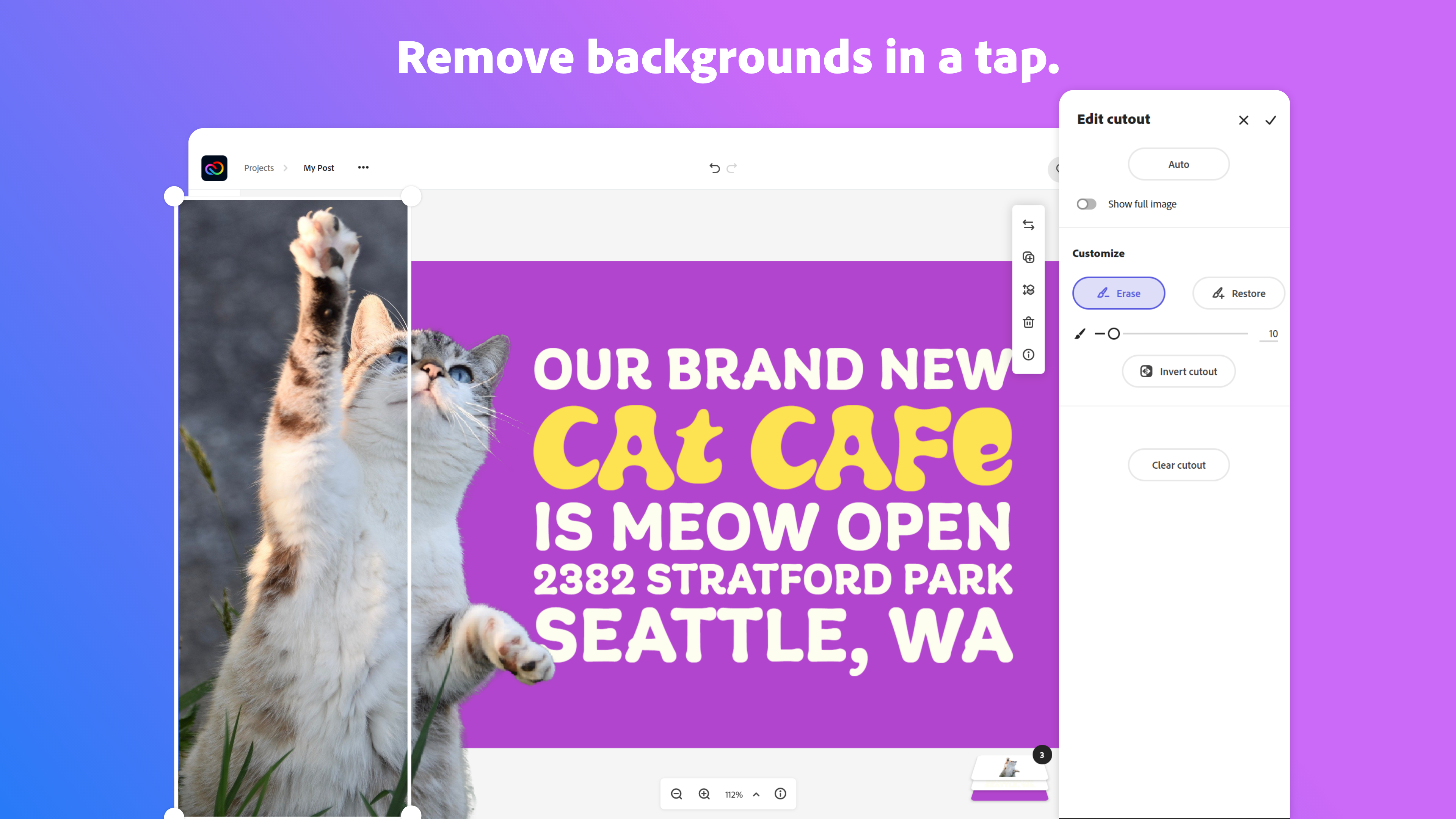
  • Efficient background removal feature

Cons

  • AI features exhibit mixed accuracy, generation time, and quality
  • Templates and graphic assets lack variety and flexibility for advanced design needs
  • User interface can be cluttered and challenging to navigate

Adobe Express- Fast Intuitive HELPFUL.

Use Cases and Deployment Scope

I use Adobe Express as an extra tool in my workflow. I am my county's only Instructional Designer, and there are times when I need a very fast turnaround on a graphic or photo edit. I love the template library, as I can share these with my SME's and even empower them to use the product on their own if we are really short on time. The drag and drop function are far less intimidating than what they would see in Illustrator and the AI tool helps them to create professional work without me.

Pros

  • Very easy to use! You can create and edit designs easily.
  • Great templates and built-in assets. Template library is awesome and has access to Adobe stock for graphics.
  • Affordable! For a tool that allows access to so many pre-made, pre-selected items, it really is well-priced compared to competitors.

Cons

  • Sometimes it crashes on mobile... if I am sent something to look at and edit, sometimes it will shut down on my phone.
  • Advanced work can't really take place here.... but I still stand by it being a great place to start, especially for novice creators and SME's
  • The ability to add layers, maybe? I have a tool for this already, but to be able to design everything in one place would be great

Return on Investment

  • We came from Canva, and this leveled us up, especially when using the entire suite. What Express can't do, one of its counterparts can- and they work well together.
  • We have saved money because we now have one suite that replaced- I believe- 3 or 4 other third party applications.
  • Because it is so user-friendly and intuitive, my SMEs can work alongside with me to create a finished product.

Alternatives Considered

Articulate 360, Canva and Visme

Other Software Used

Shutterstock, Articulate 360, Canva, Visme, Adobe Stock, Adobe Illustrator CC

Adobe Express is fun and easy

Use Cases and Deployment Scope

Quick posters, changes and keeping logos and colors in one place for people making quick posts and flyers. People that are regular designers or average people that want to create informational flyers and or messages with the company colors and branding!

Pros

  • Colors and logos all in one place
  • Fun typography and layout recommendations for design styles
  • One easy design space

Cons

  • Clean layout, less clunky
  • Simple layouts that are plug and play instead of fully designed
  • Feature where you can see what others create (social feature?) - ex searching: chiropractic office. And getting what other offices are doing with templates or just in general!

Return on Investment

  • Free software that is easy to use for all
  • Better designs than imaginable
  • Consistent branding

Alternatives Considered

Figma, Adobe Illustrator CC and Adobe PhotoShop

Other Software Used

Figma, Adobe Illustrator CC, Adobe PhotoShop

Made for Speed

Use Cases and Deployment Scope

Working as a brand manager, Adobe Express has given my team the ability to have access to quick solutions. It's very helpful to be able to have a tool like Adobe Express that is there any time you feel stuck, or in a time crunch. For example, developing ads, adding animation to engage your audience.

Pros

  • Ad designs
  • QR codes
  • Templates
  • Animations

Cons

  • I would love to see a way that Adobe Express can implement a way to see what other competitors are doing (tailoring them by industry) when it comes to seeing their ads, hooks, etc, that are performing the best.

Return on Investment

  • I design so many pamphlets and marketing collateral that always include QR codes, I know this is a simple feature but it gives my team the ability to have a way to book our demos

Other Software Used

Adobe PhotoShop, Adobe Illustrator CC, Adobe Acrobat

Adobe Express.

Use Cases and Deployment Scope

We use Adobe Acrobat to create simple presentation formats for all departmental and cross-functional meetings.

Pros

  • Creating content fast.
  • Efficient layout.
  • Easy to use.

Cons

  • Inputting custom designs.

Return on Investment

  • Easy to use for all coworkers.
  • Difficulty in putting custom logos.

Alternatives Considered

Adobe InDesign, Adobe Illustrator CC, Adobe PhotoShop and Canva

Other Software Used

Adobe InDesign, Adobe Illustrator CC, Adobe PhotoShop, Adobe Premiere Pro

Adobe Express

Use Cases and Deployment Scope

I use Adobe Express to access softwares that will help me edit fill out forms or create content for our social media and website

Pros

  • Easy to Access
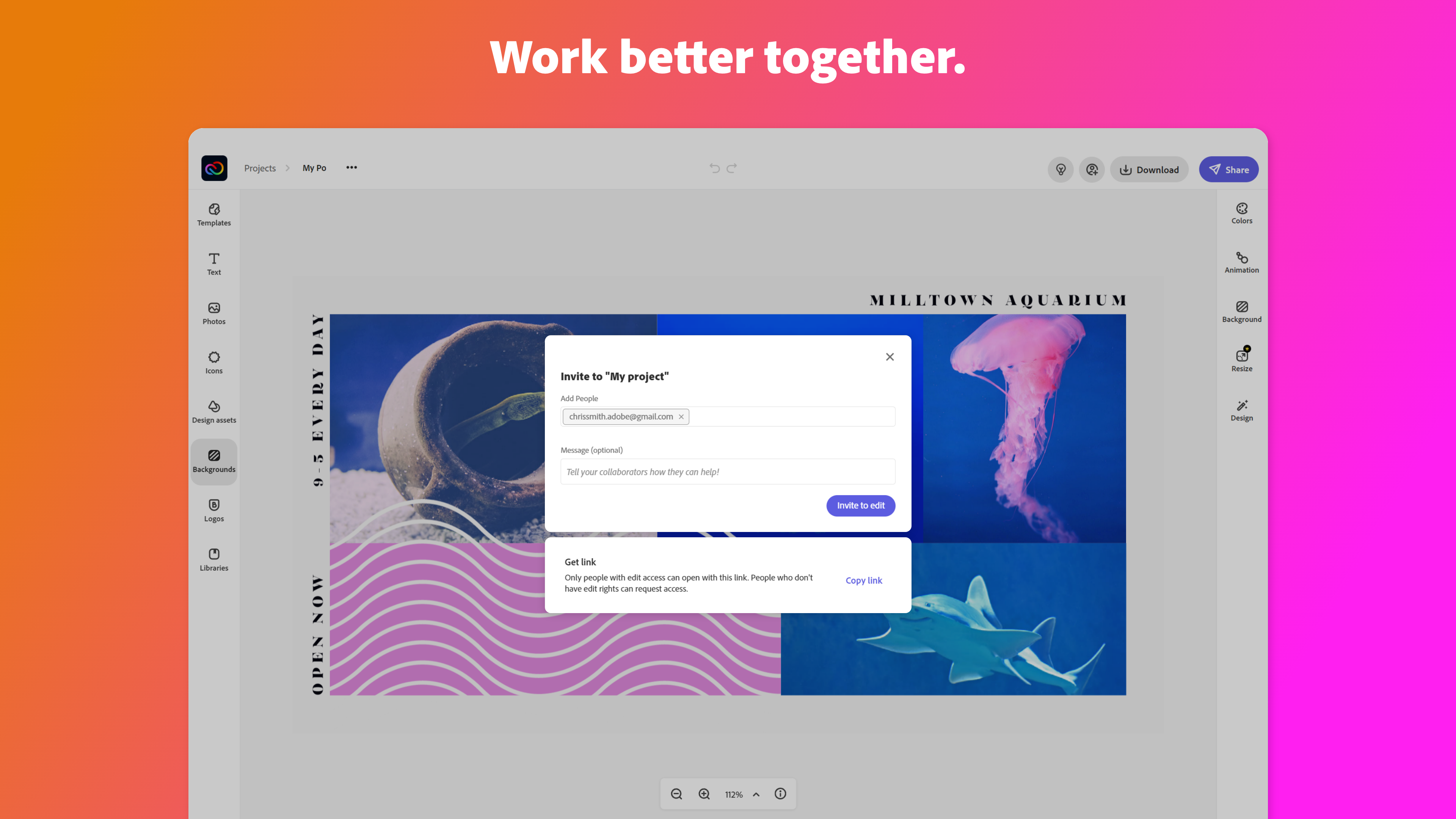
  • Collaborative Space

Cons

  • Adobe Express is a little overwhelming with the amount of tools and names

Return on Investment

  • Good Feedback on content