TrustRadius: an HG Insights company

Billbooks

Score8 out of 10

1 Reviews and Ratings

What is Billbooks?

Billbooks is invoicing and quoting software for freelancers, self-employed professionals and small businesses. Founded in 2010 and built by a team in Sydney and Pune, it is used in more than 30 countries. Billbooks includes recurring invoices, automatic payment reminders, multicurrency and multilingual invoicing, digital signatures, quotes and estimates, expense and project tracking, and reporting. Every feature is included on every paid plan; higher plans add users, clients and projects, never features.

Categories & Use Cases

Media

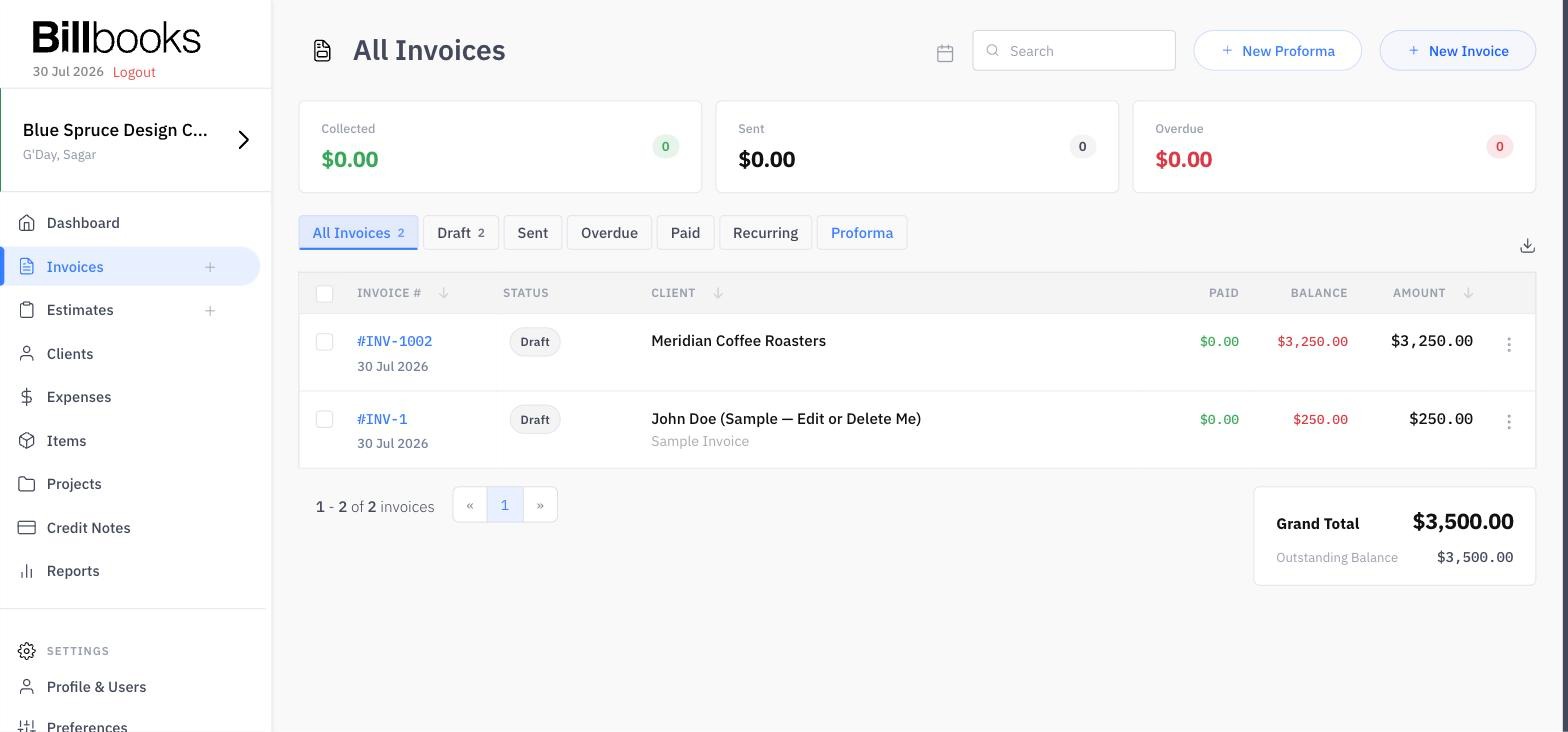
Screenshot of the invoice management dashboard displaying all invoices with status labels, client details, outstanding balances, payment amounts, and a summary panel for grand total and outstanding balance making statuses, balances, and totals easy to view.
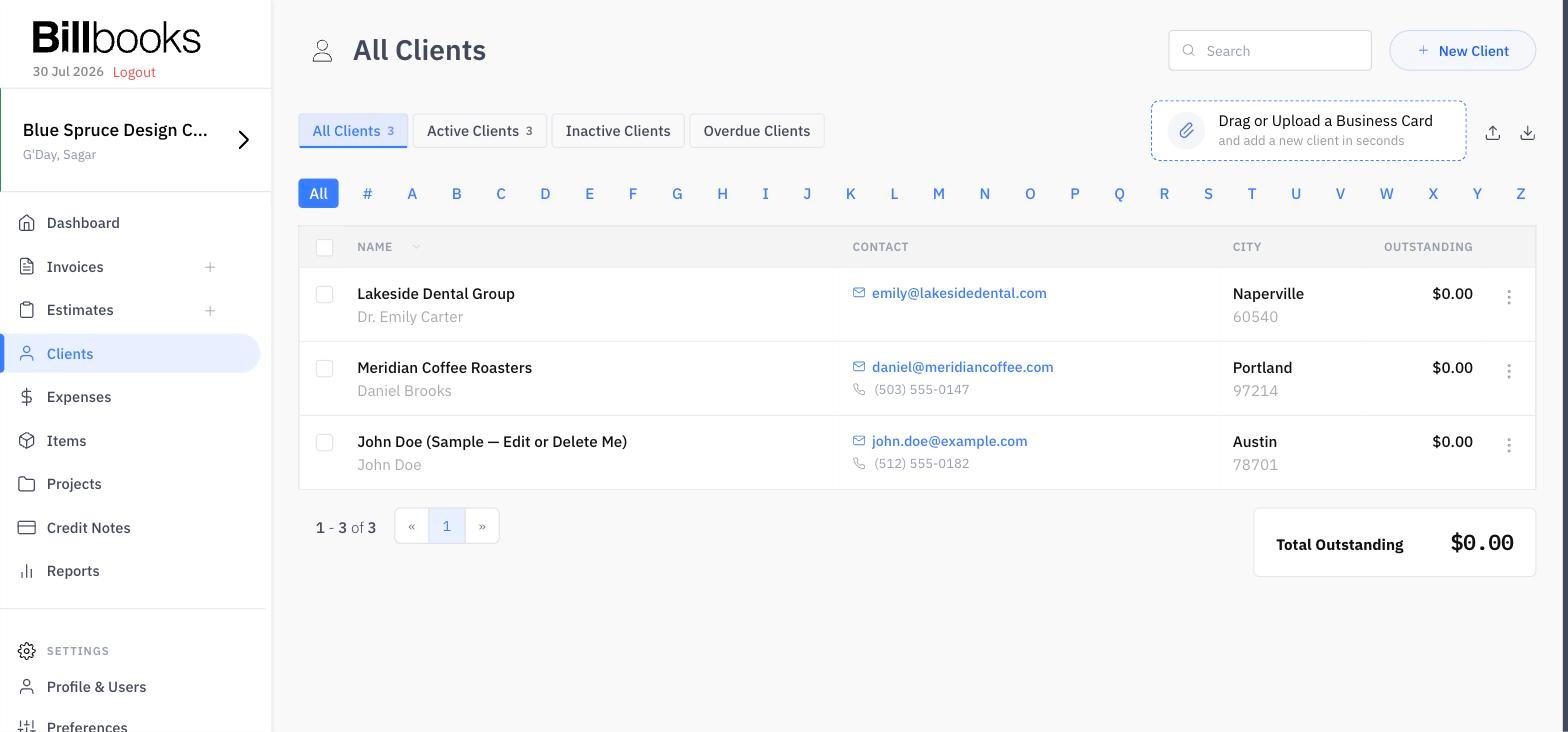
Screenshot of the client management dashboard showing client details, contact information, and outstanding balances, with a built in business card upload feature that lets users drag and drop a business card to add a new contact.
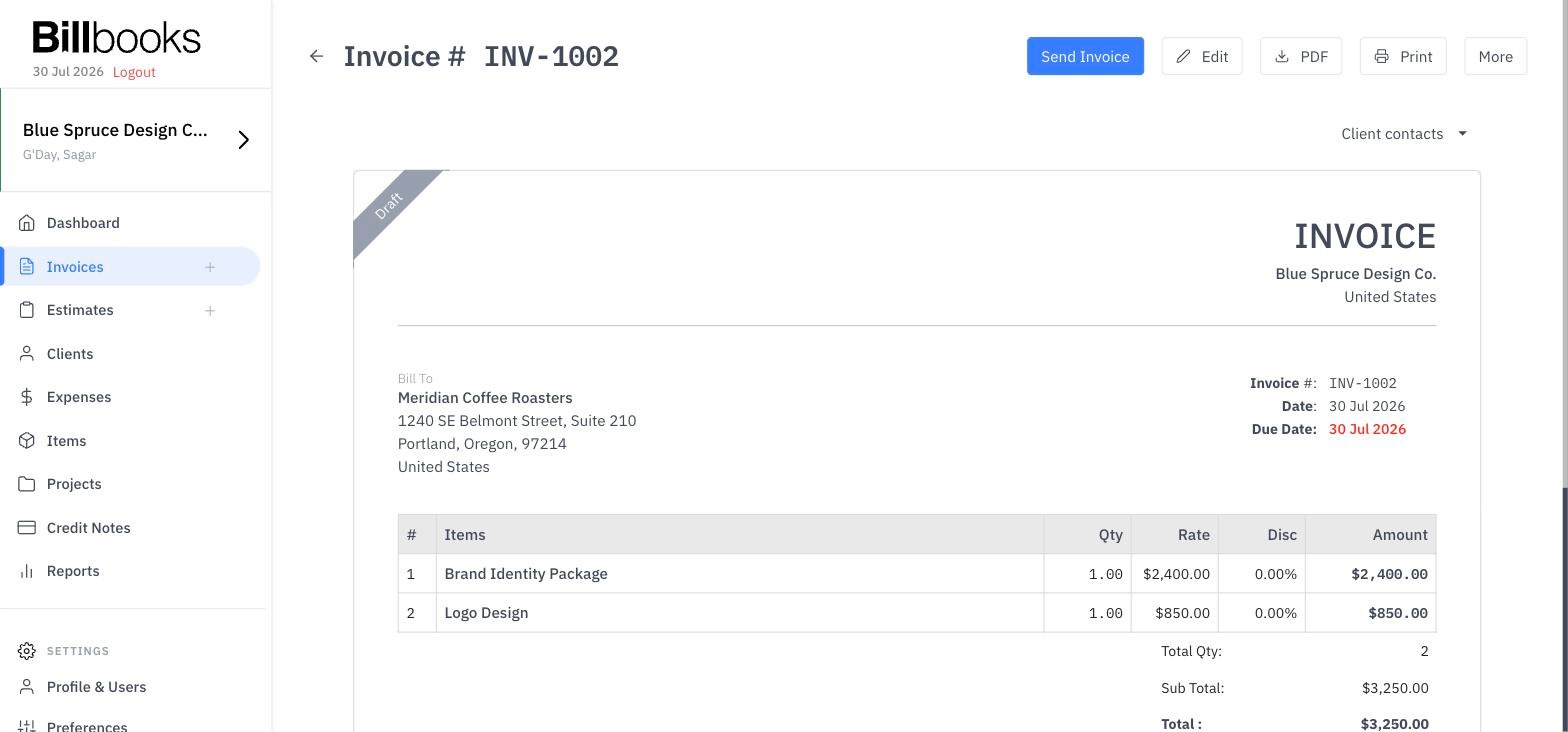
Screenshot of an invoice preview in the new billbooks interface, displaying client details, itemized charges, totals, and quick actions to edit, download, print, or send clean, fast, and ready to send.
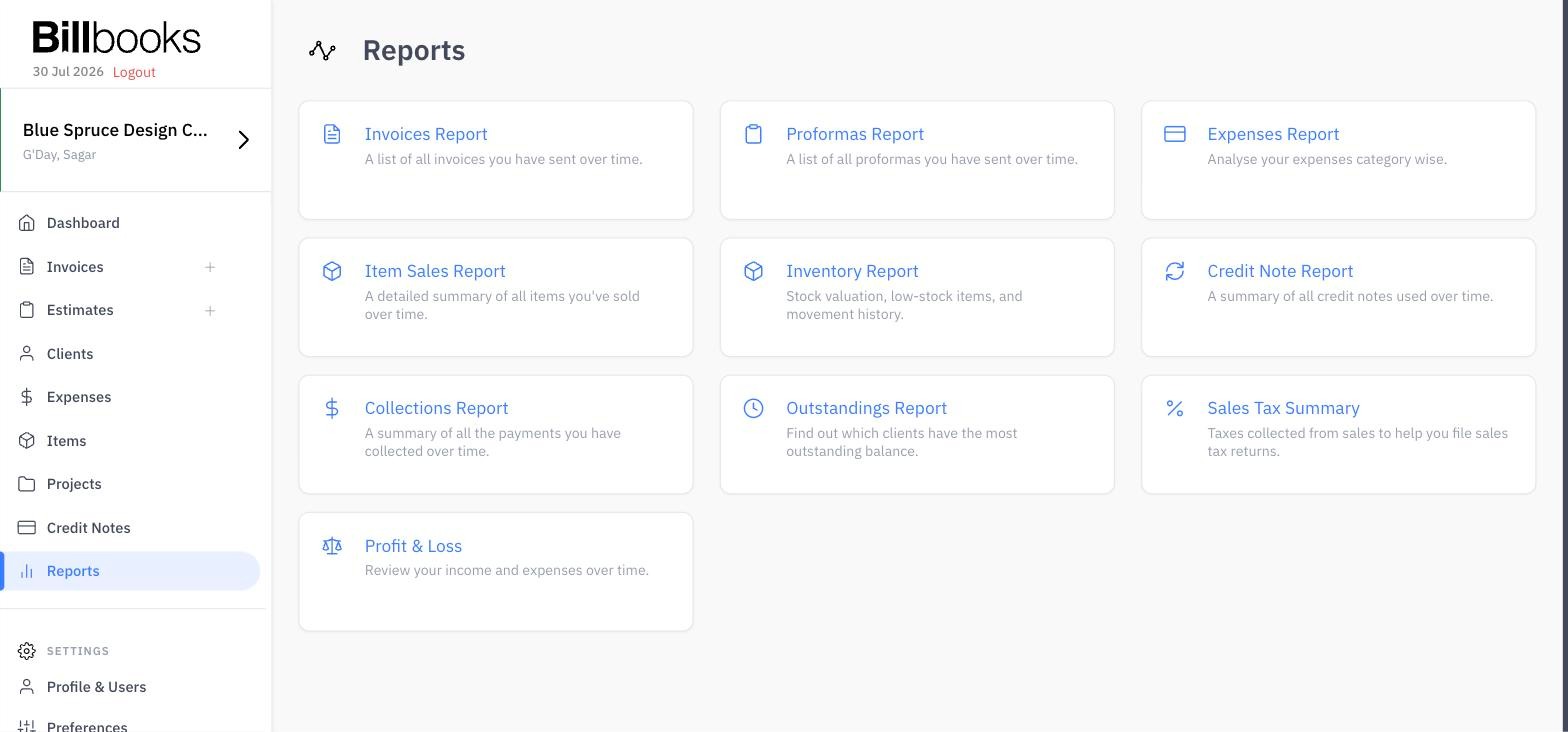
Screenshot of the centralized reports dashboard in billbooks featuring ten essential business reports, including collections, outstandings, expenses, inventory, and profit & loss, giving you quick access to key financial insights.

1 / 4

Screenshot of the invoice management dashboard displaying all invoices with status labels, client details, outstanding balances, payment amounts, and a summary panel for grand total and outstanding balance making statuses, balances, and totals easy to view.

A Handy Time-Saver for Client Billing

Use Cases and Deployment Scope

I use the tax rate options quite often when billingdifferent clients. Recurring invoices are a Big time-saver for regular work. I found the billable expenses feature easy to use. in just a couple of clicks and the expense is attached to the invoice. No searching, no scrolling , opening new windows. It’s just there when I need it. ..

Pros

  • Creating and sending invoices is straightforward
  • interface is user friendly
  • Automatic payment reminders useful for regular clients

Cons

  • Would like to see a few more options for filtering expenses and reports

Return on Investment

  • Billable expenses is very useful

Usability