TrustRadius: an HG Insights company

Cisco Meraki Dashboard

Score9 out of 10

228 Reviews and Ratings

What is Cisco Meraki Dashboard?

As a cloud-managed network management solution, the Cisco Meraki Dashboard enables users to provision, configure, and troubleshoot global networking and IoT deployments.

Read more details.

Media

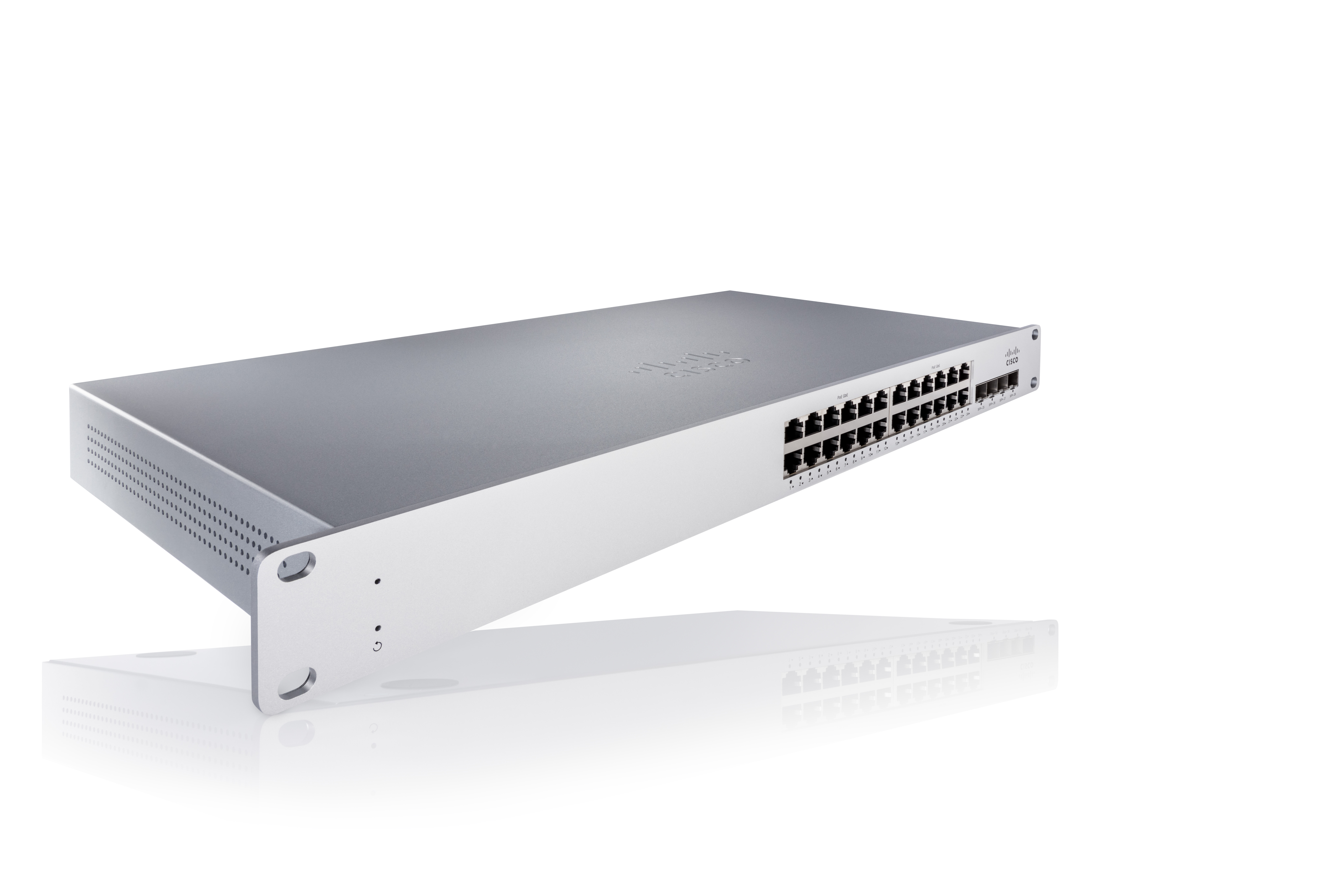
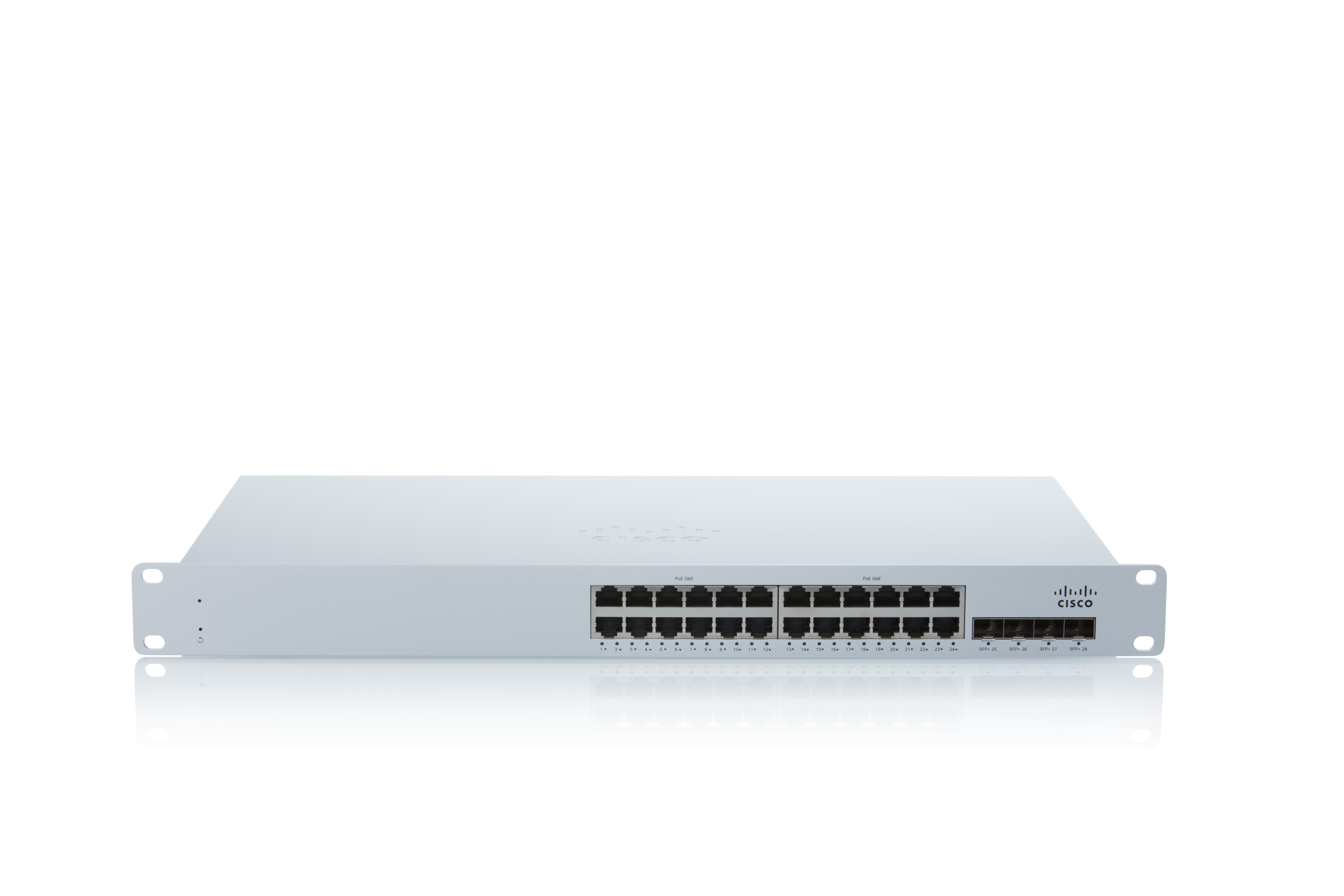
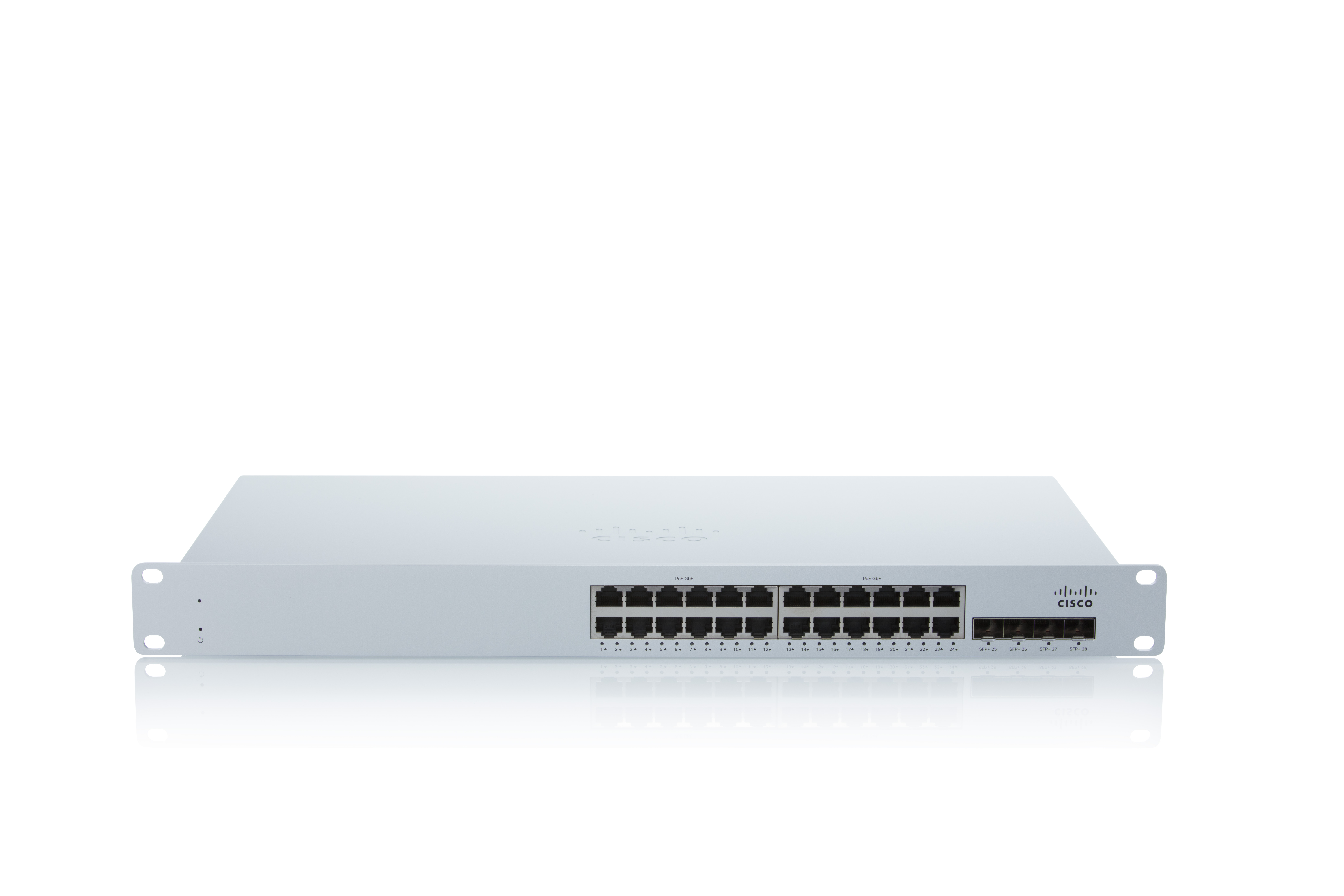
Screenshot of Connect MS225 24port
Screenshot of ConnectMS225 24port
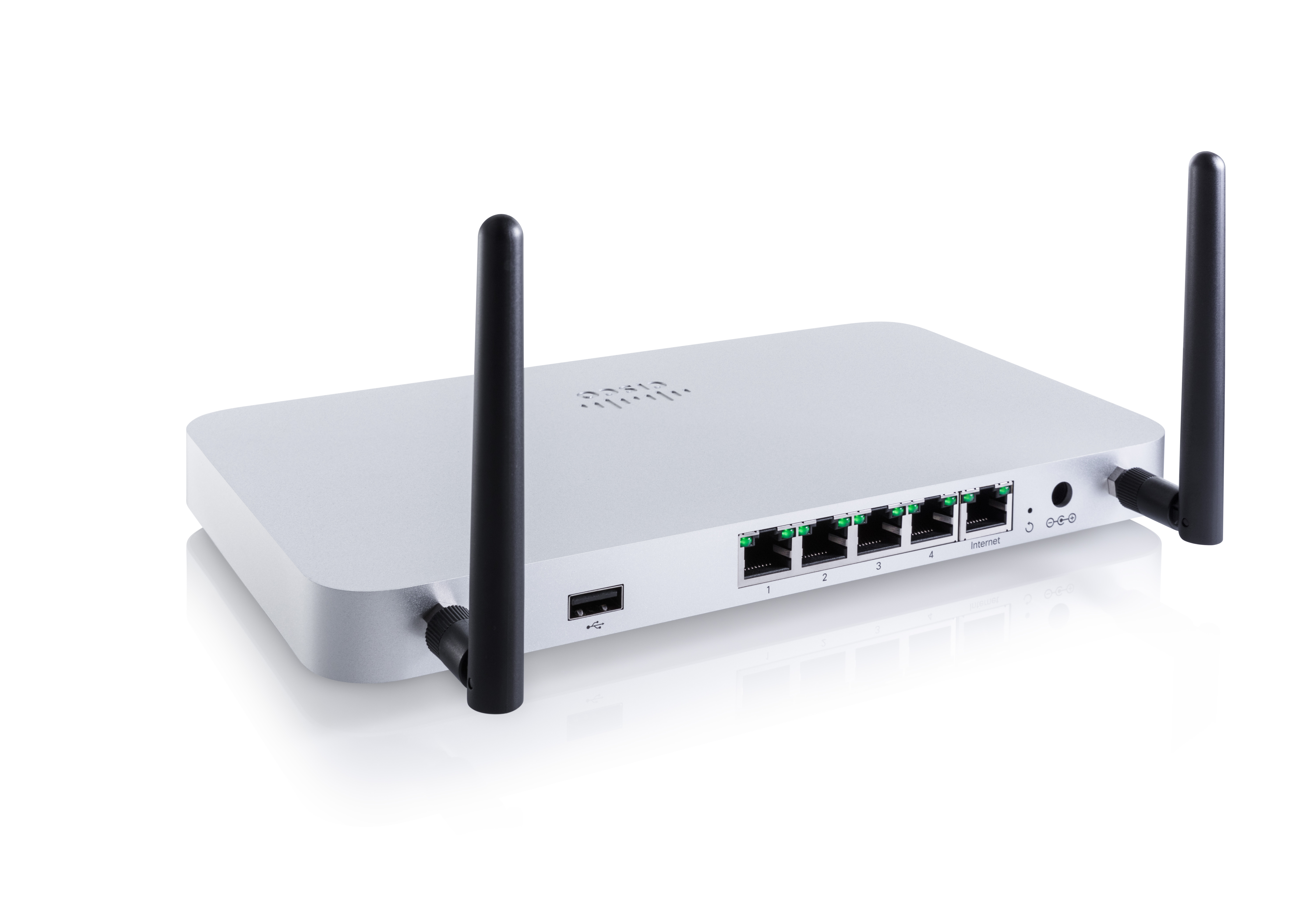
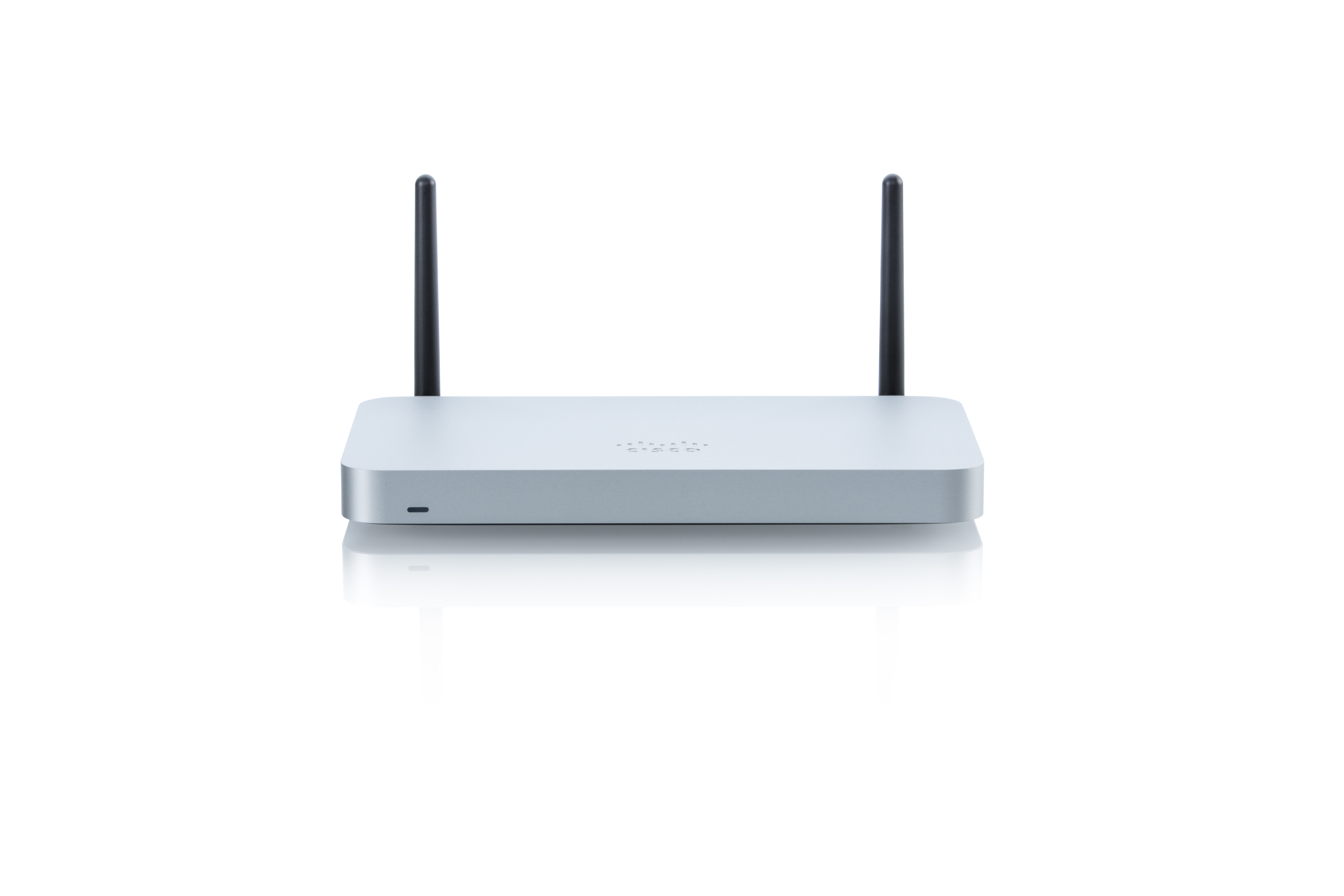
Screenshot of SECURITY MX64W
Screenshot of Connect MS225 24port

1 / 5

Screenshot of Connect MS225 24port

Who Buys & Uses Cisco Meraki Dashboard

Pros

  • Intuitive interface and ease of use for network administration
  • Centralized management of distributed networks and diverse hardware
  • Comprehensive network visibility and monitoring capabilities

Cons

  • Dashboard performance issues, including slow loading times and delayed updates
  • Limited reporting and analytics capabilities
  • User interface can be cluttered and less intuitive for some tasks

Cisco Meraki Dashboard Review

Use Cases and Deployment Scope

I think the dashboard has various functionality to manage firewalls, wireless APs, and Meraki switches. And the best thing is imaging, for example, wireless devices, how you can create SSIDs, you use Cisco Meraki Dashboard to use Cisco workflows and create SSIDs and roll out network-wide.

Pros

  • Auto PN is a great example for a dashboard. It's pretty much plug and play. You pretty much configure all your networks and go to the site, plug your spoke device, and it connects to the network. Grab the configs from the dashboard, and in five minutes, the Auto VPN is up and ready, and then you can manage the throughput. You can see all the uplinks and other data through dashboards. So it's pretty easy managed tool.

Cons

  • I think the recent room for improvement is I was trying to use AI assistance with Cisco Meraki Dashboard and it struggled a little bit to figure out the exact answer. For example, how to find some bandwidth for a particular network interface and stuff like that, or when optimization asks some sort of question like how many clients are on S societies. So just had a little bit of struggle, how to rewrite my prompt and then go see it and me. So, I'm pretty excited about what Cisco Meraki Dashboard can do, and I really like to take advantage of AI assistance.

Return on Investment

  • The positive impact is that it's less manual work. You use automation workflow and rollout and it's business critical that you spin up the sites with all those tools and you don't have to wait for a lot of manual labor. So I think that's very positive with Cisco Meraki Dashboard. We roll out your networks.

Usability

Cisco Meraki Dashboard Review

Use Cases and Deployment Scope

We moved from having a multilayered set of different manufacturers, which made it hard to track. So everything is now on that same dashboard. Every morning I come in, I check the organizational health, I check the connections that are going on, and I check any issues that are on there. It provides me with different alerts, so I’m able to catch up with the alerts that come on that system as well. And it also gives me a self-guide as to how to repair anything that is not working.

Pros

  • Oh, just the ease of use. I am not an IT technical expert by trade—I’m more on the leadership side. So this makes it easy for me to understand everything that is going on and be able to provide an honest review of how the organization is doing at that particular time.

Cons

  • I’d really like to see an easier way of programming those alerts. The only way of dealing with my alerts right now is to turn them off, and I don’t want to turn them off, but it’s too sensitive with some of the user connections. It leads to alert fatigue, and we don’t really see when something is actually important.

Return on Investment

  • The return on investment is that we went from having a team of 10 people managing this technology to having two people managing the technology, so the human capital expense went down. With that, we didn’t lose any functionality—on the contrary, it continued to expand.

Alternatives Considered

Extreme Wireless Access Points

There is no a better solution than Cisco Meraki on the market.

Use Cases and Deployment Scope

We use the Cisco Meraki Dashboard to centrally manage and secure our distributed network environment. Its cloud‑based interface allows us to apply configuration changes, monitor traffic, and enforce security policies across all sites in just a few minutes. One of the most valuable features for us is Meraki Content Filtering, which gives granular control over web access by blocking URLs or entire categories directly from the dashboard. This has helped us significantly reduce exposure to web‑based threats, since malicious domains, phishing sites, and malware‑hosting pages are automatically blocked through Cisco Talos intelligence. The product addresses several key business challenges: improving security posture, reducing the likelihood of ransomware or data breaches, and simplifying network operations. Because policies scale instantly across thousands of devices, we’ve also seen a clear reduction in incident‑related costs and an increase in overall productivity. For organizations looking for a secure, easy‑to‑manage, and highly scalable network solution, I strongly recommend Cisco Meraki.

Pros

  • Security
  • Scalability
  • Governance

Cons

  • More advanced reporting and analytics.
  • Greater flexibility for complex enterprise configurations.
  • Faster rollout of feature updates across product lines.

Return on Investment

  • Reduced the need of on-site technicians.
  • Faster deployment, hence more productivity.

Usability

Alternatives Considered

Fortinet FortiGate

Other Software Used

Proxmox VE, Fortinet FortiGate

Cisco Meraki Dashboard Review

Use Cases and Deployment Scope

It's like a one single paned glass for all of my systems. It manages our switches, our access points, pretty much. Those are only ones we have. We had some mx, which is the firewall, the securities, but we only have it in one location. So actually, basically the dashboard just allows us to manage all those devices in one's place.

Pros

  • I think it's the ease of managing the devices comes through the dashboard. You can view them all and if you have any troubles, they have access to different troubleshooting tools. I think that's the part I like the best because with the troubleshooting tools, you troubleshoot the switch that's five buildings away, just from that one location.

Cons

  • They're always improving the dashboard. Every time I look, there's a new application they've added to the dashboard to give you better features. So I can't think of anything where they need to improve because they find it before the users find it.

Return on Investment

  • I like how it's easy to use. The negative part of it would probably be because it's so easy. I don't continue using command line interfaces, so I kind of forget how to use some of those commands if I had to go to and physically touch a switch again.

Usability

Cisco Meraki Dashboard - Network Management for Anyone

Use Cases and Deployment Scope

Cisco Meraki Dashboard let's us empower our entire IT team to do networking work without having to be full CCNA level engineers. We use it to easily get holistic view of our entire network at a glance. We also appreciate the phased rollout of changes - I like being able to go back and forth between old and new views as they get fine-tuned. My only real constructive criticism is that sometimes pages can take a long time to load if there is a lot of data, such as the default client page.

Pros

  • Ease of use
  • Visibility
  • Firmware update schedule management

Cons

  • Load times

Return on Investment

  • Time to detection on network issues
  • Deployment times for new equipment

Usability

Other Software Used

Cisco Firepower 2100 Series, Cisco Umbrella