

Filmage Screen
What is Filmage Screen?
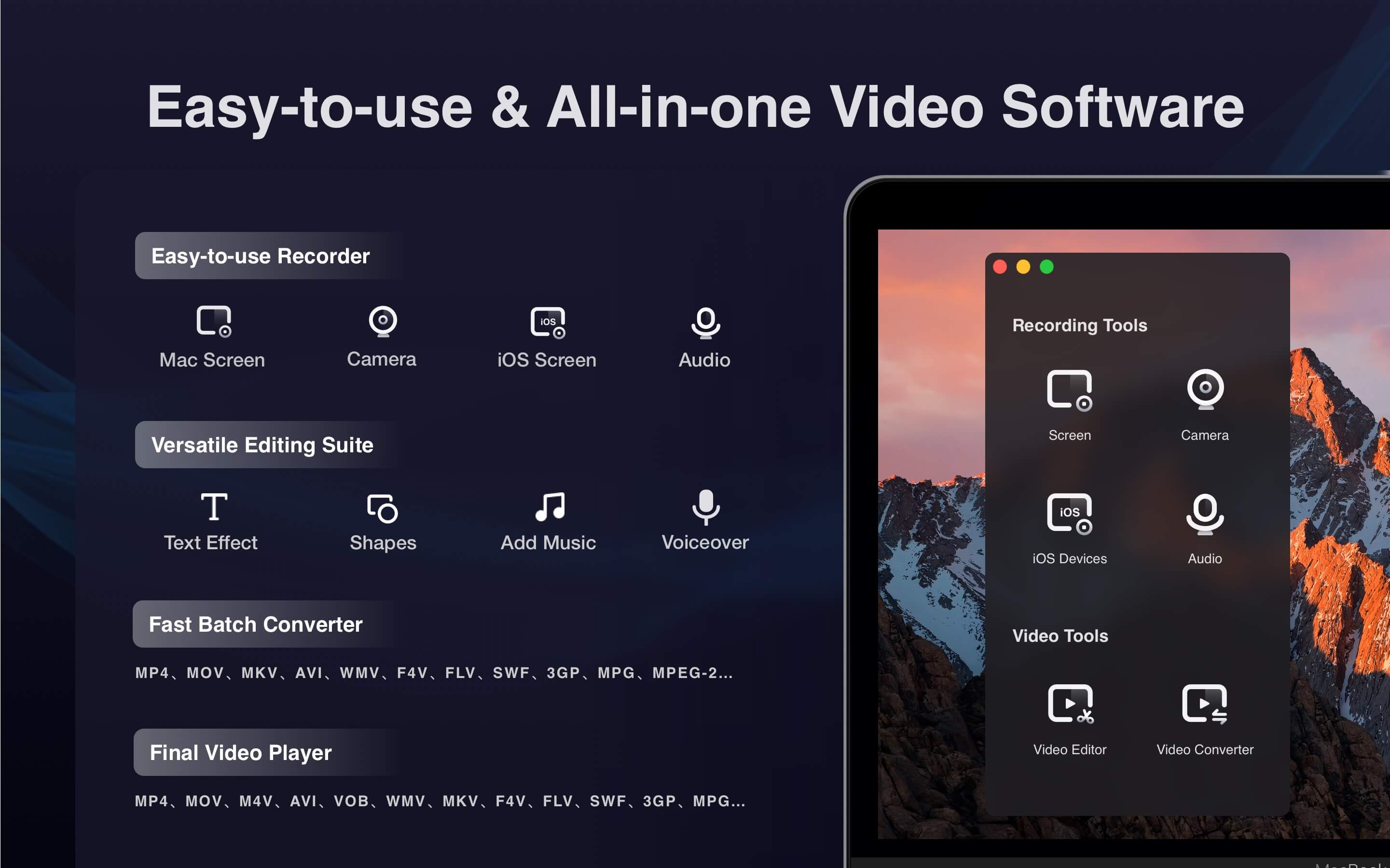
Filmage Screen is a video software for screen & audio recording, editing, converting videos, making GIFs, quicktime playing and sharing video files. It enables users to capture any activities from a Mac such as video tutorials, online lessons and business meeting.
Screen recorder:
- Record full screen or any custom areas.
- Record a specified window even if it is covered.
- Mirror iOS screen to Mac screen and capture them simultaneously.
- Capture HD video in 4K/1080P/720P, or set frame rate from 15fps to 60fps.
- Schedule recording: Set start time and recording length in advance and it will start/stop automatically
- No recording time limits
- Support to set cursor effect for a better presentation
- Record camera and screen with audio, and support picture in picture recording
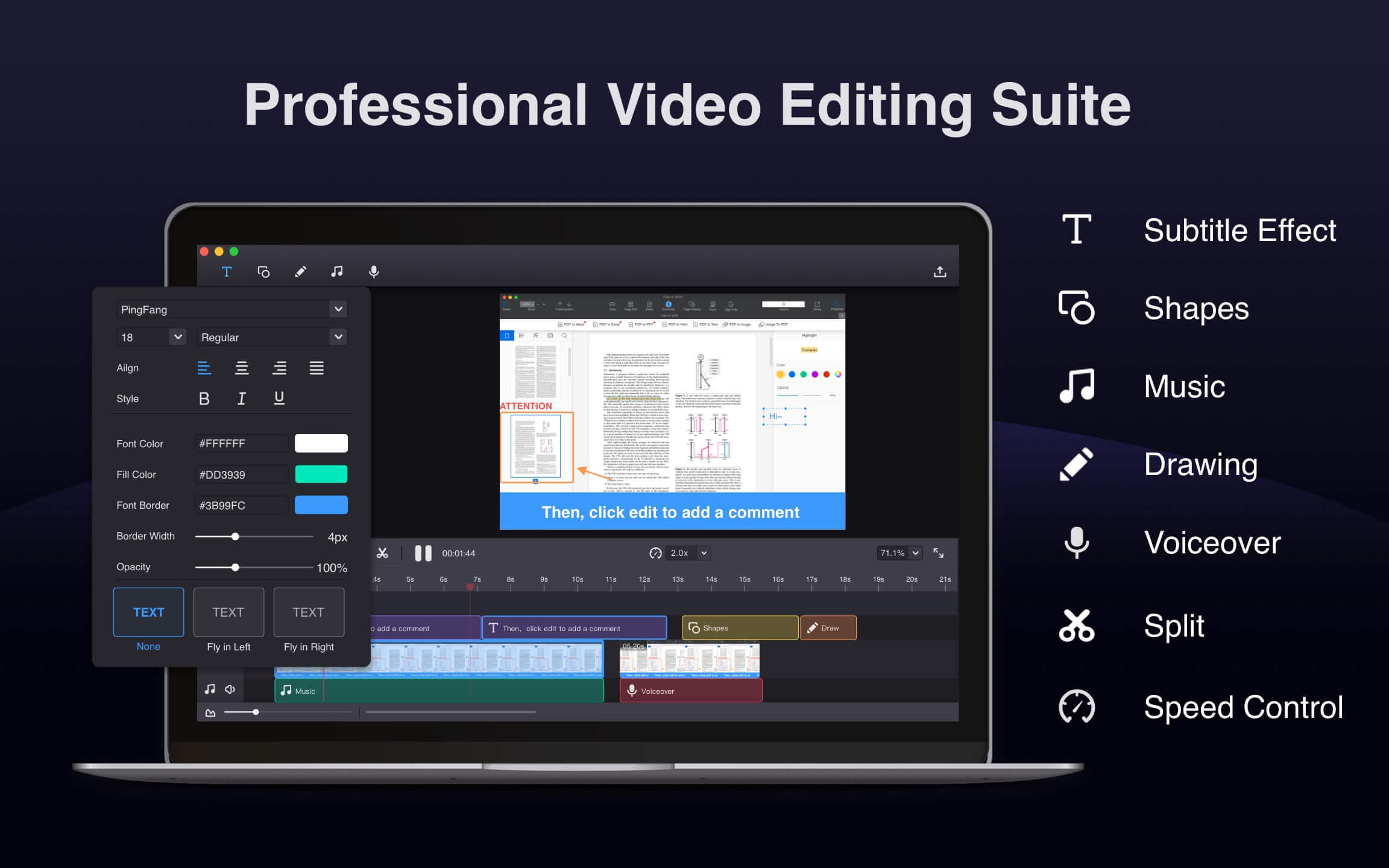
Professional video editor:
- Edit video with trim, split, cut, delete and more, to make video more engaging.
- Edit video with annotate tools: texts box, shapes, freehand drawing, etc. Highlight the main content of a video.
- Record and add voiceover or background music to a video
- Export videos to MOV, M4V, MKV, AVI, WMV and over 30 without watermark
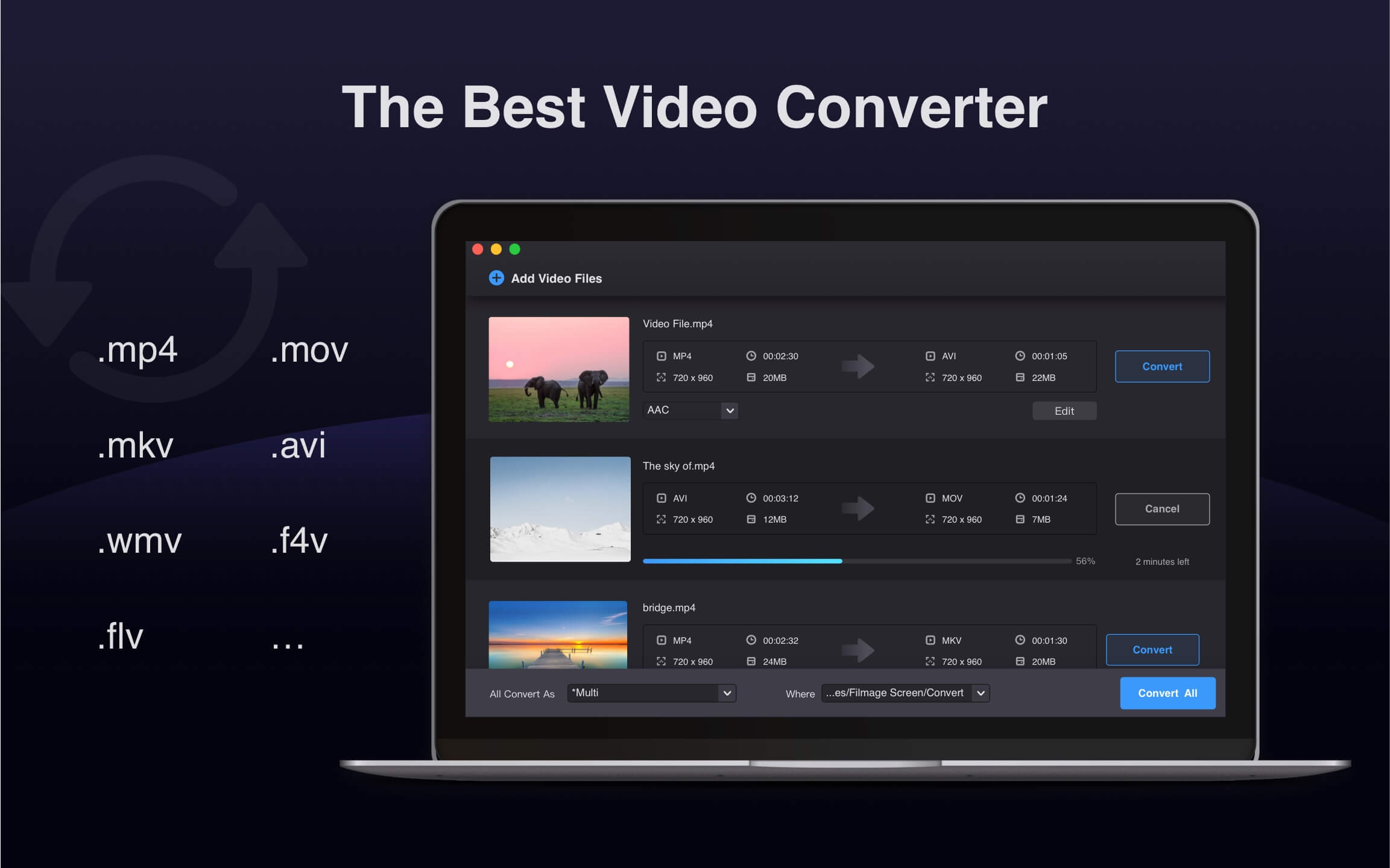
Videos Converter:
- Convert any videos to MP4, MOV, 3GP, VOB, MKV, M4V, WMV, AVI, MPG, 30+ video formats.
- Export videos as animated GIFs.
- Convert video files in batch.
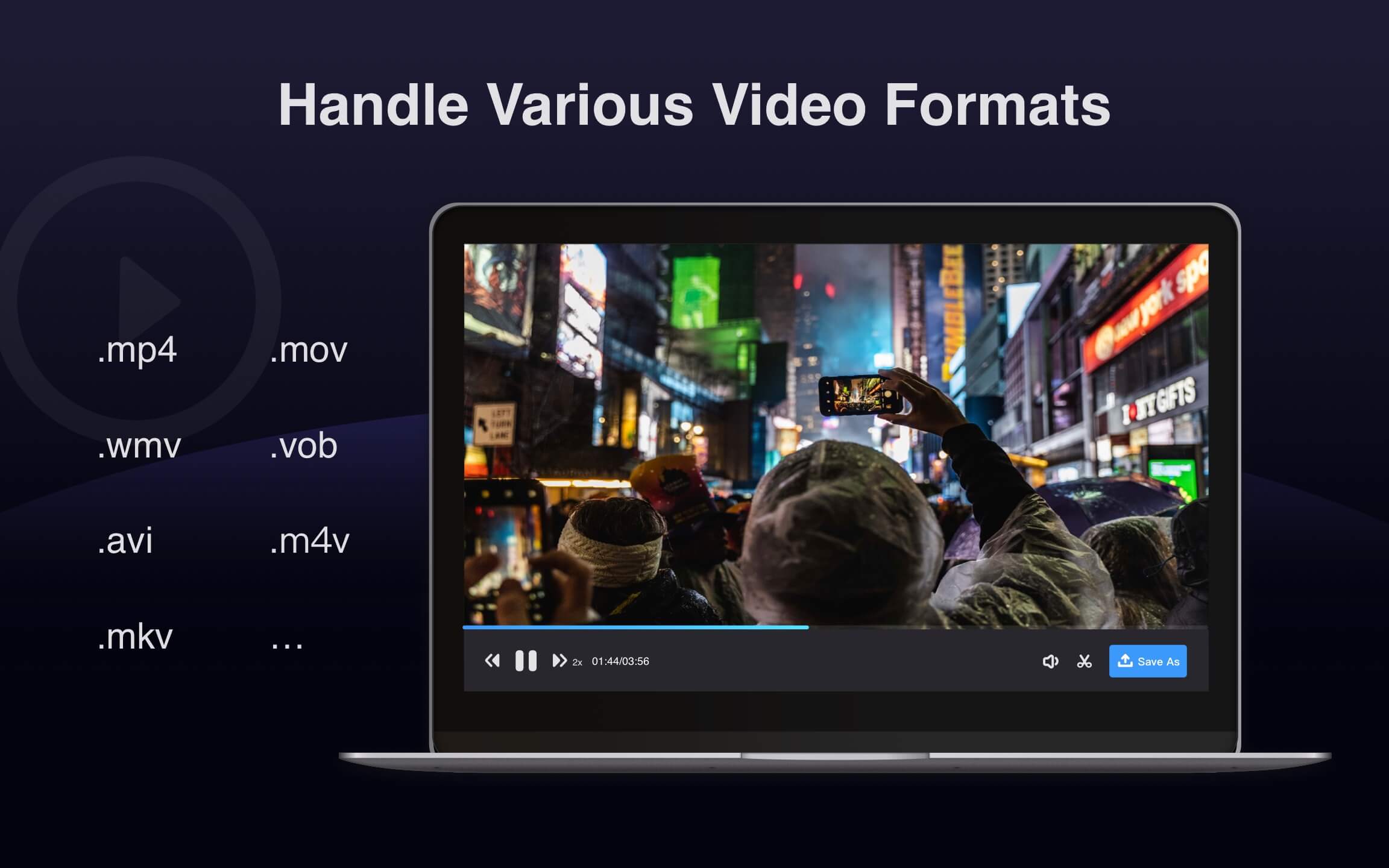
Media player and files management:
- Support playing almost any video formats.
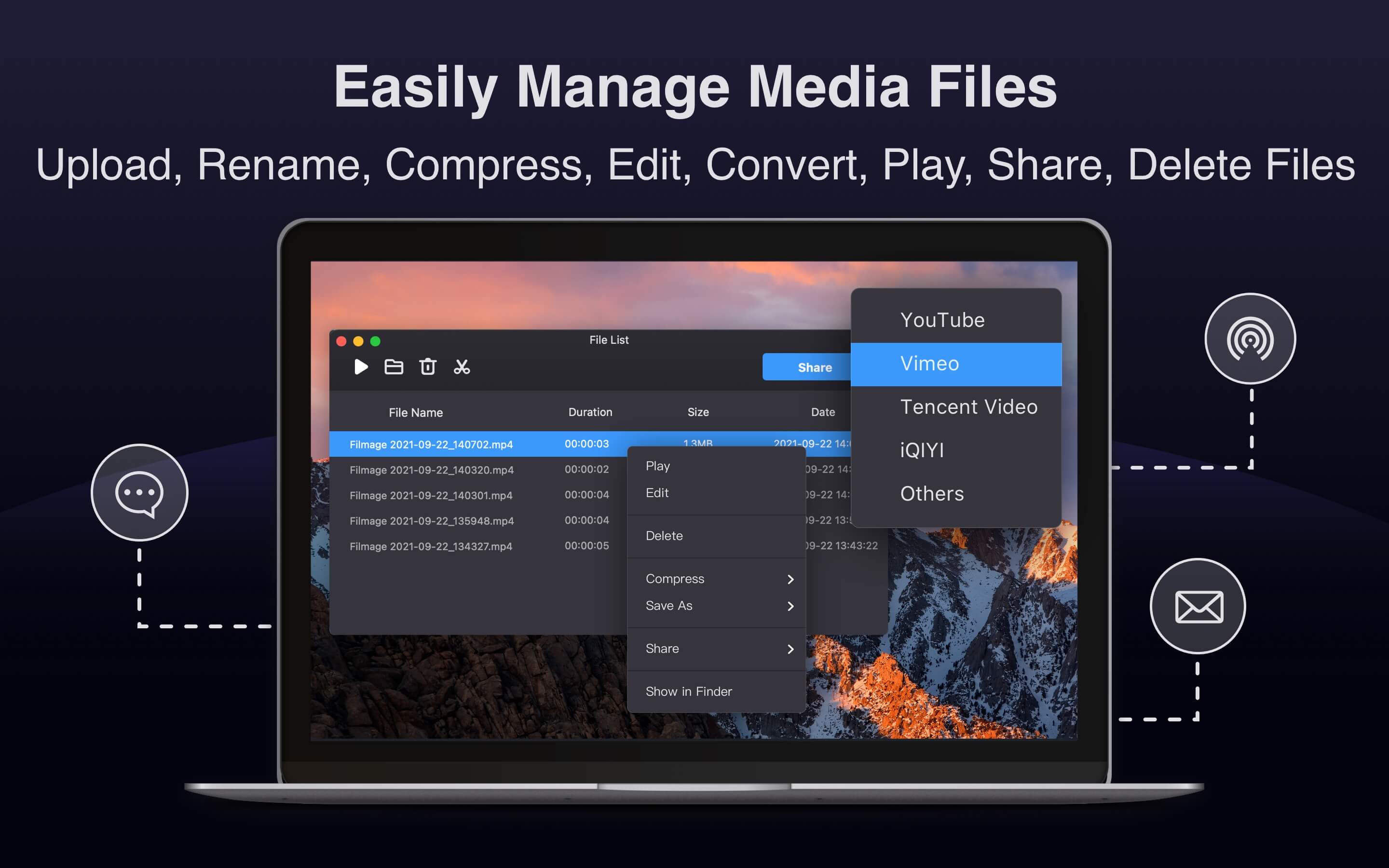
- Upload and share audio and video via Email, Message and Airdrop or to social platforms.
Categories & Use Cases
Videos
Screenshots


1 / 7
Technical Details
| Deployment Types | On-Premise |
|---|---|
| Operating Systems | Mac |
| Mobile Application | No |
| Supported Countries | Global |
| Supported Languages | English, Chinese, French |
FAQs
How much does Filmage Screen cost?
Filmage Screen starts at $14.99.
What are Filmage Screen's top competitors?
Camtasia, Movavi Screen Recorder, and Icecream Screen Recorder are common alternatives for Filmage Screen.