

FlowMate
What is FlowMate?
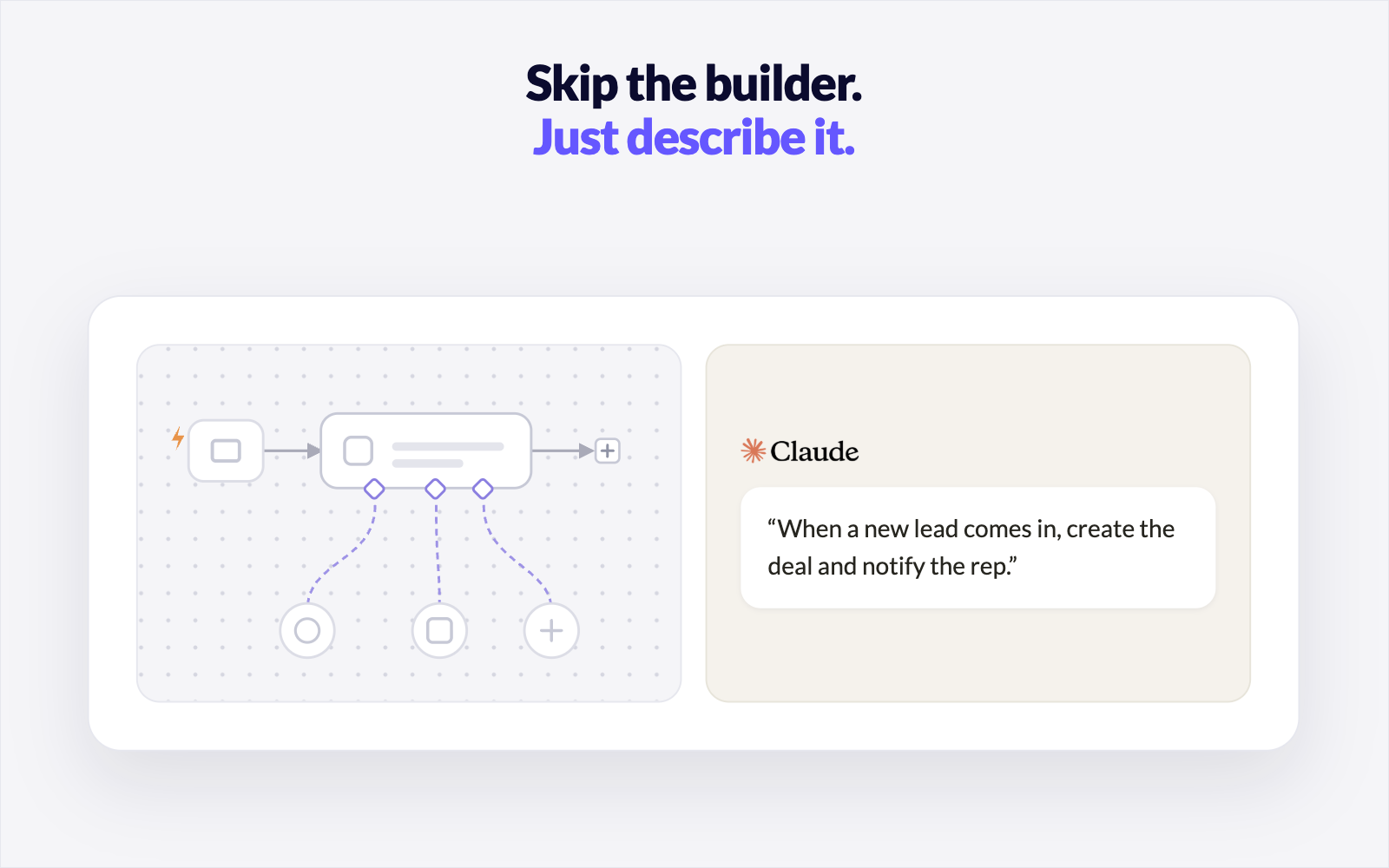
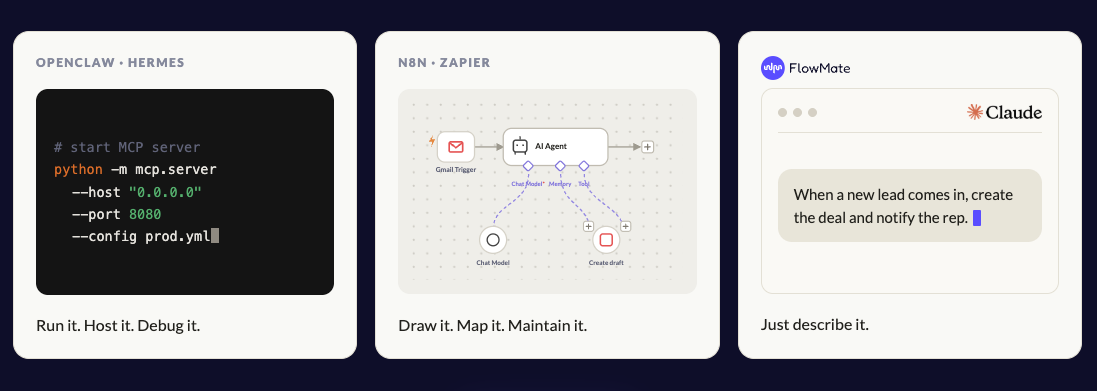
FlowMate is an Agentic Workflow Orchestration platform that allows users to configure and run multi-step business processes from supported AI interfaces. Users describe a process in natural language, and FlowMate converts the instructions into a reusable workflow that can create records, update fields, route work, send messages, and perform other actions across connected applications.
Key Capabilities
- Prompt-based configuration: Users configure workflows through natural-language instructions instead of code, node graphs, or a separate visual builder.
- Flows, Agents, and Actions: A Flow applies configured steps and business rules; an Agent performs reasoning tasks such as researching, qualifying, scoring, or drafting; and an Action executes an individual operation in a connected application.
- Multiple execution modes: Workflows can run when requested in an AI conversation, according to a schedule, or in response to application events such as form submissions, incoming messages, or CRM stage changes.
- Human review: Automated processes can pause for review or approval before completing a designated action.
- Business-logic configuration: Flows can apply routing rules, custom-field mappings, qualification criteria, and other process-specific logic across multiple steps.
- Persistent execution: Scheduled and event-triggered workflows continue running independently when the connected AI application or the user’s computer is inactive.
- Application connectivity: FlowMate documents integrations with applications including HubSpot, Salesforce, Slack, Notion, Stripe, Linear, Gmail, Calendly, Typeform, and Intercom.
- Host-platform context: Agent steps can use relevant instructions and context from the connected AI environment. Within Claude, this can include Skills, Memory, and Projects.
- Monitoring and recovery: FlowMate logs Flow and Agent runs, surfaces execution errors, retries failed operations, and allows users to inspect or rerun individual steps.
- Team administration: Teams can share and template Flows and Agents, assign permissions, control who can trigger processes, and review team activity.
Audience & Use Cases
- Audience: Operations, revenue, customer support, human resources, collaboration, and ecommerce teams seeking to automate cross-application processes through natural-language instructions.
- Use cases: Lead qualification and routing, CRM record creation, meeting preparation, employee onboarding, support-ticket triage, customer notifications, scheduled pipeline reviews, and application-data synchronization.
Technical Specifications
- Workflow elements: Flows, Agents, and Actions
- Trigger types: Conversational, scheduled, and event-based
- Execution controls: Automated, assisted, and human-in-the-loop
- Configuration method: Natural-language prompts
- Documented AI interfaces: Claude, ChatGPT, and Gemini
Categories & Use Cases
Media


1 / 4
Screenshot of Watch a real workflow go from a single prompt to a running Flow, triggered automatically inside Claude


