TrustRadius: an HG Insights company

What is Ghostprompter?

Transparent Overlay: Provides a custom-configured, adjustable transparent overlay window that lets users maintain direct eye contact with their camera and audience while reading scripts.

Read more details.

Categories & Use Cases

Media

Screenshot of an overview of the GhostPrompter desktop application showing the clean main dashboard, welcome guide, and floating control toolbar with playback options and settings icons.
Screenshot of a demonstration of GhostPrompter's adjustable transparent overlay mode seamlessly blending the teleprompter text over the desktop background wallpaper for natural eye-contact presentations.
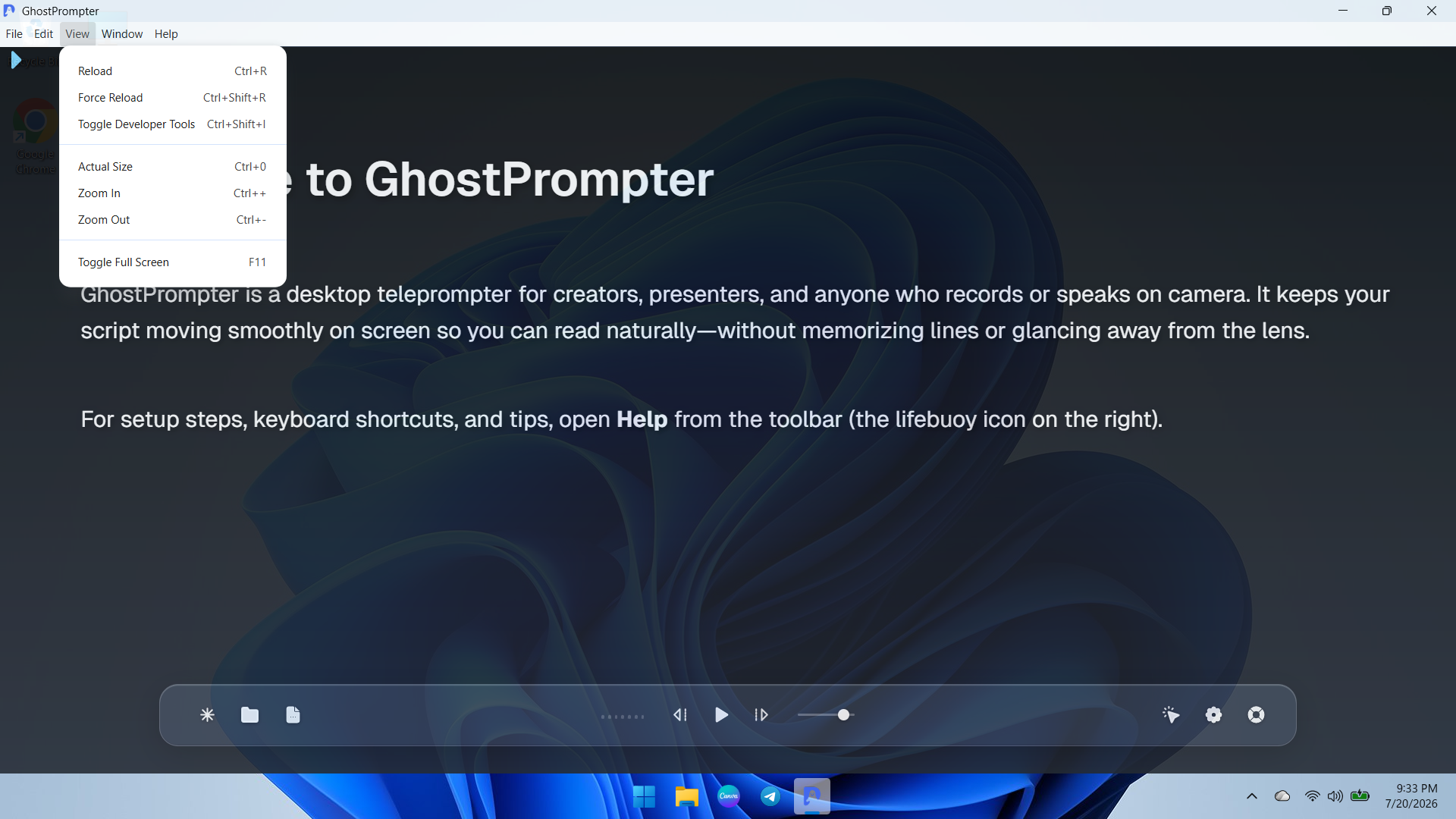
Screenshot of a dropdown view of the application menu showing quick navigation and developer or reload utility options for managing the workspace.
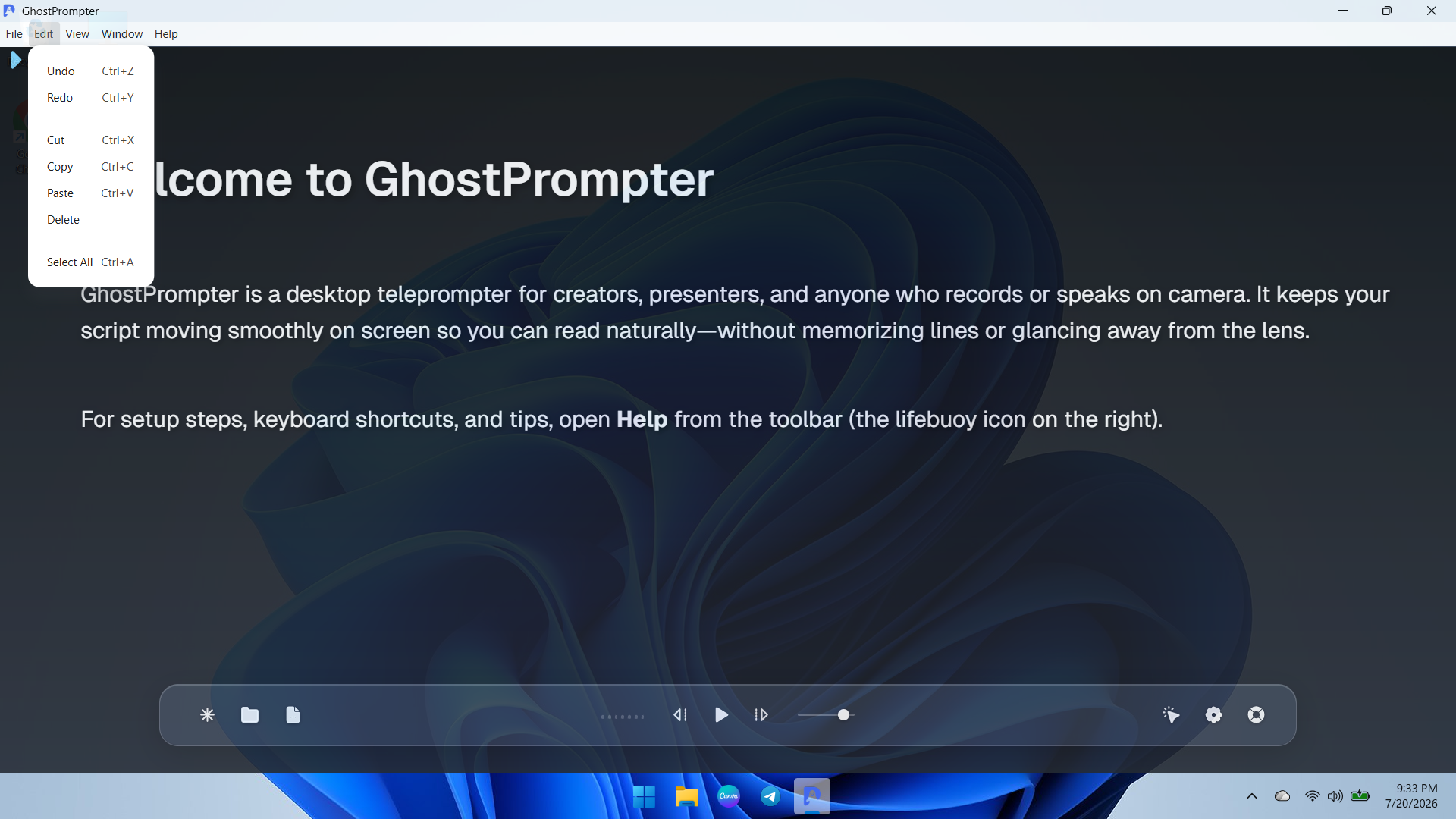
Screenshot of ext editing and clipboard management controls menu (Undo, Redo, Cut, Copy, Paste) for fast script updates directly inside the app.
Screenshot of the Display Settings panel featuring font size adjustments, reading speed configuration, text color customization, and the essential Ghost Mode (Capture Protection) toggle.
Screenshot of the General and General-Audio configuration tab displaying microphone input devices, global hotkeys, mouse controls, and Voice-Activated Scrolling setup.
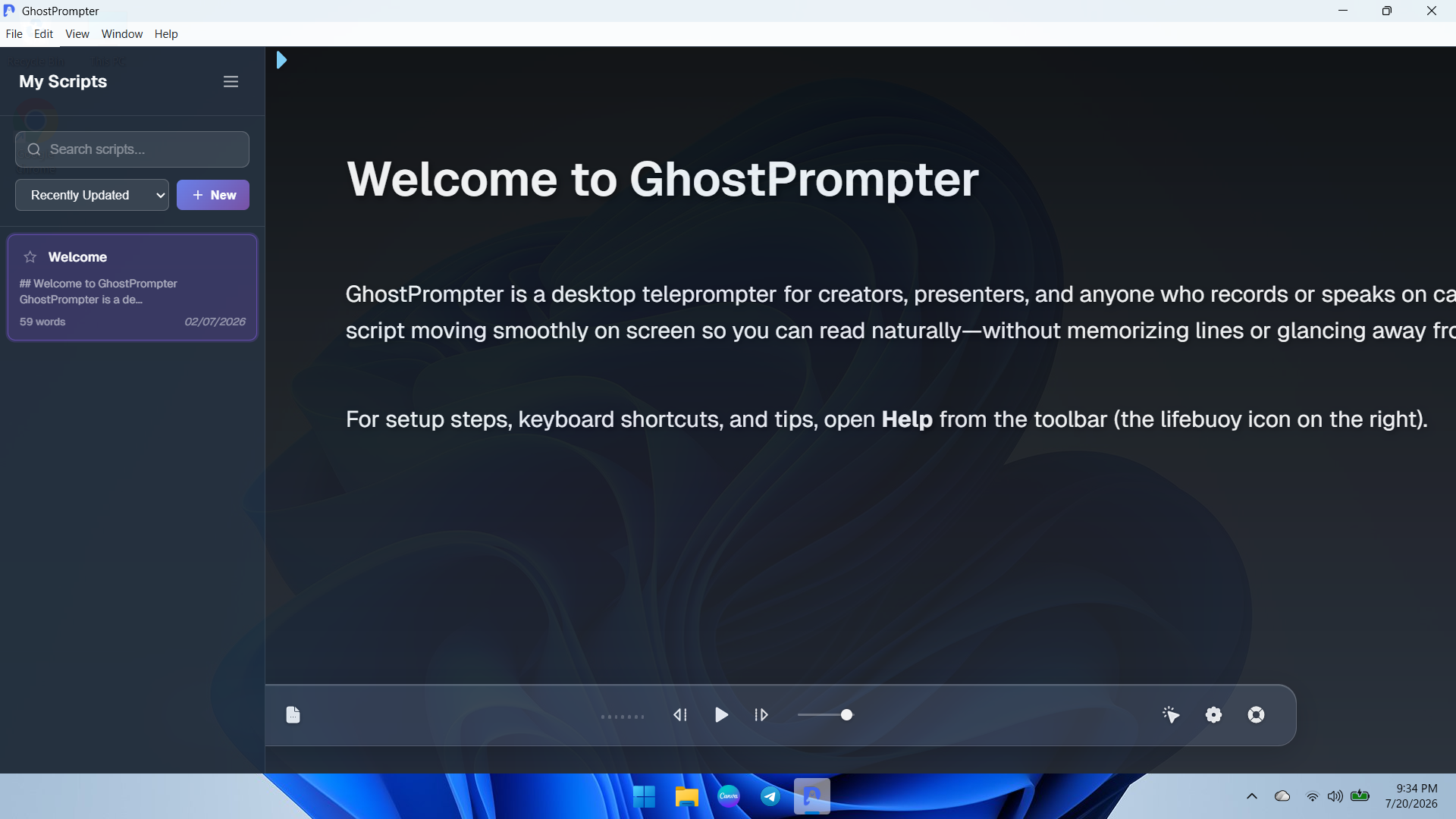
Screenshot of the integrated Script Library sidebar allowing users to search, organize, sort, and create new teleprompter scripts instantly.
Screenshot of highlighting the active toolbar customization features showcasing how users can quickly access settings, themes, and transparency controls on the fly.

1 / 8

Screenshot of an overview of the GhostPrompter desktop application showing the clean main dashboard, welcome guide, and floating control toolbar with playback options and settings icons.