

Ghostprompter
What is Ghostprompter?
GhostPrompter is a specialized desktop utility engineered for professionals, remote presenters, and content creators who need real-time script assistance during video calls, webinars, and live recordings. By integrating advanced customization features directly into the workspace, the software eliminates the traditional friction of public speaking and remote presentation delivery.
Key Features and Differentiators
Transparent Overlay: Provides a custom-configured, adjustable transparent overlay window that lets users maintain direct eye contact with their camera and audience while reading scripts.
Content Protection & Ghost Mode: Features system-level window hiding and a dedicated "Ghost Mode" toggle that ensures prompts remain completely invisible during screen shares, recordings, or client calls.
Flexible Presentation Controls: Offers responsive scrolling management to match individual pacing and delivery styles seamlessly across different meeting platforms.
Business Value and Use Cases
GhostPrompter helps remote teams, sales professionals, and educators eliminate presentation anxiety and awkward pauses. By ensuring smooth delivery without shifting focus away from the camera, the solution helps users experience enhanced engagement, polished communication, and professional confidence during high-stakes virtual meetings and video content creation.
Categories & Use Cases
Videos
Screenshots





1 / 8
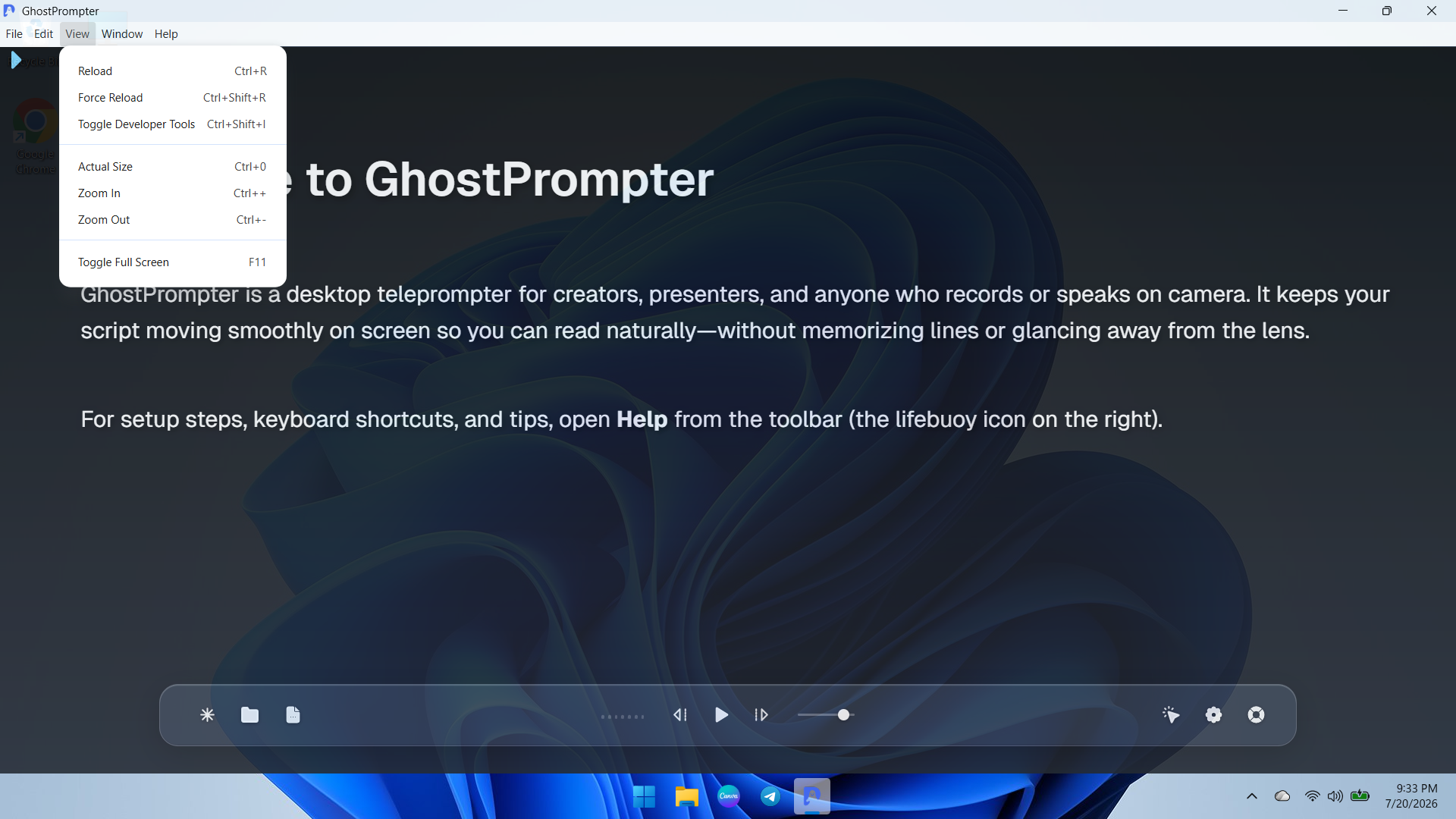
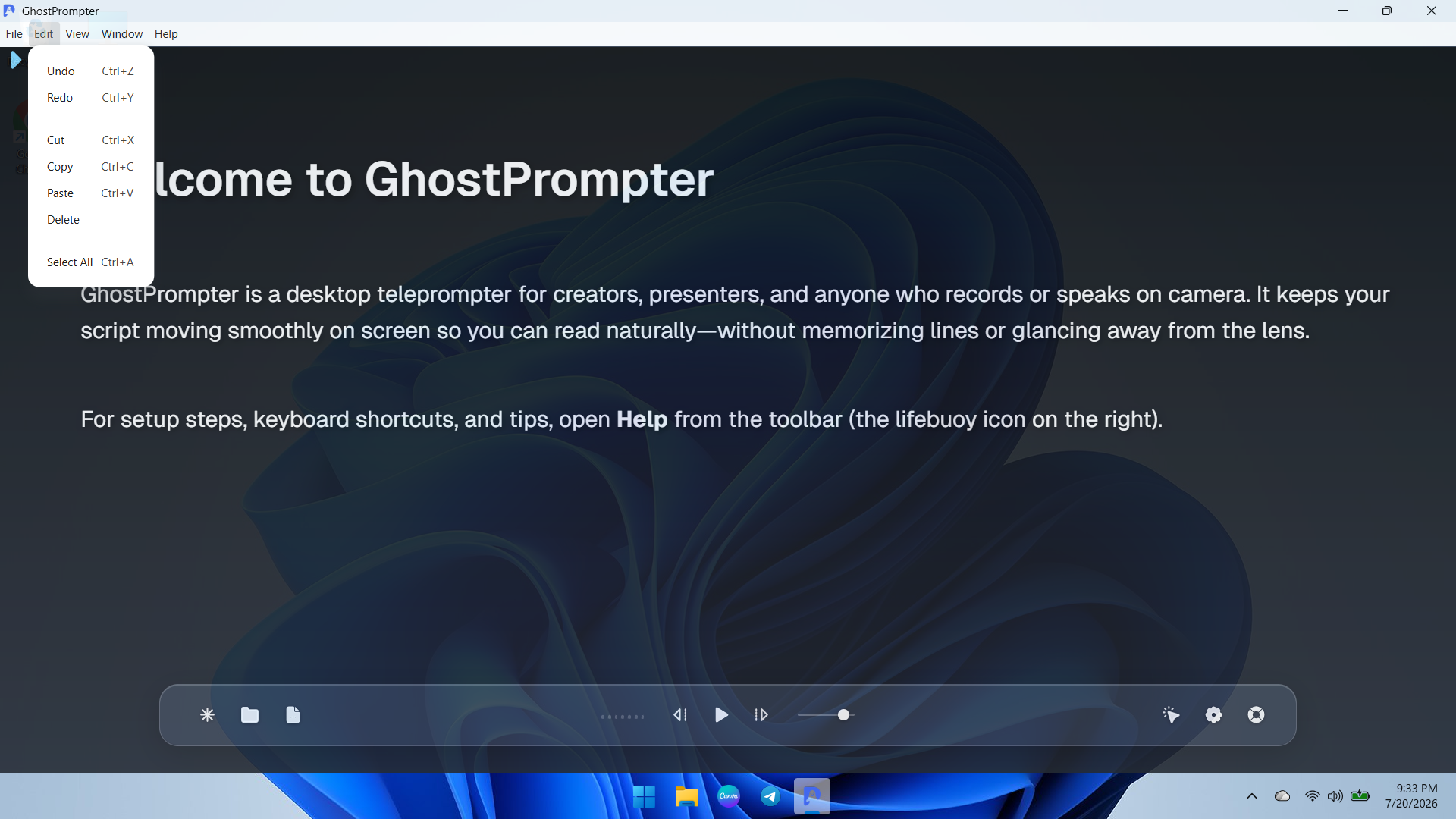
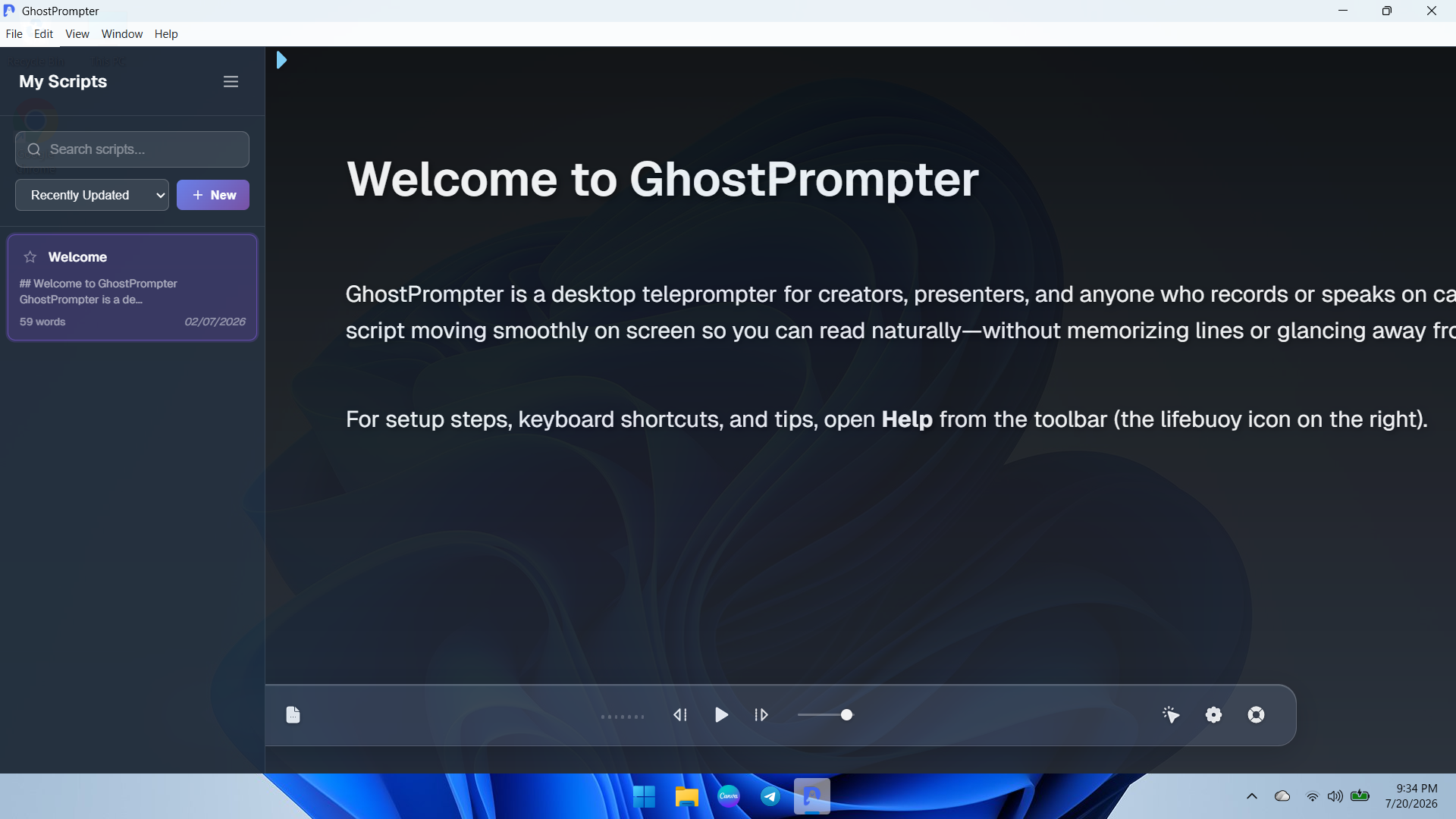
Screenshot of an overview of the GhostPrompter desktop application showing the clean main dashboard, welcome guide, and floating control toolbar with playback options and settings icons.
Technical Details
| Deployment Types | On-Premise |
|---|---|
| Operating Systems | Windows, Mac |
| Mobile Application | No |
| Supported Languages | English |