

Heimdal Remote Desktop
1 Reviews and Ratings
What is Heimdal Remote Desktop?
Heimdal’s Remote Desktop enables System Admins to support users or access unattended computers.
The solution supports:
• Dashboard-to-agent (Windows+ Windows Server; Linux, Android, MacOSX)
• Agent-to-agent (Windows+ Windows Server)
• Dashboard-to-NO agent (Windows+ Windows Server; Android, MacOSX, IoS with view only due to IoS limitations)
Remote Desktop works stand-alone or as part of Heimdal’s XDR platform.
Key Benefits:
- Efficiency Redefined
Troubleshoot users with maximum flexibility. Whether you’re at home, on the road, or in a different time zone, you can provide user support anytime, anywhere and on any endpoint, regardless of the Operating System.
- Unmatched Security
Heimdal’s Remote Desktop uses encryption protocols and authentication mechanisms to ensure that only the authorized administrators gain access to the remote sessions or collaborations. The tool offers a complete audit trail to ensure compliance with regulatory requirements.
- Real-time Collaboration
Collaboration, resource sharing, and troubleshooting occur in real-time, to bridge the distance and foster productivity, as well as enhance the end-user experience, regardless of users’ location.
Troubleshoot users with maximum flexibility. Whether you’re at home, on the road, or in a different time zone, you can provide user support anytime, anywhere and on any endpoint, regardless of the Operating System.
- Unmatched Security
Heimdal’s Remote Desktop uses encryption protocols and authentication mechanisms to ensure that only the authorized administrators gain access to the remote sessions or collaborations. The tool offers a complete audit trail to ensure compliance with regulatory requirements.
- Real-time Collaboration
Collaboration, resource sharing, and troubleshooting occur in real-time, to bridge the distance and foster productivity, as well as enhance the end-user experience, regardless of users’ location.
Heimdal delivers unification through a modular approach. Patch management can be started immediately, and additional modules like PAM, DNS filtering, or endpoint protection are also available as the need arises so that when unexpected compliance requirements emerge or new security challenges surface, there is no need to switch vendors or manage multiple agents.
Categories & Use Cases
Videos
Screenshots

1 / 3
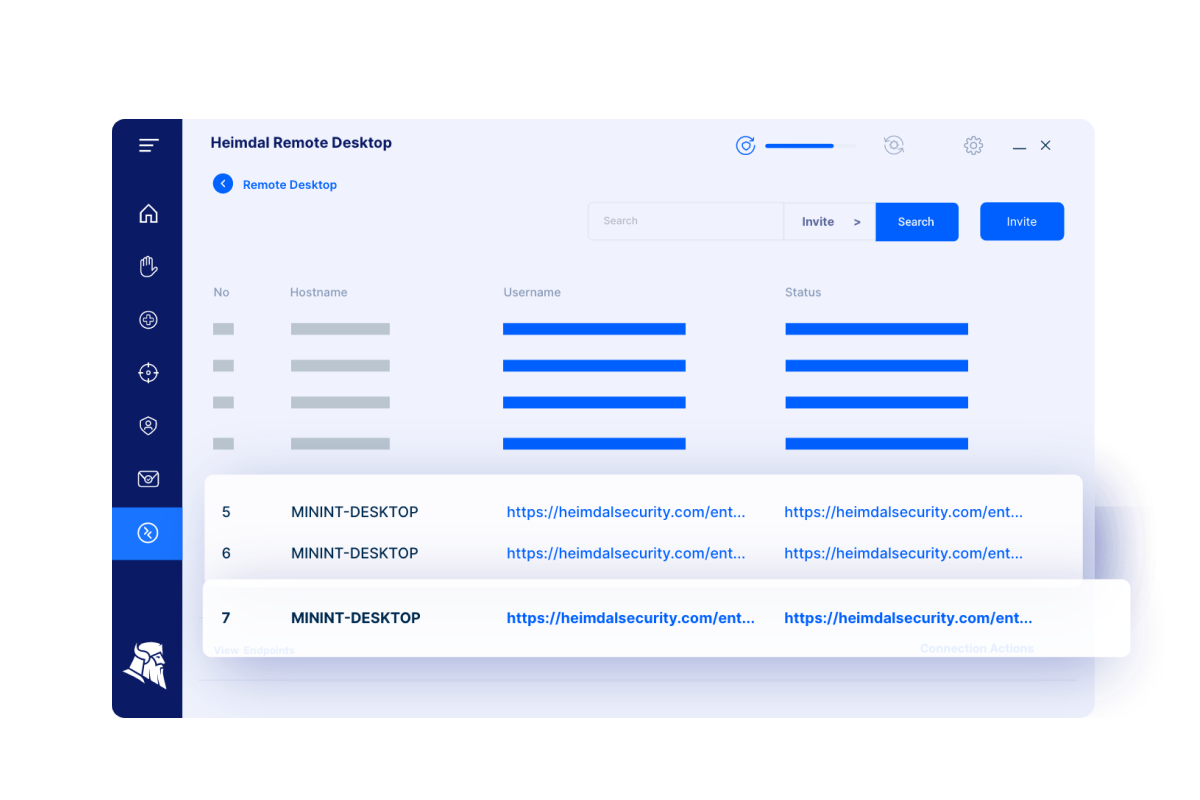
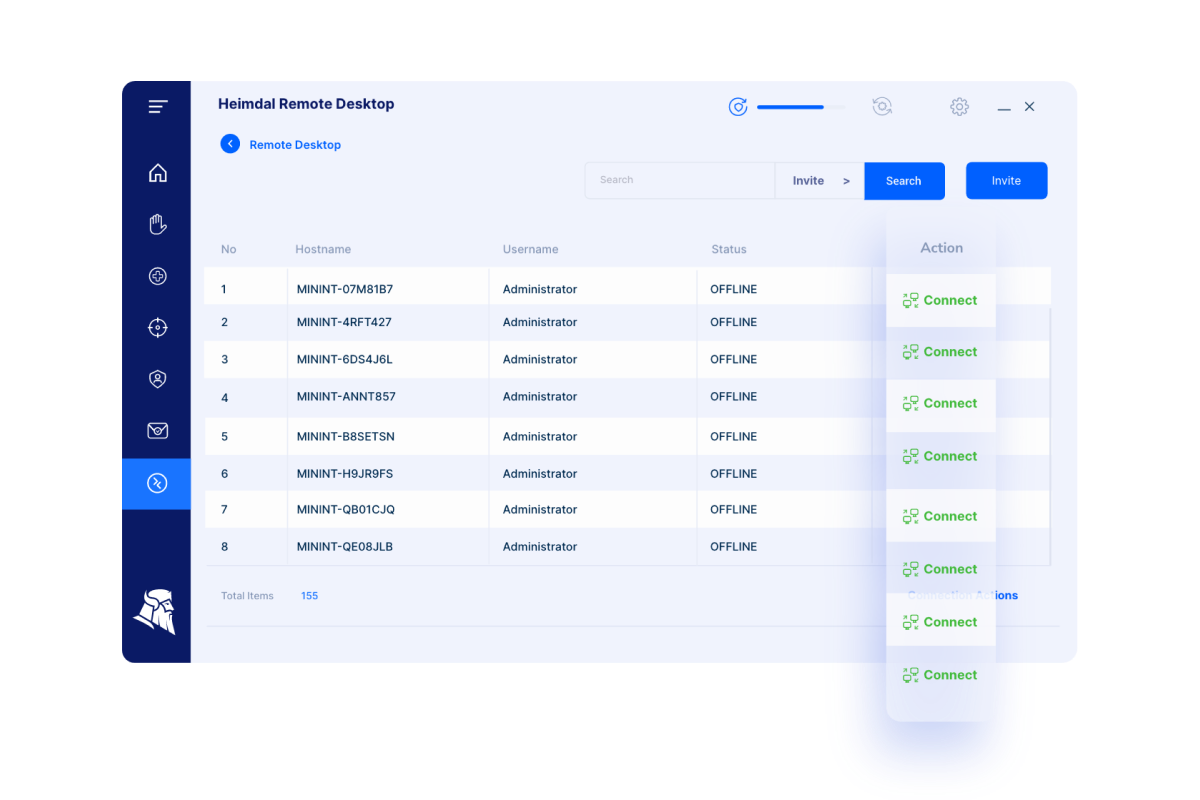
Screenshot of Heimdal Remote Desktop Initializing
Technical Details
| Deployment Types | On-Premise, SaaS |
|---|---|
| Operating Systems | Windows |
| Mobile Application | Apple iOS, Android |
| Supported Countries | Global |
| Supported Languages | English, Danish, German |
FAQs
What are Heimdal Remote Desktop's top competitors?
TeamViewer, Chrome Remote Desktop, and Apple Remote Desktop are common alternatives for Heimdal Remote Desktop.