TrustRadius: an HG Insights company

What is Loree Design?

Loree design is an LTI design tool available to Canvas LMS users.

Read more details.

Categories & Use Cases

Media

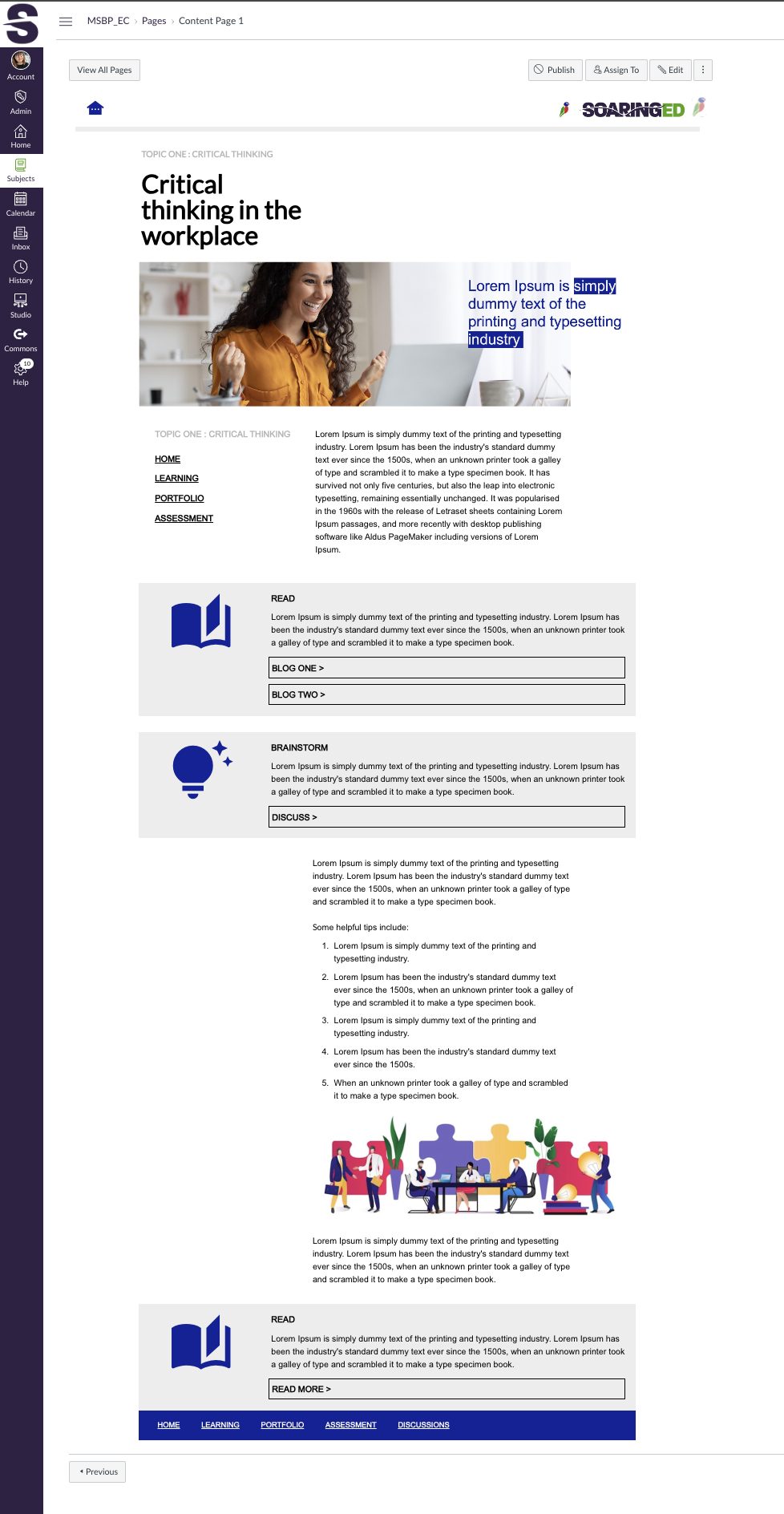
Screenshot of a sample Course Content Page which includes a hero image banner, clever course navigation and activity blocks such as Read and Brainstorm.
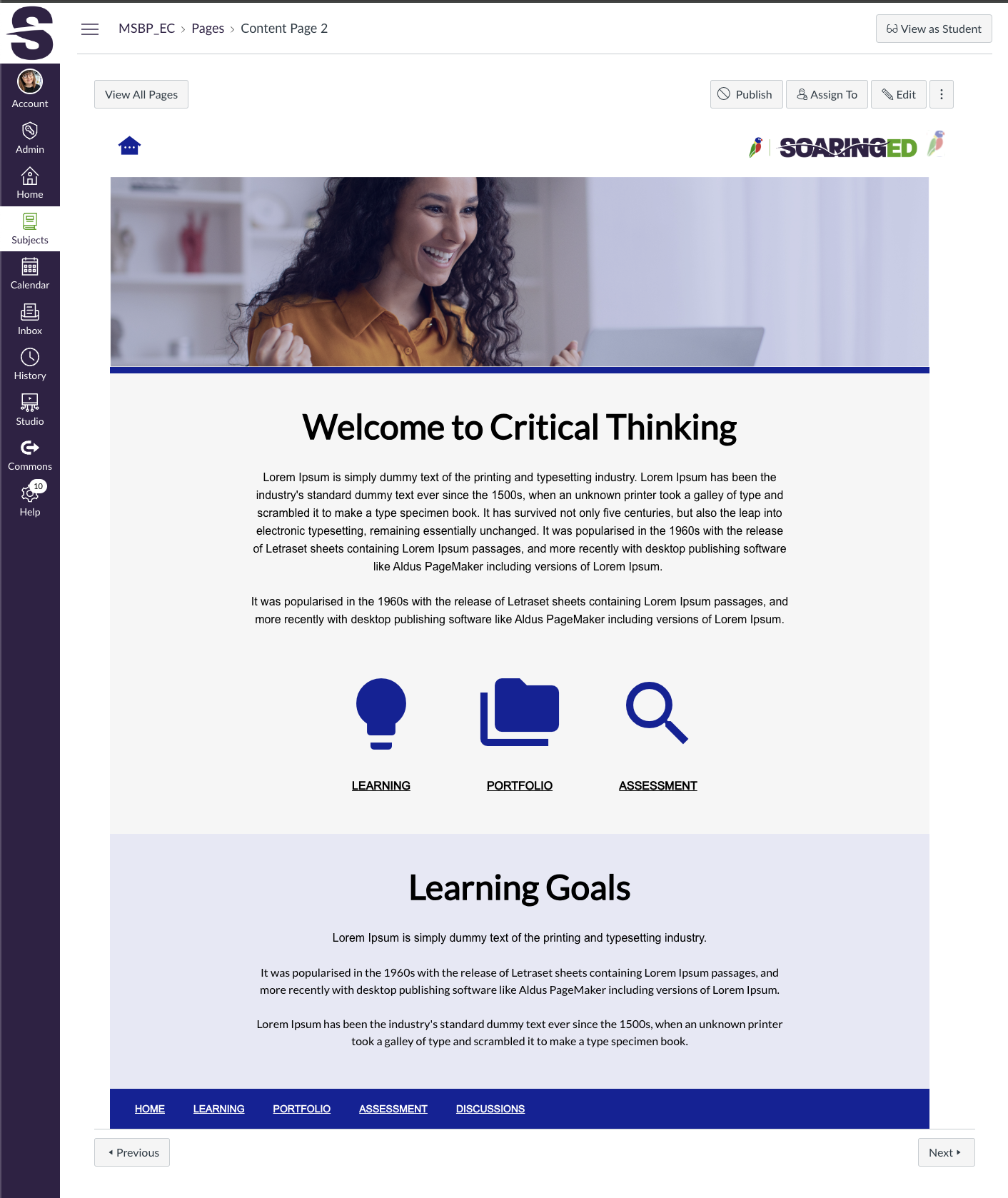
Screenshot of a sample Course Content Page which leverages Loree's own in-build icon library.
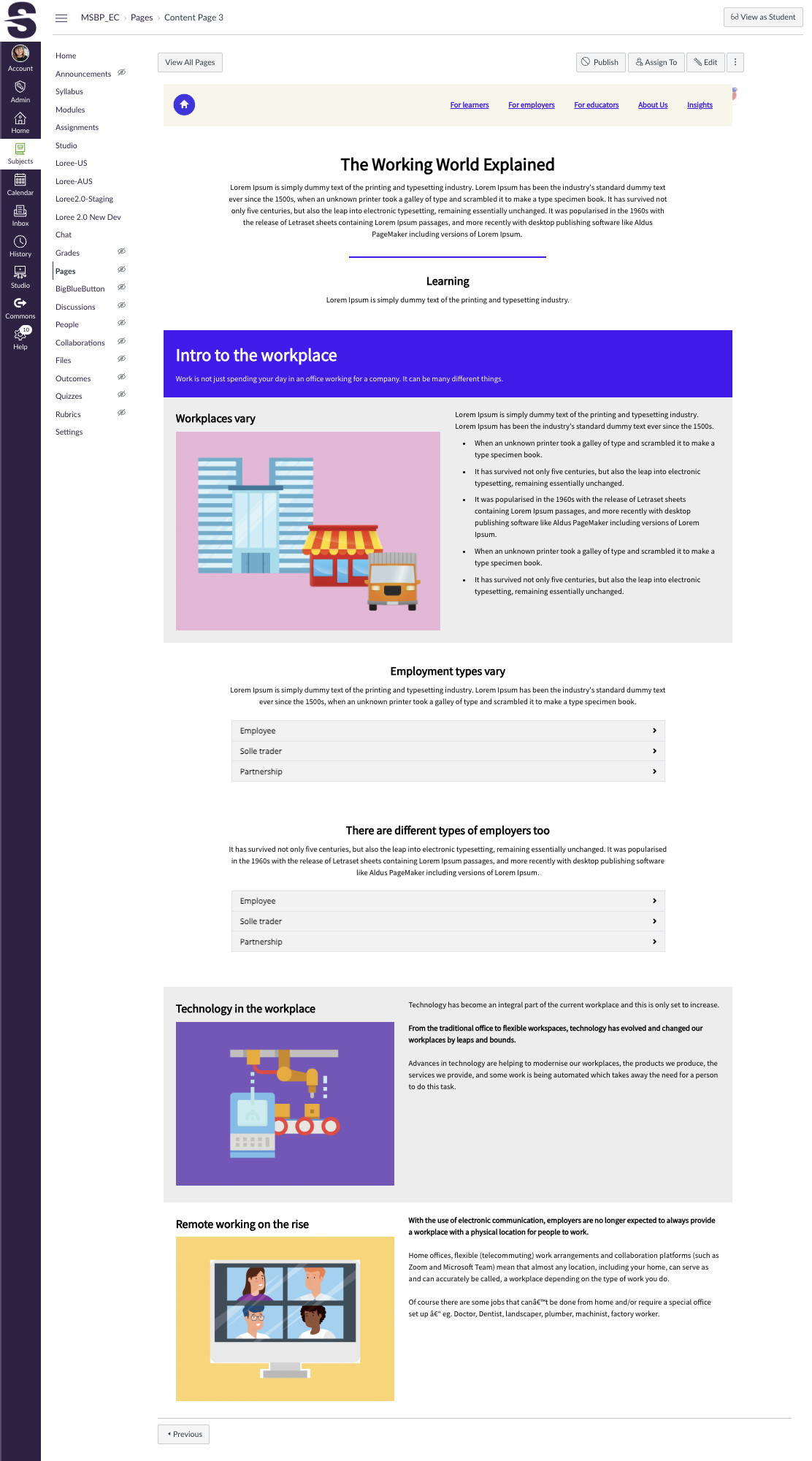
Screenshot of a Sample Course Content Page which showcases multi column designs, a web-like course navigation menu and the Accordion Loree interactive.
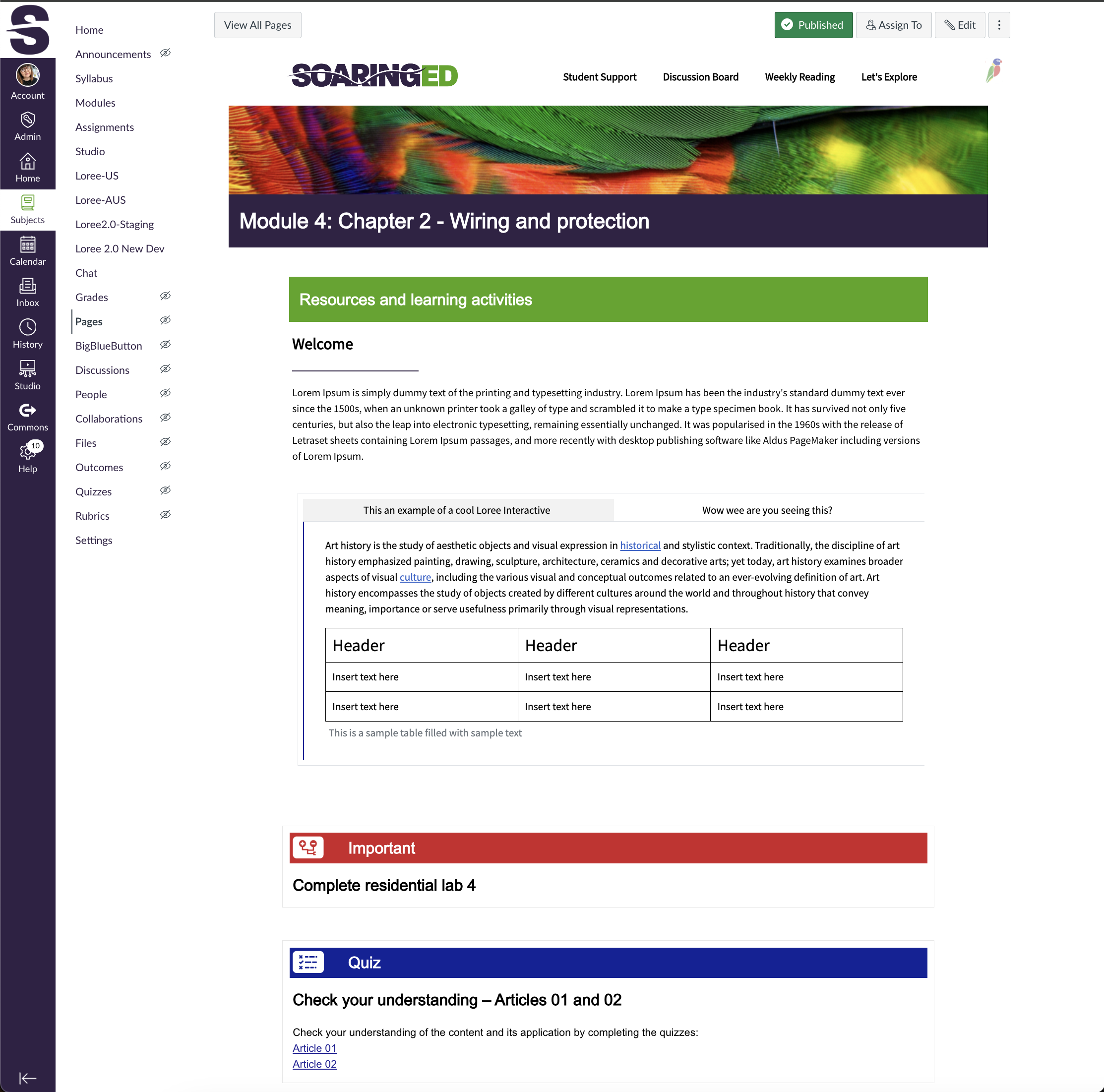
Screenshot of a Sample Course Content Page which showcases activity blocks with icons, and the Tab Loree interactive with embedded table.
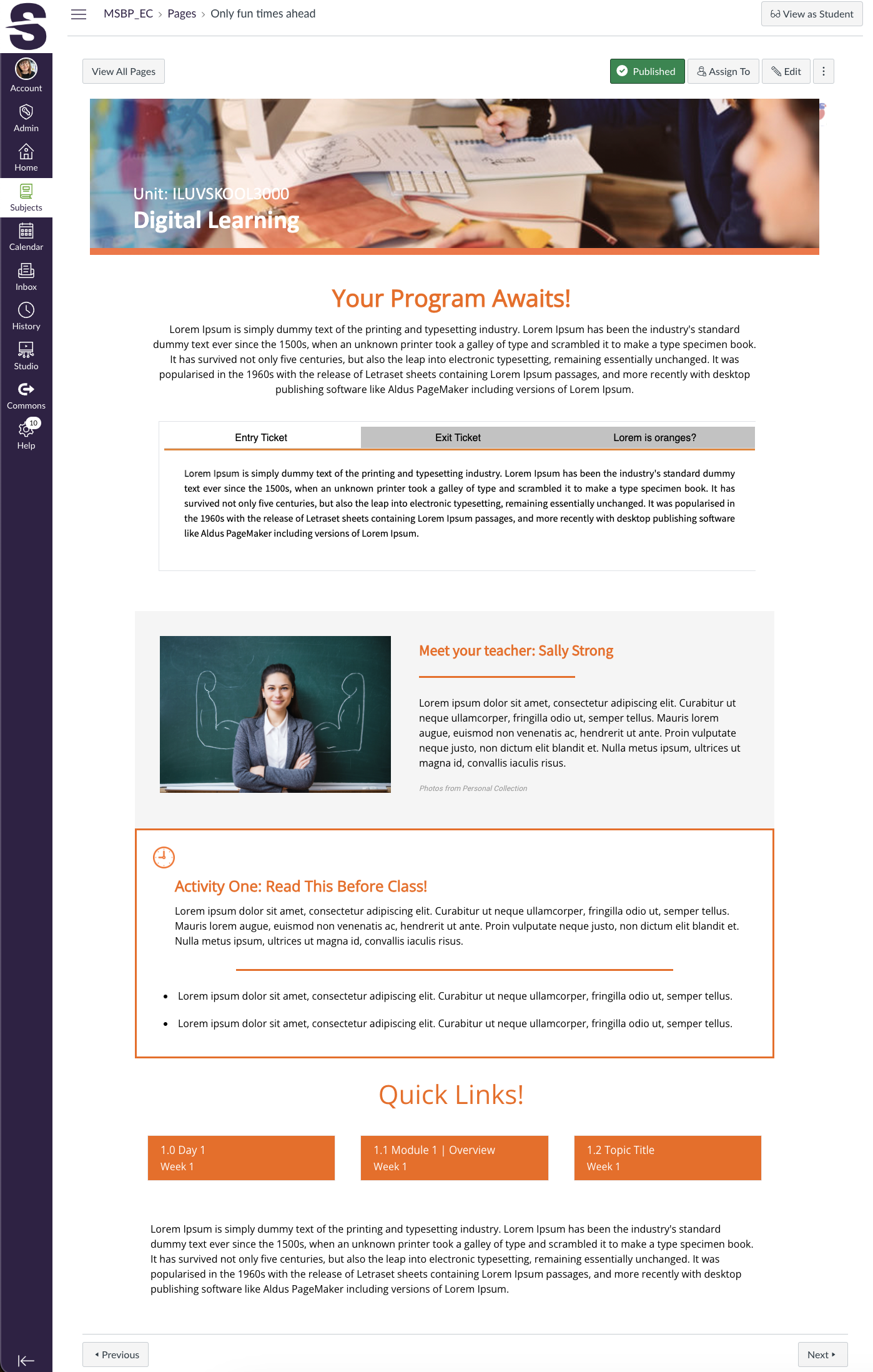
Screenshot of a Sample Course Home Page which takes into account a K-12 audience. It showcases a 'meet the teacher' block, an activity block, and text navigation buttons.
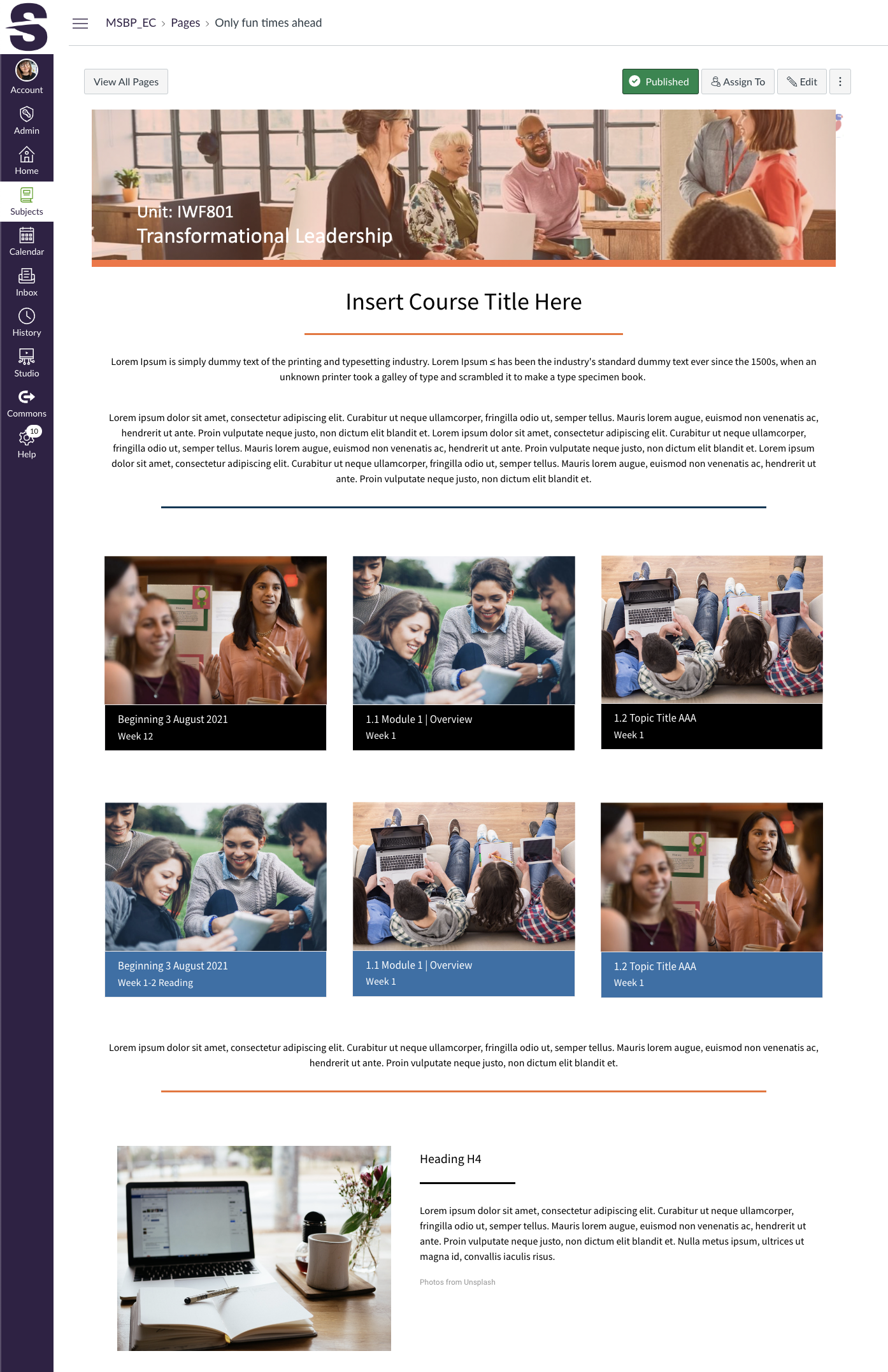
Screenshot of a Sample Course Home Page which takes into account a HE audience. It showcases a multi column design using image tiles to break down weekly material, or individual modules.
Screenshot of a Sample Course Home Page which takes into account a K-12 audience. It showcases icons from Loree's own icon library, along with an embedded video element.
Screenshot of a Sample Course Home Page which showcases the concept of 'attention' blocks.
Screenshot of a Sample Course Content Page which showcases a clever footer with helpful links.
Screenshot of a Sample Course Content Page which showcases clever ways to break up longer chunks of text - with headers, icons and boarders.

1 / 10

Screenshot of a sample Course Content Page which includes a hero image banner, clever course navigation and activity blocks such as Read and Brainstorm.