

Mailtrack
63 Reviews and Ratings
What is Mailtrack?
Mailtrack is an email-tracking extension for Gmail and part of Mailsuite. It adds delivery and read-status indicators to sent messages, showing when recipients open an email or click a tracked link without requiring users to leave Gmail.
Key Capabilities
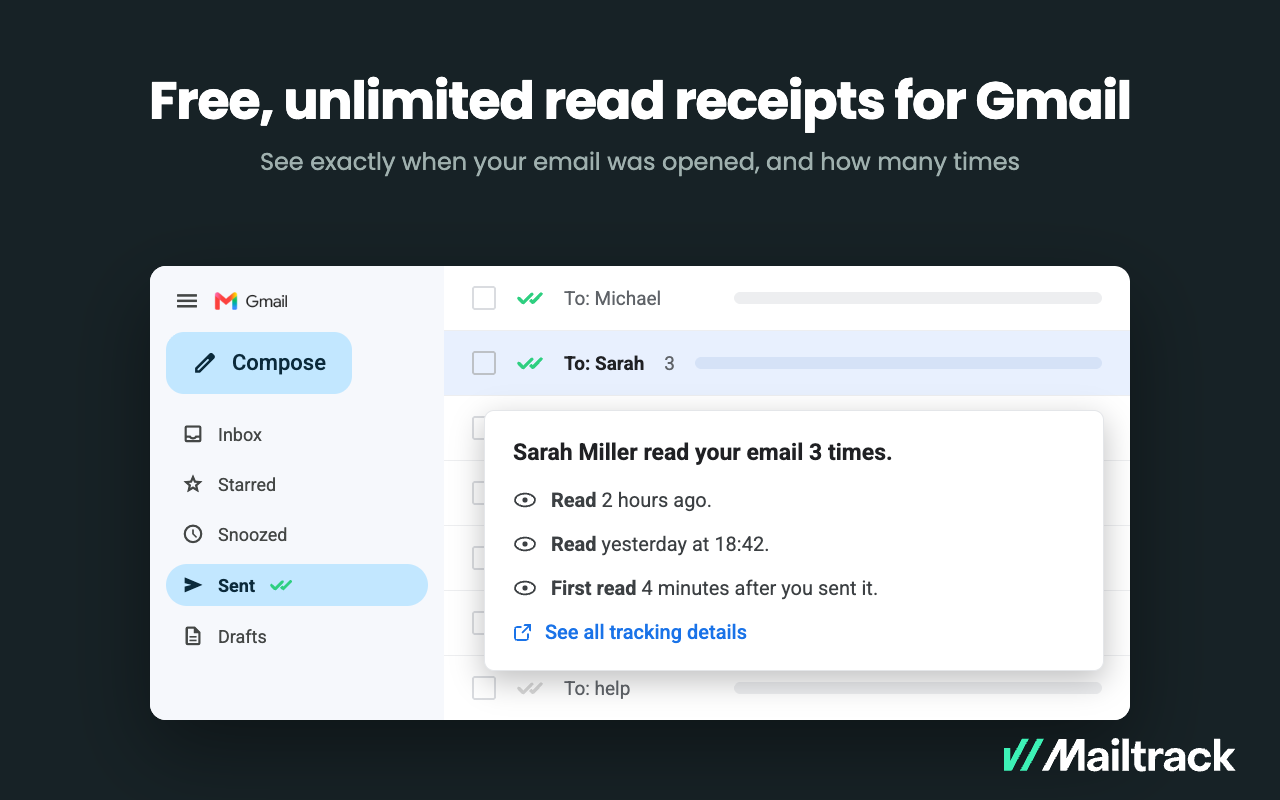
- Gmail read receipts: Mailtrack adds one or two checkmarks to sent messages. Grey checkmarks indicate delivery; green checkmarks indicate that the message was opened.
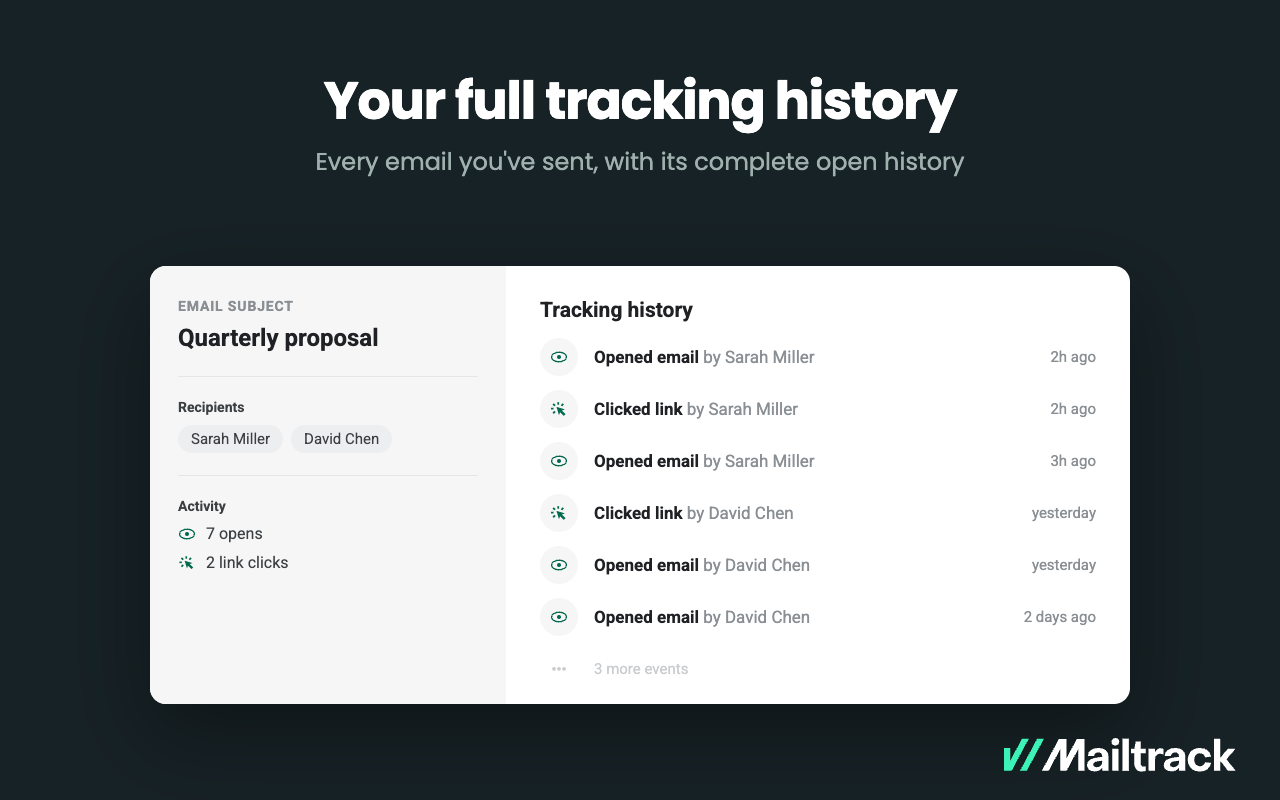
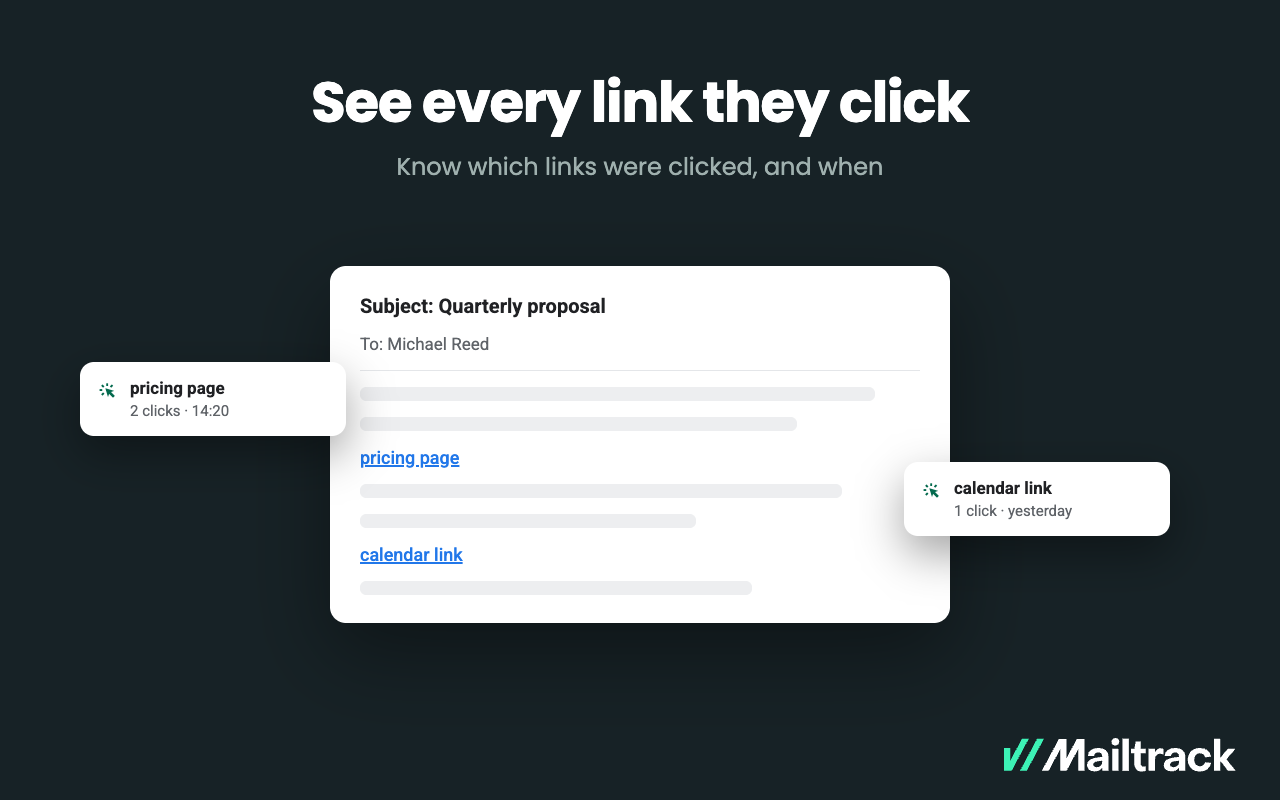
- Open and click tracking: Users can review when messages were opened, how often they were opened, and whether recipients clicked tracked links.
- Real-time notifications: Desktop and email alerts can notify users when an email is opened or a link is clicked.
- Follow-up reminders: Paid plans can flag messages that have not been opened or answered within a selected period.
- Tracking history and reporting: Mailtrack provides read and unread status, open history, engagement activity, and daily reports. Additional reporting is available on paid plans.
- Group-email visibility: Paid plans can identify which individual recipients opened a message sent to multiple recipients.
- Gmail outreach tools: The broader Mailsuite platform includes mail merge, templates, scheduled mass email, and email analytics for Gmail-based outreach.
- Free plan: The free plan includes unlimited email-open tracking and real-time desktop notifications. It includes a Mailsuite signature; paid plans add capabilities such as expanded link tracking, follow-up reminders, group tracking, and campaigns.
Audience & Use Cases
Mailtrack is suited to sales representatives, recruiters, account managers, freelancers, and other Gmail users who need recipient-engagement information before deciding whether to follow up. It can also support Gmail-based outreach and mail-merge campaigns.
Technical Specifications
Mailtrack is available as a Chrome extension and Gmail add-on, and works within the Gmail interface. Mailsuite also provides companion applications for Android and iPhone, as well as an Outlook add-in. Tracking, notification, reporting, campaign, and integration capabilities vary by plan.
Categories & Use Cases
Videos
Screenshots


1 / 5
Screenshot of Double check marks appear right in the Gmail Sent folder — one for delivered, two for read. Nothing new to learn, no separate dashboard to open.
Technical Details
| Deployment Types | SaaS |
|---|---|
| Mobile Application | Apple iOS, Android |
| Supported Countries | Global |
| Supported Languages | English, Spanish, French, German, Italian, Portuguese, Dutch, Polish, Romanian, Greek, Russian, Turkish, Japanese, Korean, Chinese (Traditional), Vietnamese, Indonesian |
FAQs
How much does Mailtrack cost?
Mailtrack starts at $2.99.
What are Mailtrack's top competitors?
Yesware, HubSpot Sales Hub, and Streak are common alternatives for Mailtrack.