TrustRadius: an HG Insights company

Microsoft Security Copilot

Score8.5 out of 10

49 Reviews and Ratings

What is Microsoft Security Copilot?

Microsoft Security Copilot helps security and IT teams to protect organizations at the speed and scale of AI. It is available in a standalone experience or embedded into other Microsoft Security products.

Read more details.

Categories & Use Cases

Media

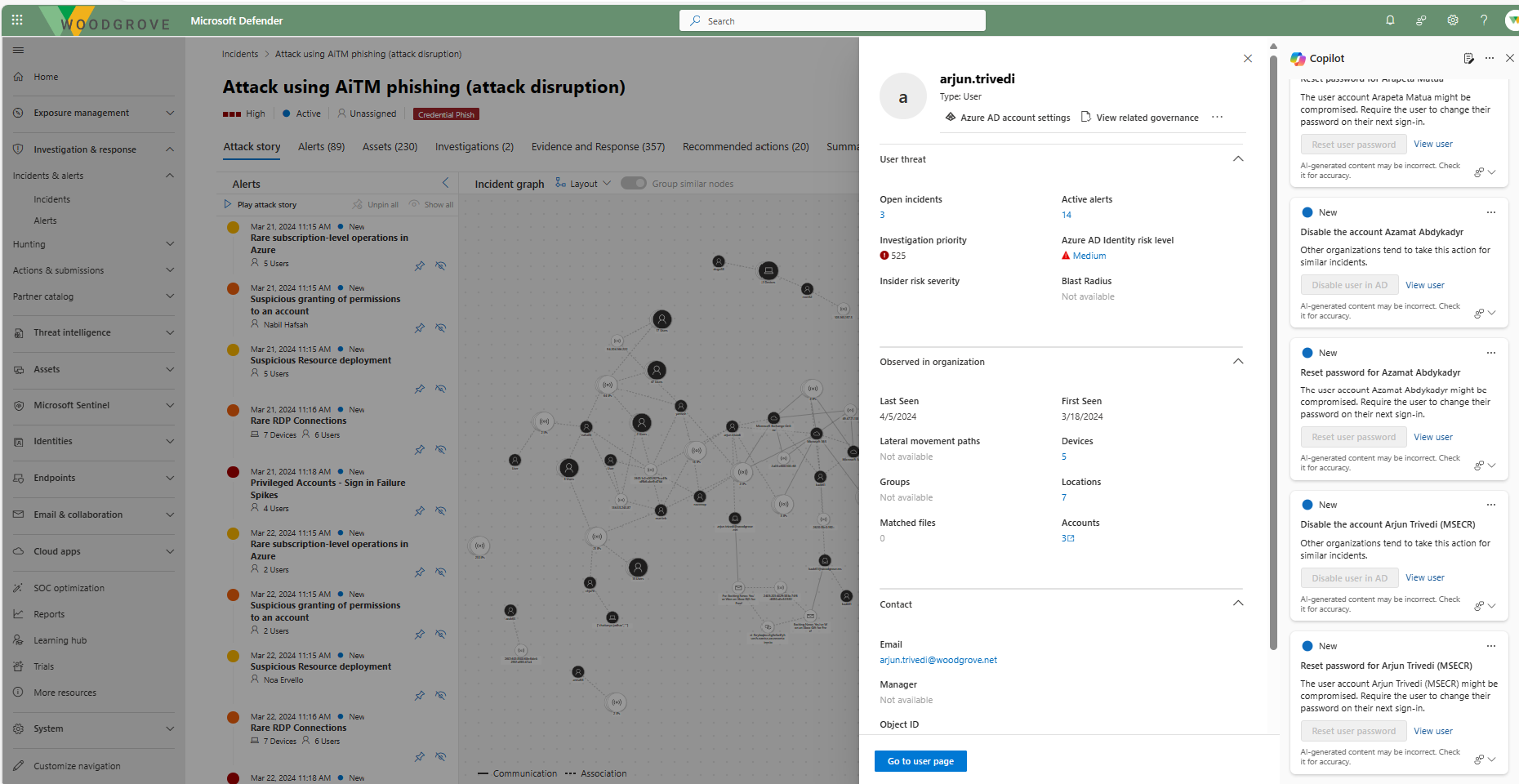
Screenshot of Defender USX guided response
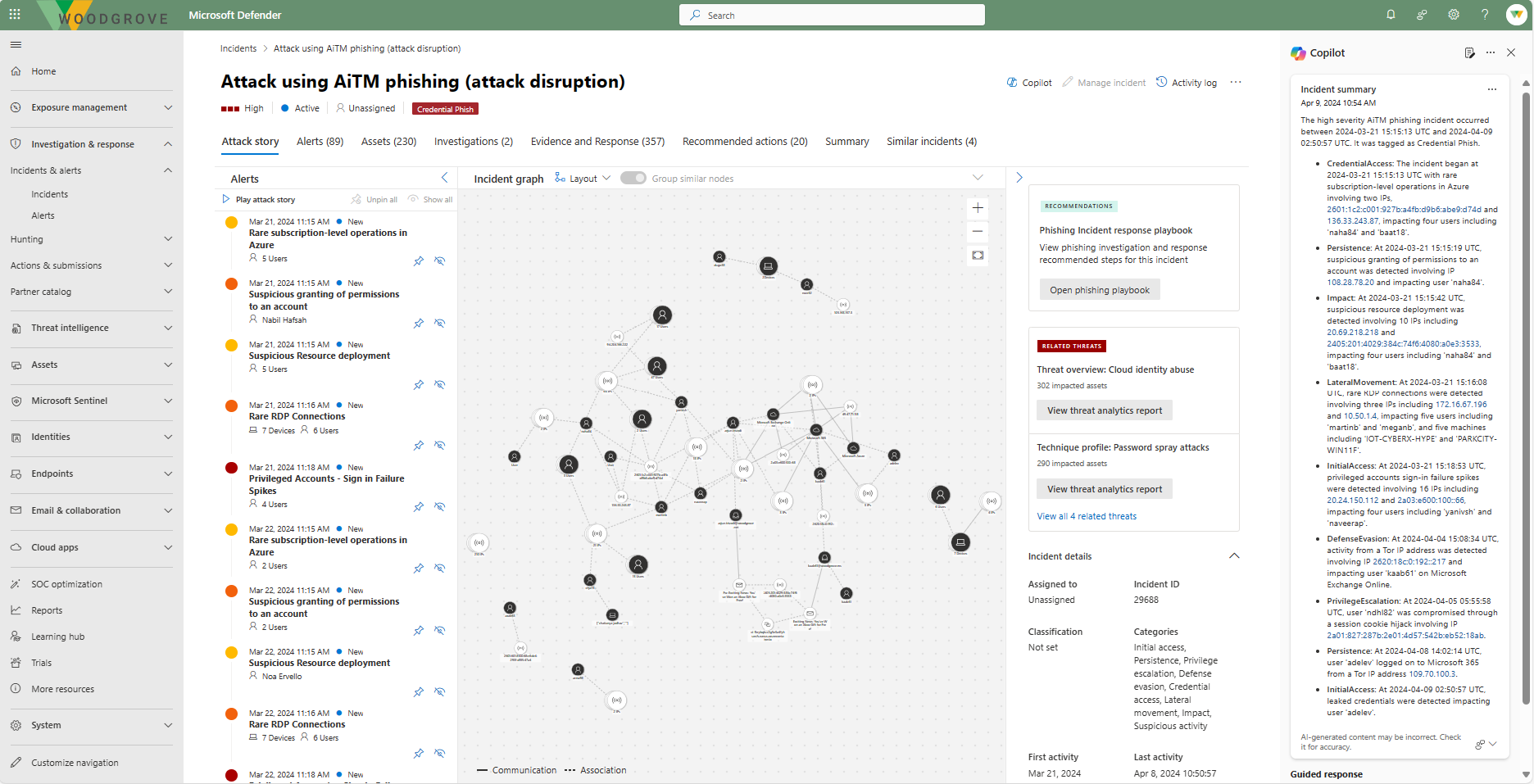
Screenshot of Defender USX incident summary
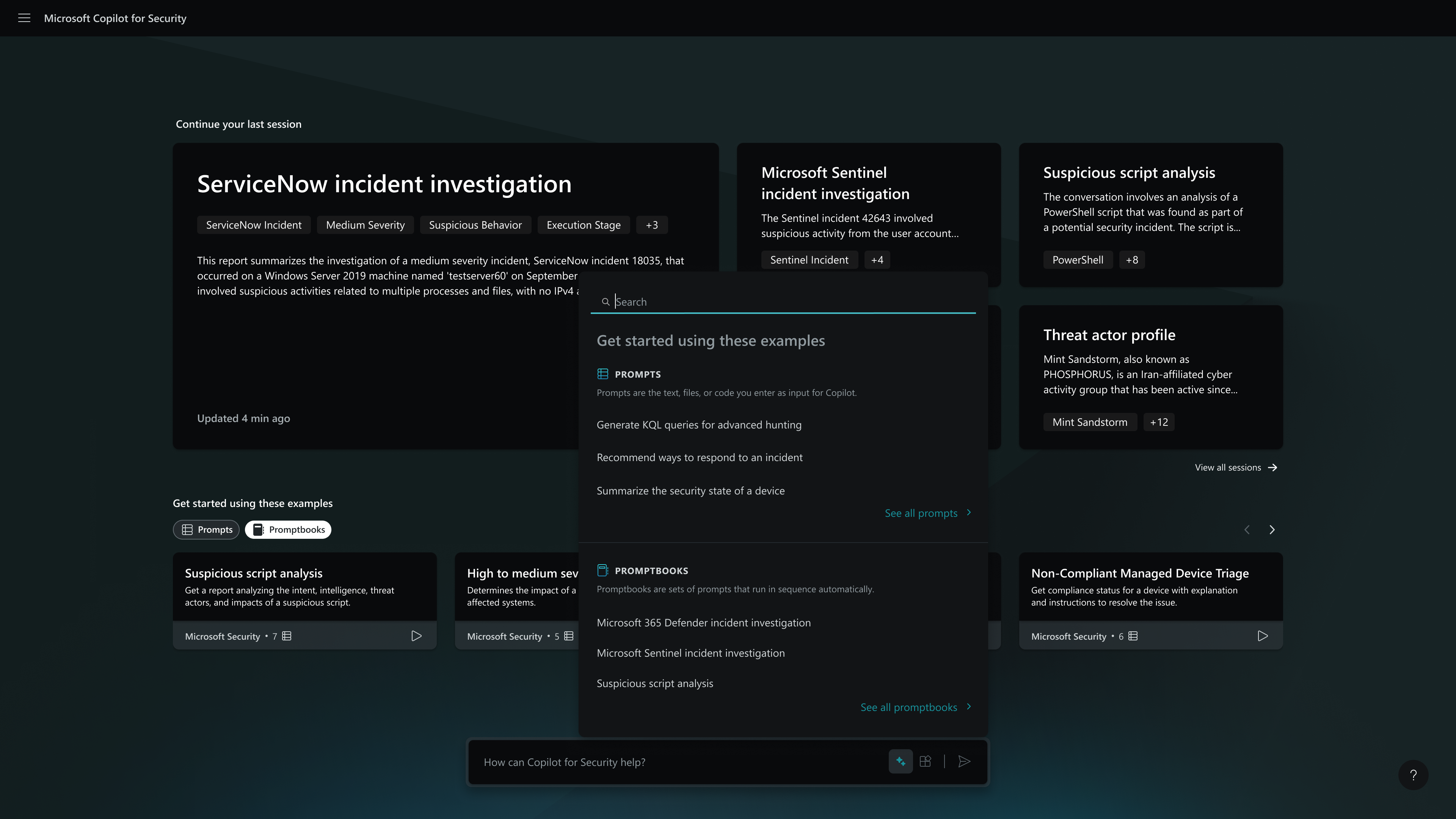
Screenshot of the homepage - capabilities menu
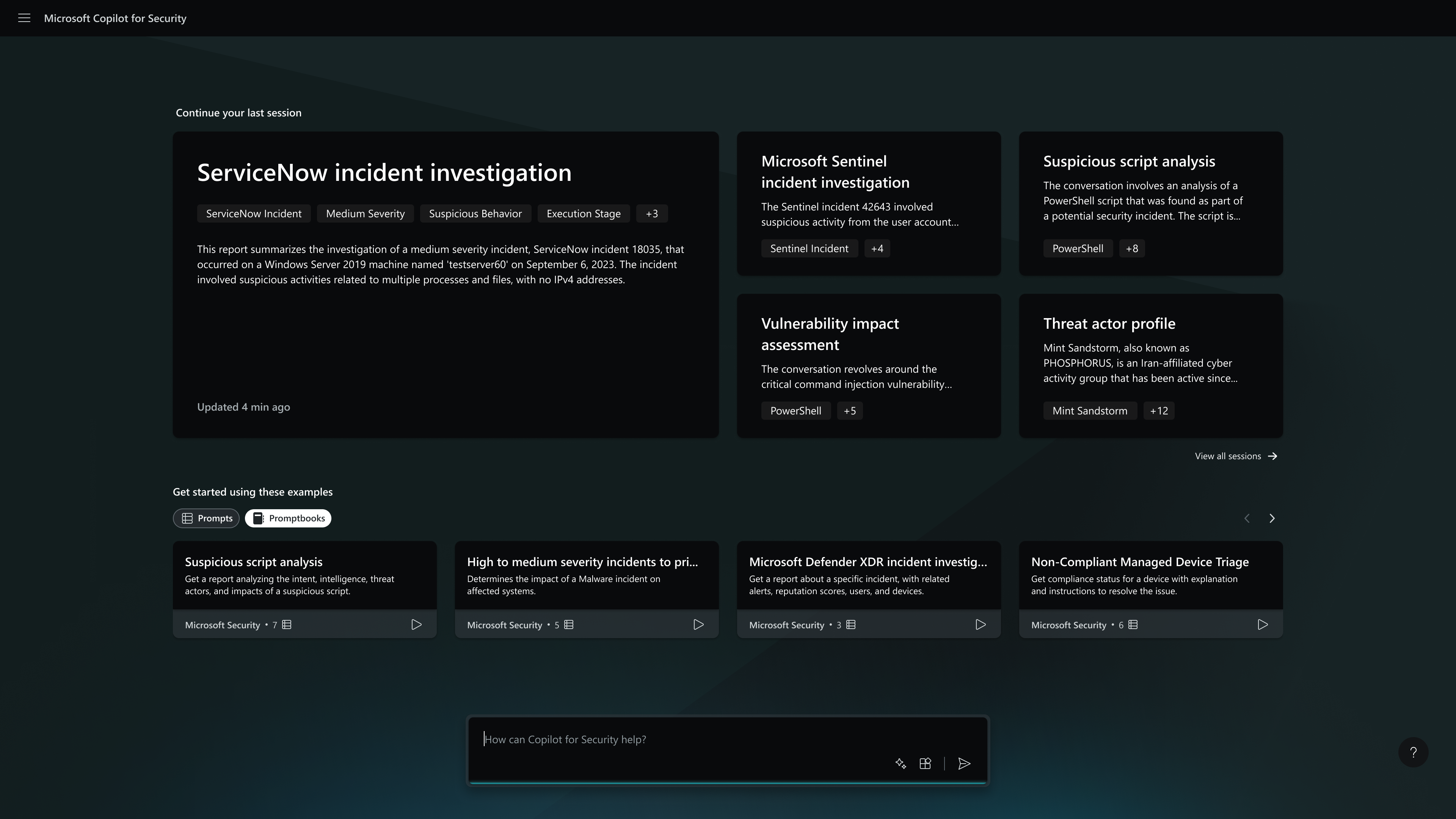
Screenshot of the homepage
Screenshot of MDTI threat intel
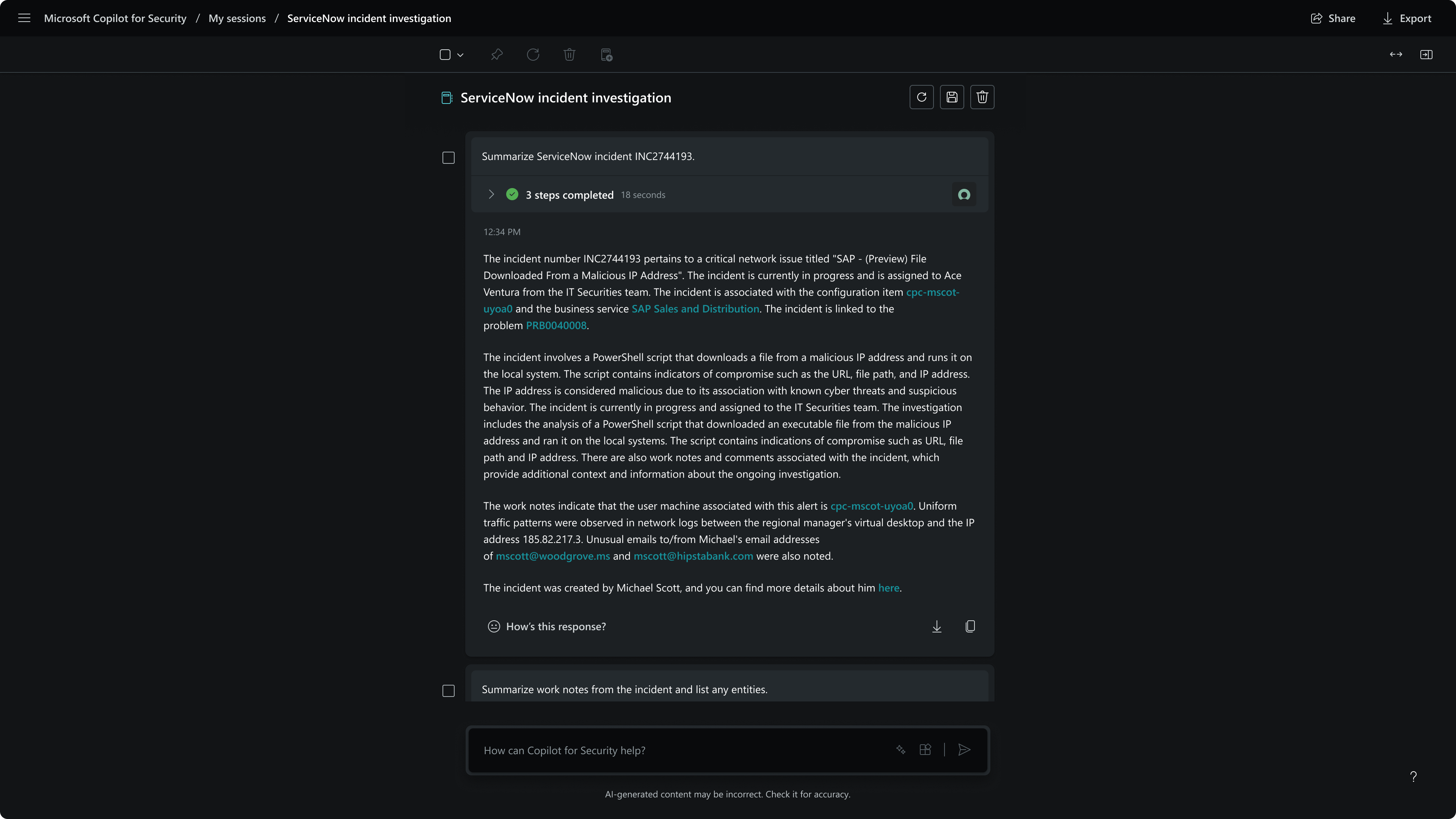
Screenshot of session - incident summary

1 / 6

Screenshot of Defender USX guided response

Who Buys & Uses Microsoft Security Copilot

Pros

  • AI-driven threat investigation and analysis for faster incident response
  • Automation of routine security tasks to improve SOC efficiency
  • Seamless integration and compatibility with existing Microsoft security products

Cons

  • High cost and opaque pricing structure, particularly for smaller organizations
  • AI accuracy issues, including false positives and incorrect recommendations
  • Complex initial setup and steep learning curve due to numerous prerequisites

Microsoft Security Copilot Review

Use Cases and Deployment Scope

So I think it's very important. Our users use that. So it's kind of the first AI tool for regular users who are not experts in IT or AI, et cetera. So regular users who need to improve the performance of their Workday, who rely on Microsoft, like things like Microsoft Excel or Microsoft Word and all those products. So they use a lot of the Microsoft Security Copilot features to help them do maybe more advanced things, learn more about the product, and be more efficient at work.

Pros

  • Sometimes people don't know how to do a certain feature, especially in Excel, for example. It's a little bit more complex and a community for certain people. And with just a couple of questions about using Microsoft Security Copilot, they can get their answers ready, not having to get support from IT, right? So it eliminates multiple tickets and support from personnel on our team, and they can get the response themselves via this assistant.

Cons

  • I classify Microsoft Security Copilot use case for us as more like initial access. So it has basic features that help with the basics, but it may lack more advanced ones. So it can do very complex features, but I believe it's probably maybe design phrase. It was not designed for complex things. So, for it to claim to be attaining support, I think you do very well. I don't see it as a complex tool. I don't try to do the complexity of Microsoft Security Copilot, but it works well for basic things, and I think it helps very well.

Return on Investment

  • I think overall positive, right? So sometimes there are negatives, like not working as expected, right? But in general, I think the results are very positive because, again, we are eliminating the need for multiple calls to IT. So a lot of things that users can get answers to themselves and then get things done. A normal regular user, they don't know too much about certain tools, can now do more of the basic things. And I think that's something very, very positive.

Usability

Alternatives Considered

ChatGPT

Other Software Used

CrowdStrike Falcon

Microsoft Security Copilot review

Use Cases and Deployment Scope

I used to select assets and see what's going on with the environment to help me with my projects and spreadsheets and to review codes, something like that, when I need help with Python, stuff like that, coding.

Pros

  • Like organizing stuff and setting up, finding information and parts, the data in a friendly manner.

Cons

  • I don't have an idea right now which way for improvement, but I like the product how it is right now.

Return on Investment

  • Enhanced efficiency
  • Improved accuracy, reduced error rates, increased productivity and employee satisfaction
  • Time savings

Usability

Microsoft Security Copilot

Use Cases and Deployment Scope

Increasing security agents and monitoring our environment for security problems. The security topology helps automate proxies and helps monitor threats.

Pros

  • Automation development agents for security threats.

Cons

  • Documentation needs for improvement for my opinion.

Return on Investment

  • And then my objective, business. Copilot, Microsoft G.
  • Automation. Automation process. It's only reducing investments in people and technology.

Usability

Microsoft Security Copilot review

Use Cases and Deployment Scope

We use it to help write any type of white papers, reviews, and edit any type of Word docs with Microsoft Security Copilot Assist.

Pros

  • It is integrated with Microsoft

Cons

  • Be used more outside of Microsoft, like have a platform outside of Microsoft

Return on Investment

  • It's been positive. It helps me make sure everything I'm doing is correct and assists me in areas I'm not very familiar with.

Usability

Microsoft Security Copilot Review

Use Cases and Deployment Scope

So we use it to react more quickly to security alerts and issues. Filter through unnecessary alerts, resolve security alerts or issues that come up much quicker. So it does most of the level one triage, and we can focus on level two and level three.

Pros

  • Save money, save time, increase security, and SOC operations. Those are the things that it does well.

Cons

  • Takes a little longer than some other AI tools to configure. And you need quite a bit of knowledge of the Microsoft Stack, which has its cons, but we're a Microsoft partner. But that's about it.

Return on Investment

  • Increased revenue
  • Increased efficiency
  • Reduced overhead

Usability