

Retrace (legacy)
6 Reviews and Ratings
What is Retrace (legacy)?
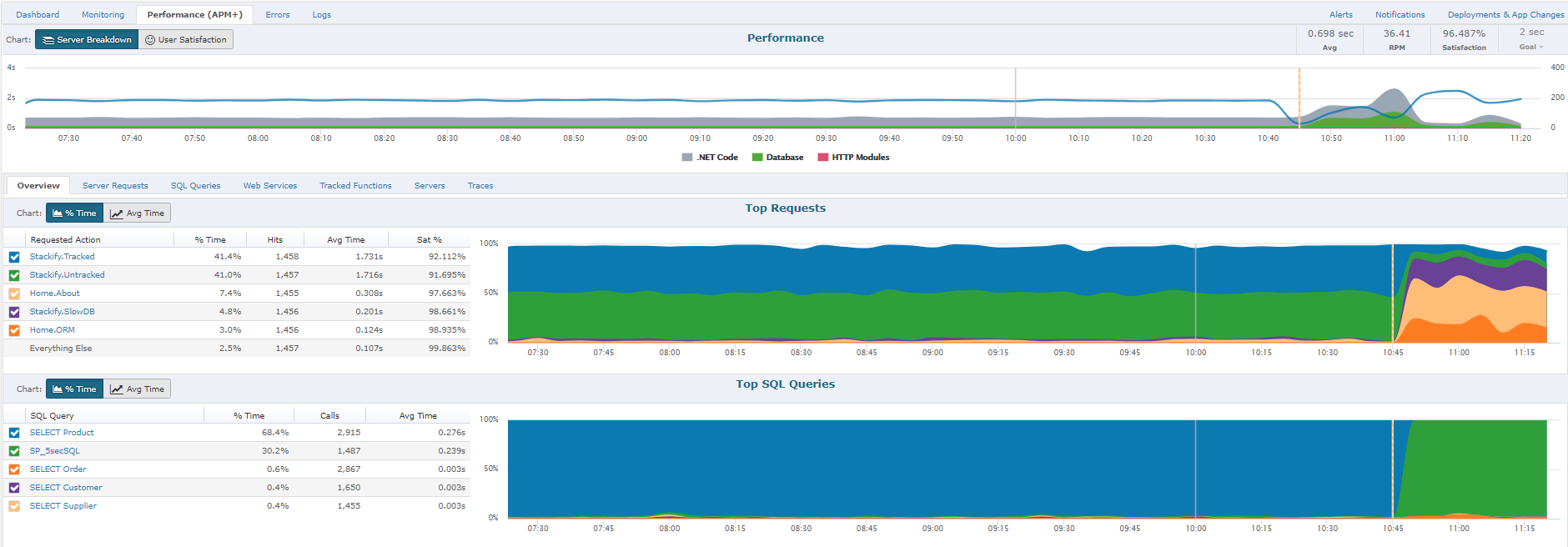
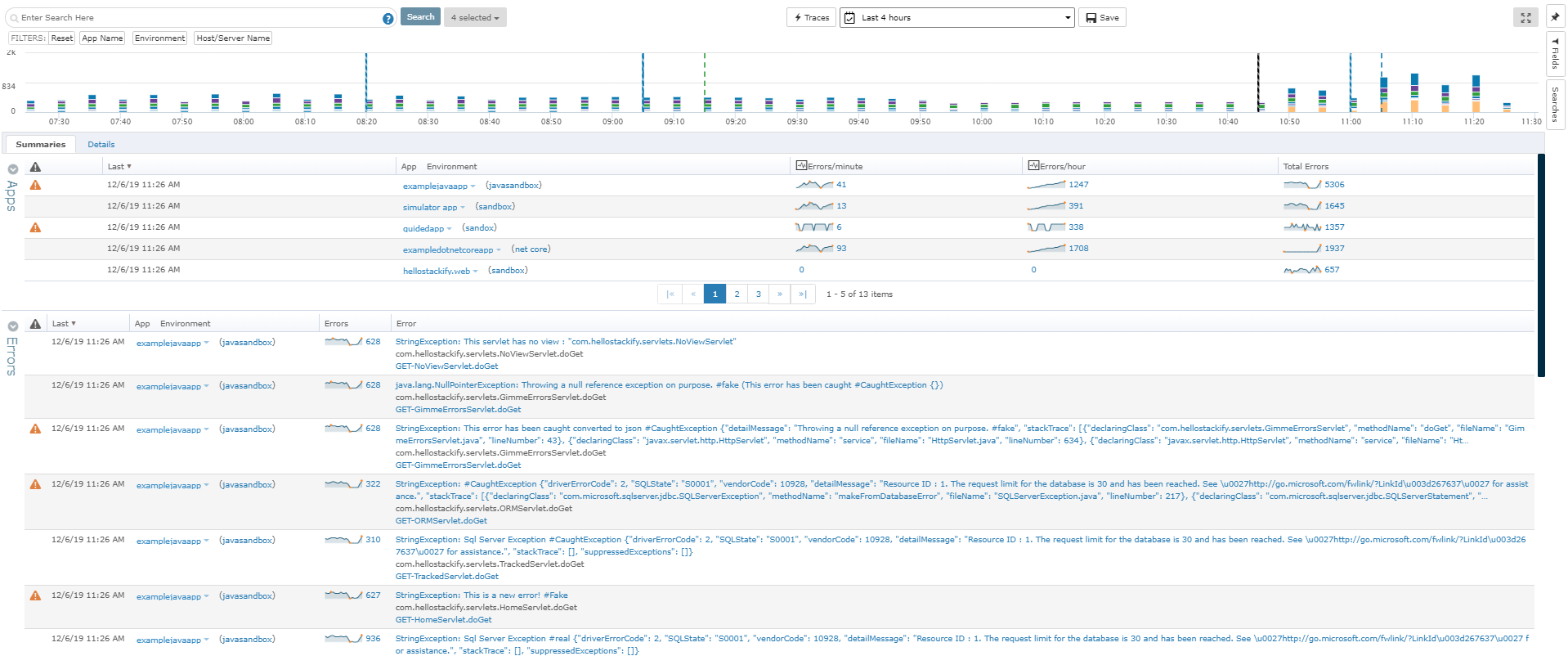
Stackify Retrace provides application performance management across the entire stack. Coupled with aggregated logs from common logging frameworks, find every exception in code. Retrace code with lightweight code profiling and track and monitor all key application and server metrics. The vendor states that with coverage for full lifecycle development, the Stackify Retrace software offering is tailored to be inclusive for multiple role types, and presents everything your team needs to know about your applications, performance, and diagnostics is all in one place.
Retrace and Stackify were acquired by BMC Helix, and Retrace is nearing its EOL date, which is currently listed as March 31, 2027.
Retrace and Stackify were acquired by BMC Helix, and Retrace is nearing its EOL date, which is currently listed as March 31, 2027.
Categories & Use Cases
Screenshots




1 / 7
Screenshot of Detailed stack trace with inline error and logs
Product Demos
Technical Details
| Deployment Types | SaaS |
|---|---|
| Mobile Application | No |
FAQs
What is Retrace (legacy)?
Stackify Retrace provides application performance management across the entire stack. Coupled with aggregated logs from common logging frameworks, find every exception in code. Retrace code with lightweight code profiling and track and monitor all key application and server metrics. The vendor states that with coverage for full lifecycle development, the Stackify Retrace software offering is tailored to be inclusive for multiple role types, and presents everything your team needs to know about your applications, performance, and diagnostics is all in one place.
Retrace and Stackify were acquired by BMC Helix, and Retrace is nearing its EOL date, which is currently listed as March 31, 2027.
What are Retrace (legacy)'s top competitors?
New Relic and Datadog are common alternatives for Retrace (legacy).
Who uses Retrace (legacy)?
The most common users of Retrace (legacy) are from B2C.