
TrustRadius: an HG Insights company

SymbolStix Prime

Score9.2 out of 10

12 Reviews and Ratings

What is SymbolStix Prime?

SymbolStix Prime is a symbol-based communication tool designed to empower students with disabilities and special educational needs. With over 100K dynamic symbols and multilingual support, it enables students to communicate effectively, express themselves, and engage with lessons.

Read more details.

Media

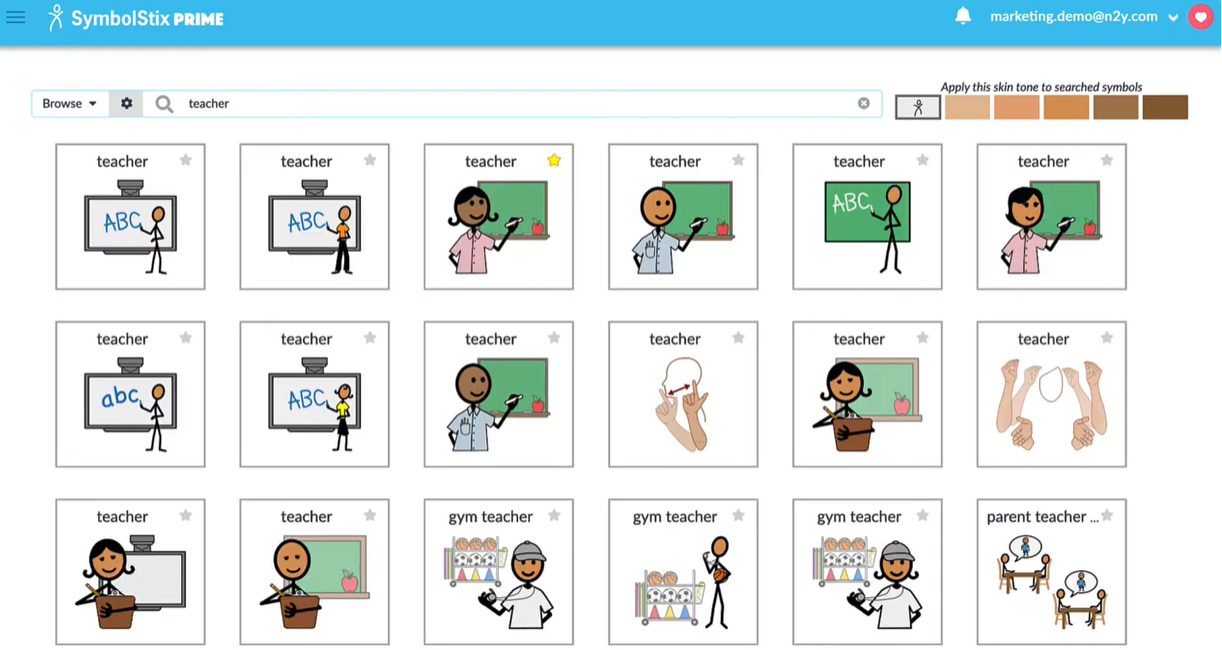
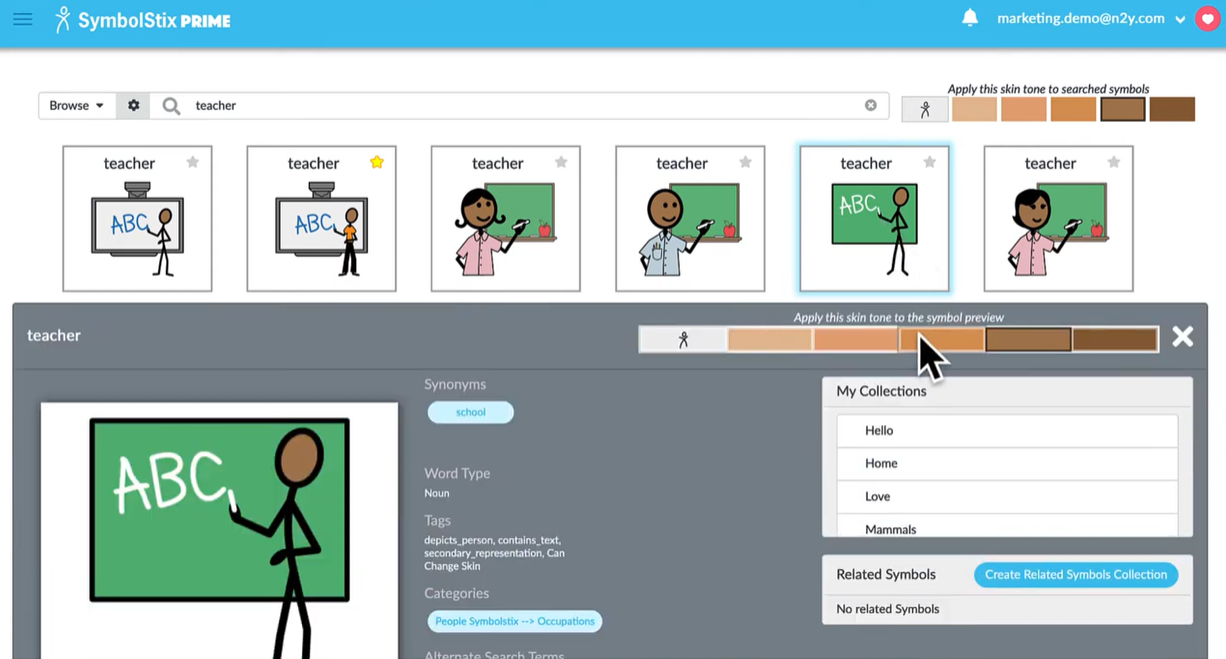
Screenshot of Symbols library search
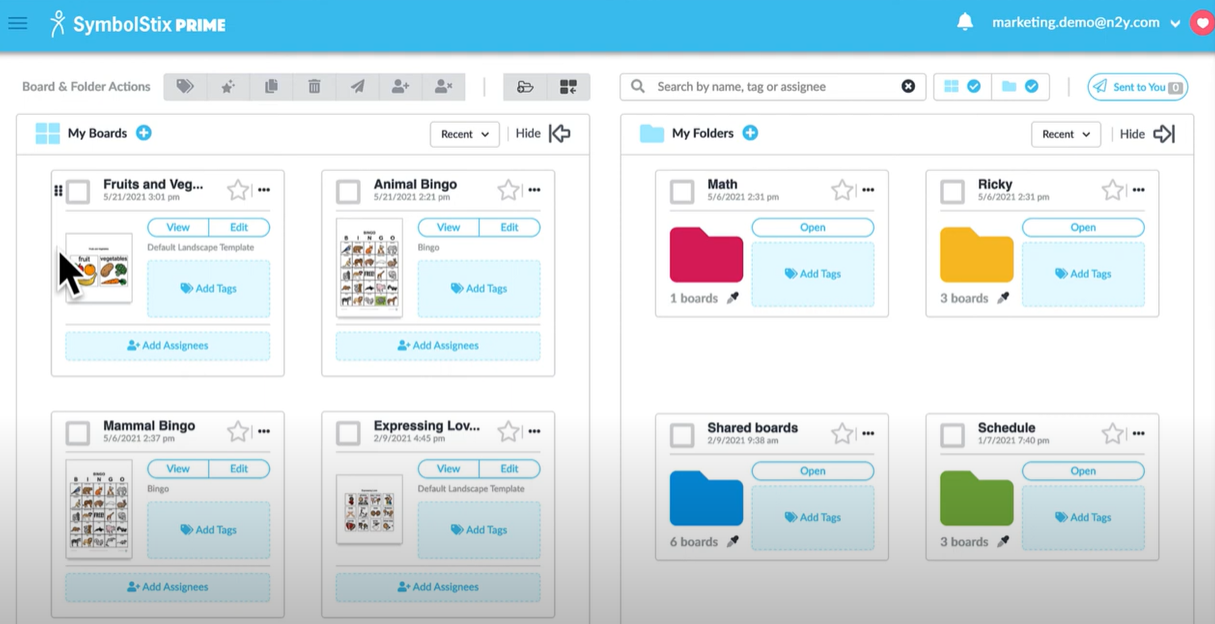
Screenshot of My boards
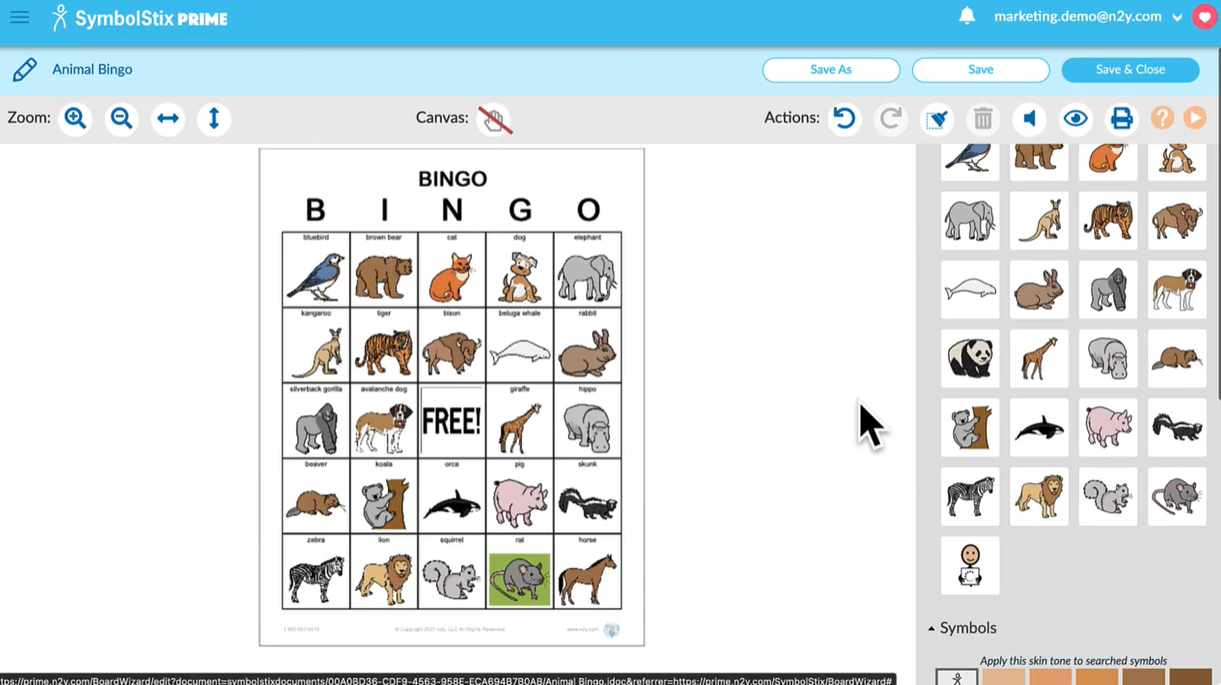
Screenshot of Interactive communication boards
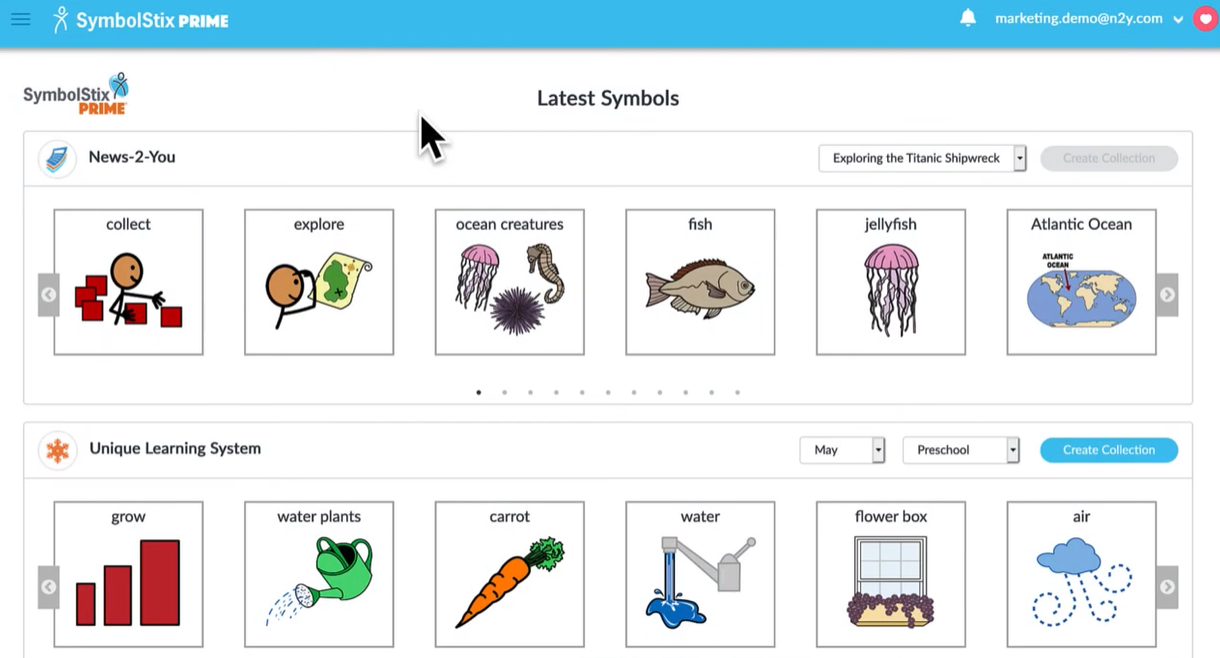
Screenshot of Integration with other education tools like News2you and Unique Learning System
Screenshot of Customizable skin tones
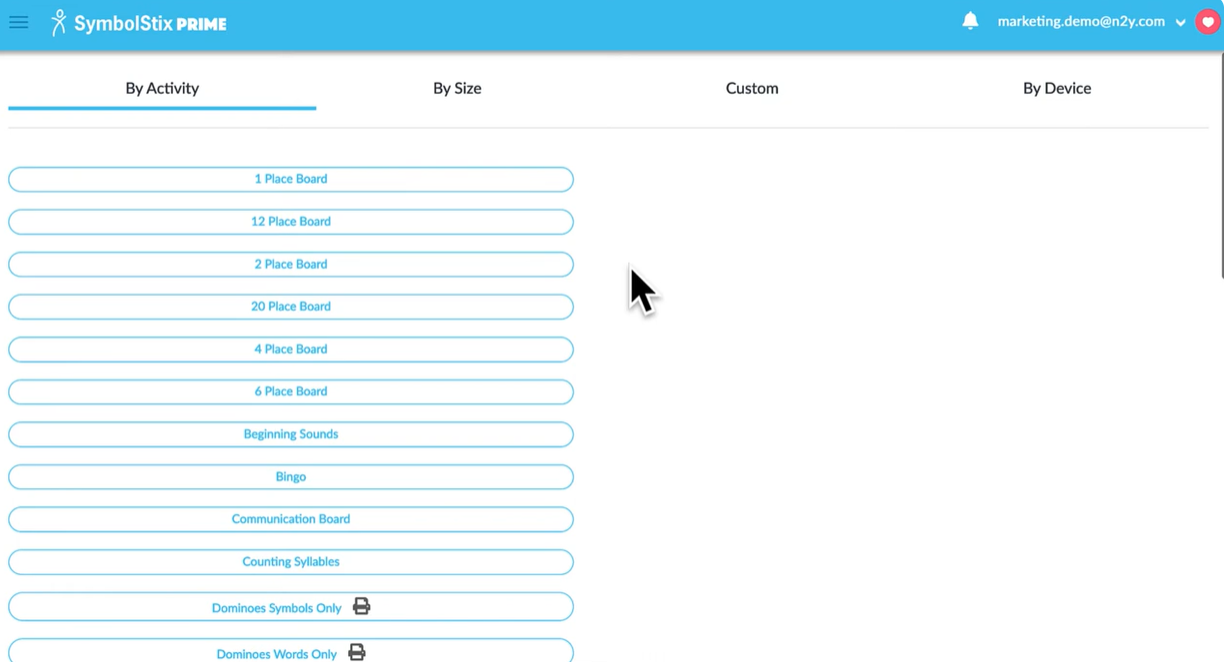
Screenshot of Board Wizard templates
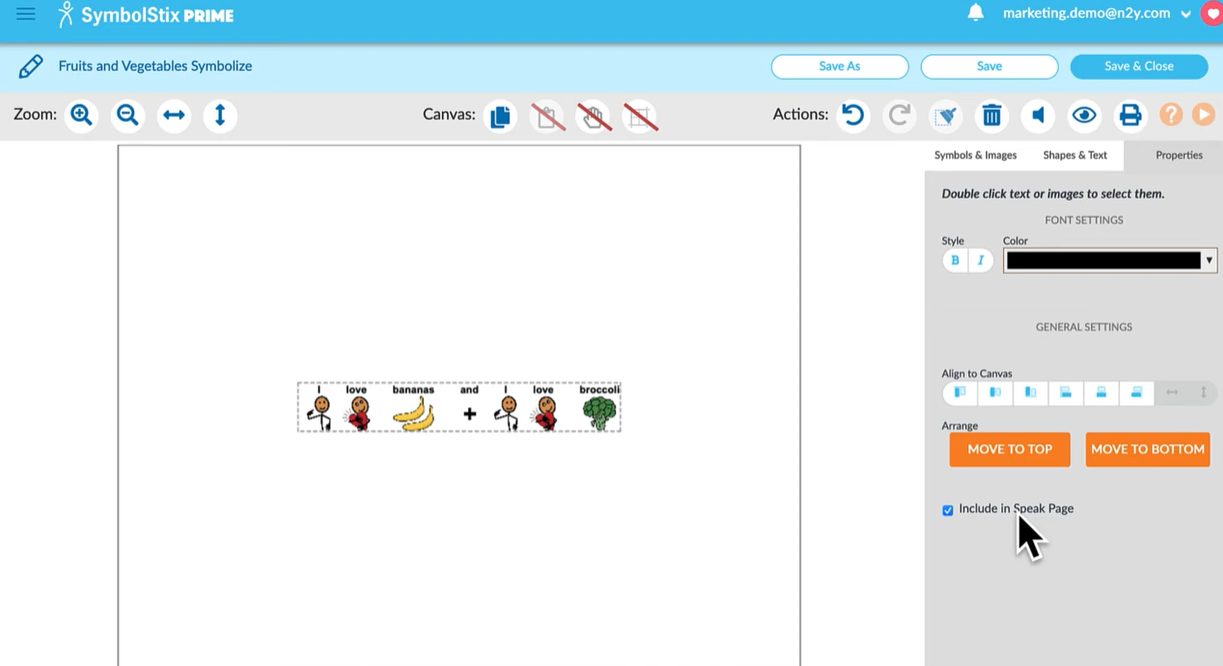
Screenshot of Board features
Screenshot of where to add symbols

1 / 8

Screenshot of Symbols library search

Supporting communication

Use Cases and Deployment Scope

It is part of a suite of programs that is used in self contained classrooms in the district. I use it to develop communication boards and visuals for my students. The symbols match the ones that is used in the Unique Learning Systems curriculum and resources.

Pros

  • Visuals
  • Communication boards
  • Graphic organziers

Cons

  • Can be hard to figure out how to edit some of the templates

Return on Investment

  • Allows for communication with non speaking individuals
  • Supports academics for students with severe needs

Usability

Other Software Used

Unique Learning System, Google Slides, Microsoft 365, PowerSchool Student Information System

Special Education Teacher for students with multiple disabilities-SymbolStix Prime user.

Use Cases and Deployment Scope

I use SymbolStix Prime within my classroom where I teach elementary-aged students who have multiple disabilities and are medically fragile. I use SymbolStix to create symbols for my classroom schedule, class jobs board, student choice boards, and individualized student schedules for within their school day. I also create symbols to support student transitions and help students work on a variety of IEP goals, such as people identification, color and number recognition, and counting. I also use Symbolstix to create symbols that serve as visual supports, corresponding to the Leveled Books and Easy Read books from Unique Learning System. I find it helpful that the Symbostix Prime symbols are available to students who use Touch Chat on the iPad as their communication mode, creating continuity in communication, expression, and reception during a lesson.

Pros

  • Provides symbols which align with Leveled Books and Easy Read books (e.g., symbols of characters and objects in the story).
  • Allows for searching for a symbol and then providing the ability to download it so it can be used within other programs/software, such as Google Slides.
  • Symbolstix allows you to save boards that you create so you can go back to them and make changes/edits as needed.

Cons

  • The board wizard layout was changed in recent months, and it can be confusing trying to create a board for a field of 4, 6, etc. This was previously easier to do with the older layout..
  • Sometimes I am looking for an exact match for a symbol that appears in a Leveled book or Easy Read book that doesn't appear to exist in the bank of symbols.
  • When trying to import a picture, sometimes the pictures I import are blurry when I add them to one of my boards.

Return on Investment

  • Symbolstix Prime allows me to create symbols in a variety of sizes and customize the background color, font, etc., for students with visual impairments.
  • Symbostix helps provide consistency for students throughout the day and supports a language-rich learning environment, including allowing me to use symbols for class schedules, individualized schedules, labeling items in the classroom, visual supports for Unique lessons, and class meetings.
  • Symbolstix allows boards to be created using or imported from real pictures, which work better than the Symbolstix symbols for some students.

Usability

Other Software Used

Unique Learning System