TrustRadius: an HG Insights company

Vectorworks Architect

Score10 out of 10

1 Reviews and Ratings

What is Vectorworks Architect?

Vectorworks Architect allows users to sketch, model, and document in a fully integrated workflow with a design-centric BIM solution. The solution supports 2D graphics, 3D modeling, and visualization tools, and is built to deliver absolute creative expression and maximum efficiency.

Videos

Screenshots

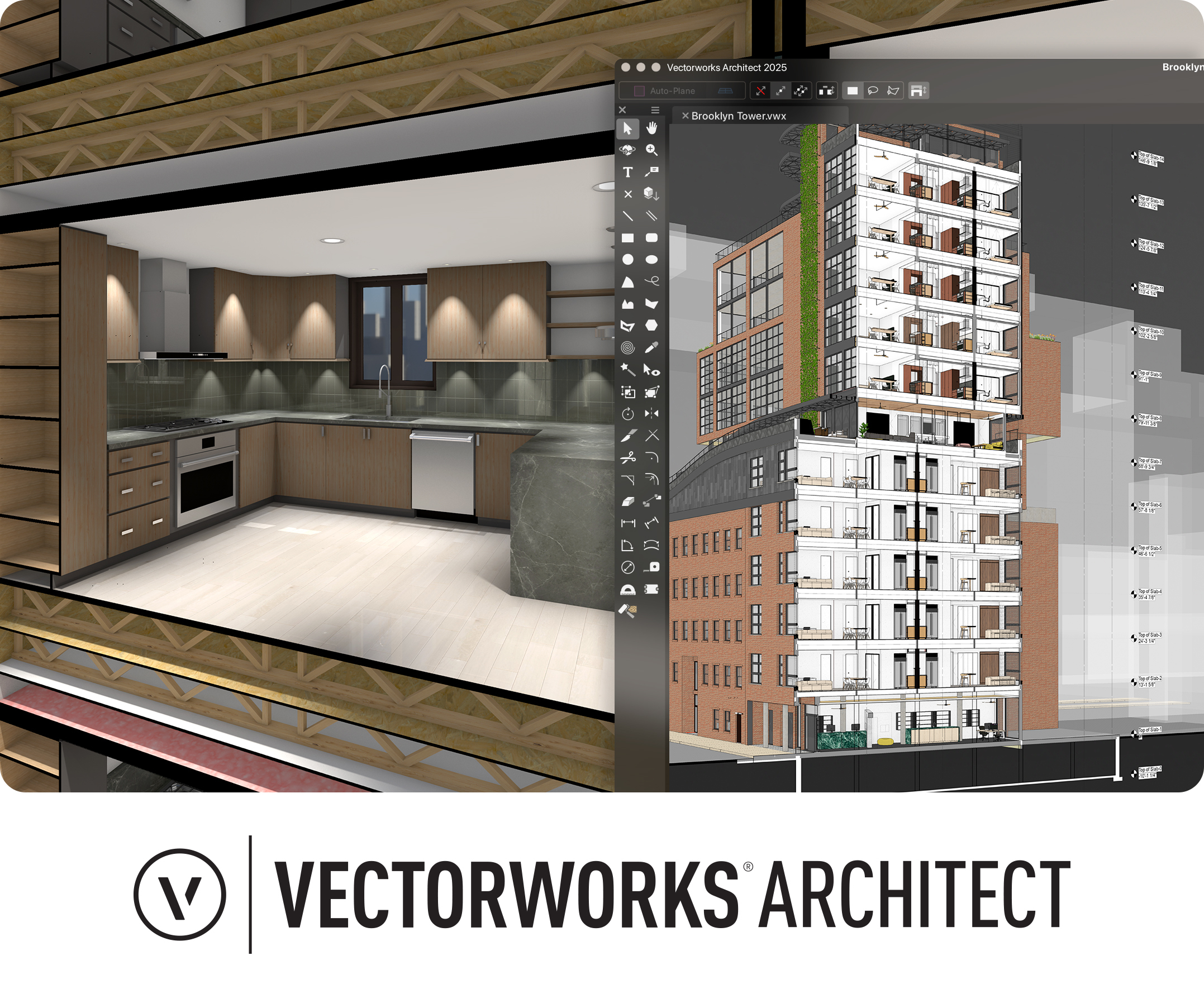
Screenshot of Vectorworks Architect 2025
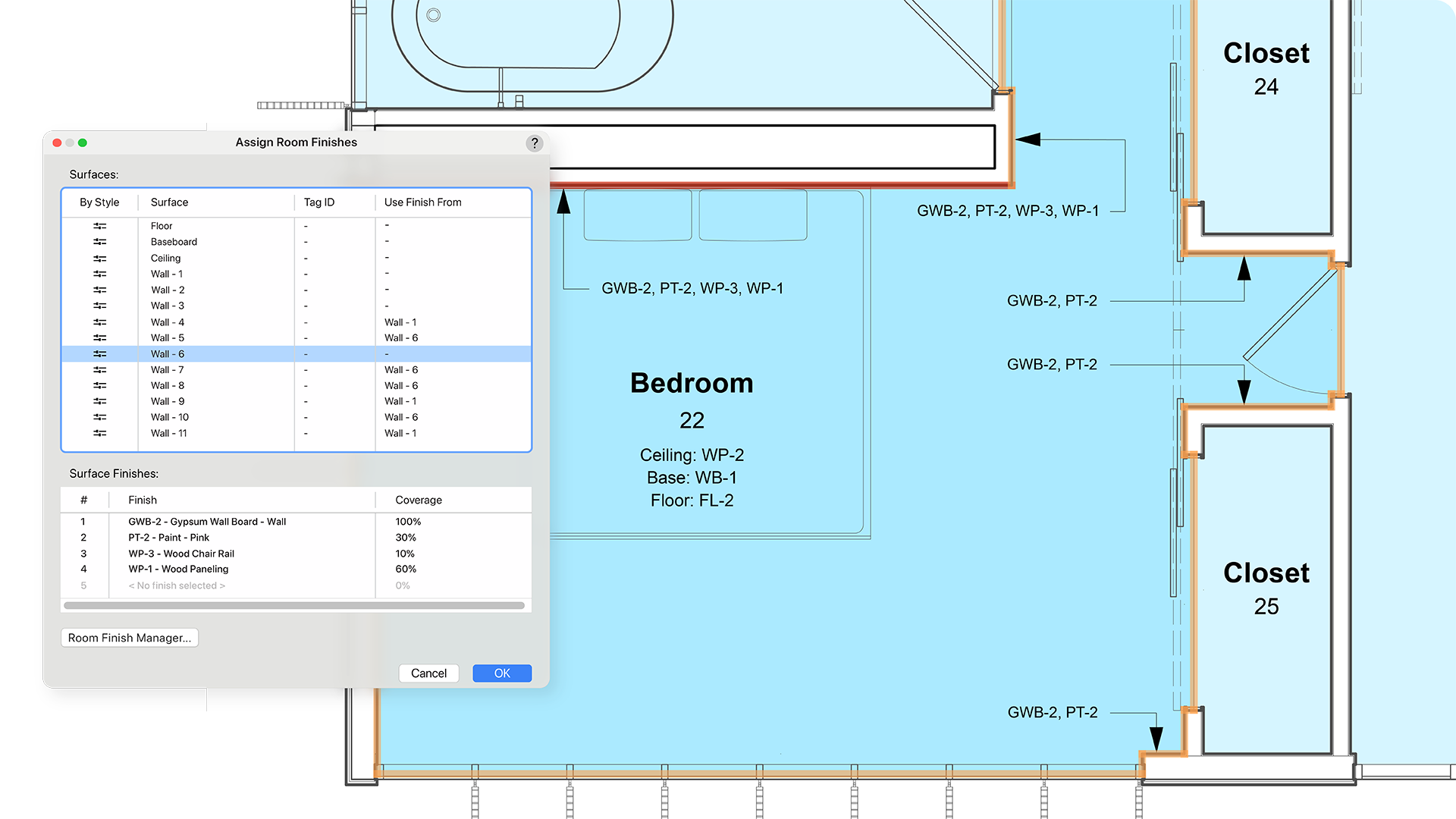
Screenshot of where the user has the ability to select multiple walls and apply surface finishes in a single operation. From here, users can manage, annotate, and create reports with customizable project finishes and data visualization to help streamline the documentation process.
Screenshot of where to assign classifications to Vectorworks objects and sub-parts and manage them centrally with a rules-and-criteria-based system. This helps save time and reduce risk for errors with automated application of local and national classification standards in a BIM collaboration and specification writing workflow.
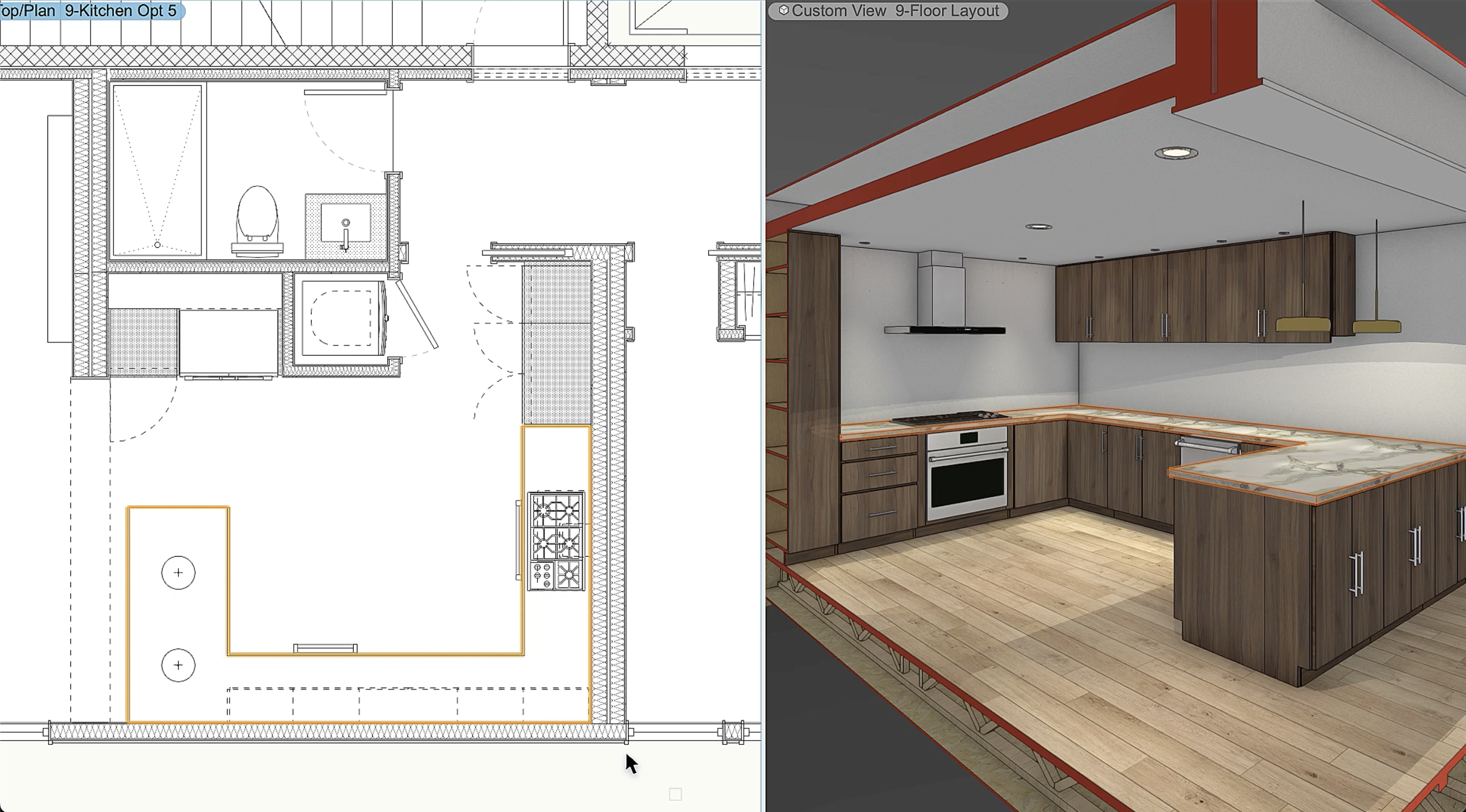
Screenshot of a tool that balances automation with customization, used to create finely detailed countertops and achieve quality visuals and reports. Users can manage countertops across projects with customizable styles and find superior control of design features like overhangs and backsplashes. With efficient modeling and automatic hole cuts, time becomes available to create without having to worry about manual processes.
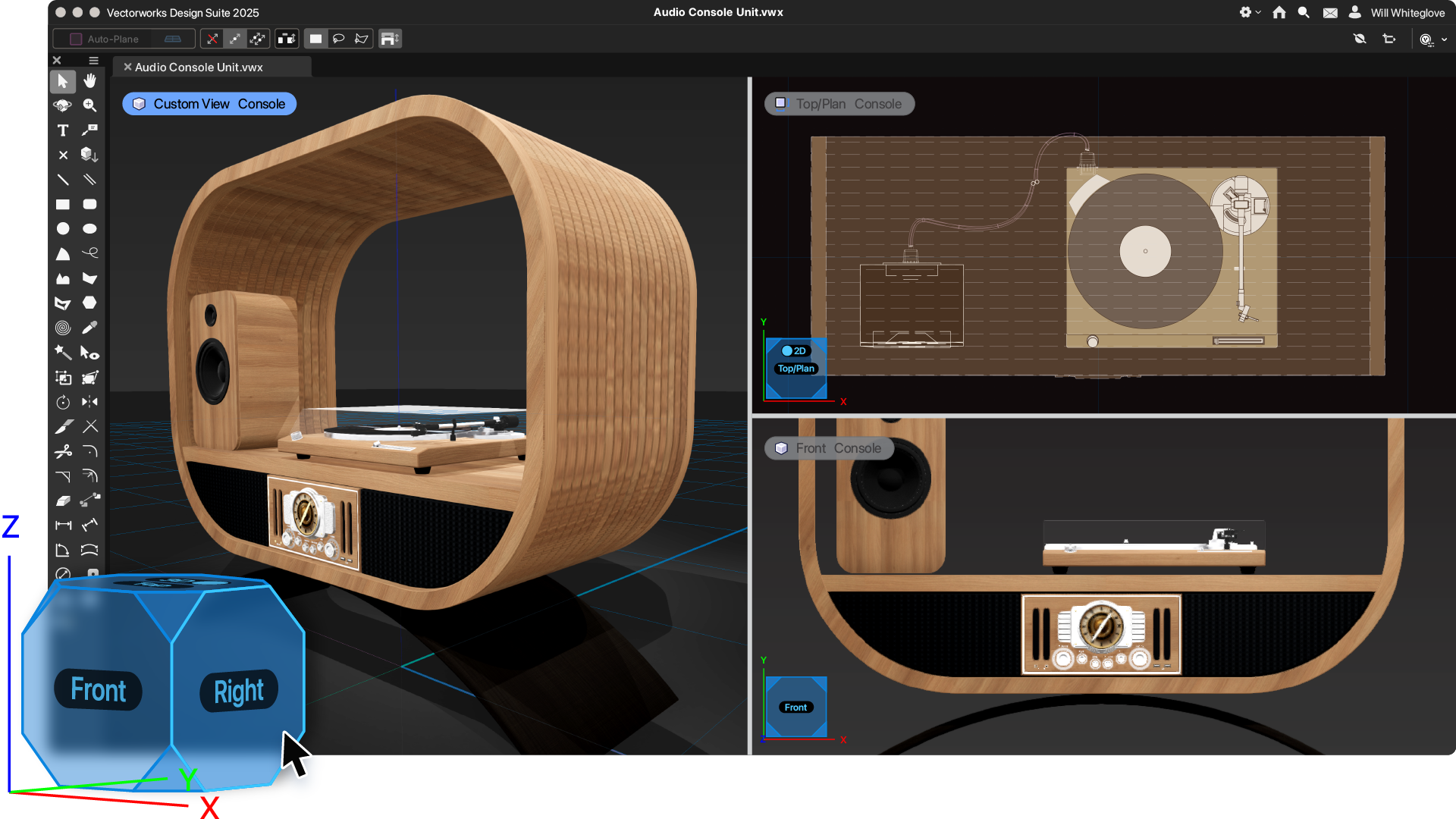
Screenshot of an example of the one-click navigation that allows for instant access to all views of a model and interactive model orbiting with click-dragging. The optional display of XYZ axes, compass direction, and working planes help orient and navigate the model.
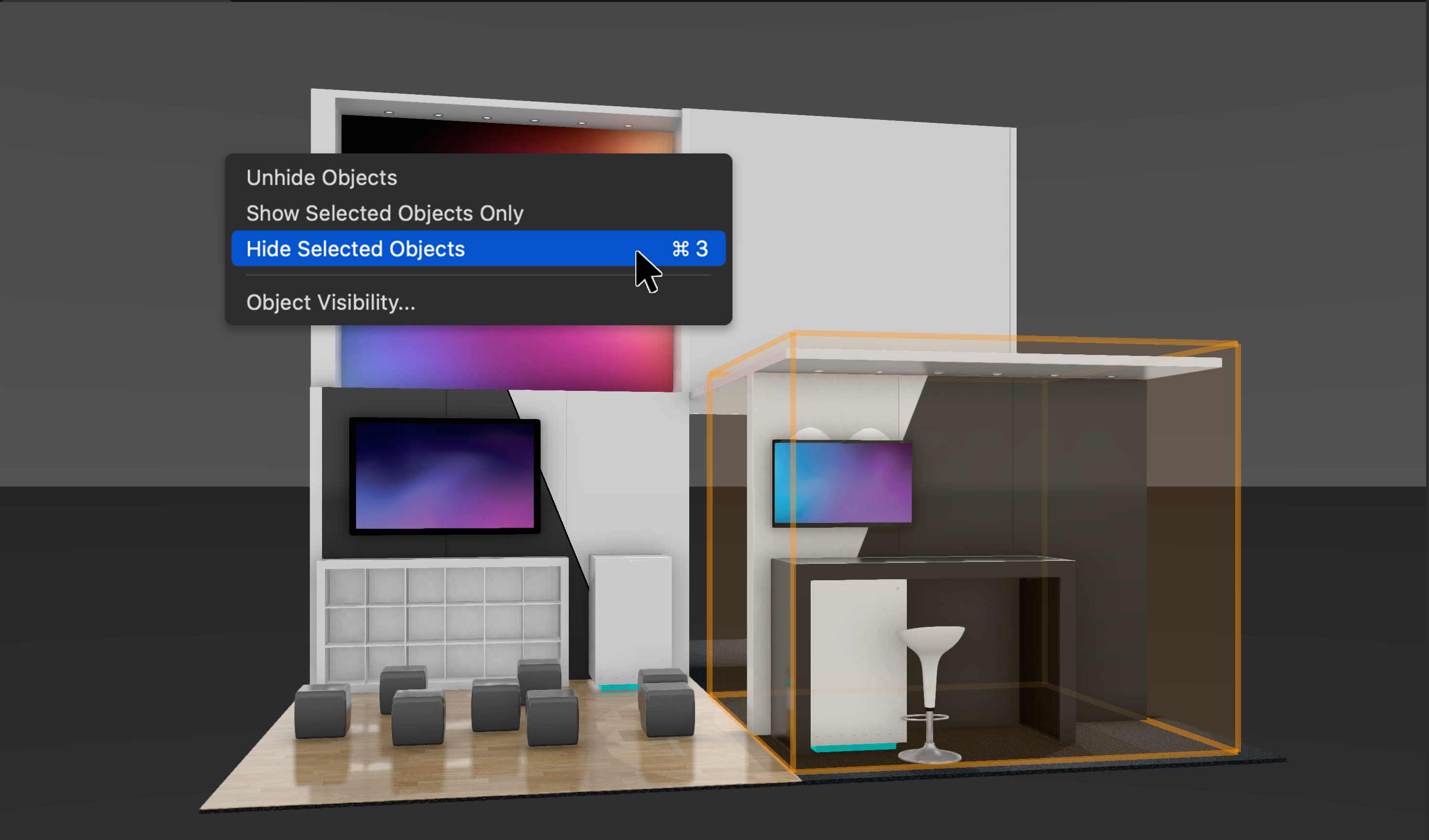
Screenshot of where to show, ghost, hide, or isolate specific objects with individual visibility control. Navigate to specific parts of the model by isolating objects and create custom drawings or viewports to clearly communicate design intent. Apply object visibility directly within the design layer or save it to viewports and data visualizations. Find fast, flexible workflows, while also working harmoniously with Class and Layer visibilities.
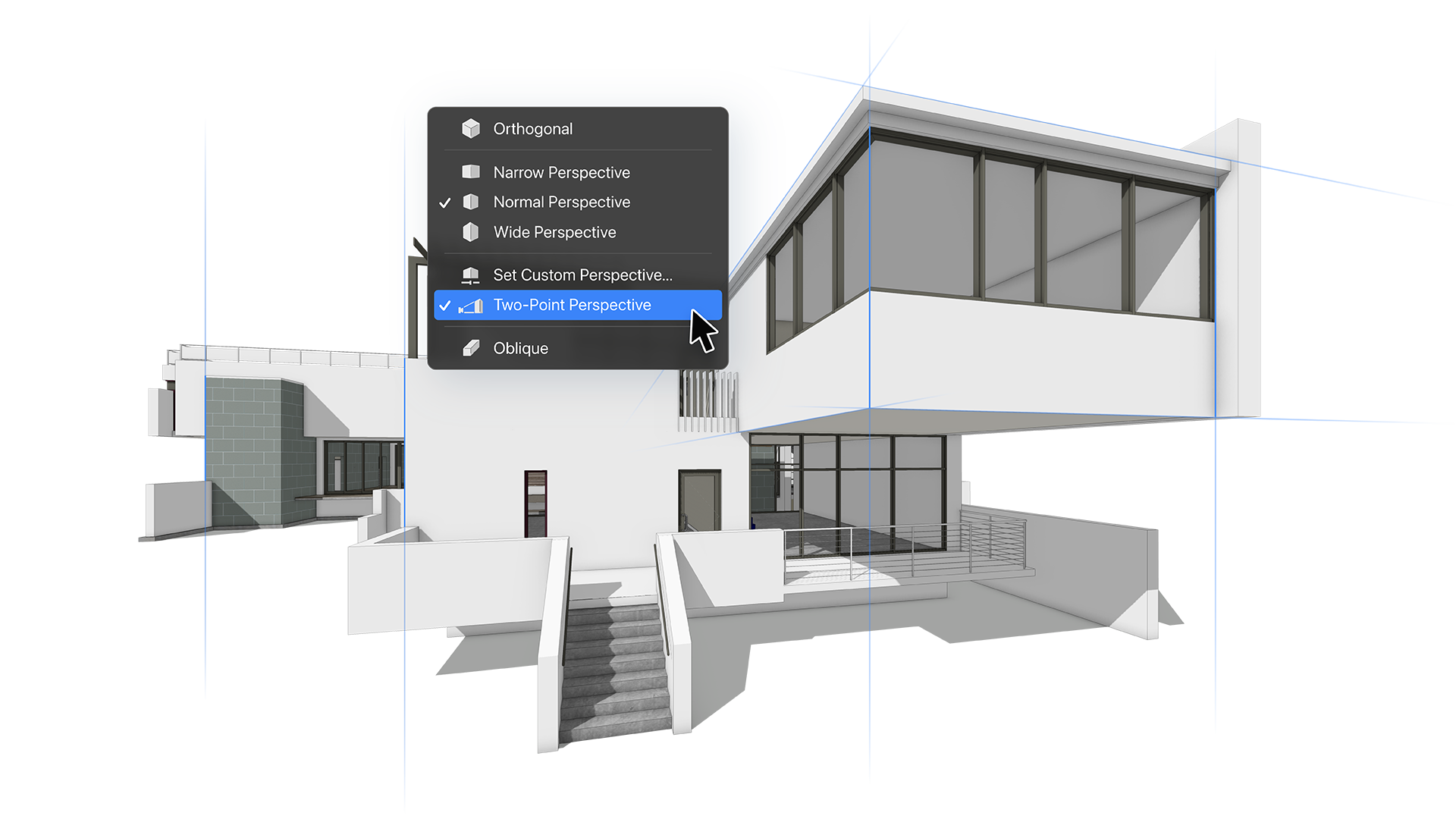
Screenshot of where to produce traditional architectural compositions with ease using Two-point Perspective mode. Toggled on with a single click, users can work with it directly in design layers or add it to saved views and sheet viewports to provide a clear understanding of a 3D view. Once activated, it stays activated even when changing the view.

1 / 7

Screenshot of Vectorworks Architect 2025

Technical Details

Technical Details
Deployment TypesSaaS
Mobile ApplicationNo
Supported CountriesGlobal

FAQs

How much does Vectorworks Architect cost?
Vectorworks Architect starts at $153.
What are Vectorworks Architect's top competitors?
Revit, AutoCAD, and SketchUp are common alternatives for Vectorworks Architect.