CompuLaw is a legal calendar, docket, and matter management solution used by firms to manage deadlines. It helps to reduce the risk of malpractice from calendar or human-related errors with rules-based, configurable date calculations that remove manual work from staff. Covering more than 2,500 jurisdictions in the United States, the CompuLaw technology platform is backed by a full-time, Aderant-employed team of licensed American attorneys.
N/A
Zimbra
Score 6.8 out of 10
N/A
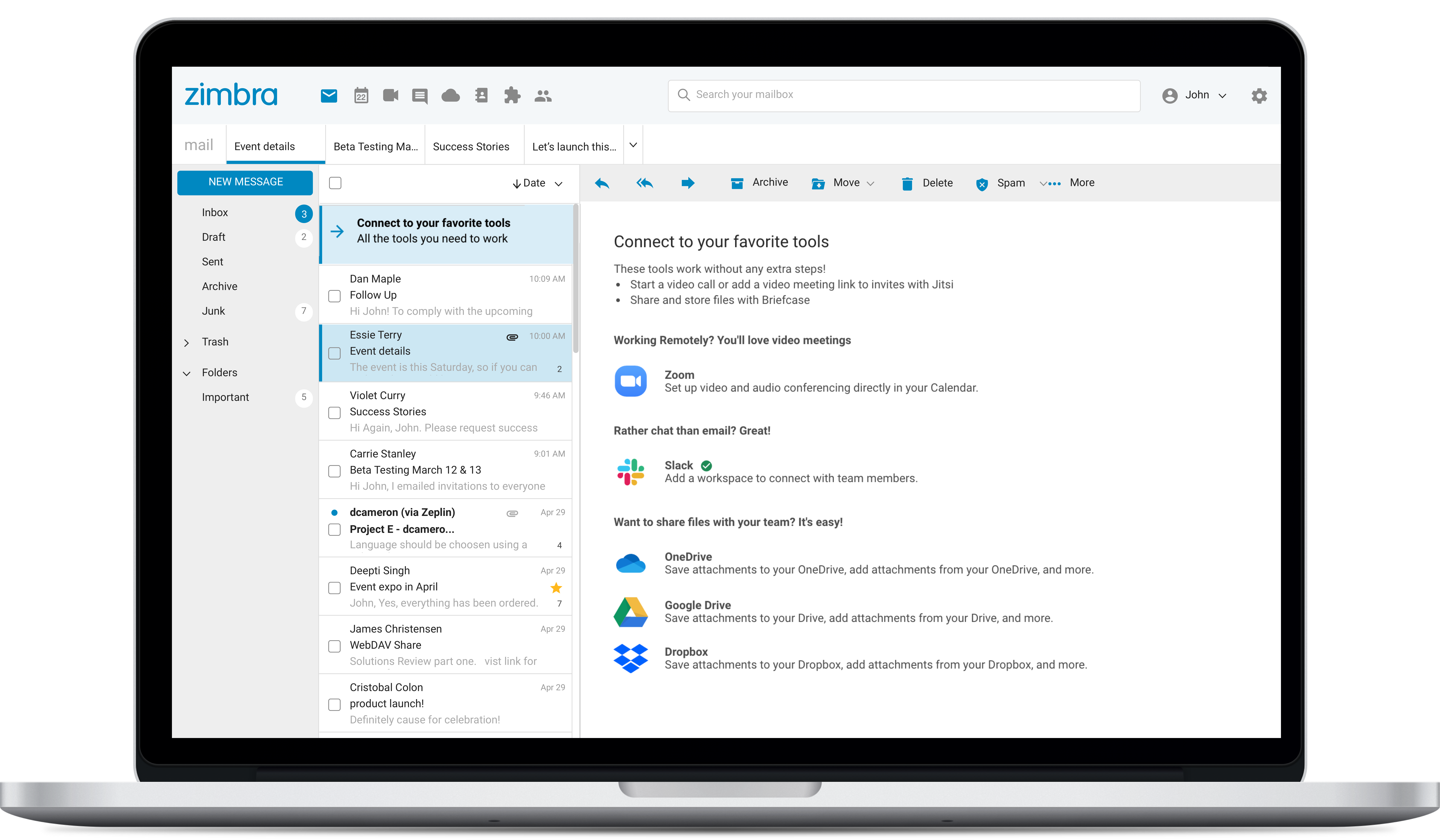
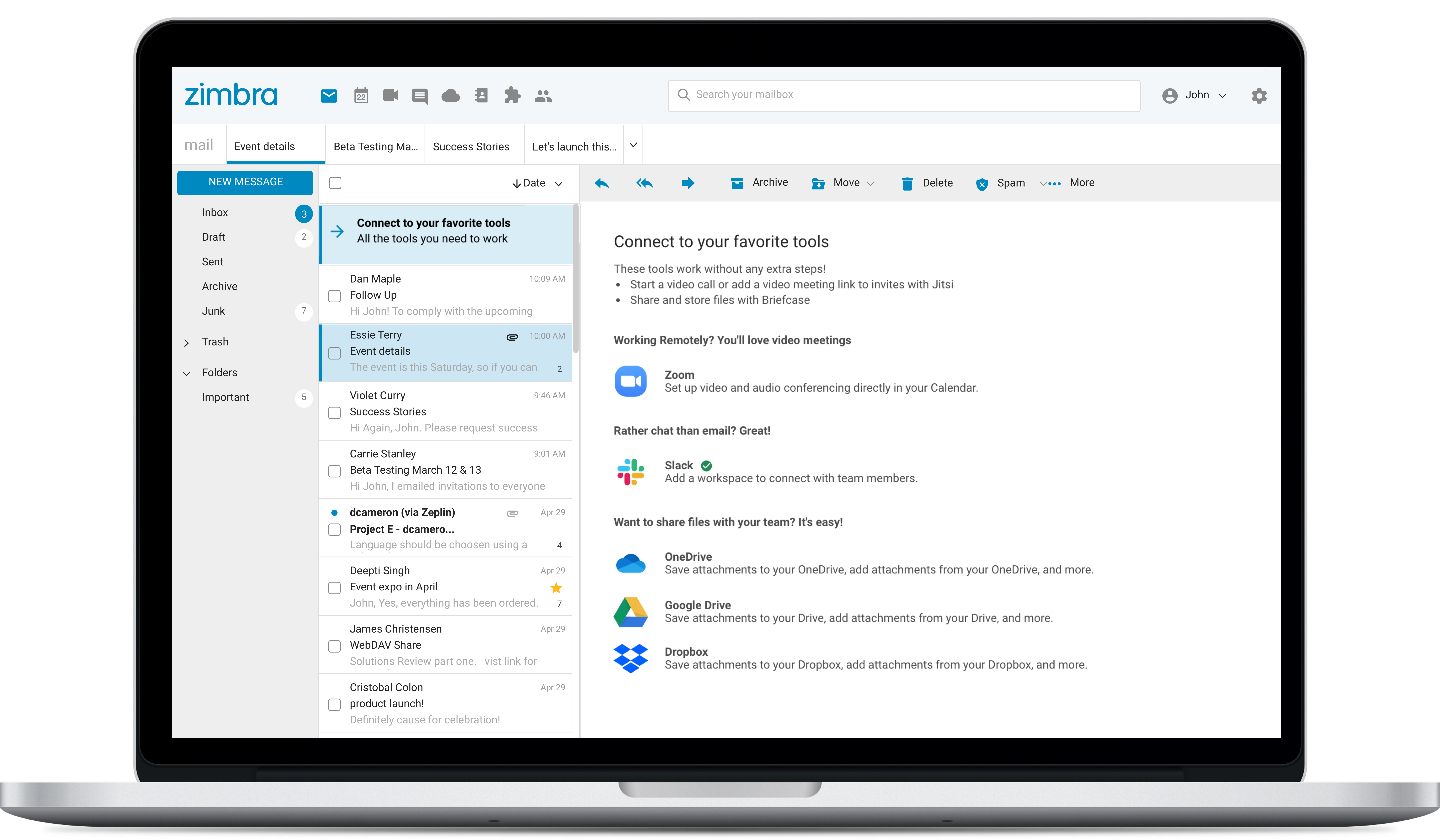
Zimbra is an email and collaboration platform and productivity suite that includes contacts, calendar, tasks, chat and file sharing, plus videoconferencing, document editing, and file storage.
N/A
Pricing
Aderant CompuLaw
Zimbra by Synacor
Editions & Modules
No answers on this topic
No answers on this topic
Offerings
Pricing Offerings
Aderant CompuLaw
Zimbra
Free Trial
No
Yes
Free/Freemium Version
No
No
Premium Consulting/Integration Services
No
No
Entry-level Setup Fee
No setup fee
No setup fee
Additional Details
—
—
More Pricing Information
Community Pulse
Aderant CompuLaw
Zimbra by Synacor
Considered Both Products
Aderant CompuLaw
No answer on this topic
Zimbra
Verified User
Anonymous
Chose Zimbra
We used Zimbra Email & Collaboration in two scenarios: first, on-premise with the open-source version to save costs, especially since solutions like Office 365 or Google Workspace were not as mature or widespread at the time. Later, we benefited from cost advantages with Zimbra …
There are a lot of features that Zimbra Email & Collaboration has that gmail and m365 have. You can chat within your team members with Zimbra Email & Collaboration. The issue that we have not been able to figure out though is mobility of Zimbra Email & Collaboration. You can …
We chose Zimbra because Zoho Mail is too pricey with less-functionality than Zimbra. Zoho's UI is better, but we need more than just UI, we need many features that Zimbra has. G Suite is the best for team collaboration of course, but because of the price and our needs we …
Zimbra is undeniably a complete package and offers many practical tools, in addition to the knowledge that the company has. It is a great acquisition for a company that will soon see a significant change in terms of organization, deadlines, efficiency, and more. It has an …
Zimbra is a more specialized software designed for our company and its needs. The software was customized to represent our colors and project our brand, what other companies do not have. With Zimbra, we have a private network of only employees which allows us to confidentiality …
Zimbra is a significantly cheaper option than one of the Microsoft solutions, such as Exchange. It is able to run in a free environment, as it is in the case of Linux. It offers the advantages of a powerful mail manager, such as indexed searches and the integration of contacts …
We selected Zimbra because it has a lower cost in the market, offers more development features for its open source, has a very easy to use interface and adjusts to the needs of the company.
Zimbra provides a robust and reliable software that delivers what is promised. We have tested Zimbra in a pilot project before deploying it in production. Incidents and crashes are rare and you have tools to recover it if necessary. Initially we had a contract with support to …
We were originally a Groupwise shop before changing to Zimbra in 2008. Zimbra, from an end-user standpoint, pricing, system administration, and management is a far better system.
We use Google Apps for our students. We did not find it to be suitable for faculty and staff due to …
I consider Zimbra Email & Collaboration a viable alternative to the major American cloud email platforms. In a scenario where data protection and privacy are critical, especially in an on-premise environment, Zimbra is a very suitable solution. It is also capable of offering a comprehensive set of tools and additional features (tasks, calendars, contacts, briefcase) in an integrated manner.
User web interface could be more friendly, but it is enough for daily use. It could be renewed and has to consider some usability concerns. Improving usability would significantly improve users' satisfaction.
Message backup recovery is not a simple activity.
As an administrator, some of the features work better using the command-line interface.
The webclient uses ajax requests in almost every event. Because of that you may need a fast internet connection to have a good experience. You can switch to HTML version but it will limit what you can do.
The web usability of the solution is adequate, with all functions integrated into a single interface. However, it is important to note that in the desktop environment, it lacks its own application and relies on ActiveSync synchronization with reference solutions like Outlook or Thunderbird. Some features, such as the briefcase, will be excluded. The same happens on smartphones.It is also common for competing solutions to include integrated chat or video call tools, which Zimbra lacks. These shortcomings are among the most frequently requested by users.
Overall, we were satisfied with the implementation. We perhaps should have spent more time consulting with Zimbra or others regarding best practices but as we got to know the system better we were able to make changes relatively easily after the fact.
We were originally a Groupwise shop before changing to Zimbra in 2008. Zimbra, from an end-user standpoint, pricing, system administration, and management is a far better system.
We use Google Apps for our students. We did not find it to be suitable for faculty and staff due to its lack of shared accounts.
We are moving from Zimbra to Office 365. Office 365 offers just about all that Zimbra had, though its web interface is inferior to that of Zimbra. It does offer us greatly reduced costs though, and high availability. If Zimbra were to have a fully HA environment, we may have stayed with them.