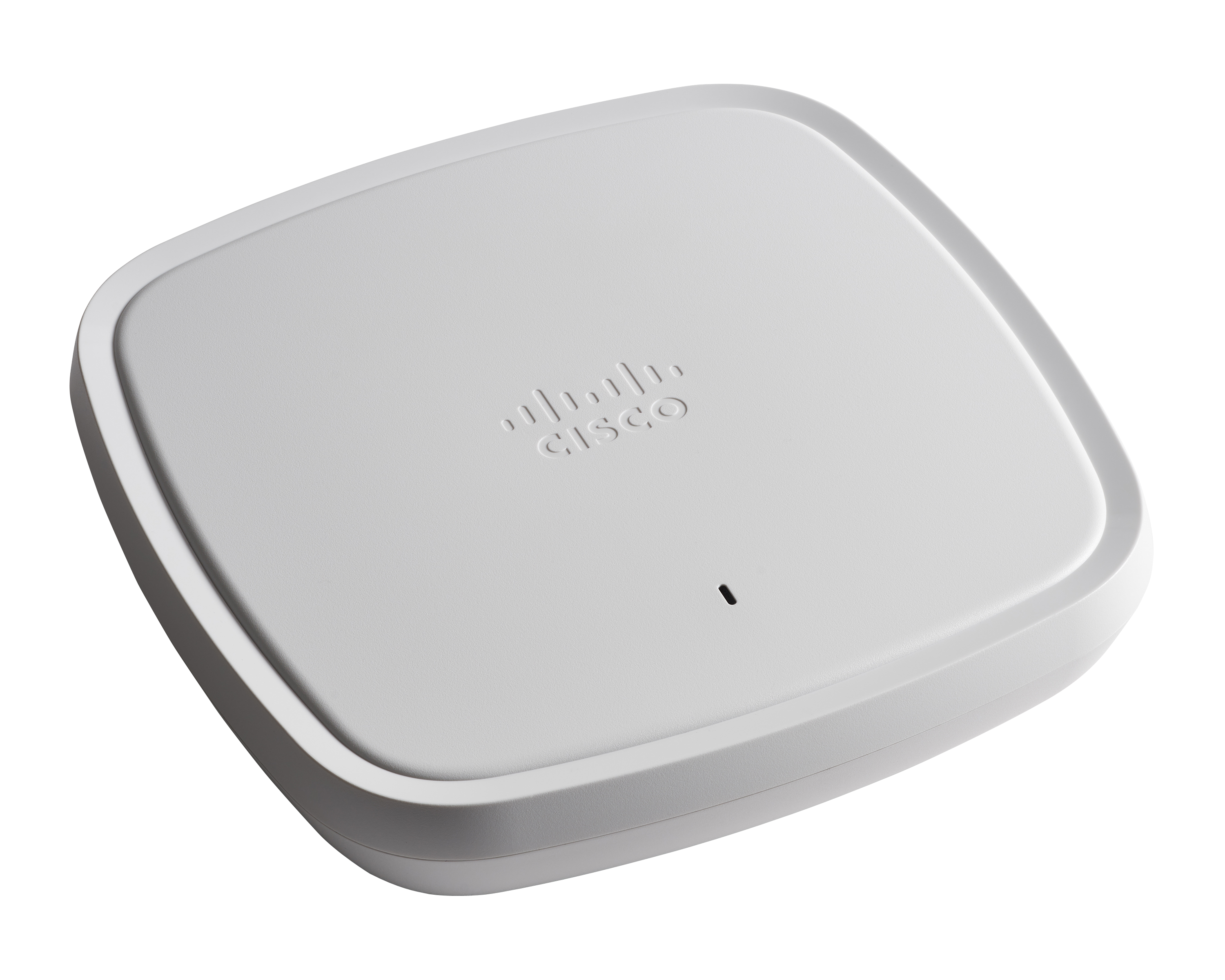
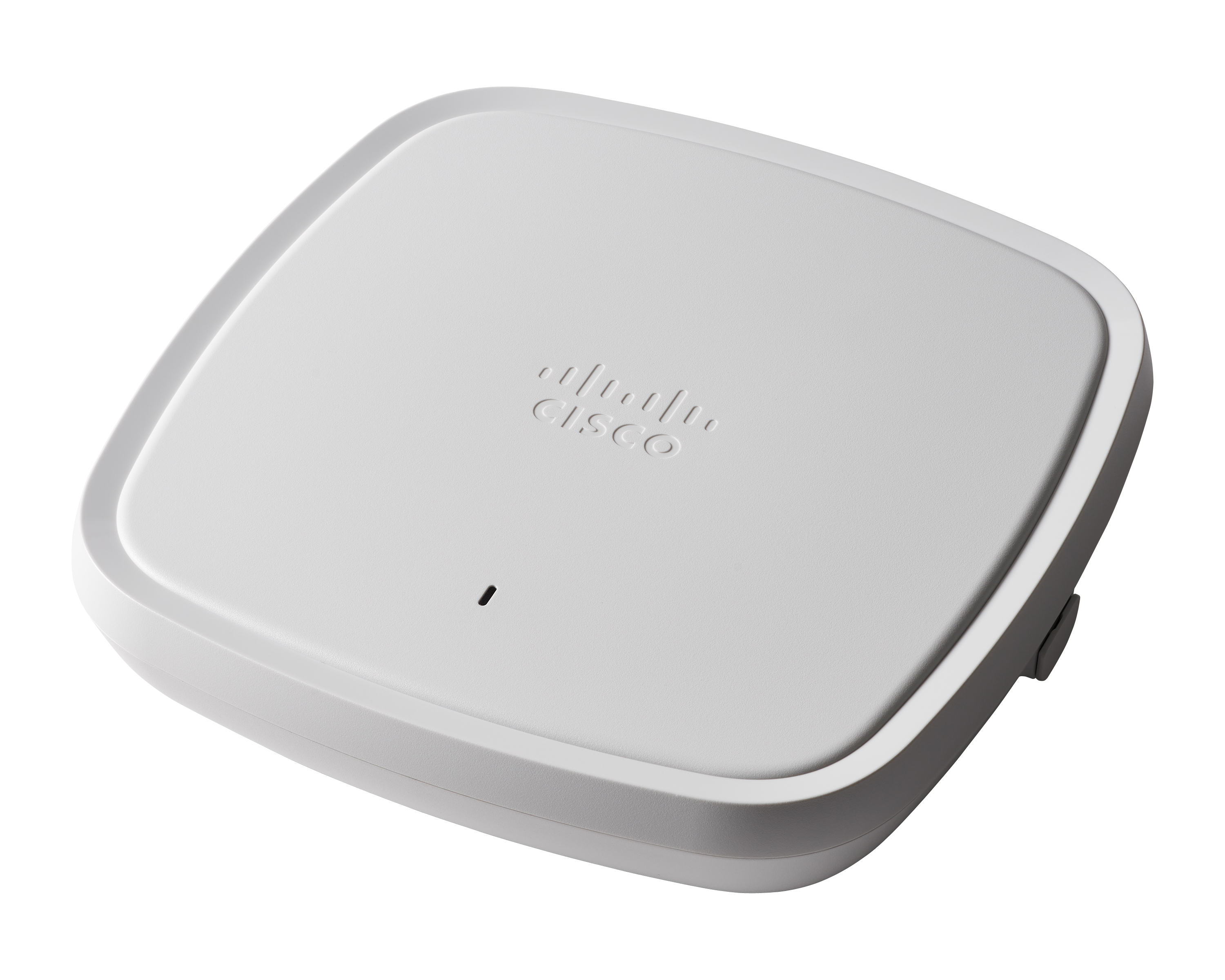
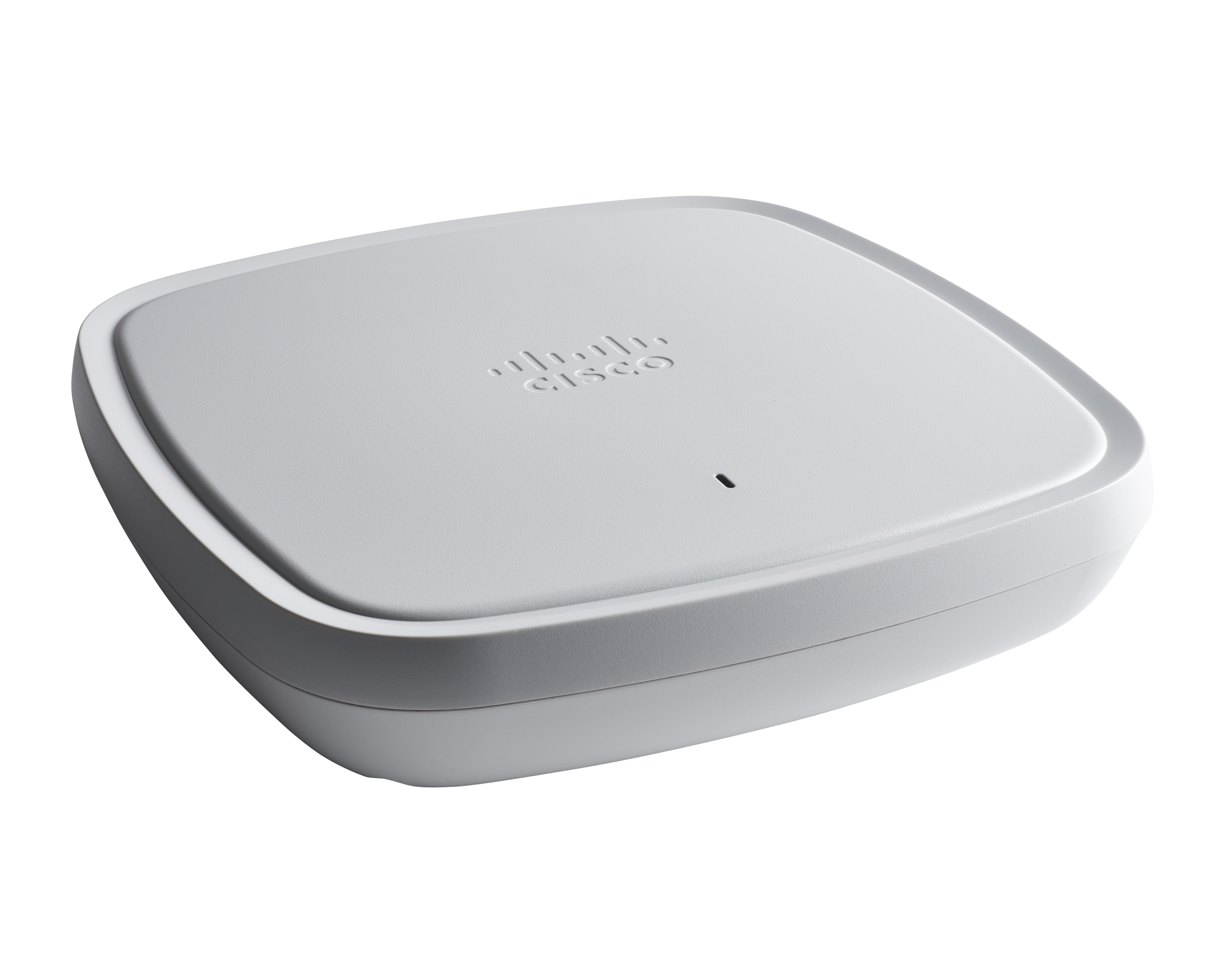
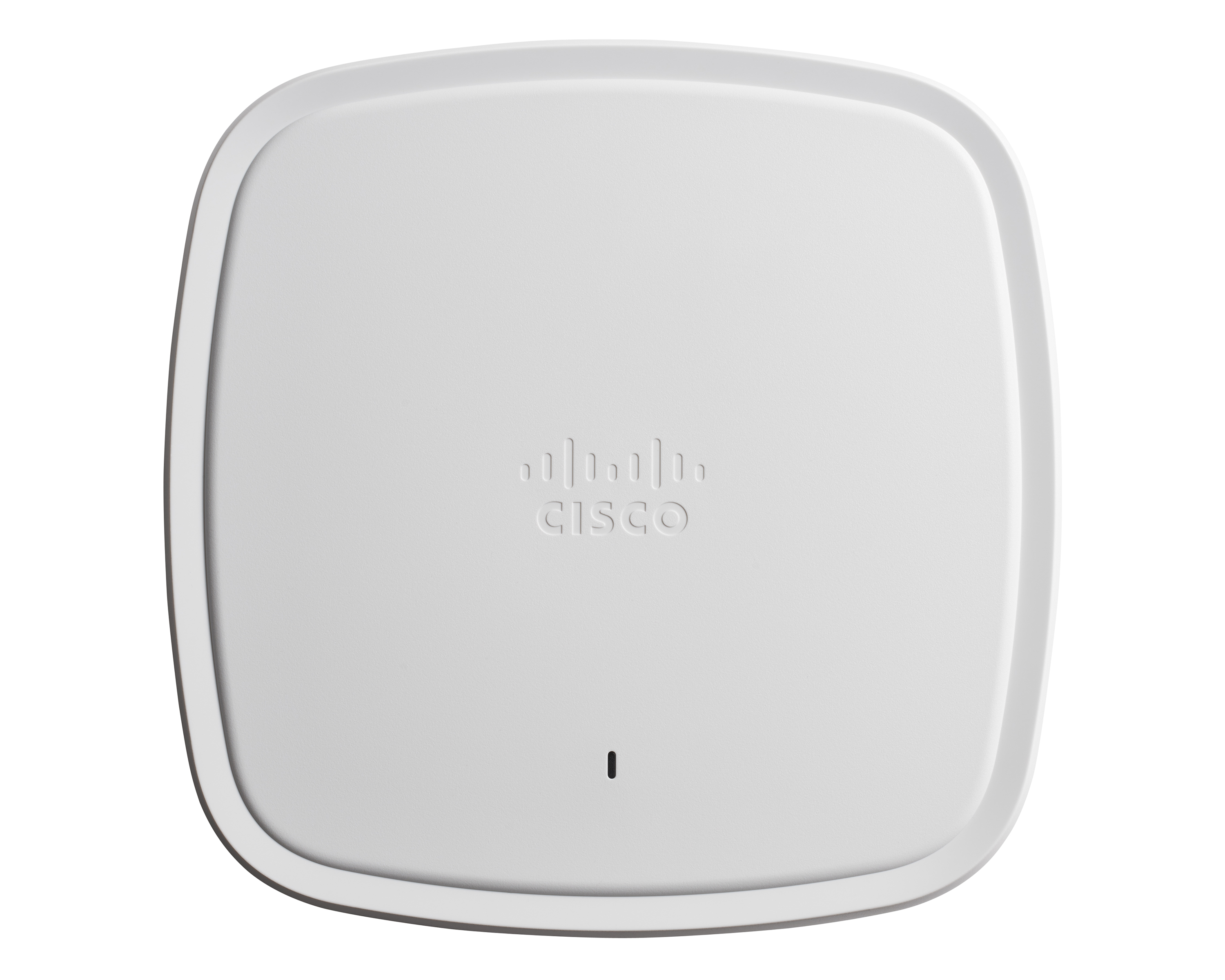
Cisco Catalyst 9100 Access Points are well suited for dense Client solutions. We have used these in areas where we have a large number of guests that need top-notch connectivity without ever losing connection. The one area where we do have difficulty is in outdoor deployment, where large areas need to be covered, but we do not have physical connectivity in order to get the access points connected. This is not an access point issue but more of a physical connectivity limitation.
So this product actually helps in healthcare facilities where we have a wireless, we call this WOW monitors. It's Wireless On Wheels. So we use those monitors to the patient's room to room. So in that case, rather than connecting it to wire, so it really helps us to connect through the WIFI and access the patients whenever we be needed.
They could definitely download their code faster. When we first get them out of the box and join them on the network, it takes probably 20, 30 minutes per access point to download the new code from the wireless controller and then reboot itself and then come back online.
When you're configuring it on the controller, if you want to switch access point groups, we have them broken out per site. Every time you add it to one of those groups, it also has to reboot. That's like downtime for us. That could be improved, I think.
On a scale of 1–10, we would rate our likelihood to renew Cisco Catalyst 9100 Access Points as a 9. The access points have provided reliable wireless connectivity, strong security features, and consistent performance, which are critical for supporting both in-office and hybrid work. Minor improvements could make the experience fully seamless.
The Cisco Catalyst 9120 Access Points have been a solid deployment for me. Using their interface is a mix of new and old. They run IOS, so if you know the CLI, you can easily navigate around them. You can join them to an older controller if it supports a certain version, you can join it to a new 9800 controller--very straight forward--and you can run the embedded wireless controller on them directly. I've found this to be very useful at smaller sites. The Cisco Catalyst 9120 Access Points are not limited to feature sets like the older generations' mobility express platform.
On a scale of 1–10, I would rate the overall usability of Cisco Catalyst 9100 Access Points as an 8. The interface is intuitive, and common tasks like monitoring and basic configuration are straightforward. While some advanced features and troubleshooting functions remain complex, the majority of operations are user-friendly, making the system efficient for IT teams managing hybrid and in-office environments.
Using Cisco Catalyst 9100 Access Points you can expect good performance, if not excellent. Coupled with other tools and managment systems you can easily gain good insight and ease of management. Flexible deployment variations help you adopt the equipment to work for most any required scenario you could think of. It's a well designed and evolved product.
We rate Cisco support 8/10 because the response time is generally very good, with most cases receiving attention and feedback within the same business day. When hardware replacement is required, delivery can sometimes take longer than expected, but replacements are consistently provided. Overall, the service remains credible, reliable, and essential for maintaining business continuity and network availability.
On a scale of 1–10, I would rate the in-person training for Cisco Catalyst 9100 Access Points as an 8. The sessions were interactive and provided hands-on experience, which helped IT staff understand configuration, troubleshooting, and advanced features. Greater depth in real-world scenario exercises could make the training even more effective.
On a scale of 1–10, I would rate the online training for Cisco Catalyst 9100 Access Points as a 6. While the training materials were comprehensive and covered essential topics, some modules were overly technical and not always intuitive for all users. Additional practical examples and interactive exercises would improve understanding and make the training more effective.
Key insights from implementing Cisco Catalyst 9100 Access Points include the importance of thorough planning, pilot testing, and involving both IT teams and end-users early in the process. Centralized management and robust security features simplify long-term operations, but adequate training and clear documentation are essential to maximize adoption and ensure smooth, reliable connectivity across hybrid work environments.
We are migrating from Aironet platform to Cisco Catalyst 9100 Access Points. That's more flexible, and we do it to sync switching, SDWAN, and wifi under one family.
These access points offer flexibility in deployment scenarios, supporting both standalone and controller-based architectures. Organisations can choose the model that best suits their current needs and scale as their requirements grow. Cisco Aironet Access Points are compatible with Cisco's Wireless LAN controllers, allowing for centralized management and monitoring of a large number of access points across the network. With the recent changes, it will even support cloud base controllers.