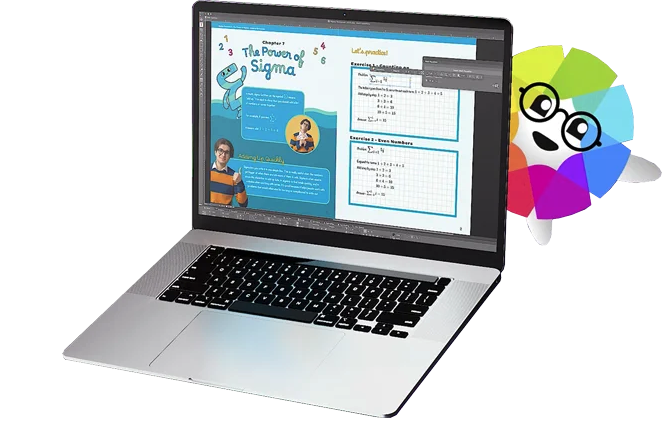
Affinity Photo is a software solution for photography and creative professionals, a fully-loaded photo editor integrated across macOS, Windows and iOS, from Serif Ltd.
$21.99
one-time fee
QuarkXPress
Score 9.0 out of 10
N/A
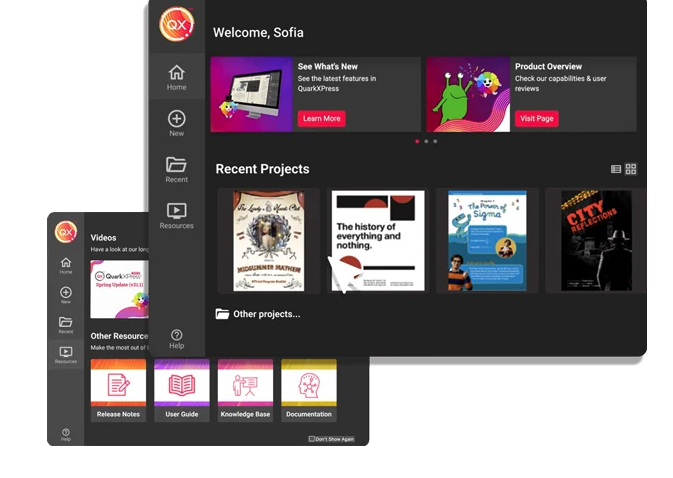
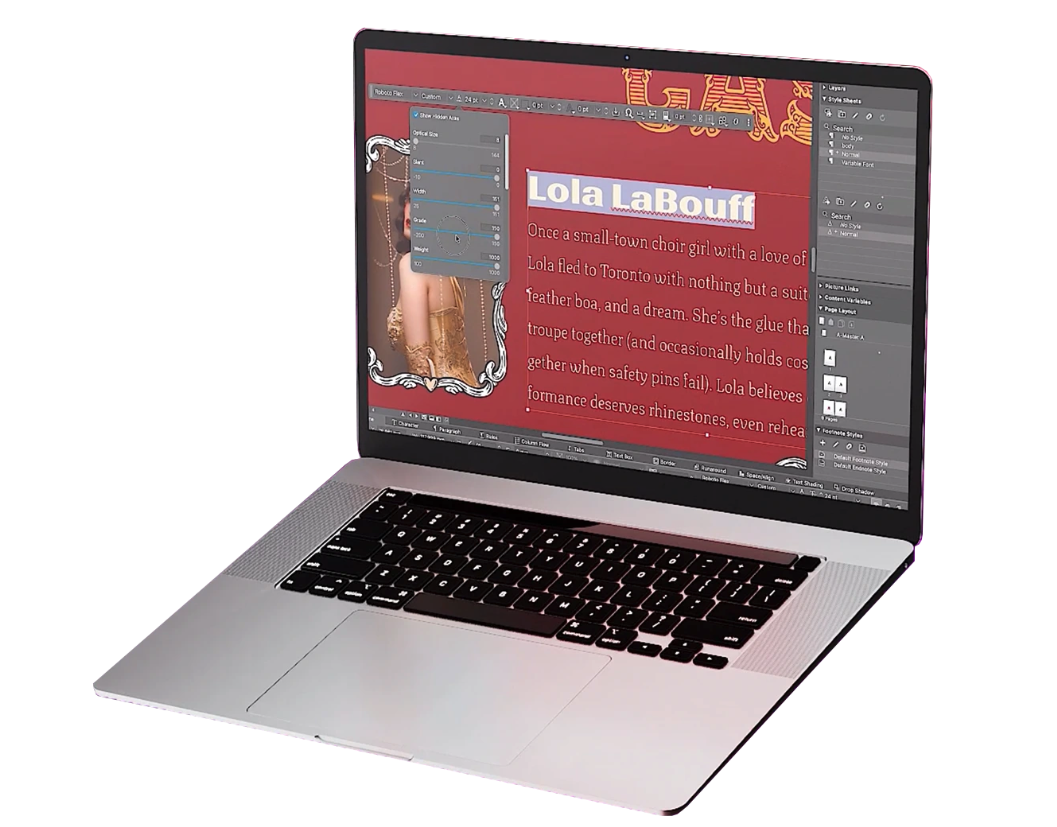
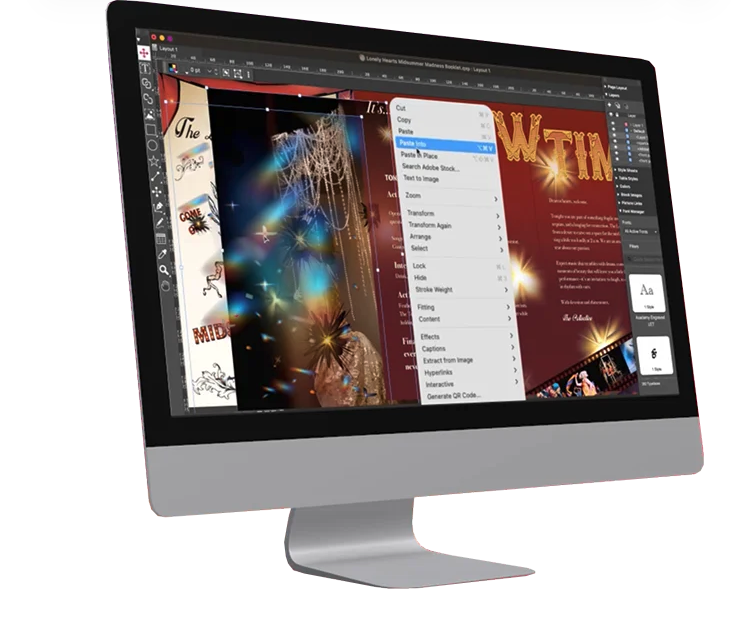
QuarkXPress from Quark Software headquartered in Denver introduces modern responsive web design with Flex Layouts, reimagined Tables, and productivity-boosting design features.
For single-person teams or very small teams, I think Affinity Photo is great as it has a one-off cost and no ongoing subscriptions. If people are familiar with the Adobe products it might take a period of adjusting to Affinity Photo. It might also be overkill for some people's needs. But it does offer everything and room to grow. So weighing up what you need to do with photos and seeing if it fits is important.
I used QuarkXPress to maintain a proper page layout for the UI which I receive from a UIUX developer. I develop Graphic Illustrations on the digital canvas to create creative content on the page design set and to develop designer headlines and sub-headlines where writers and editors can amend the text and place the copped images.
Almost all of Adobe Photoshop's features for a fraction of the cost. It was an easy decision for our organization.
The interface and most of the features are an almost mirror image of Photoshop. Flat fees instead of high yearly fees are much more desirable for our small team.
They have a great support forum for the little one-offs that aren't quite like the Photoshop app, or don't have the same exact name as Photoshop. The forum really helps when this happens. The YouTube support from the company and other users has been very helpful as well.
I use Sketch as my primary vector design tool. Affinity allows me to take a .ai, .eps, or other proprietary format and convert it to .svg for use/manipulation with Sketch and back. I can't say enough for this feature. It has helped me stay less pigeon-holed into Adobe products, which have lacked innovation for a long time in my opinion.
For a regular user of Photoshop, Affinity is a very easy transition. It has all the same features and once you adapt to it, and it provides a quick return on investment.
This is an industry standard. It is intuitive and pretty simple. I have been using it for 40 years and by no means do I use its potential, rather it does just what I want it to do.
I don't have direct experience with a member of Affinity's support, but their forum and YouTube videos that other users have made make it relatively easy to find similar features in Affinity that are available in Photoshop or Illustrator. The differences are negligible for our small, yet experienced team.
I think Affinity Photo is on par with Adobe PhotoShop. They are very similar products with both bringing many features users need. The main reason I picked Affinity Photo was its pricing of it. I didn't require Adobe products all the time. And felt they weren't offering me as much value.
QuarkXPress simply blew the competition out of the water when it came to pricing and scalability in our business. Every employee that uses Quark always speaks very highly about using the software. We are not a large company but, the amount of money saved on the cost of each license was about 60% when compared to the competitors' products.