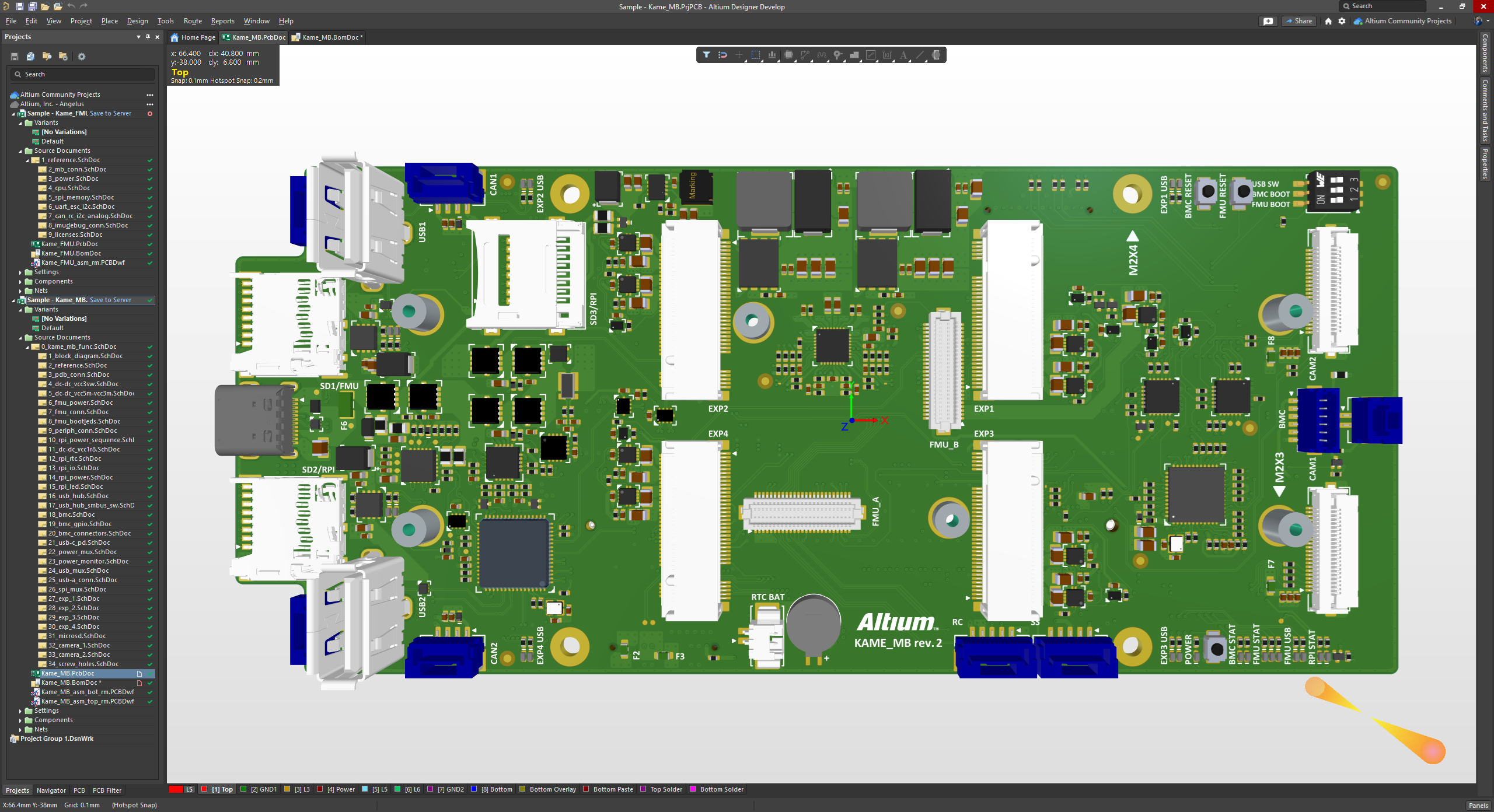
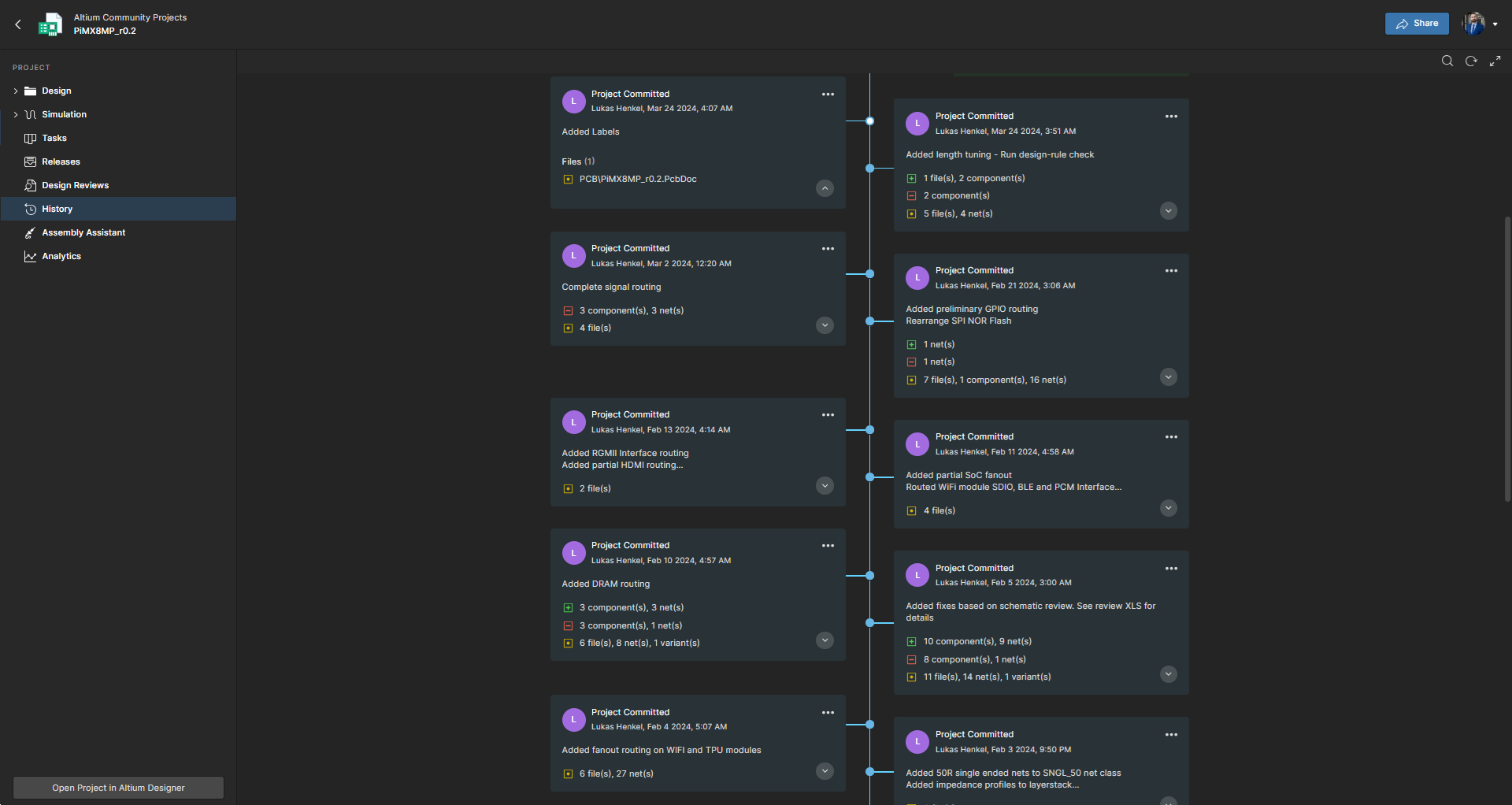
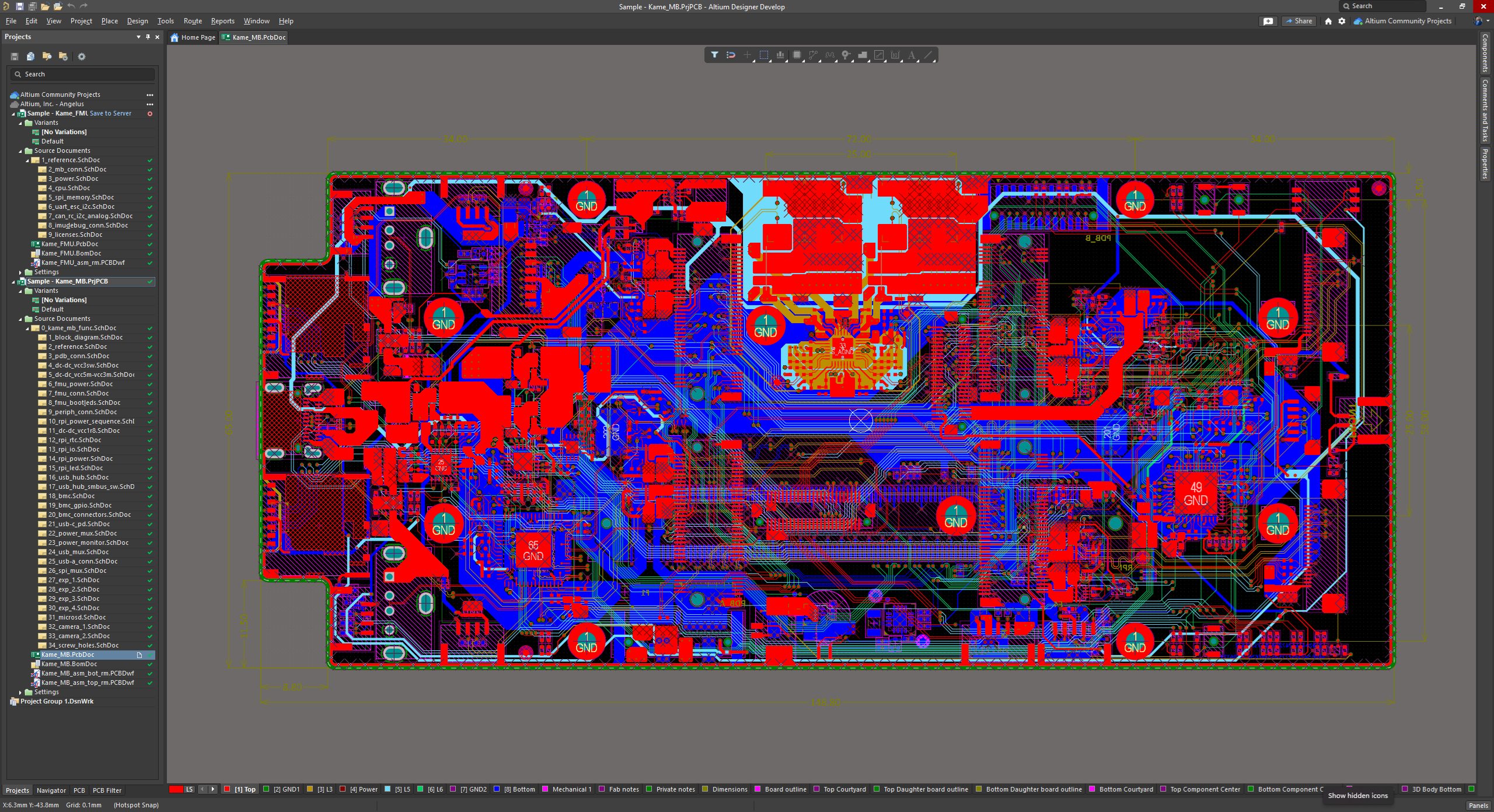
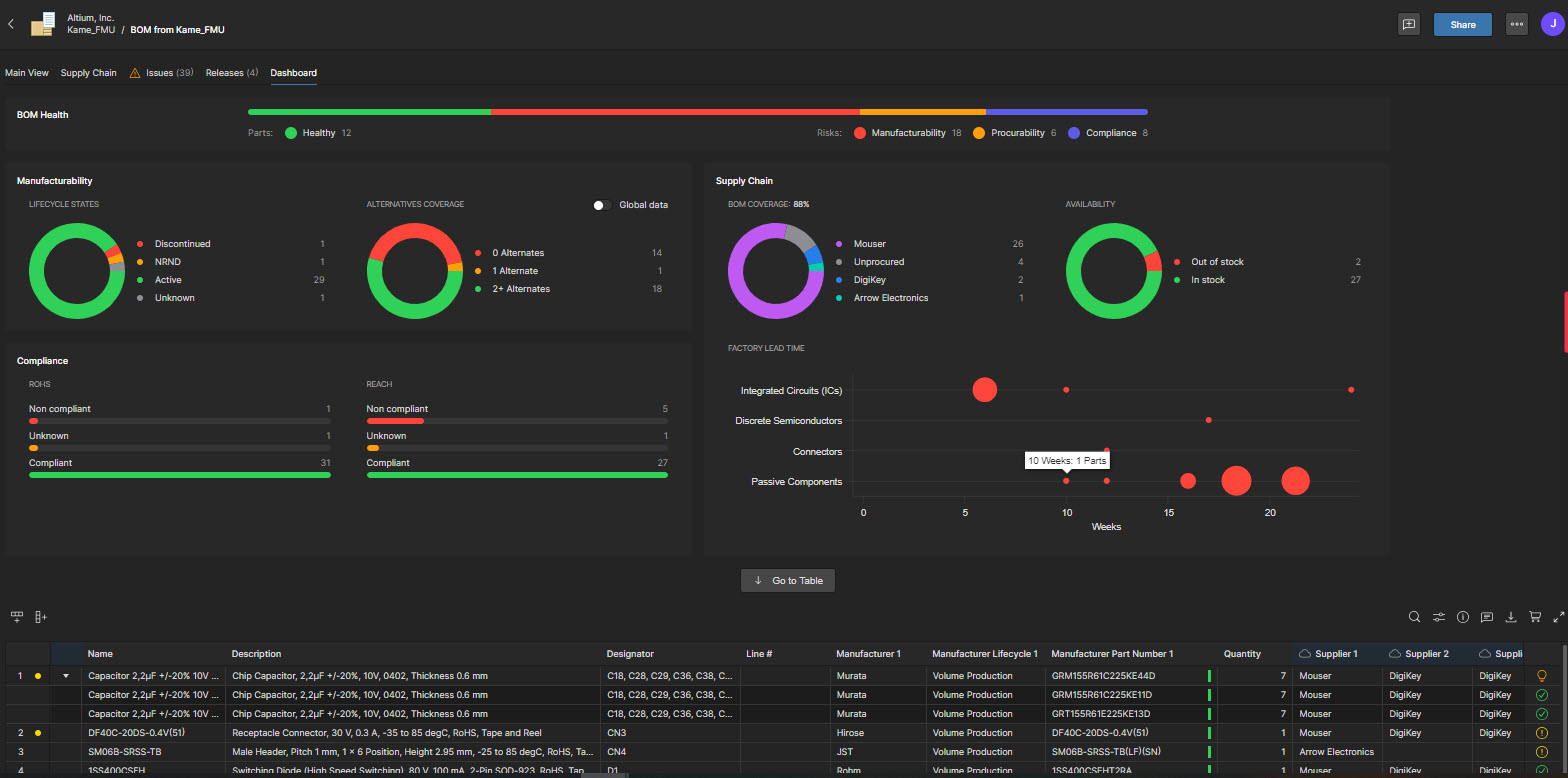
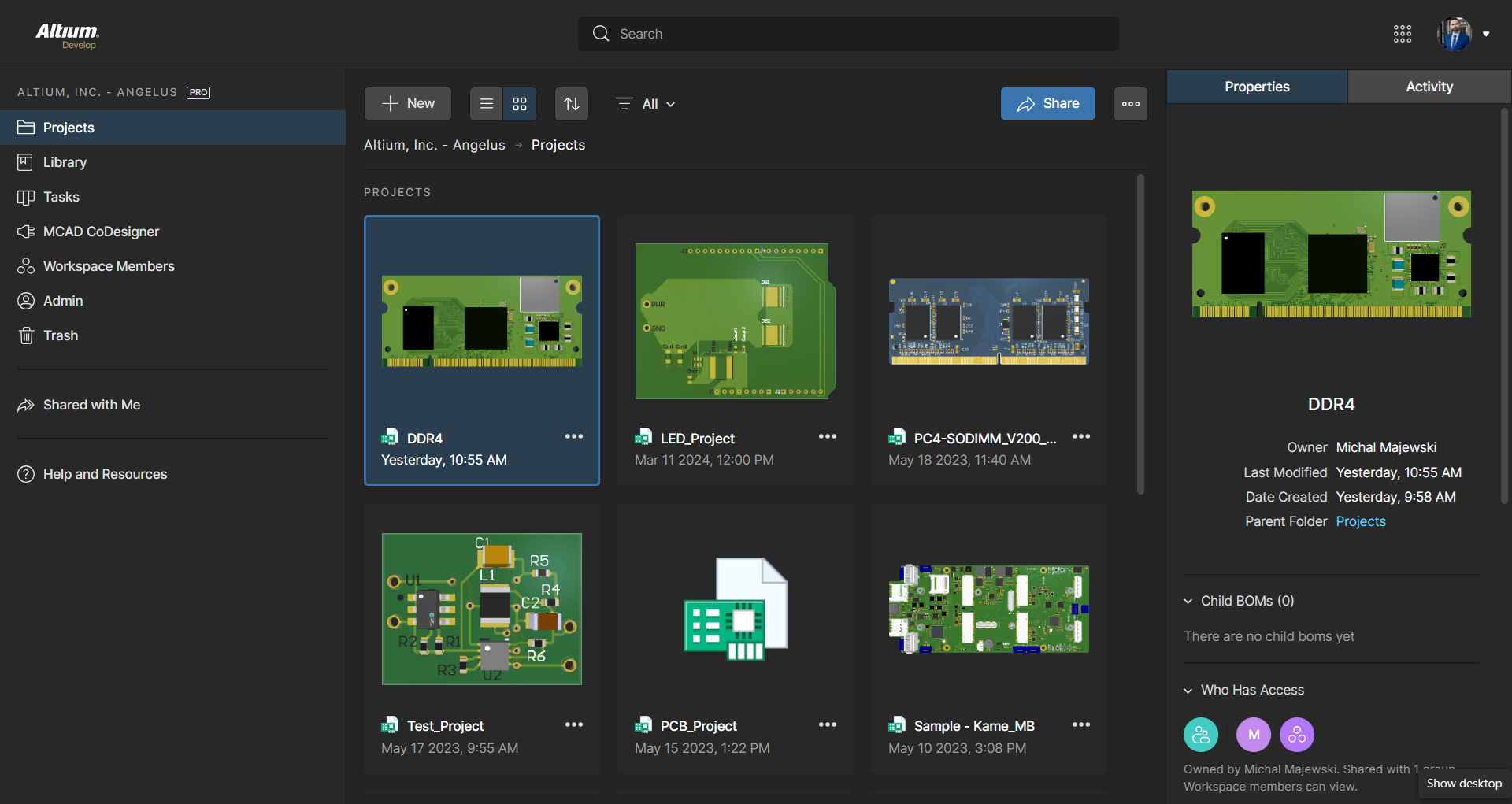
Altium Develop is a platform that unifies multidisciplinary teams across engineering, sourcing, and manufacturing to support seamless co-creation. It provides real-time visibility into designs, requirements, and supply chain data, enabling contributors to work together concurrently rather than in silos.
$1,990
per year
Pricing
Altium Develop
Editions & Modules
No answers on this topic
Offerings
Pricing Offerings
Altium Develop
Free Trial
Yes
Free/Freemium Version
No
Premium Consulting/Integration Services
No
Entry-level Setup Fee
No setup fee
Additional Details
Altium Develop is offered as an annual subscription starting at $1,990 per year, which includes one Altium Designer ECAD Design Author and a shared workspace for projects, libraries, and collaboration. The subscription provides unlimited workspace users at no additional cost, enabling broad participation in reviews, commenting, task management, BOM access, and change workflows.
Teams can add up to four additional Altium Designer ECAD Design Authors for $995 per Author per year, allowing organizations to scale active design capacity while keeping contributors and collaborators included at no extra charge.
A de minimis incentive was given to thank the reviewer for their time. The incentive was not used to bias or drive a particular response, nor was the incentive contingent on a positive endorsement. More Info
Verified User
Chose Altium Develop
I have used Eagle which is now inside Autodesk Fusion. It's process was more disjointed and there wasn't as much freedom to changes to footprint editing once in the layout stage. Processes were a bit disjointed and made it a bit less efficient. The difference in it's immediate …
A de minimis incentive was given to thank the reviewer for their time. The incentive was not used to bias or drive a particular response, nor was the incentive contingent on a positive endorsement. More Info
Verified User
Chose Altium Develop
Better in general. It's more expensive sadly. But it's good enough to make it worth paying for it. I used Eagle (now Fusion) for years and learn PCB design on it, but didn't like the the transition period as it was moved into Fusion. I made the jump to Altium Designer first and …
A de minimis incentive was given to thank the reviewer for their time. The incentive was not used to bias or drive a particular response, nor was the incentive contingent on a positive endorsement. More Info
A de minimis incentive was given to thank the reviewer for their time. The incentive was not used to bias or drive a particular response, nor was the incentive contingent on a positive endorsement. More Info
Verified User
Chose Altium Develop
Not applicable. I compared Eagle Vs using Altium develop in a previous answer.
A de minimis incentive was given to thank the reviewer for their time. The incentive was not used to bias or drive a particular response, nor was the incentive contingent on a positive endorsement. More Info
Verified User
Chose Altium Develop
Of the EDA tools I have used, Altium Develop deliver the best compromise between performance, features and an modern intuitive user interface.
A de minimis incentive was given to thank the reviewer for their time. The incentive was not used to bias or drive a particular response, nor was the incentive contingent on a positive endorsement. More Info
Verified User
Chose Altium Develop
The PDM system in solid works is generally superior to Altium 365. I often find the project version in lacking in comparison.
A de minimis incentive was given to thank the reviewer for their time. The incentive was not used to bias or drive a particular response, nor was the incentive contingent on a positive endorsement. More Info
Verified User
Chose Altium Develop
Moved away from Eagle after Autodesk takeover. KiCad is a powerful tool, and very usable for hobbyist grade designs, but component management, lifecycle management, footprint importing, and version control are all much more easily controlled in Altium.
A de minimis incentive was given to thank the reviewer for their time. The incentive was not used to bias or drive a particular response, nor was the incentive contingent on a positive endorsement. More Info
A de minimis incentive was given to thank the reviewer for their time. The incentive was not used to bias or drive a particular response, nor was the incentive contingent on a positive endorsement. More Info
Verified User
Chose Altium Develop
Altium is rapidly losing ground to Kicad and Allegro. The cost of Allegro is not significantly different from that of Altium now, and Cadence still offers perpetual licenses, whereas Altium mandates a subscription. KiCad offers a powerful and free alternative that rivals Altium …
A de minimis incentive was given to thank the reviewer for their time. The incentive was not used to bias or drive a particular response, nor was the incentive contingent on a positive endorsement. More Info
Electronics Design Engineer in Engineering at ebm-papst UK ltd (Electrical & Electronic Manufacturing, 51-200 employees)
Chose Altium Develop
Altium Develop is a lot better than the PADS version the company had. The PCB view interface is a lot better in AD; PADS seemed very old (although we did not have the latest version). There was not 3d viewer with actual components in PADS; Altium has this feature, which means …
A de minimis incentive was given to thank the reviewer for their time. The incentive was not used to bias or drive a particular response, nor was the incentive contingent on a positive endorsement. More Info
A de minimis incentive was given to thank the reviewer for their time. The incentive was not used to bias or drive a particular response, nor was the incentive contingent on a positive endorsement. More Info
Verified User
Chose Altium Develop
Altium is more powerful than KiCAD and a cleaner implementation of UI controls. KiCAD does have a wonderful interactive HTML BOM output that combines an assembly drawing and BOM that highlights components between the two views and is a standalone document not needing additional …
A de minimis incentive was given to thank the reviewer for their time. The incentive was not used to bias or drive a particular response, nor was the incentive contingent on a positive endorsement. More Info
Verified User
Chose Altium Develop
Allegro/Orcad is the old way of doing things - it's unintuitive, clunky, and has poor community support. EasyEDA is basically just an online copy of Altium - many of the hotkeys/features are in the same places. Altium is by far the best of the three.
A de minimis incentive was given to thank the reviewer for their time. The incentive was not used to bias or drive a particular response, nor was the incentive contingent on a positive endorsement. More Info
Verified User
Chose Altium Develop
I have used other software's in the past, but I feel altium is very comprehensive. I am unable to do a fair comparison now, since I don't use them now
A de minimis incentive was given to thank the reviewer for their time. The incentive was not used to bias or drive a particular response, nor was the incentive contingent on a positive endorsement. More Info
Verified User
Chose Altium Develop
Much better. I transitioned my previous company from OrCAD to Altium Develop and it really helped development efficiency once everyone got on board and trained and all our libraries got converted over which was pretty easy to do.
A de minimis incentive was given to thank the reviewer for their time. The incentive was not used to bias or drive a particular response, nor was the incentive contingent on a positive endorsement. More Info
Verified User
Chose Altium Develop
KiCAD and EasyEDA are much better for simple designs with only one engineer. EasyEDA works well especially if you are using a service like JLCPCB or LCSC since the integrate seamlessly and can be run in the web browser. That being said, they have a lot of limitations in …
A de minimis incentive was given to thank the reviewer for their time. The incentive was not used to bias or drive a particular response, nor was the incentive contingent on a positive endorsement. More Info
Verified User
Chose Altium Develop
Altium has the best feature set among EDA software suites, but it is a bit harder to use out of the box than EasyEDA. KiCAD is powerful, but it takes a lot more effort to get working well.
A de minimis incentive was given to thank the reviewer for their time. The incentive was not used to bias or drive a particular response, nor was the incentive contingent on a positive endorsement. More Info
Verified User
Chose Altium Develop
Altium is considered "professional" software and has a better narrative when delivering eCAD artifacts and projects to end clients.
A de minimis incentive was given to thank the reviewer for their time. The incentive was not used to bias or drive a particular response, nor was the incentive contingent on a positive endorsement. More Info
Owner in Engineering at MACH Engineering LLC. (Electrical & Electronic Manufacturing, 1-10 employees)
Chose Altium Develop
Altium Develop gave the most cohesive experience compared to other platforms. Most others feel like several pieces of software kludged together (and often are). Altium Develop was clearly a unified system and felt like a much more modern piece of software. At the time it was …
A de minimis incentive was given to thank the reviewer for their time. The incentive was not used to bias or drive a particular response, nor was the incentive contingent on a positive endorsement. More Info
Verified User
Chose Altium Develop
Previously used both products listed. When selecting a product at this company, I decided upon Altium Develop as it appeared to be the most common platform utilized in this area by other companies. This would mean that new-hires were more likely to be familiar with the software.
A de minimis incentive was given to thank the reviewer for their time. The incentive was not used to bias or drive a particular response, nor was the incentive contingent on a positive endorsement. More Info
Verified User
Chose Altium Develop
Altium Develop seems like it will be much better for library management, schematic capture, and 3D file generation. However, it is not as intuitive and easy to use when creating layouts. We chose Altium Develop because we believe the time savings of the areas where Altium is …
A de minimis incentive was given to thank the reviewer for their time. The incentive was not used to bias or drive a particular response, nor was the incentive contingent on a positive endorsement. More Info
A de minimis incentive was given to thank the reviewer for their time. The incentive was not used to bias or drive a particular response, nor was the incentive contingent on a positive endorsement. More Info
A de minimis incentive was given to thank the reviewer for their time. The incentive was not used to bias or drive a particular response, nor was the incentive contingent on a positive endorsement. More Info
Verified User
Chose Altium Develop
Much more professional, the library management is much easier on Altium
A de minimis incentive was given to thank the reviewer for their time. The incentive was not used to bias or drive a particular response, nor was the incentive contingent on a positive endorsement. More Info
AD is perfectly suited for the company's needs. We design a few boards per year, and having one seat is enough for us. The software offers all the tools required to design, lay out, and send manufacturing files over to the PCB manufacturers. The version control feature is very useful for tracking changes, especially during the development and certification stages.
A de minimis incentive was given to thank the reviewer for their time. The incentive was not used to bias or drive a particular response, nor was the incentive contingent on a positive endorsement. More Info
A de minimis incentive was given to thank the reviewer for their time. The incentive was not used to bias or drive a particular response, nor was the incentive contingent on a positive endorsement. More Info
The move to constraint management vs. design rules is half-baked. requiring saving separate constraints to schematics vs. PCBs results in constraints being overwritten constantly when pushing updates.
Forcing subscriptions - removing the option for perpetual licenses.
Integrated simulation is still un-intuitive and difficult to use.
Requirements management feels completely separate, and I forget it's even part of Altium.
No easy way to manage or layout schematics with "generic components" - every item is forced to be a manufacturer part at design time, slowing down initial schematic capture.
ALTIUM DESIGNER is the reference tool in the electronic circuit design sector, its use is widespread worldwide. Although there are other alternatives, some of them free do not rival ALTIUM DESIGNER in terms of features and reliability. It is also very practical to request quotes with ALTIUM DESIGNER BOM reports since all suppliers are accustomed to using the tool.
A de minimis incentive was given to thank the reviewer for their time. The incentive was not used to bias or drive a particular response, nor was the incentive contingent on a positive endorsement. TR verified that a representative sample of customers was invited. More Info
The schematic editor is easy to use for simple designs within a couple weeks of training, but can also handle complex designs and multi-board designs with no formal training needed. The addition of the wire harness designer offers a great way to allow for the electrical engineers to control the designs without the need of additional CAD software.
A de minimis incentive was given to thank the reviewer for their time. The incentive was not used to bias or drive a particular response, nor was the incentive contingent on a positive endorsement. More Info
A de minimis incentive was given to thank the reviewer for their time. The incentive was not used to bias or drive a particular response, nor was the incentive contingent on a positive endorsement. More Info
A de minimis incentive was given to thank the reviewer for their time. The incentive was not used to bias or drive a particular response, nor was the incentive contingent on a positive endorsement. More Info
A de minimis incentive was given to thank the reviewer for their time. The incentive was not used to bias or drive a particular response, nor was the incentive contingent on a positive endorsement. More Info
A de minimis incentive was given to thank the reviewer for their time. The incentive was not used to bias or drive a particular response, nor was the incentive contingent on a positive endorsement. More Info
Altium Develop gave the most cohesive experience compared to other platforms. Most others feel like several pieces of software kludged together (and often are). Altium Develop was clearly a unified system and felt like a much more modern piece of software. At the time it was competitively priced while having features open-source alternatives couldn't match.
A de minimis incentive was given to thank the reviewer for their time. The incentive was not used to bias or drive a particular response, nor was the incentive contingent on a positive endorsement. More Info
A de minimis incentive was given to thank the reviewer for their time. The incentive was not used to bias or drive a particular response, nor was the incentive contingent on a positive endorsement. More Info
A de minimis incentive was given to thank the reviewer for their time. The incentive was not used to bias or drive a particular response, nor was the incentive contingent on a positive endorsement. More Info