
ApprovalMax vs. Precoro
| Product | Rating | Most Used By | Product Summary | Starting Price |
|---|---|---|---|---|
 ApprovalMax | Score9.9 out of 10 | N/A | ApprovalMax provides approval workflow automation for cloud accounting platforms such as Xero and QuickBooks Online. It replaces paper- and email-based approval processes with multi-step and multi-role automated approval workflows that enable automated notifications to approvers, automated audit trails, and mobile approvals. Approval workflows include: Invoice approvals / bill review and bill approval Purchase order approval, including the functionality to create… | $54 per month |
 Precoro | Score9.5 out of 10 | Mid-Size Companies (51-1,000 employees) | Precoro is an Agentic Procurement & AP Centralization Platform that eliminates time-consuming manual procedures and human error, automating operations and centralizing purchasing processes. Precoro AI Crews cover intake to payment, inside each company's own workflows and rules, so procurement and finance teams can scale output, not headcount. Precoro enables users to: The Purchasing Crew lets users approve documents from any device using email or Slack notifications, streamlining… | $5,988 per year |
| ApprovalMax | Precoro | |||||||||||||||
|---|---|---|---|---|---|---|---|---|---|---|---|---|---|---|---|---|
| Editions & Modules |
|
| ||||||||||||||
| Offerings |
| |||||||||||||||
| Entry-level Setup Fee | Optional | No setup fee | ||||||||||||||
| Additional Details | Discount available for annual pricing and for management of multiple organizations. | — | ||||||||||||||
| More Pricing Information | ||||||||||||||||
| ApprovalMax | Precoro | |
|---|---|---|
| Considered Both Products | No answer on this topic | No answer on this topic |
| Key User Insights | ||
| Would buy again | ||
No answers on this topic | 100% Would buy again 18 Answers | |
| Delivers good value for the price | ||
No answers on this topic | 100% Delivers good value for the price 18 Answers | |
| Happy with the feature set | ||
No answers on this topic | 100% Happy with the feature set 18 Answers | |
| Lived up to sales and marketing promises | ||
No answers on this topic | 100% Lived up to sales and marketing promises 16 Answers | |
| Implementation went as expected | ||
No answers on this topic | 100% Implementation went as expected 17 Answers | |
| ApprovalMax | Precoro | |||||||||||||||||||
|---|---|---|---|---|---|---|---|---|---|---|---|---|---|---|---|---|---|---|---|---|
| Payment Management |
| |||||||||||||||||||
| Accounts Payable |
| |||||||||||||||||||
| ApprovalMax | Precoro | |
|---|---|---|
| Small Businesses |  Tipalti Score7.7 out of 10 | No answers on this topic |
| Medium-sized Companies |  Stampli Score8.4 out of 10 |  Zip Intake-to-Procure Score7.9 out of 10 |
| Enterprises |  Yooz Score8.8 out of 10 |  GEP Quantum Intelligence Score9.1 out of 10 |
| All Alternatives | View all alternatives | View all alternatives |
| ApprovalMax | Precoro | |
|---|---|---|
| Likelihood to Recommend | 9.0 | 9.5 |
| Usability | - | 10.0 |
| Support Rating | - | 10.0 |
| ApprovalMax | Precoro | |
|---|---|---|
| Likelihood to Recommend |
|
|
| Pros |
|
|
| Cons |
|
|
| Usability | No answers on this topic |
|
| Support Rating | No answers on this topic |
|
| Alternatives Considered | Incentivized |
|
| Return on Investment |
|
|
| ScreenShots | ApprovalMax Screenshots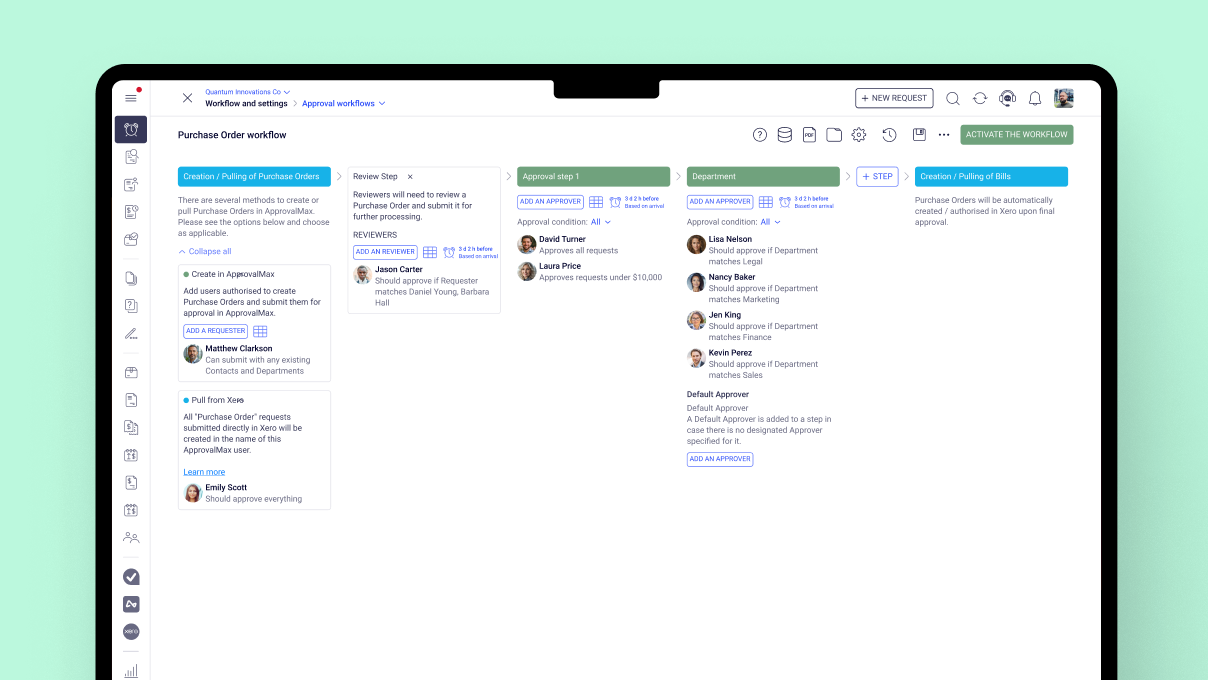 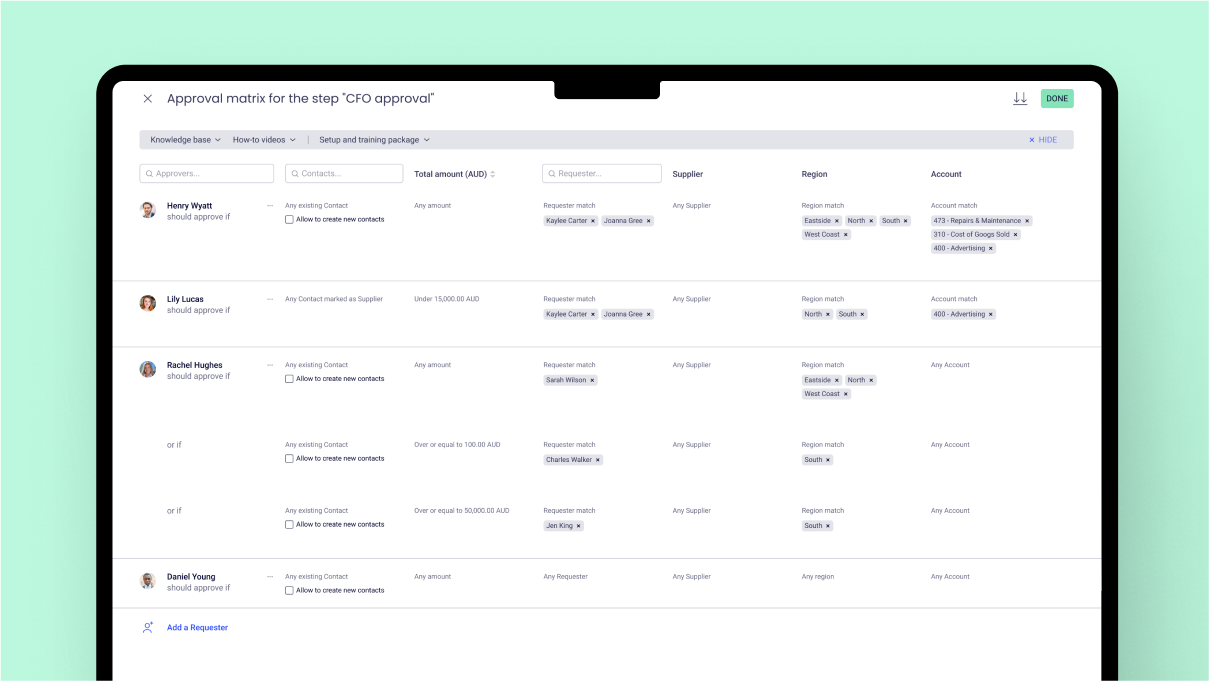 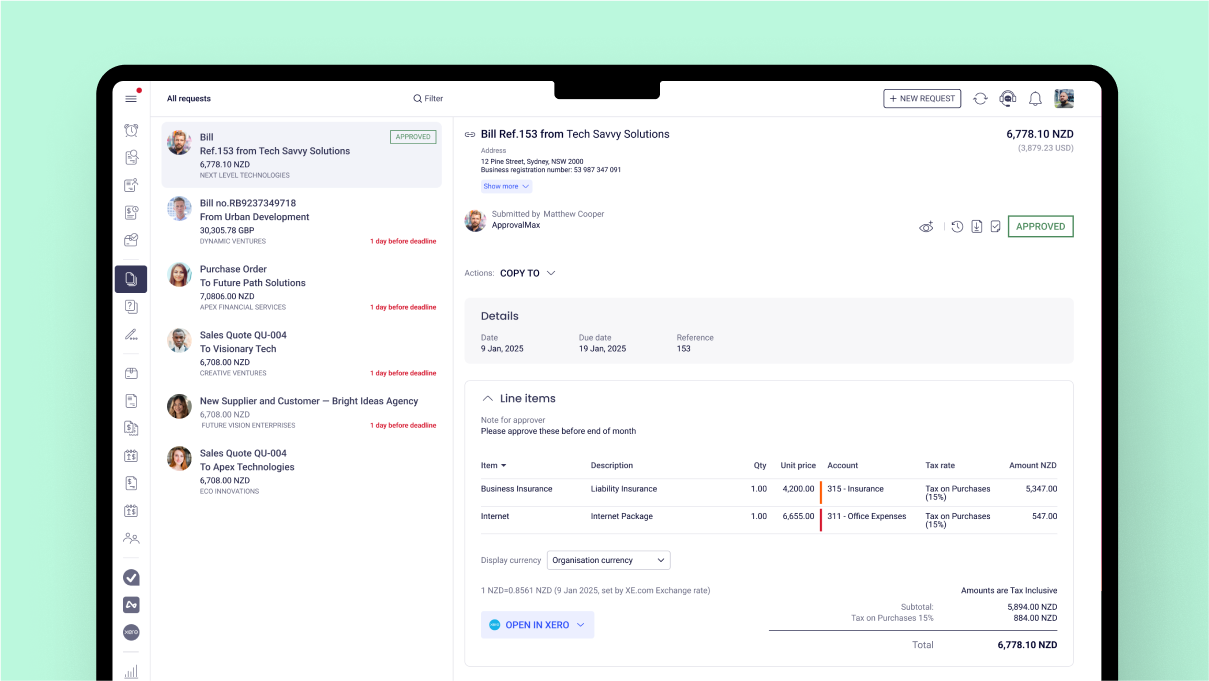 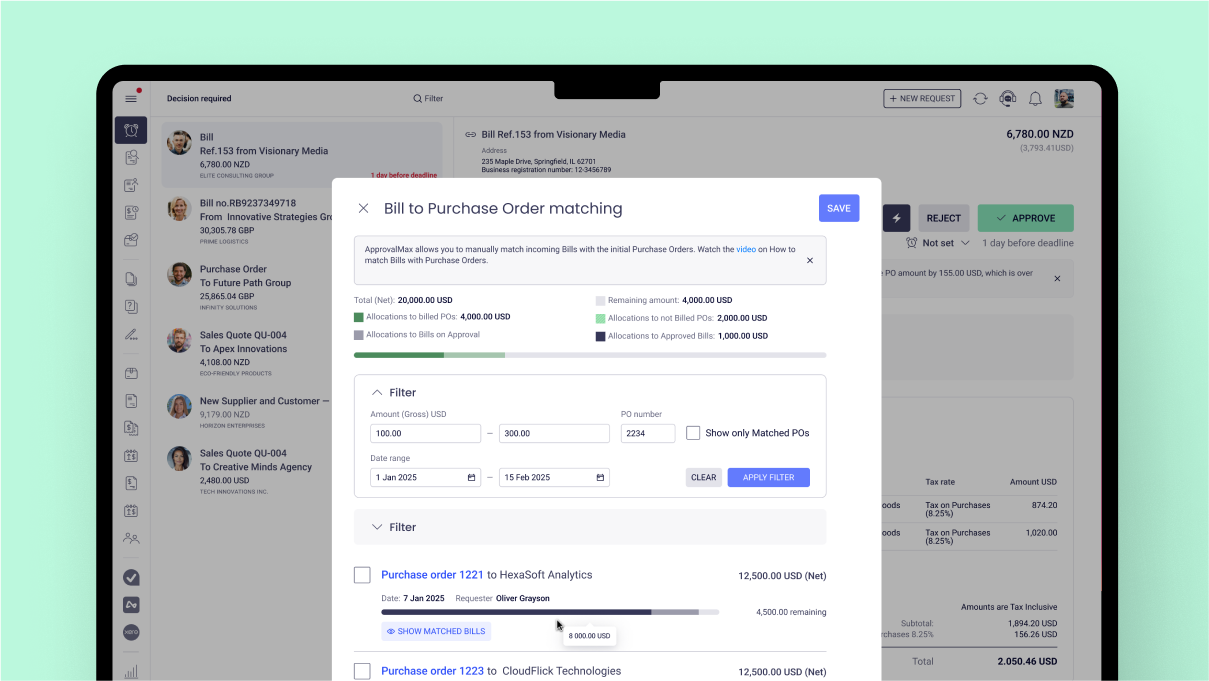 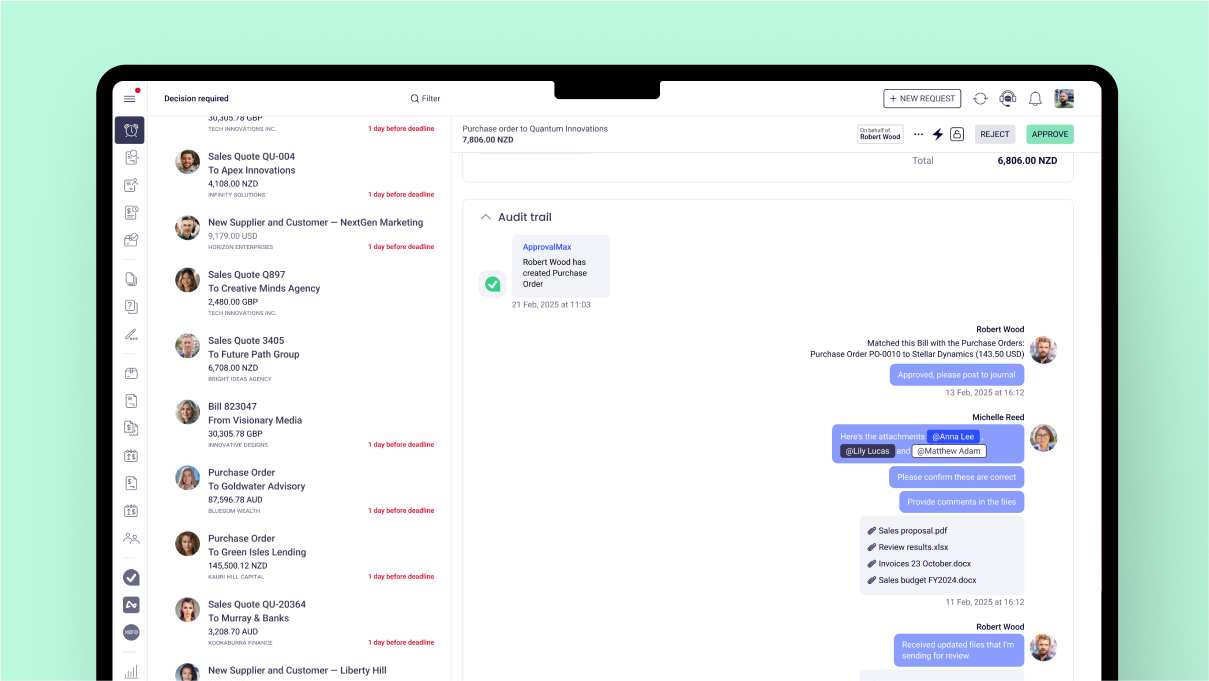 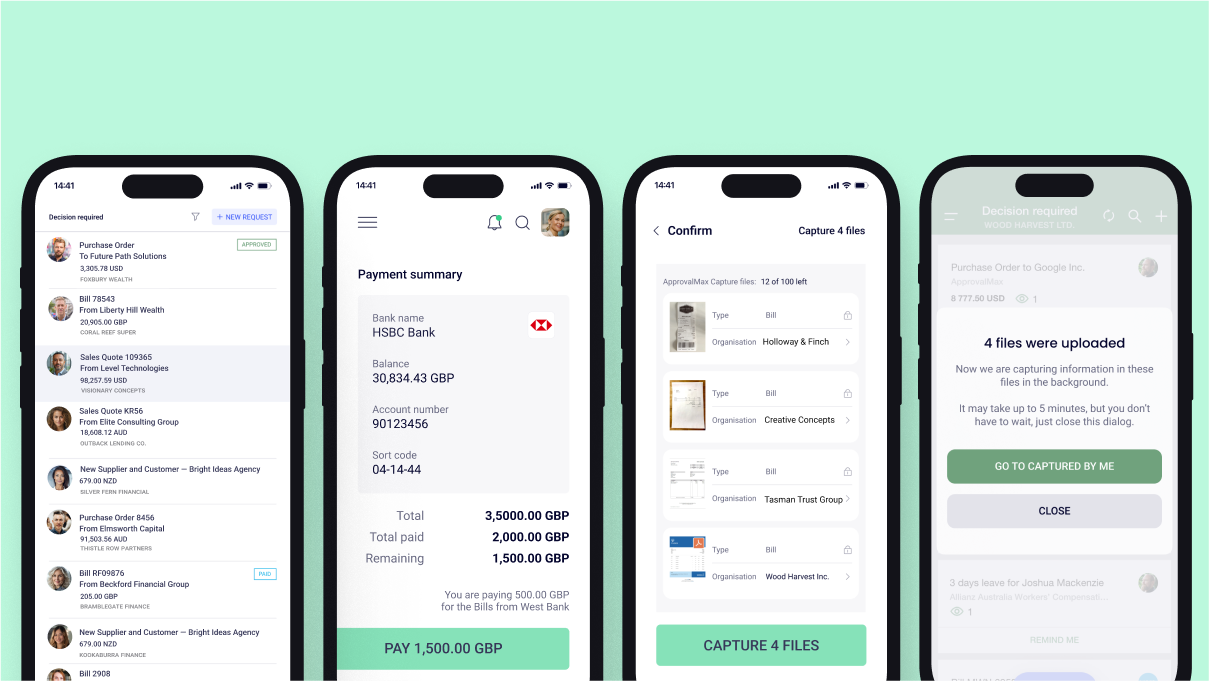 | Precoro Screenshots      |

